20 Free Dahlia Flower Coloring Pages
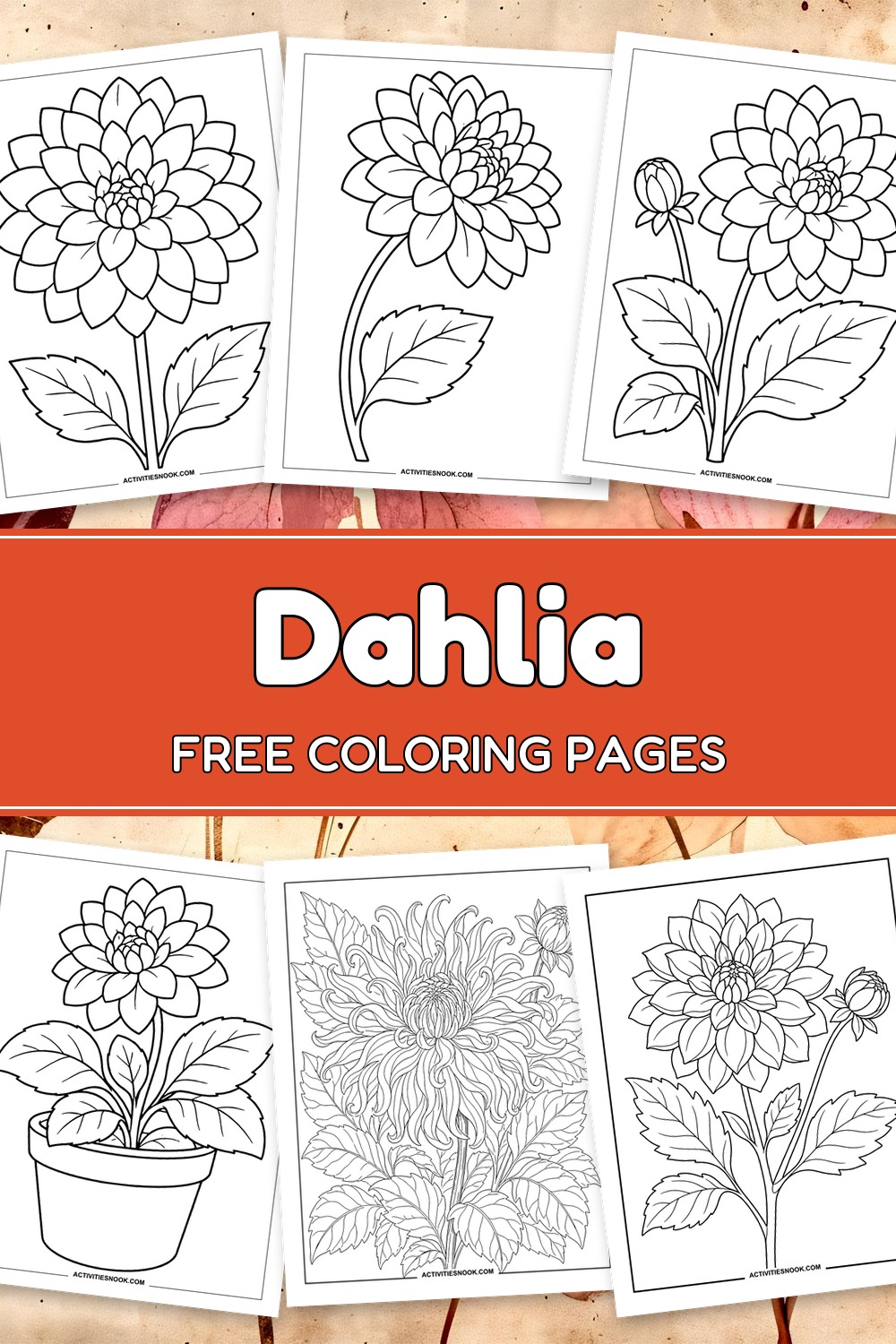
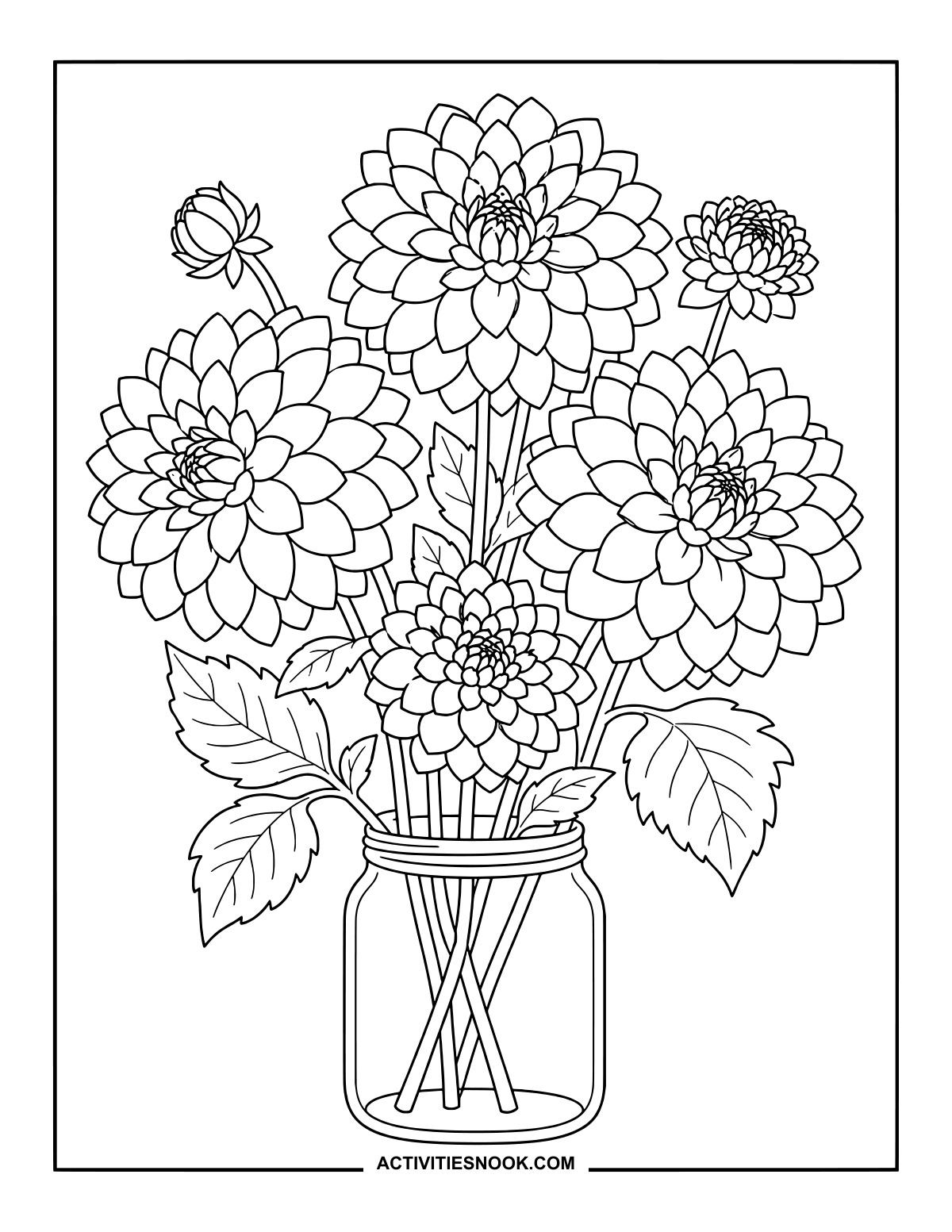
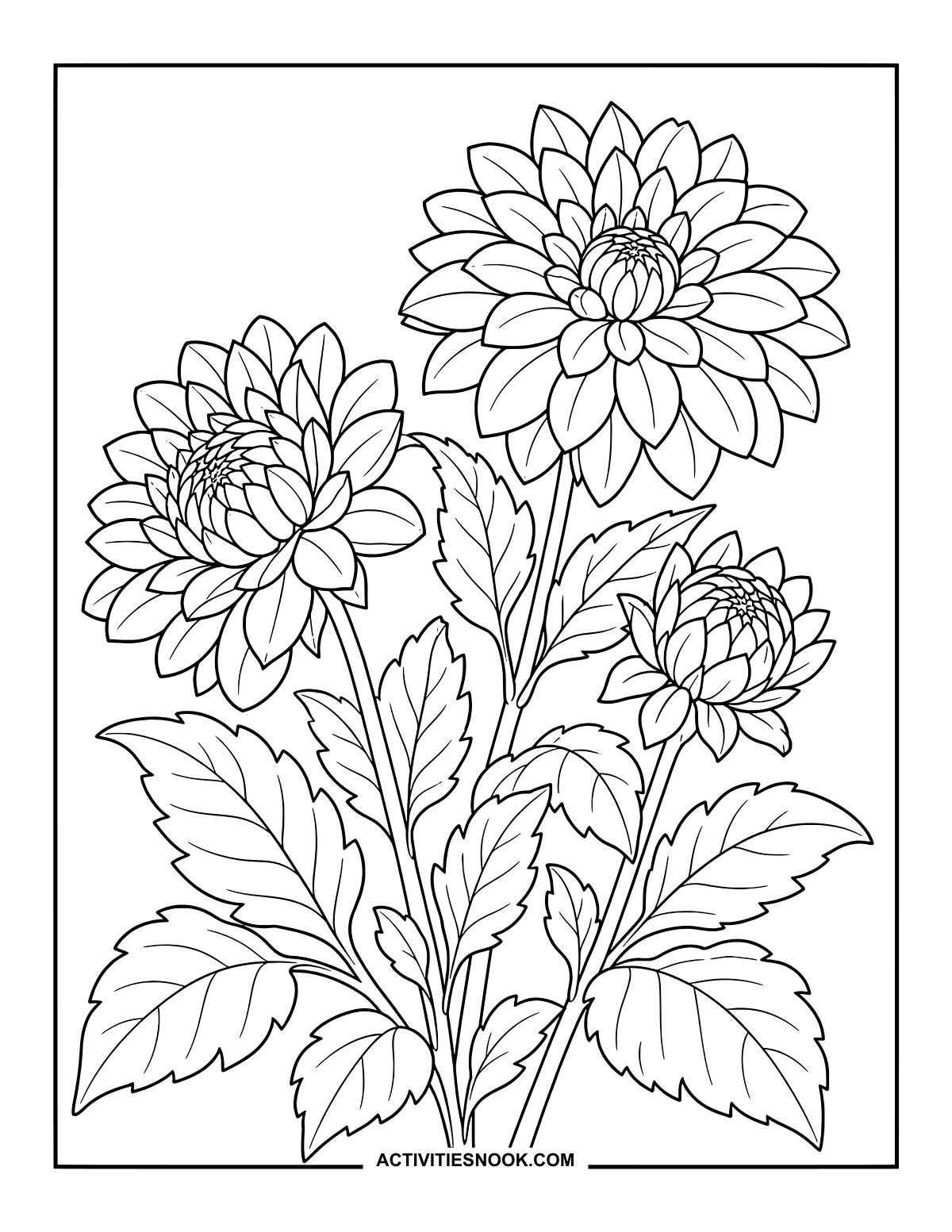
Explore layered petals, leafy stems and fresh-cut arrangements with these 20 free dahlia flower coloring pages, each available as an individual PDF. Single blooms, bouquets, a garden flower stall and a floral wreath offer plenty of room to try a favorite flower palette.
Flower gardeners and botanical-art hobbyists can linger over curling petals and detailed garden scenes, while four simpler designs offer clearer outlines for children or anyone who prefers fewer details. Teens, adults and families can choose a page to suit their coloring style, from an uncluttered potted plant to a bloom that nearly fills the page.
Click a coloring page image or its title to open its individual PDF. Full printing instructions are at the end.
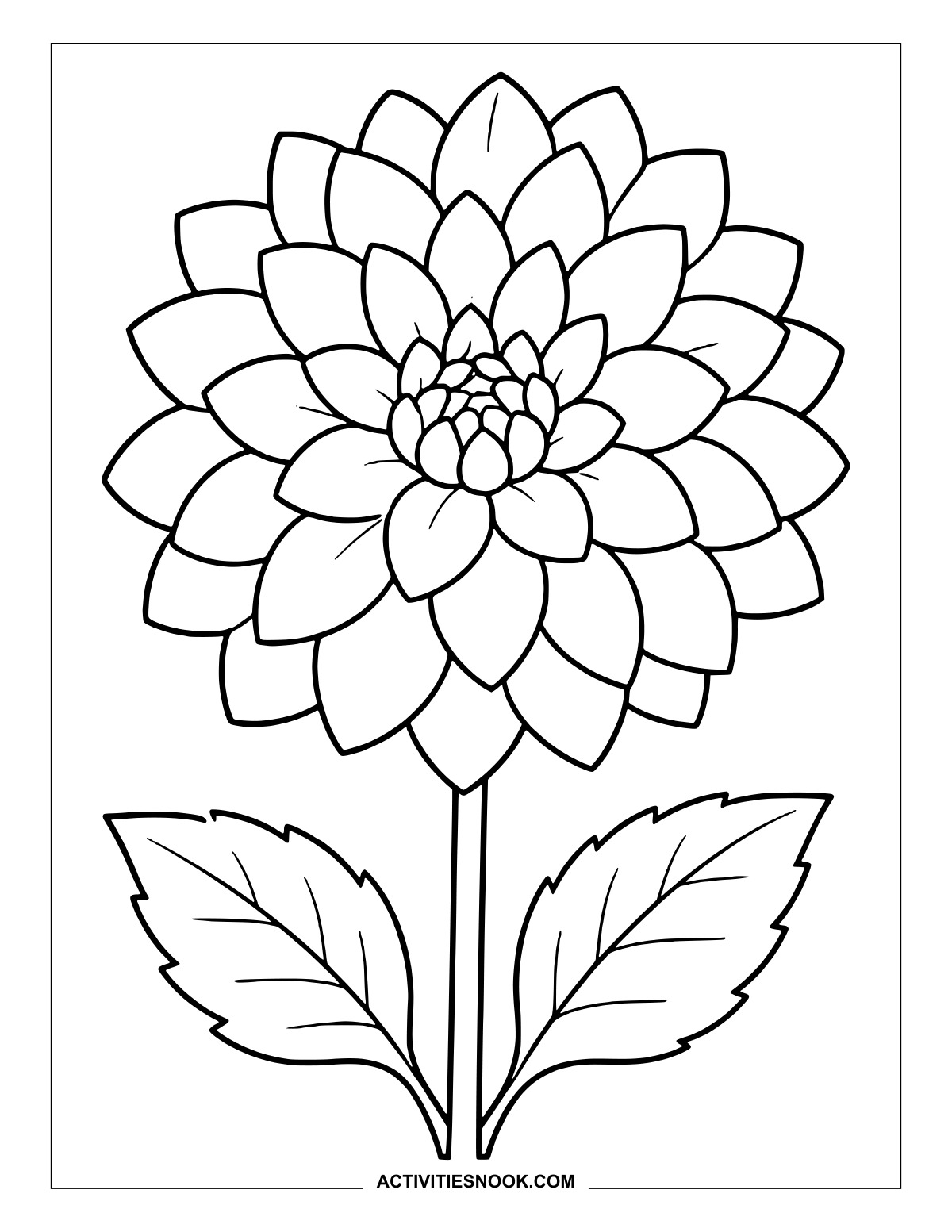
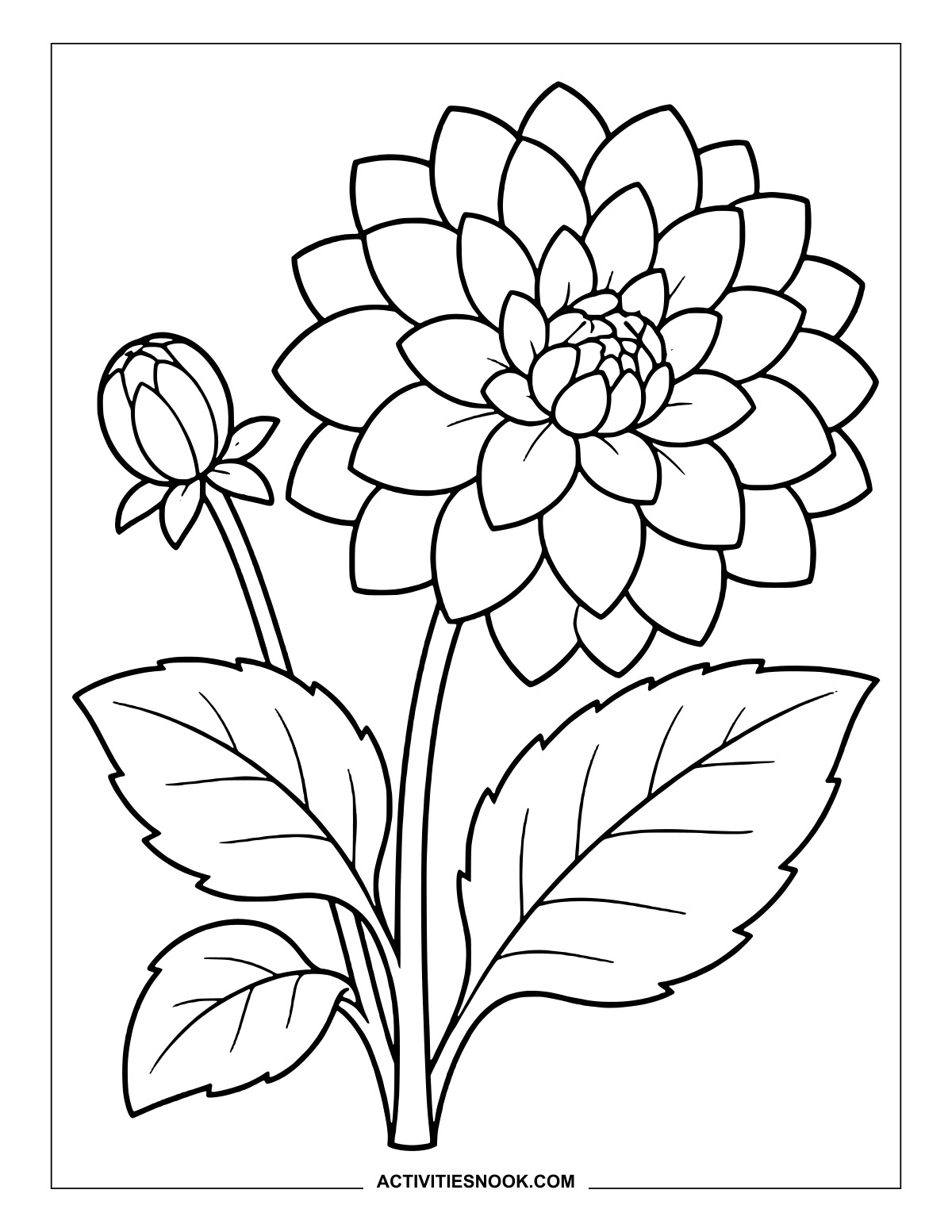
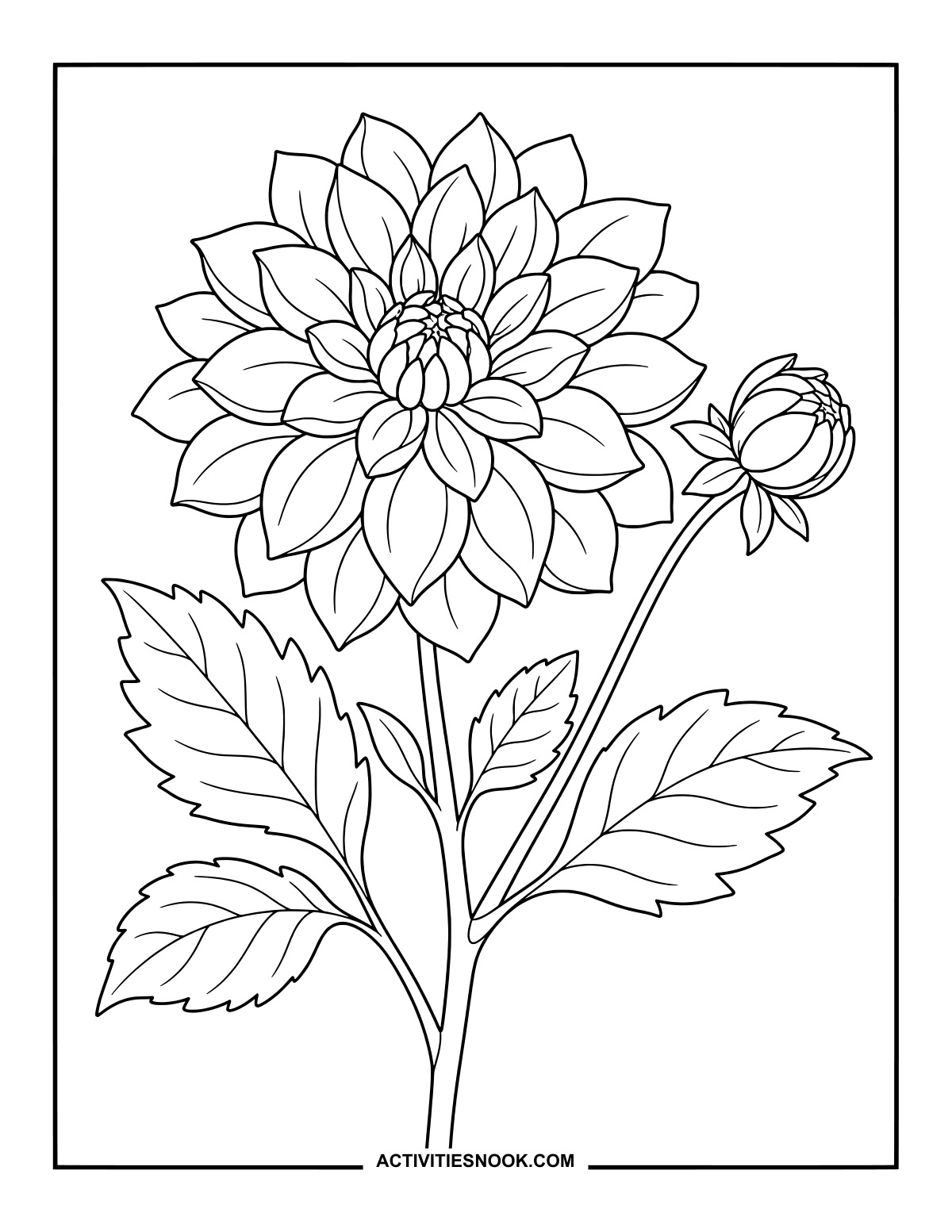
Dahlia and Bud Drawing to Color
Pair a richly colored open flower with a lighter bud, or give each its own shade.
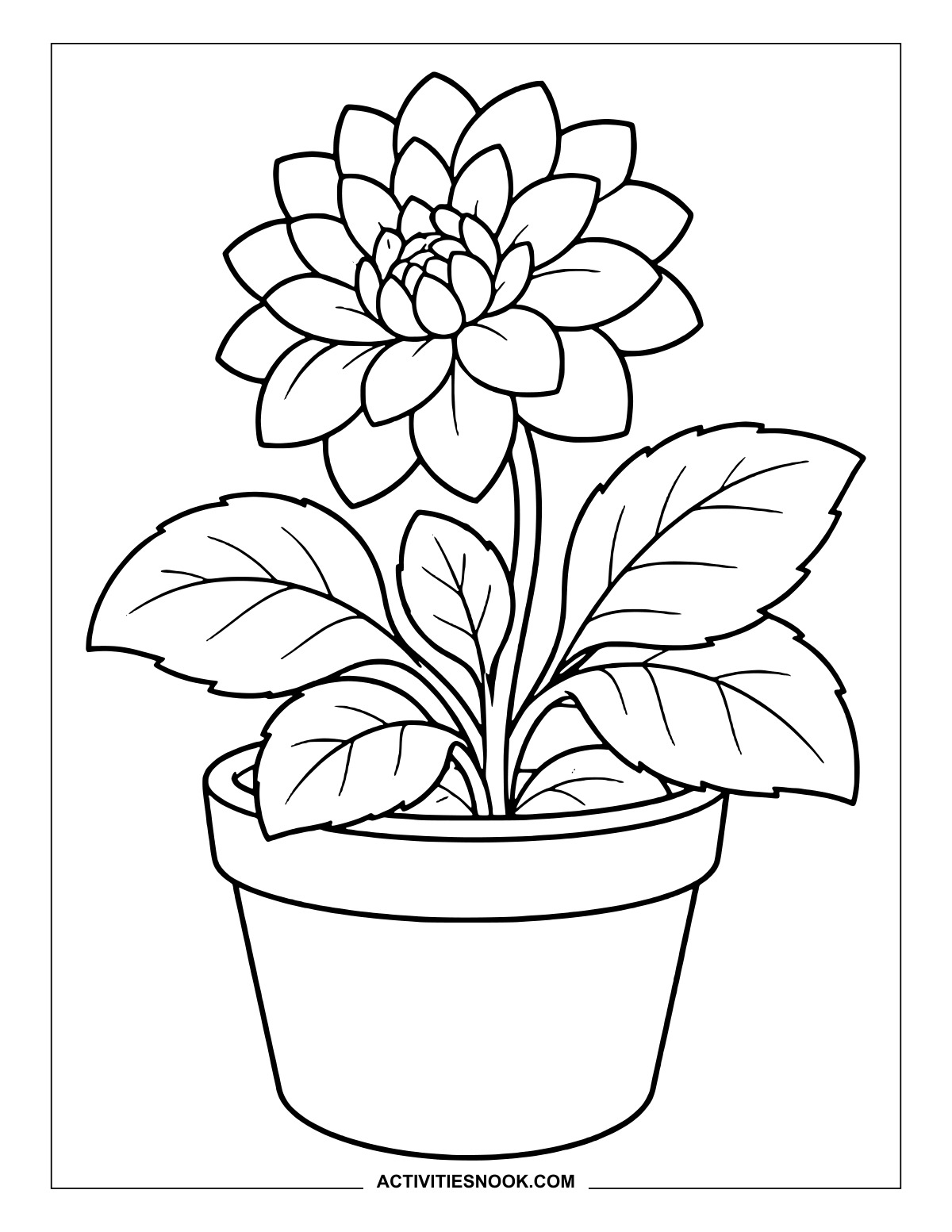
The plain flowerpot leaves room for stripes, a painted pattern or a favorite solid color.
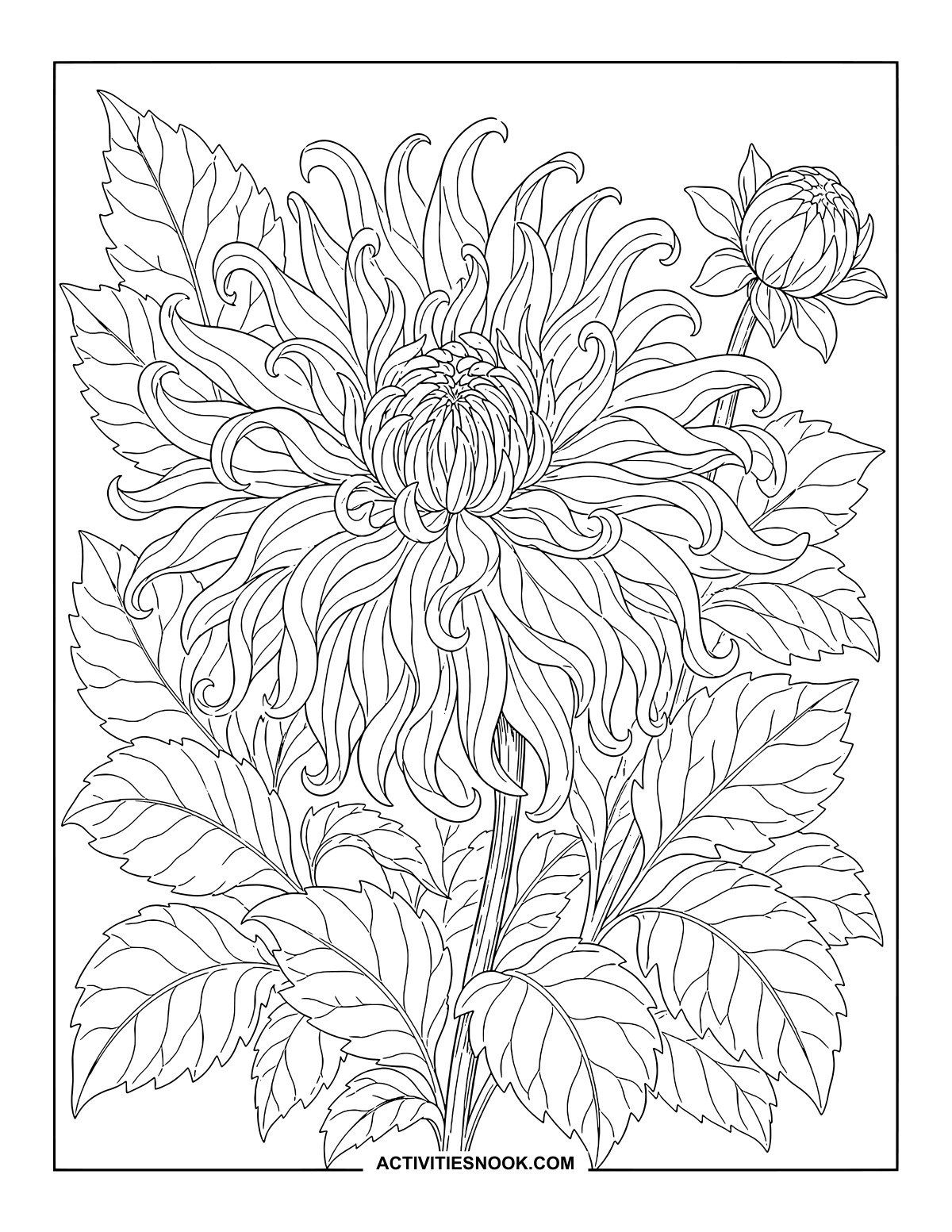
Dahlia with Long, Curling Petals
Follow the sweeping petals from the crowded center out to their curled tips.
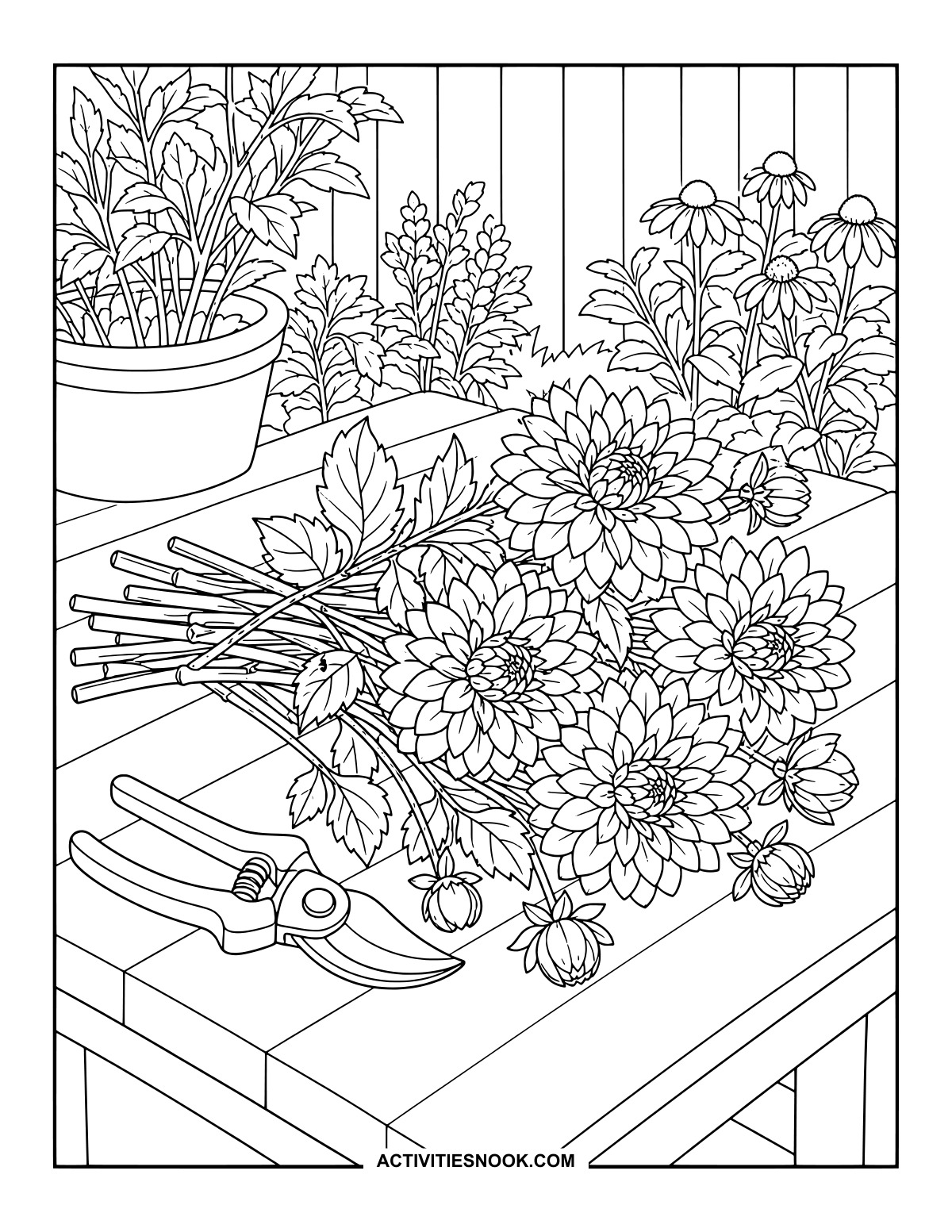
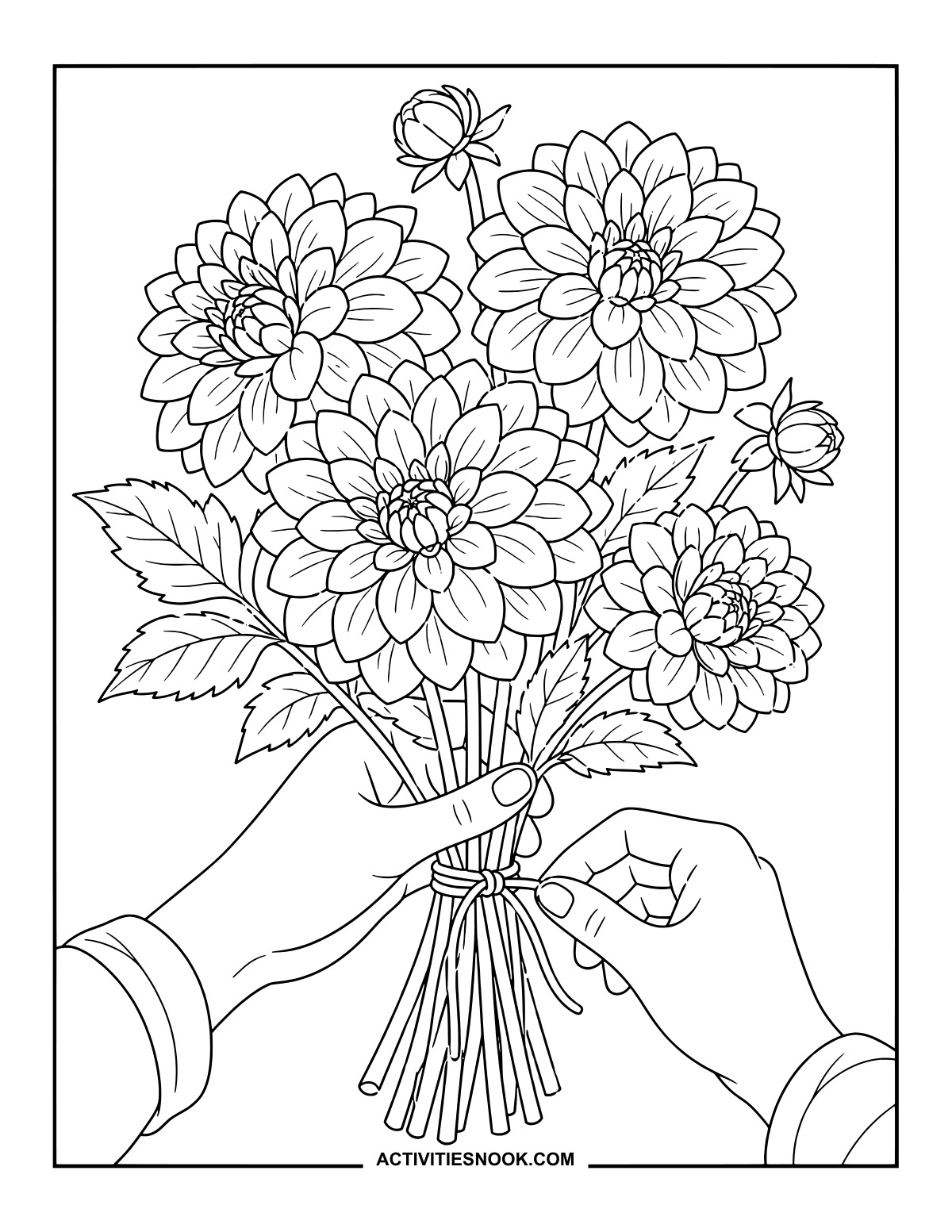
Freshly Cut Dahlias on a Garden Table
Give the gathered flowers a shared palette, then choose a contrasting color for the pruning shears.
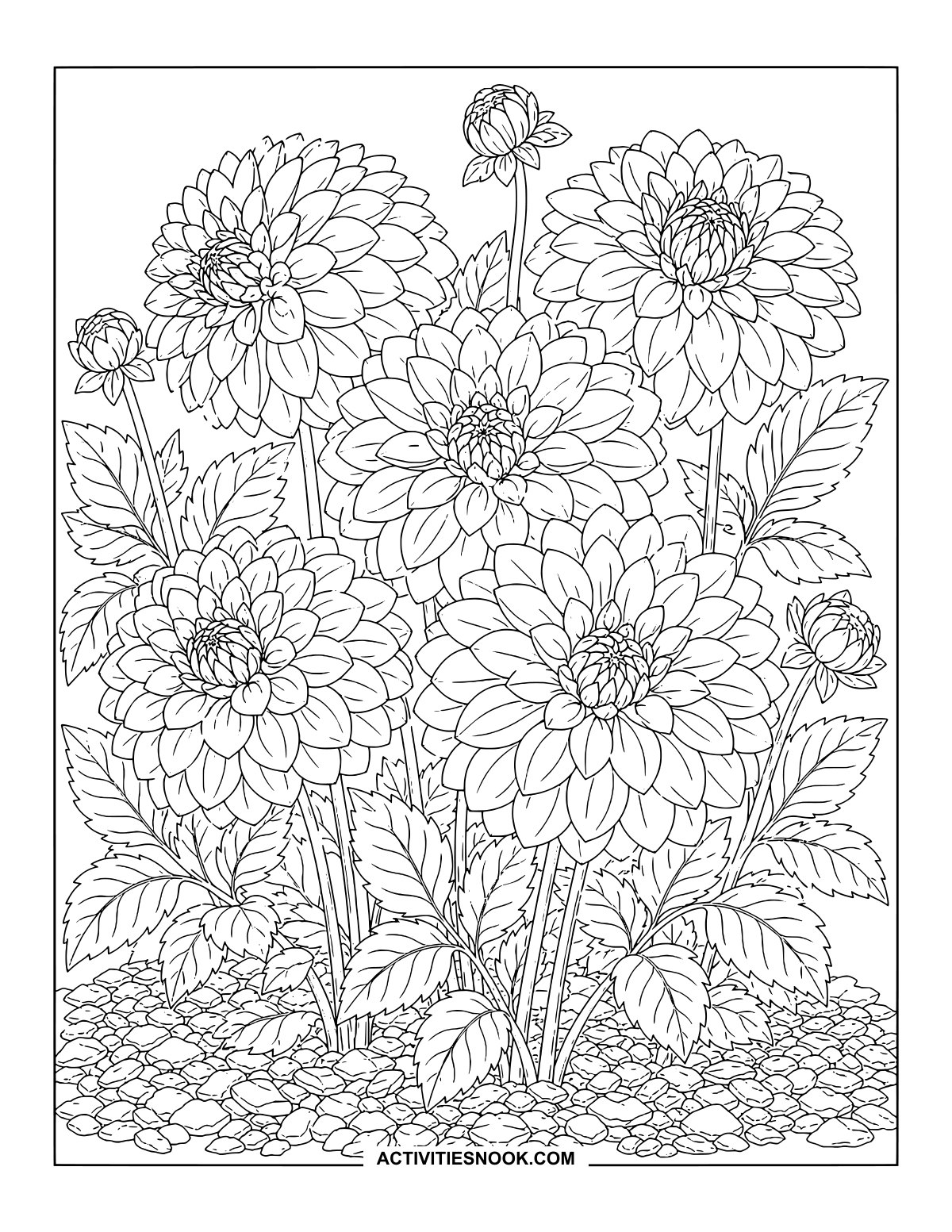
Dahlia Garden Bed Coloring Design
Five open blooms rise above a richly textured bed of leaves, stems and small stones.
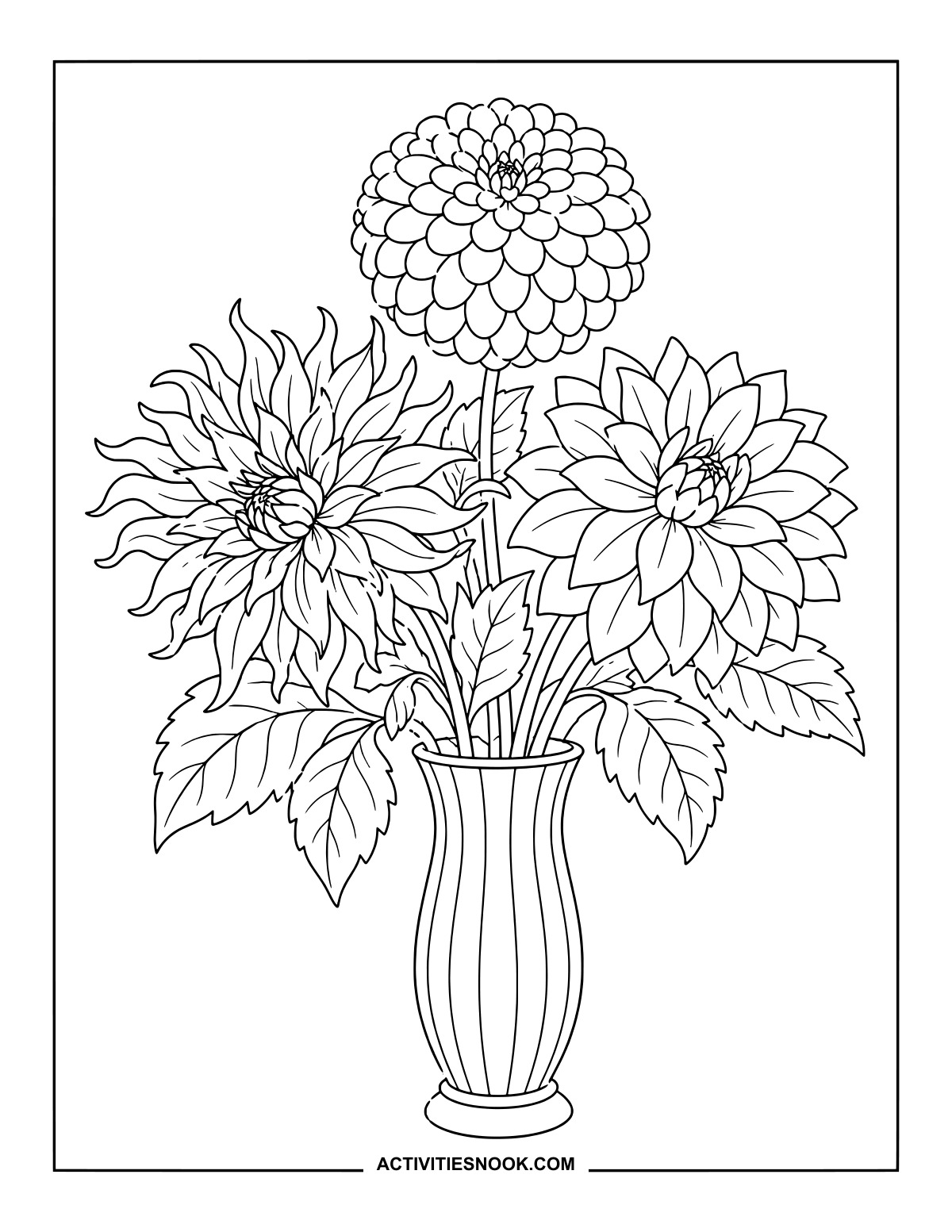
Rounded, curling and pointed petals give each flower a distinct place in this arrangement.
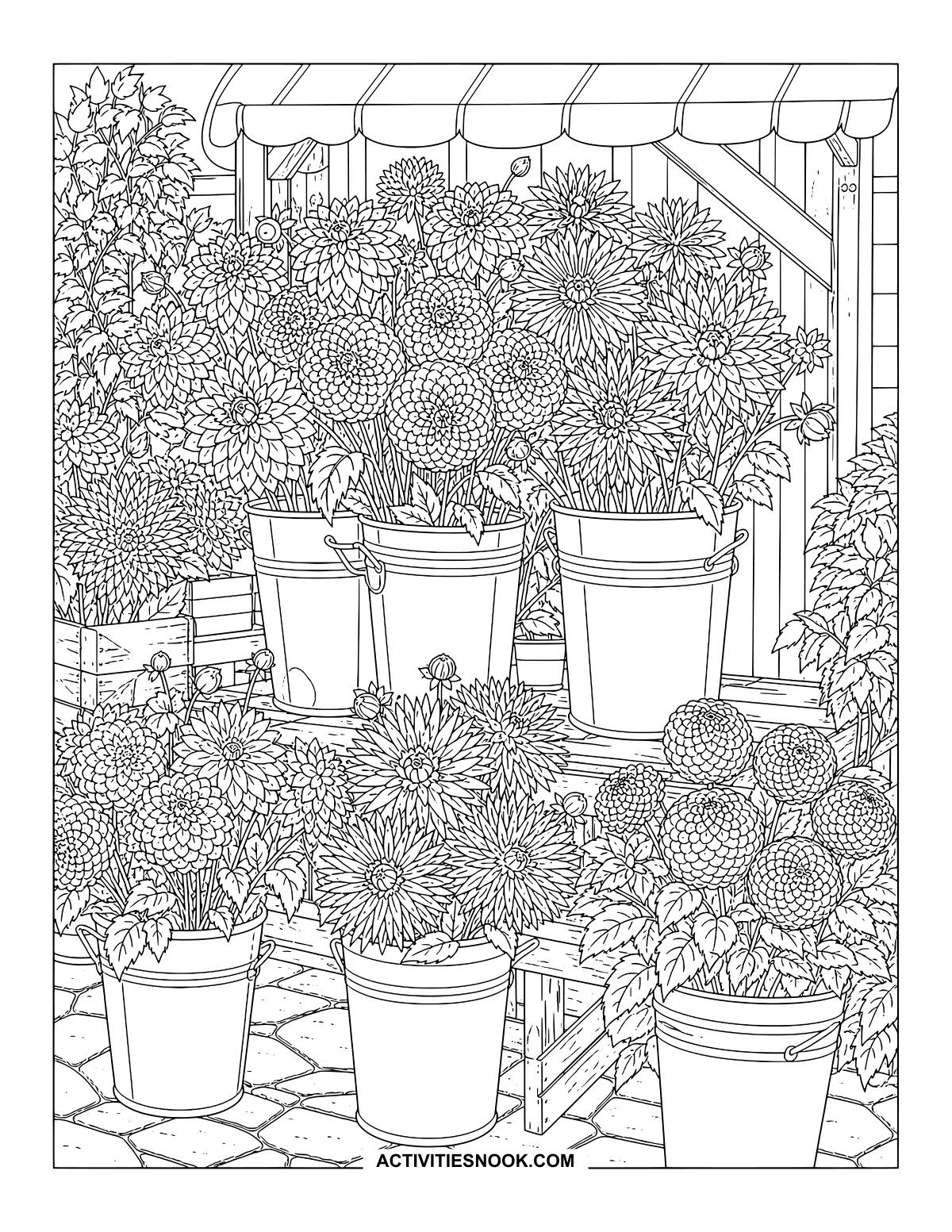
Dahlia Flower Stall Printable PDF
Choose a color family for each bucket, as though arranging your own flower display.
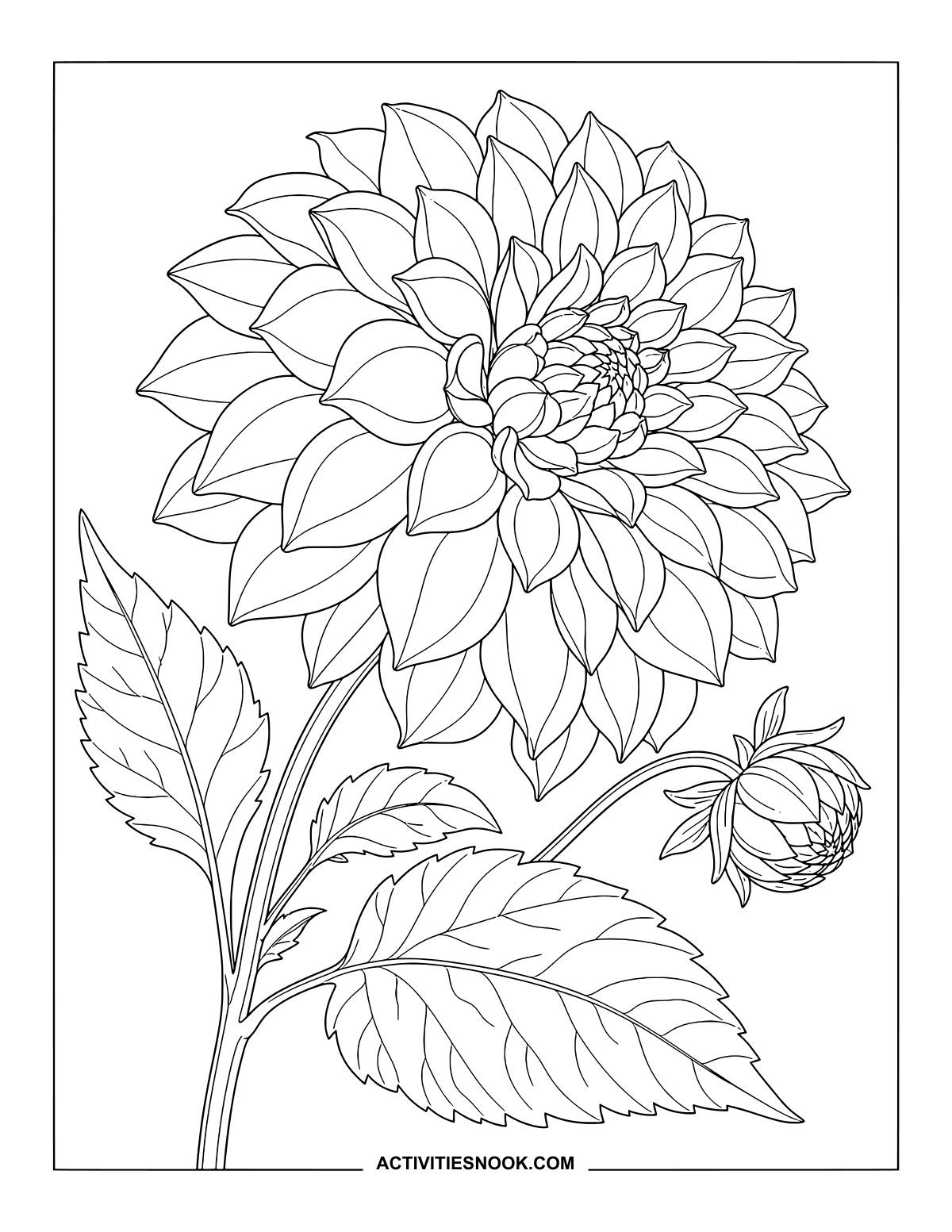
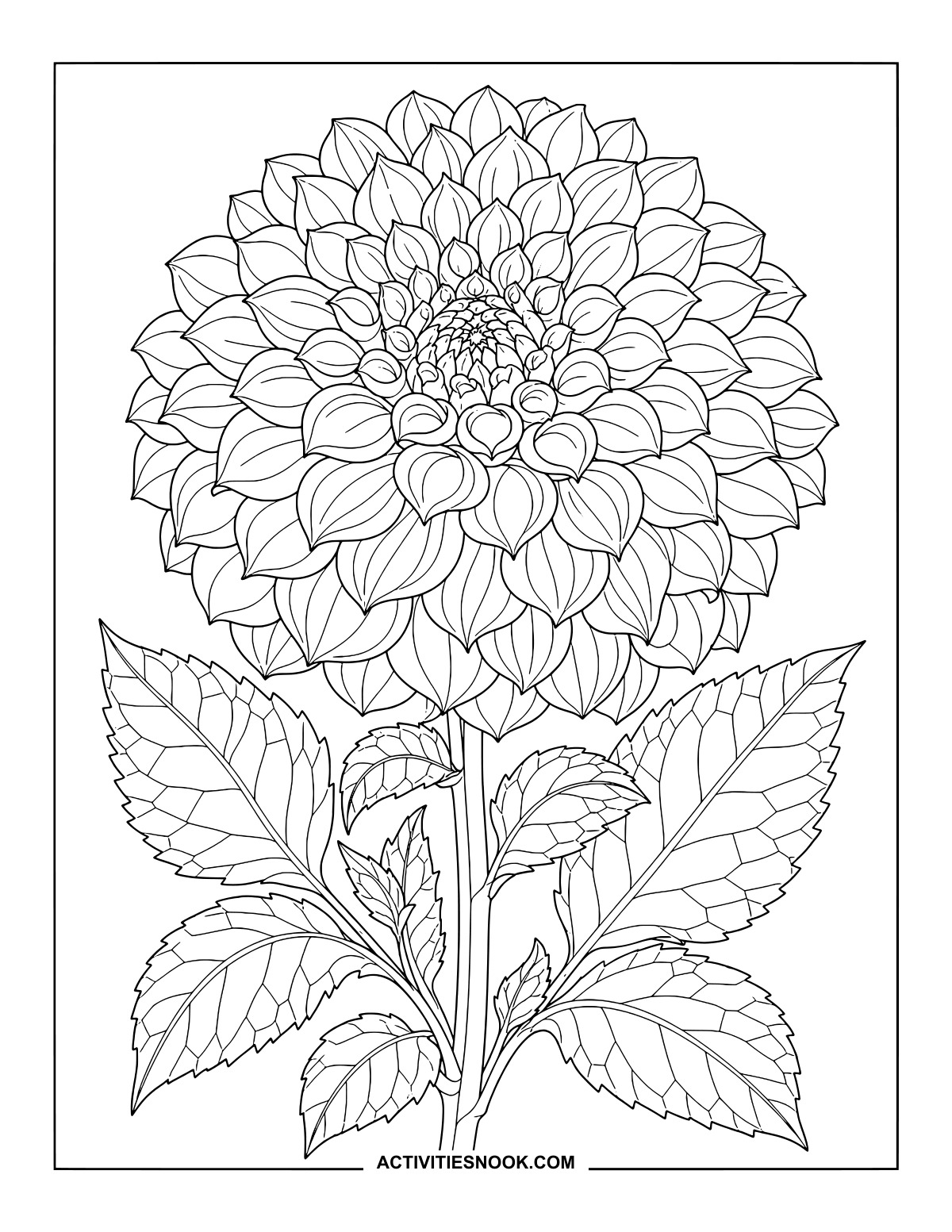
Rounded Dahlia Botanical Coloring Page
Small curled petals gather at the center, opening into wider layers around the bloom.
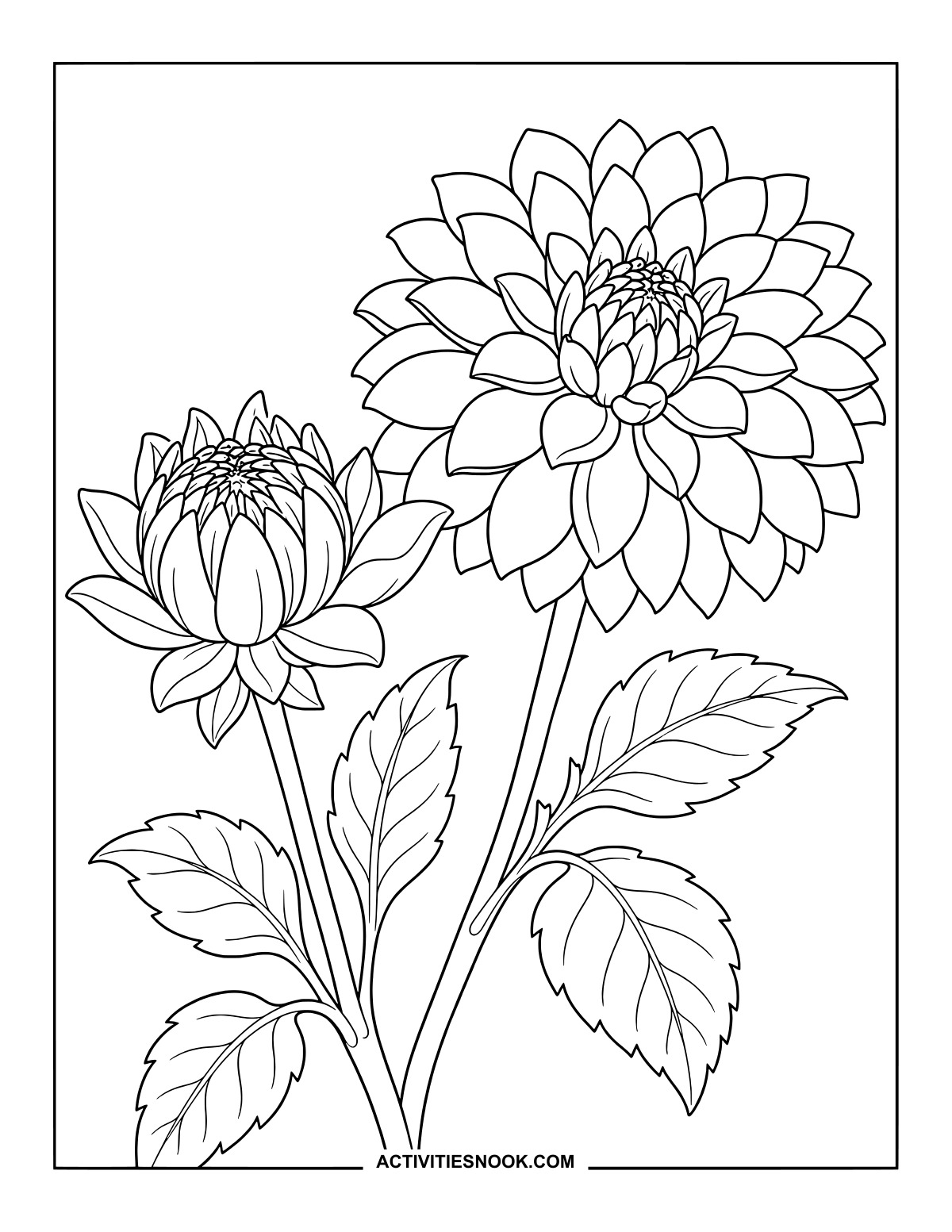
Opening Dahlia Beside a Full Bloom
Carry the same colors between the partly open flower and its larger neighbor.
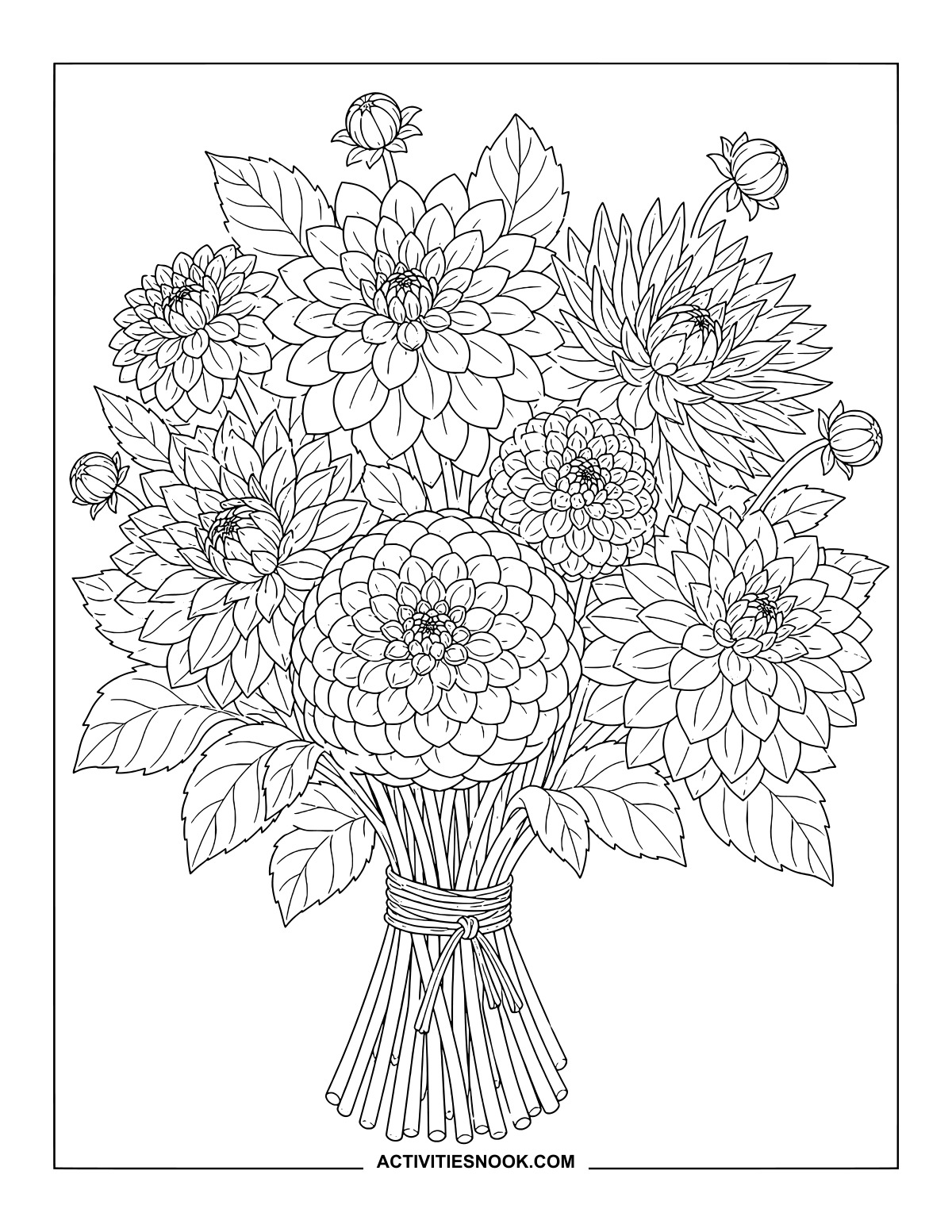
Mix colors across the rounded and pointed blooms, then finish the cord around the gathered stems.
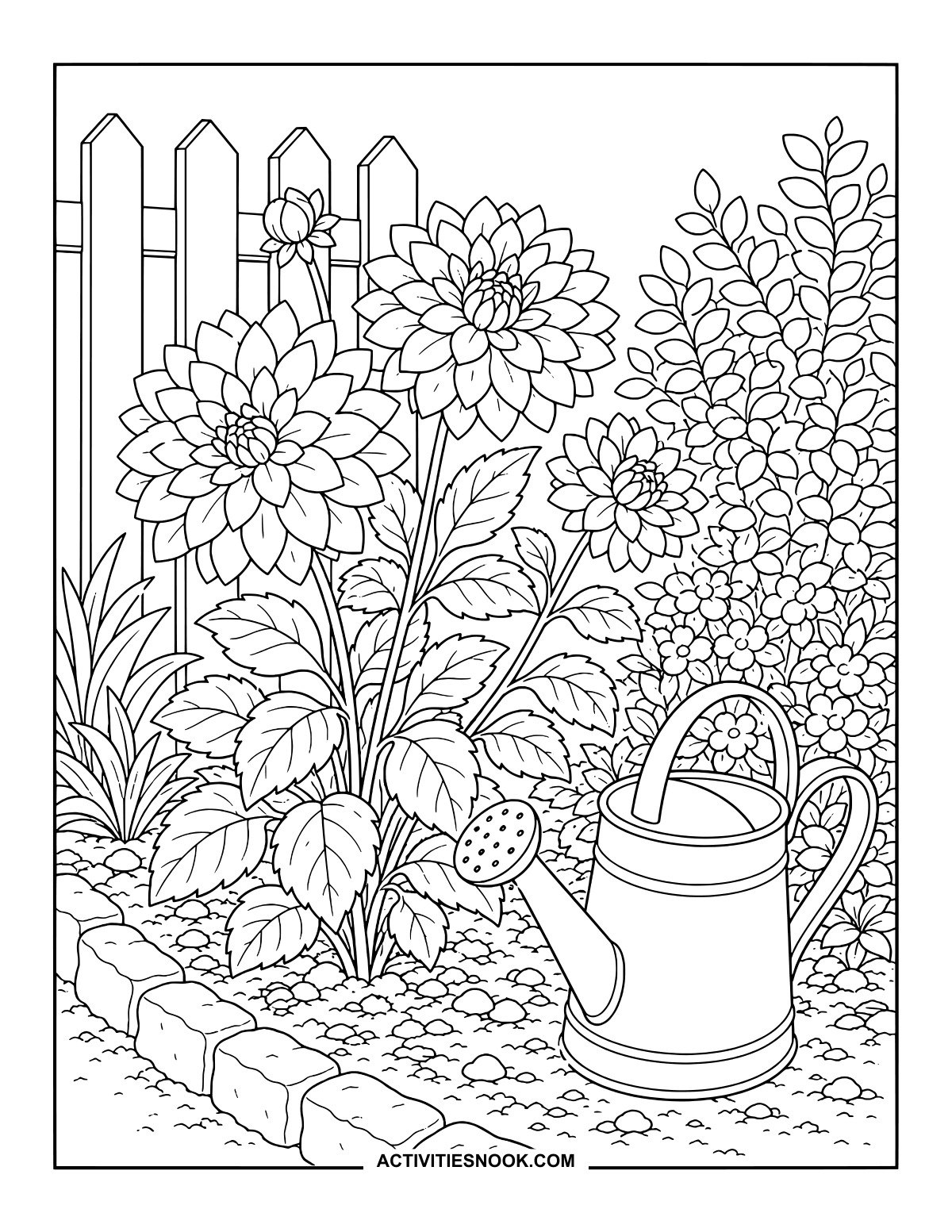
Garden Dahlias Beside a Watering Can
A picket fence, stone border and neighboring flowers frame this little garden patch.
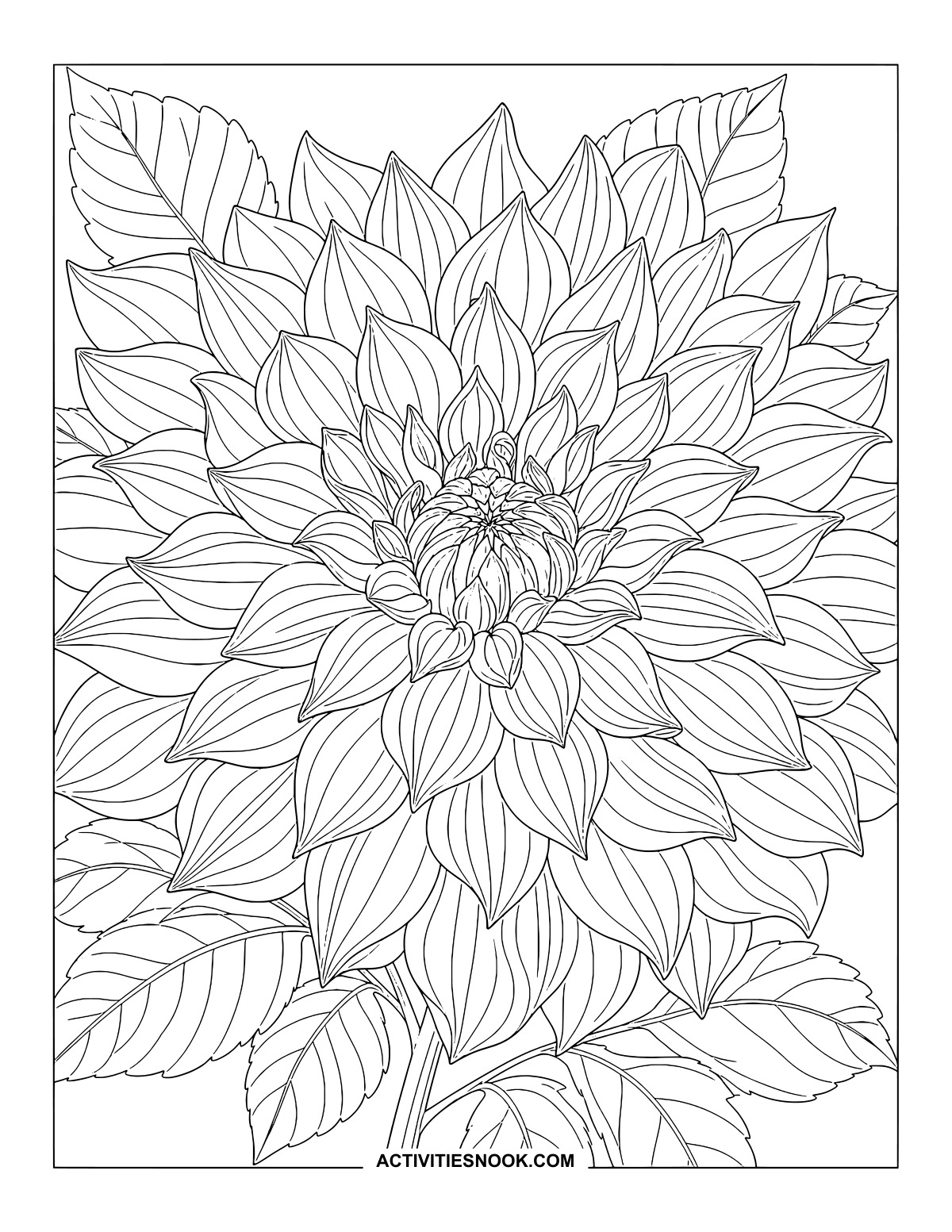
Layered Dahlia Close-Up Printable
Let the petal edges guide subtle shading, or make each layer a different color.
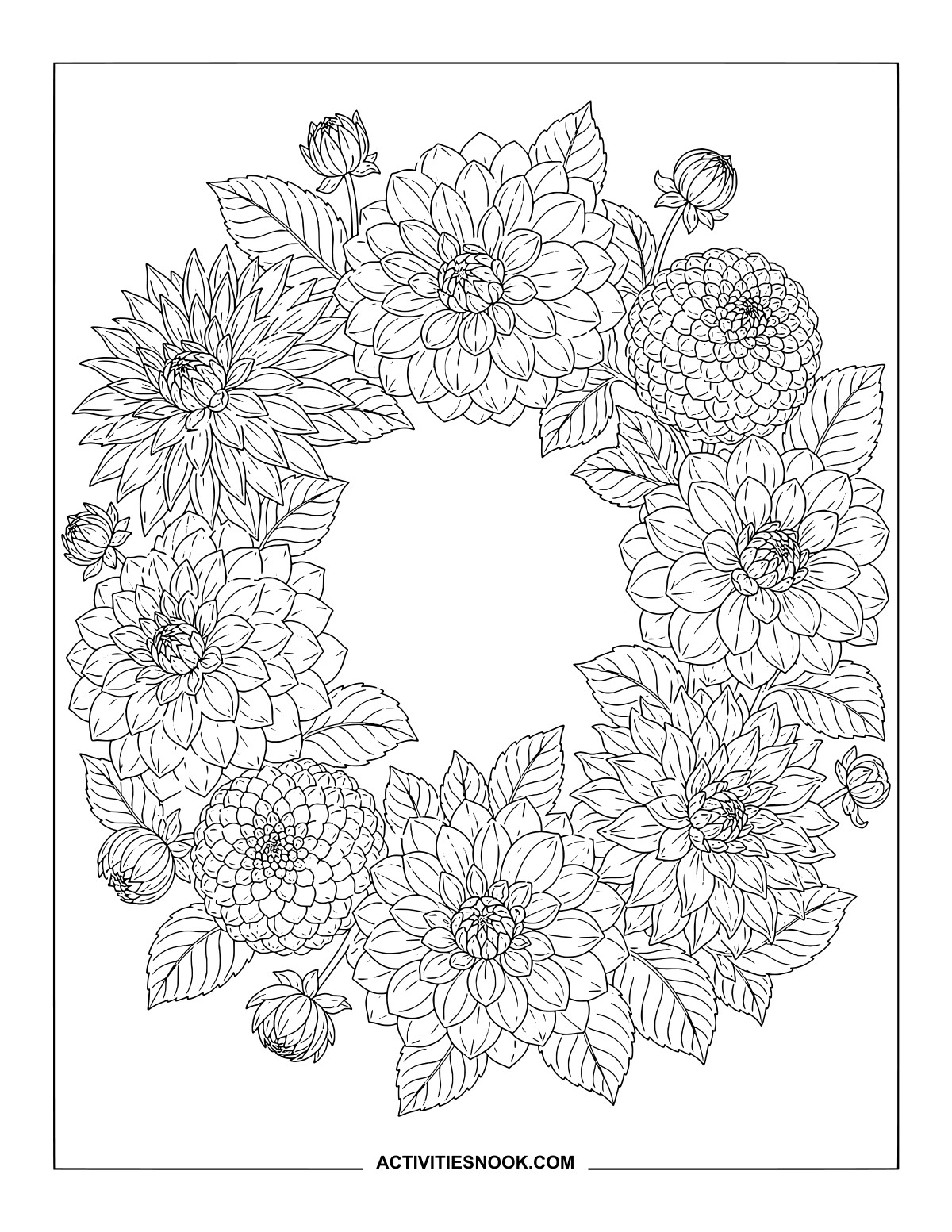
Dahlia Flower Wreath Coloring Page
Repeat a few favorite colors around the wreath, leaving the center clear or adding a personal message.
Ways to Use These Dahlia Coloring Pages
Try a flower palette: color a single bloom in shades of one color, then use the same palette across a bouquet.
Explore petal layers with colored pencils, adding darker edges or deeper color where one petal overlaps another.
Set out a mix of simple flowers and detailed arrangements for a family coloring session or garden-club art table.
Create a garden journal cover with a finished dahlia study, or display several colored pages beside your own flower sketches.
Personalize the wreath’s open center with a handwritten name or greeting after coloring the surrounding flowers.
How to Print or Download These Coloring Pages
⭐️ You don’t need to sign up or subscribe — just click the images to get your free coloring page PDFs!
- Choose your page. Click the image for the coloring page you’d like to use.
- Open the file. A PDF will open in Google Drive. Some school or office networks block this type of file sharing, so if you have trouble, try again at home or on a different internet connection.
- Print right away. Load your favorite paper into the printer, then click the print icon in the PDF window.
- If the edges look cut off, go to your print menu → “More Settings” → “Fit To Printable Area.” This resizes the page so the entire cozy design fits neatly inside the margins.
- Download for later. If you’d rather save the page, click the download icon (a downward arrow) in the Google Drive toolbar. The file will save to your device so you can open and print whenever you’re ready.
- No need to request access. You don’t have to ask to share the file. Just use the print or download icons directly in the Google Drive window.
- Start coloring! Once printed, enjoy your coloring pages with crayons, markers, colored pencils, or even watercolor paint. Use the space around the images to add your own text or embellishments for crafts and collages.