20 Free Jack and the Beanstalk Coloring Pages
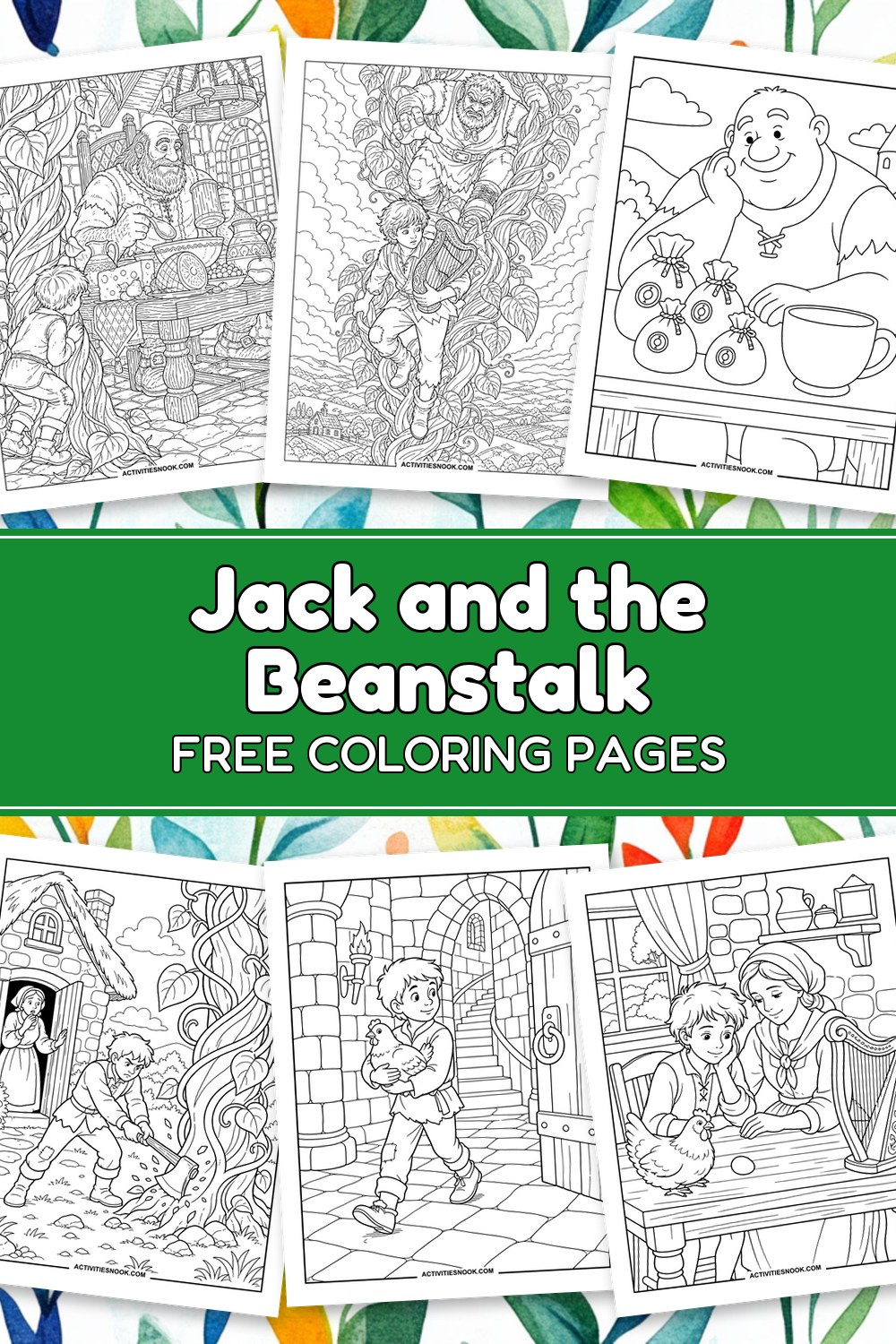
Follow Jack from a handful of beans to a castle above the clouds with these 20 free printable Jack and the Beanstalk coloring pages. Color the towering beanstalk, the giant’s enormous breakfast, the hen and the ornate harp—then join Jack’s hurried escape. The collection mixes simple pictures with detailed story scenes, giving children and families choices for shared coloring, library storytime or homeschool read-alouds. Each design comes as an individual PDF. Try bright greens for the twisting vines and a touch of gold for the story’s treasures.
Click a coloring page image or its title to open its individual PDF. Full printing instructions are at the end.
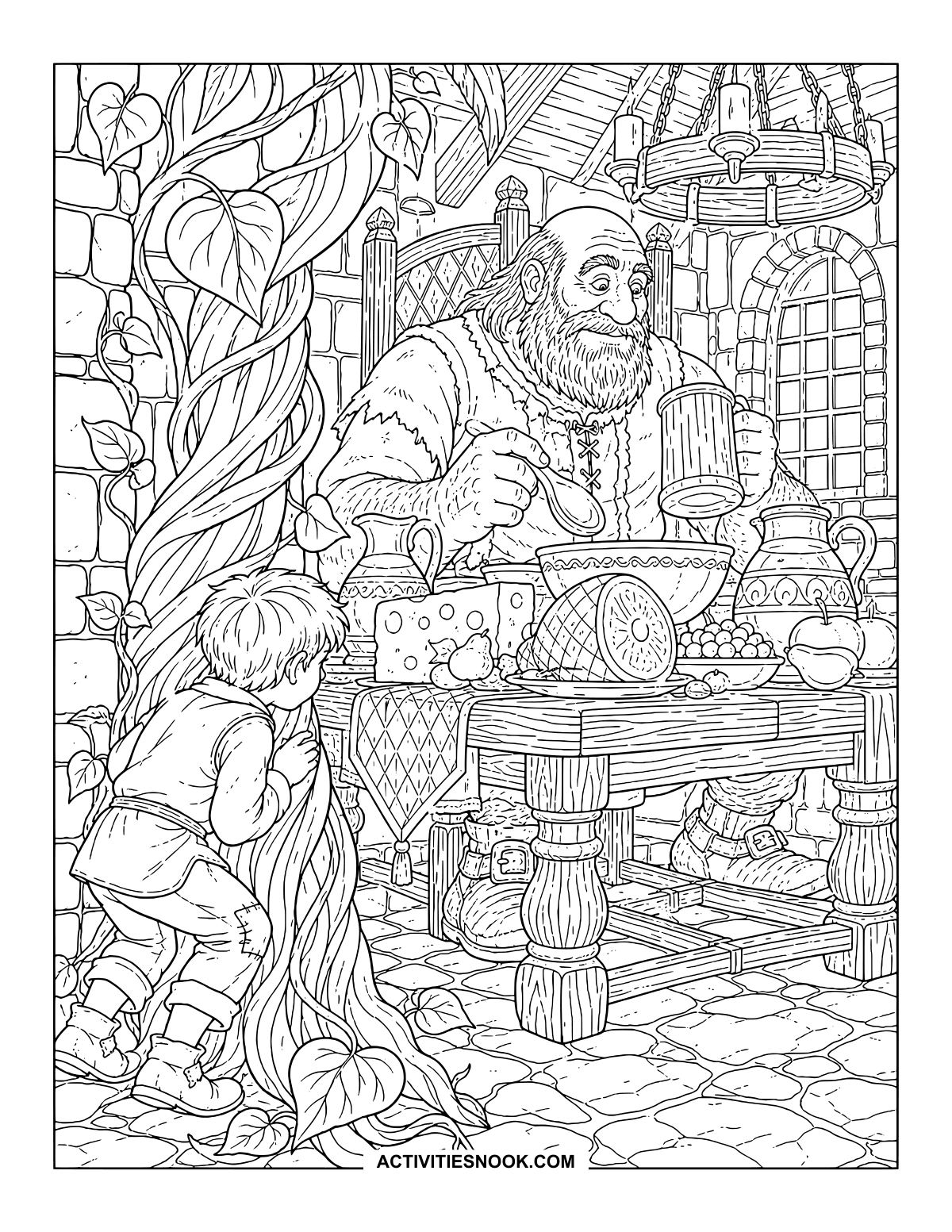
Jack Hides by the Giant’s Breakfast Table
Even the cheese looks enormous from Jack’s hiding place beside the twisting vine.
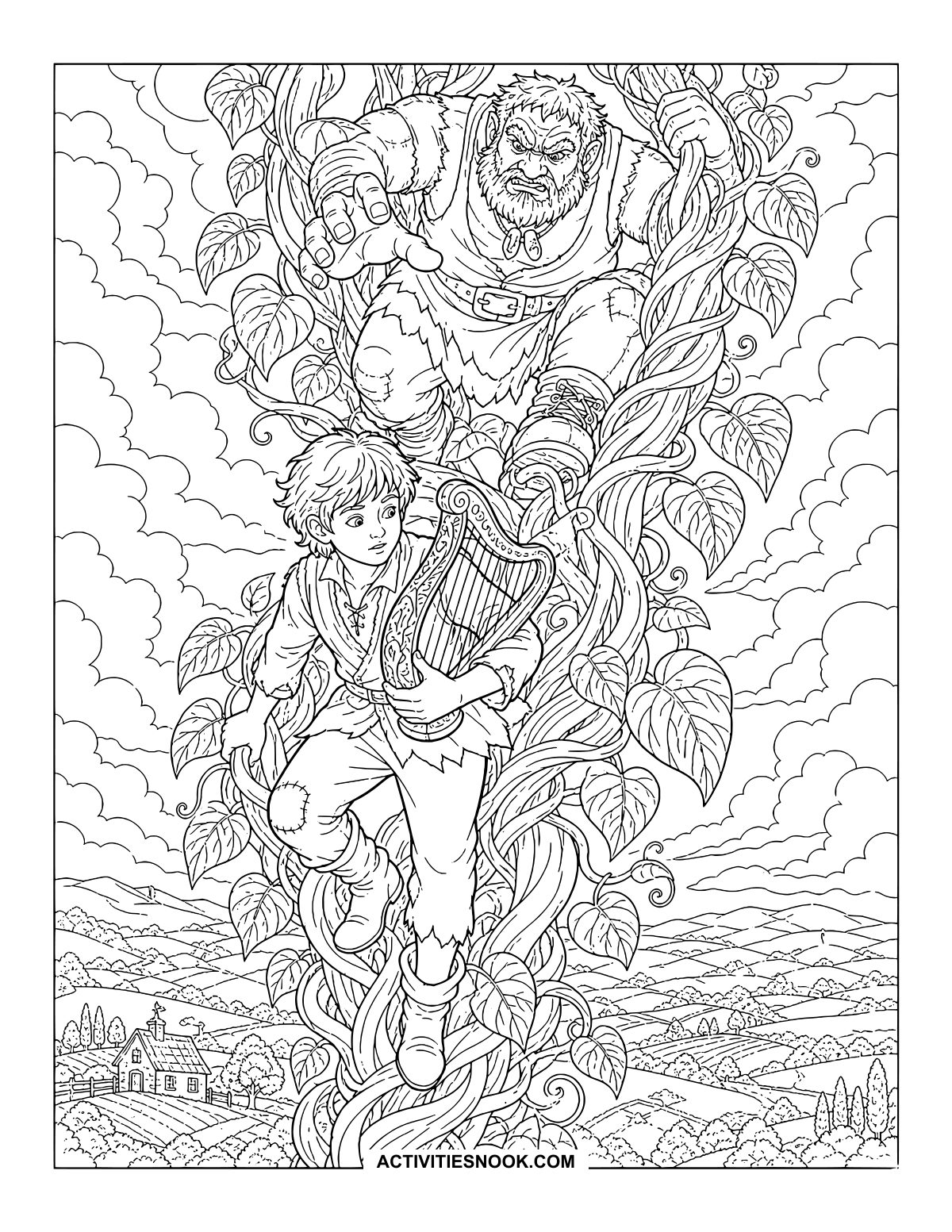
Escape Down the Beanstalk Coloring Page
With the harp tucked against him, Jack has company close behind—and a long way down.
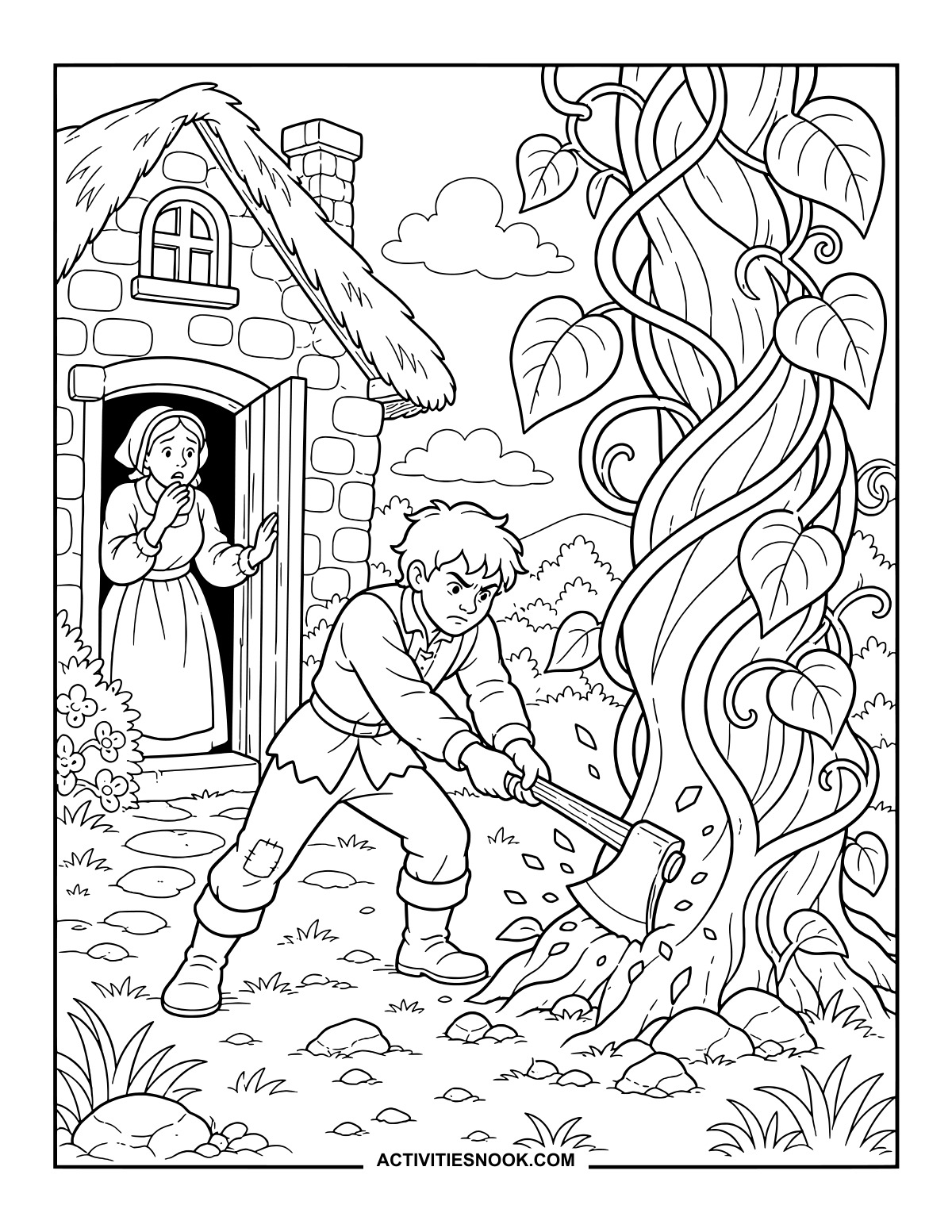
Chips fly at the base of the vine while Jack’s mother watches from the cottage doorway.
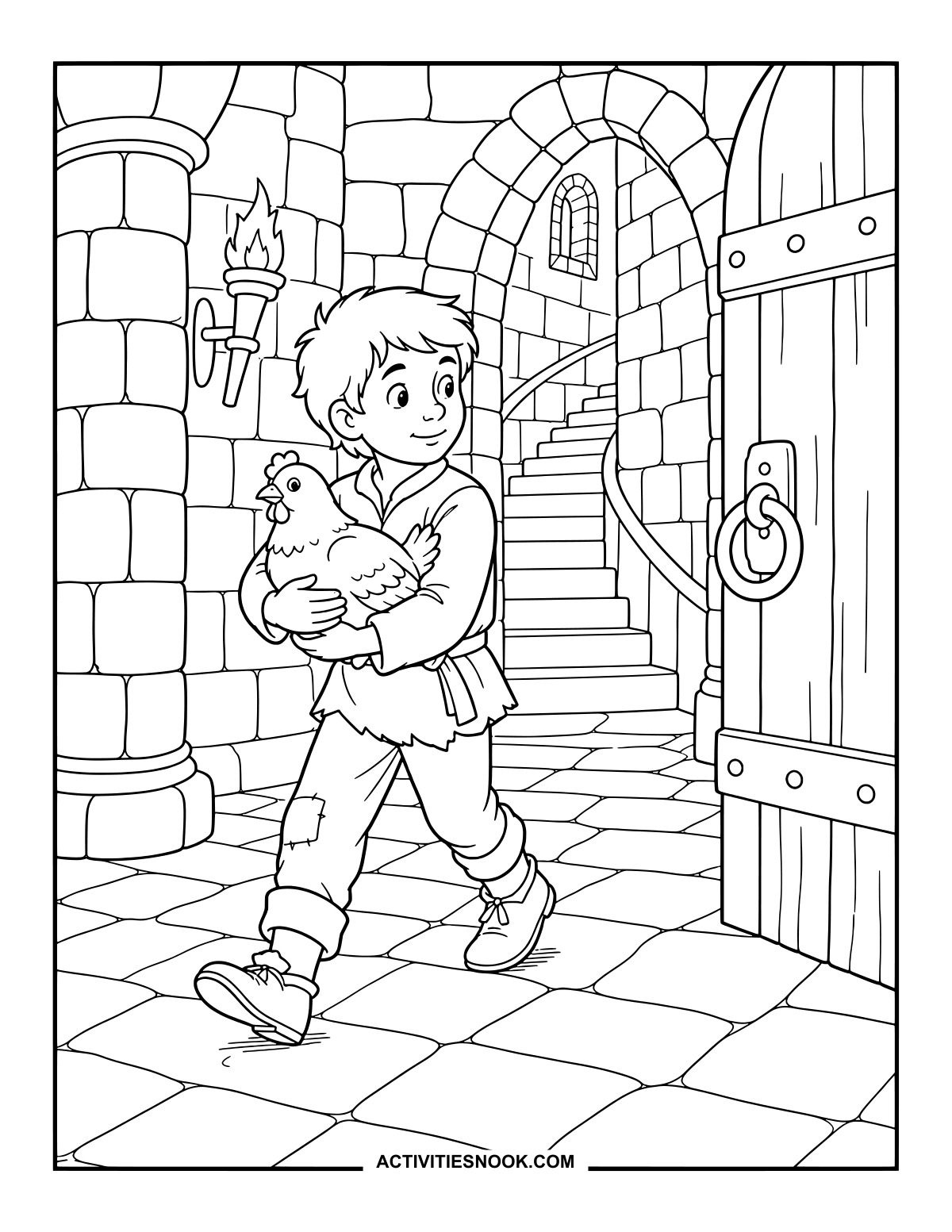
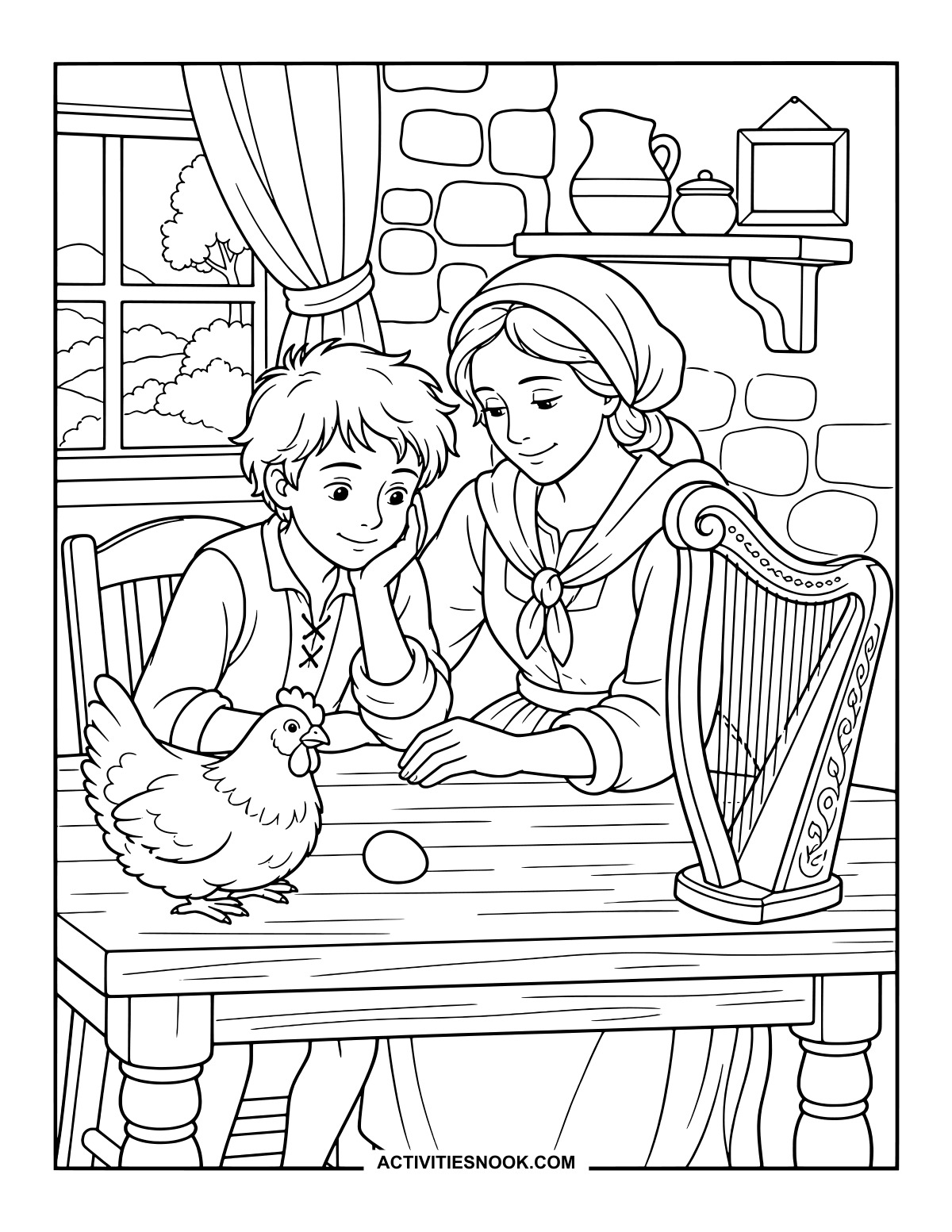
Jack and His Mother at Home Coloring Page
The hen, egg and harp share a much smaller table back at the cottage.
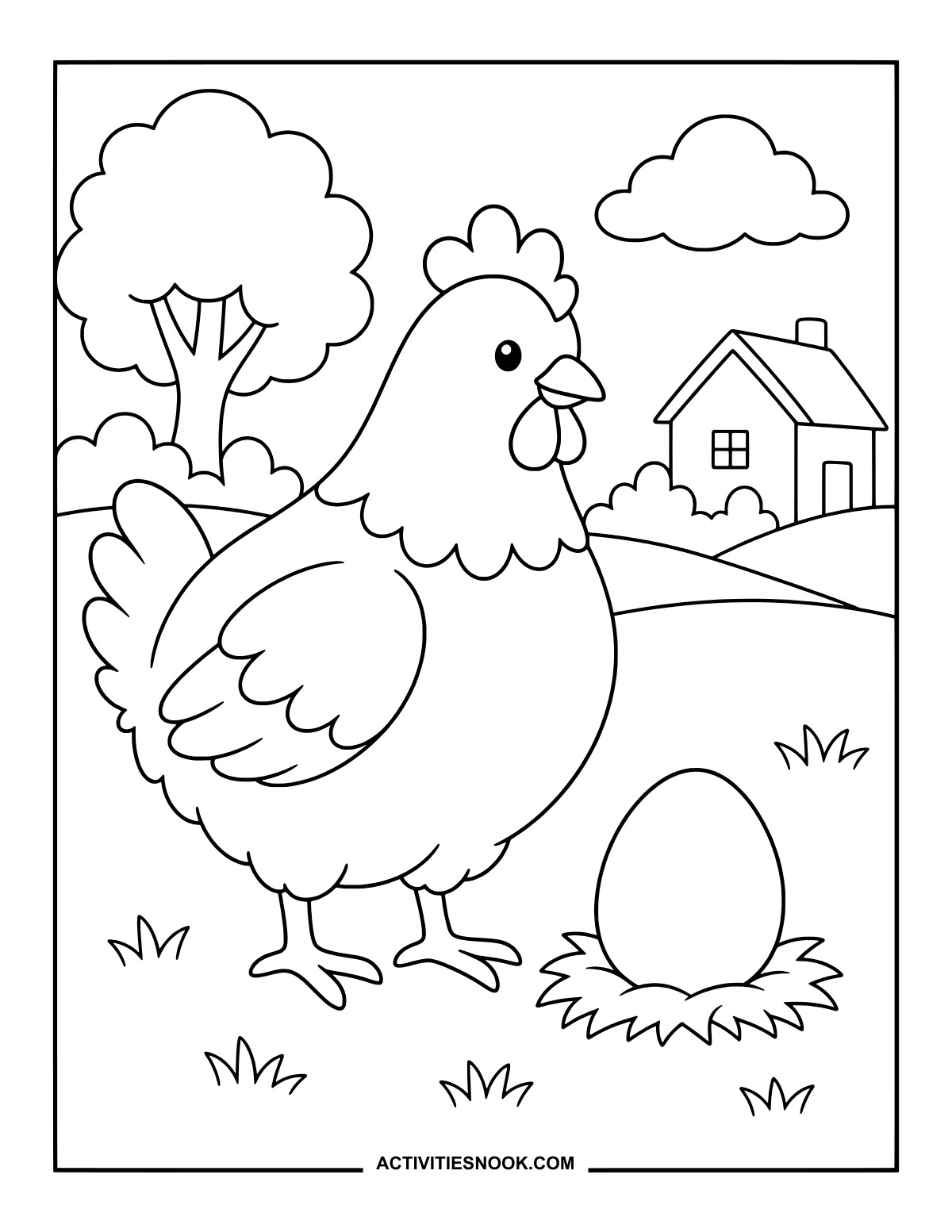
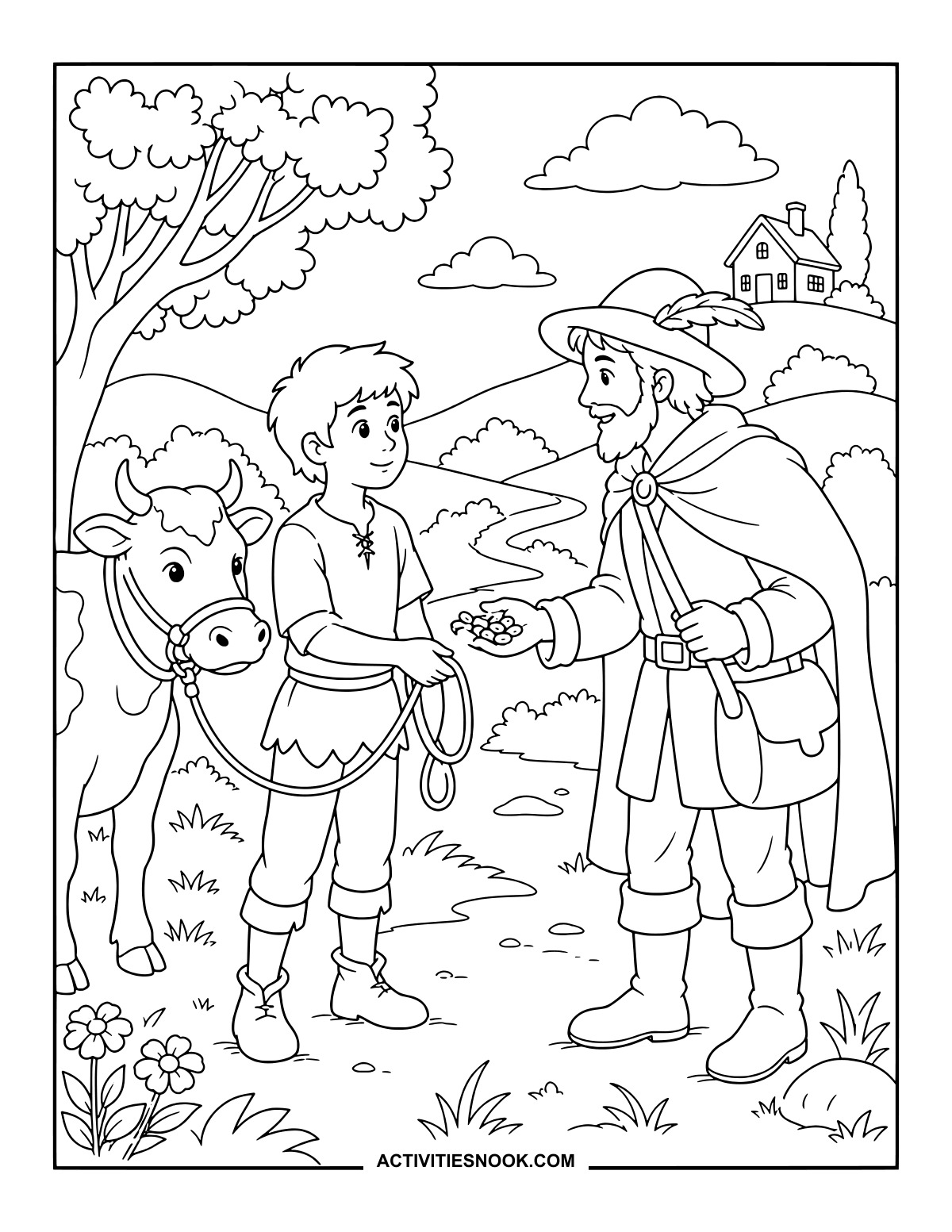
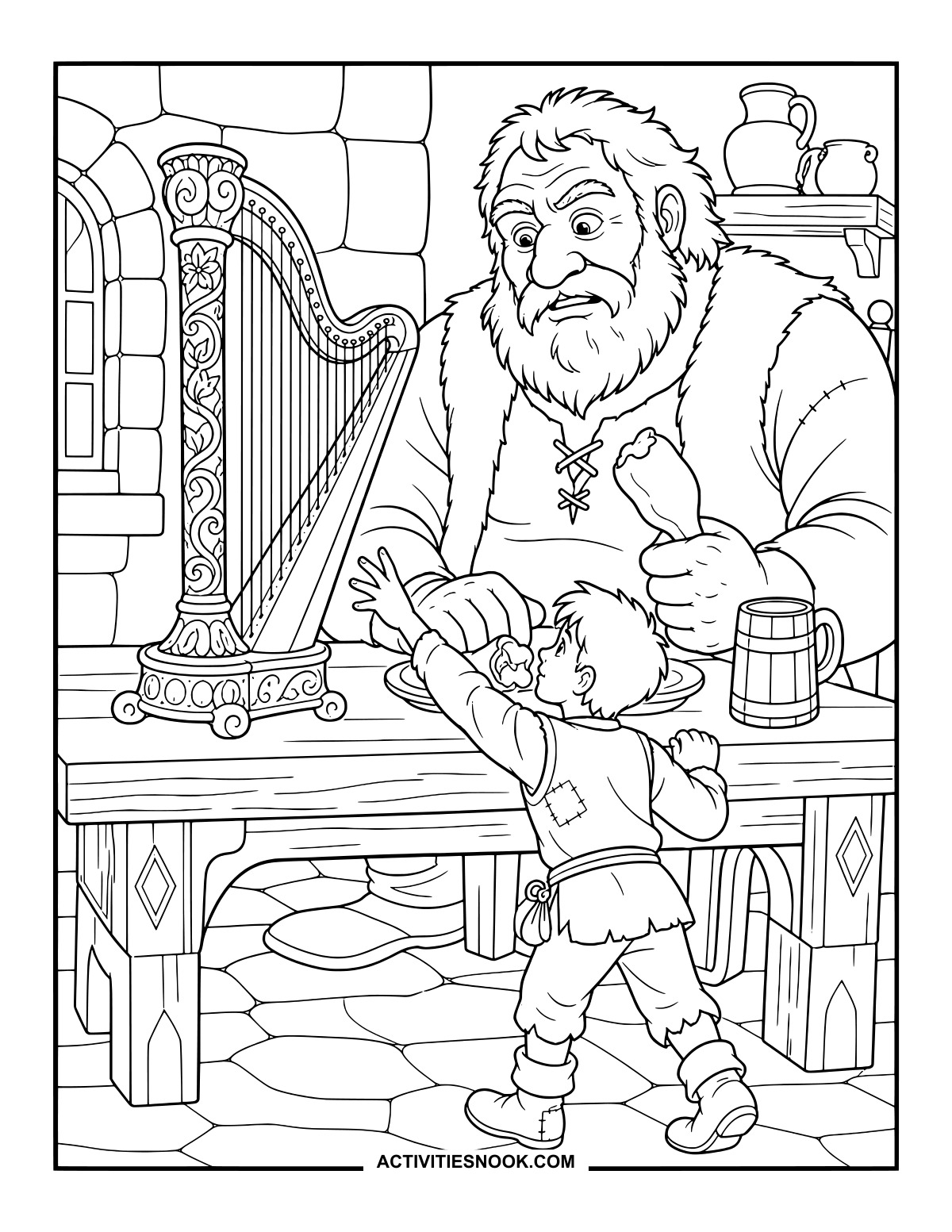
The Enchanted Harp on the Giant’s Table
Curling decorations cover the harp’s frame as Jack stretches up toward it.
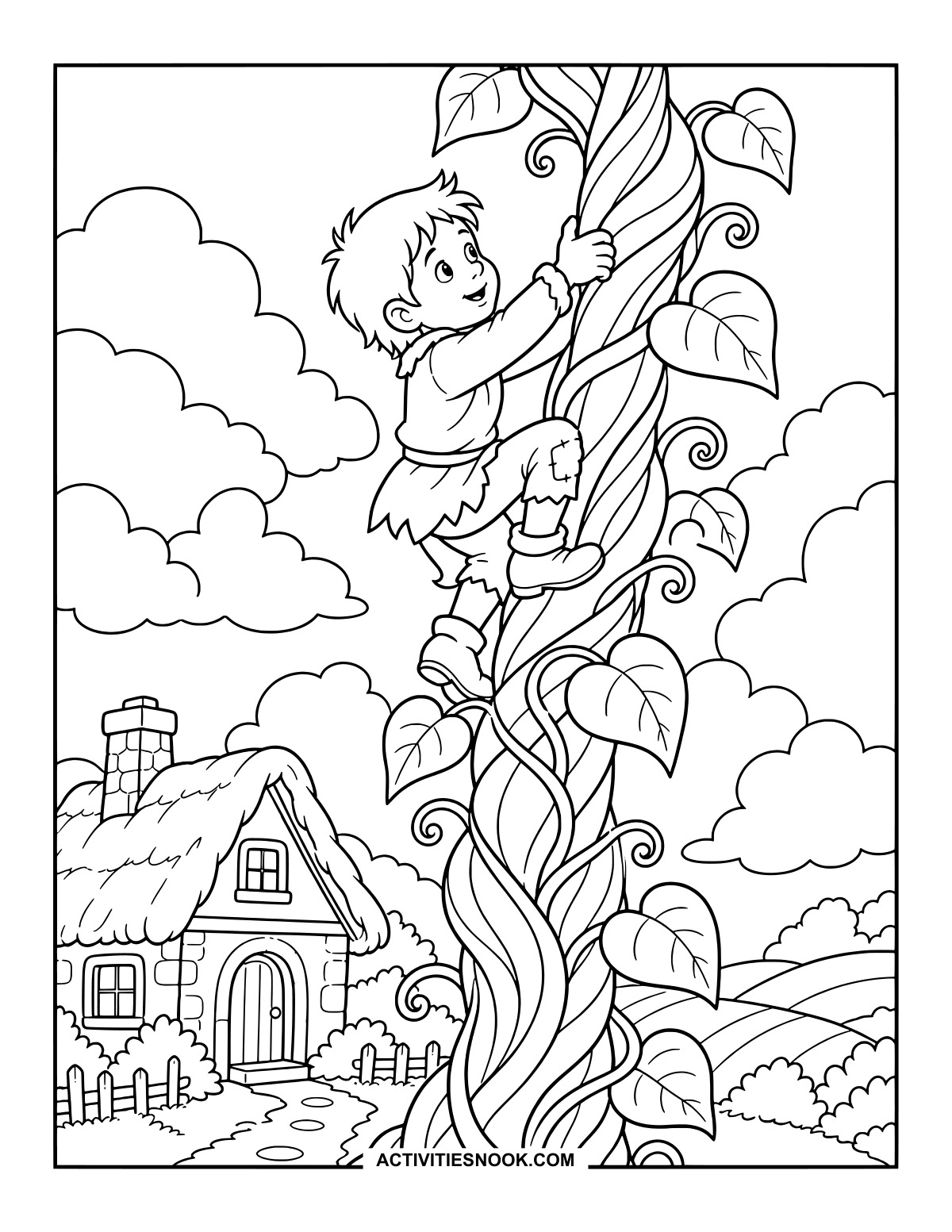
Printable Jack Climbing the Beanstalk
The cottage roof is already below Jack’s boots as he looks toward the next stretch of vine.
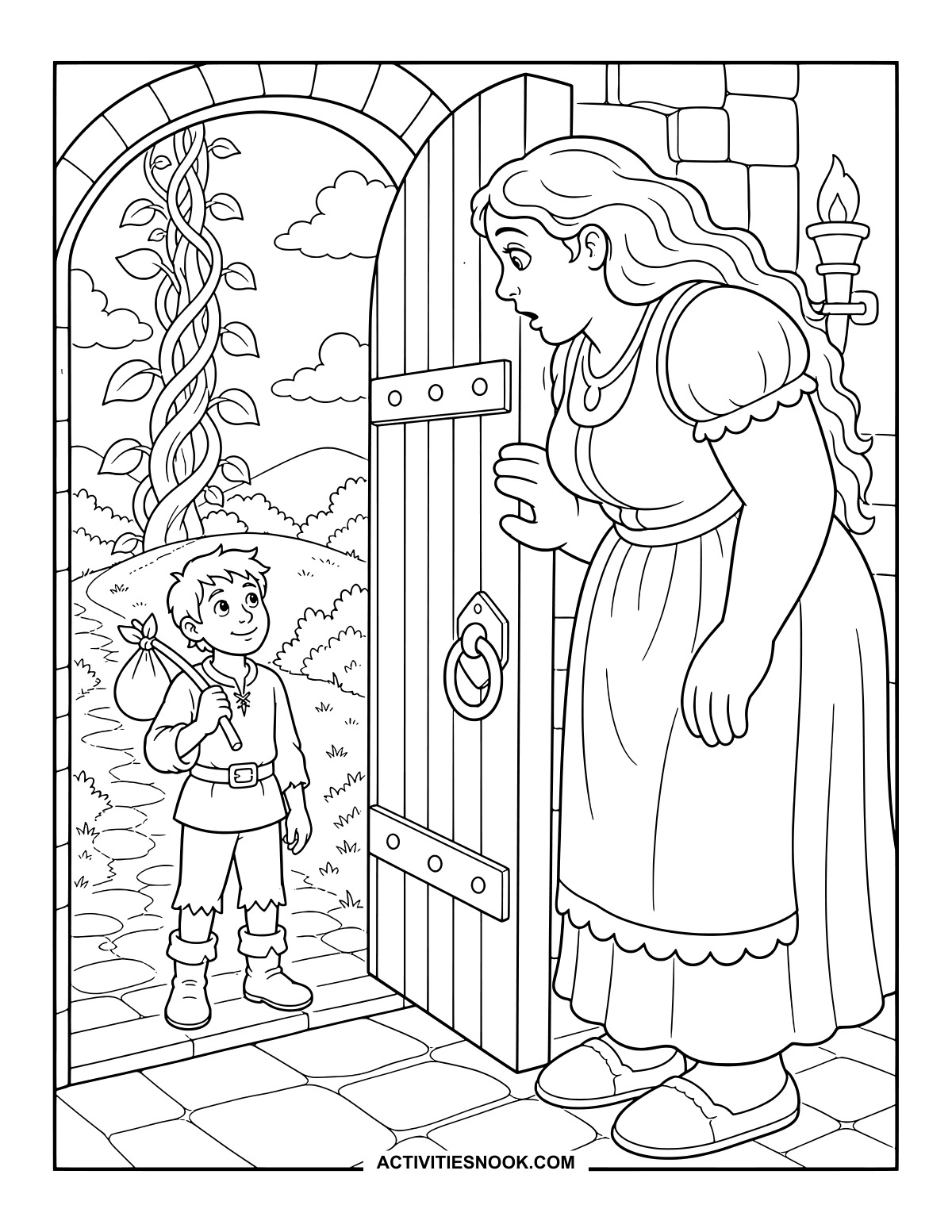
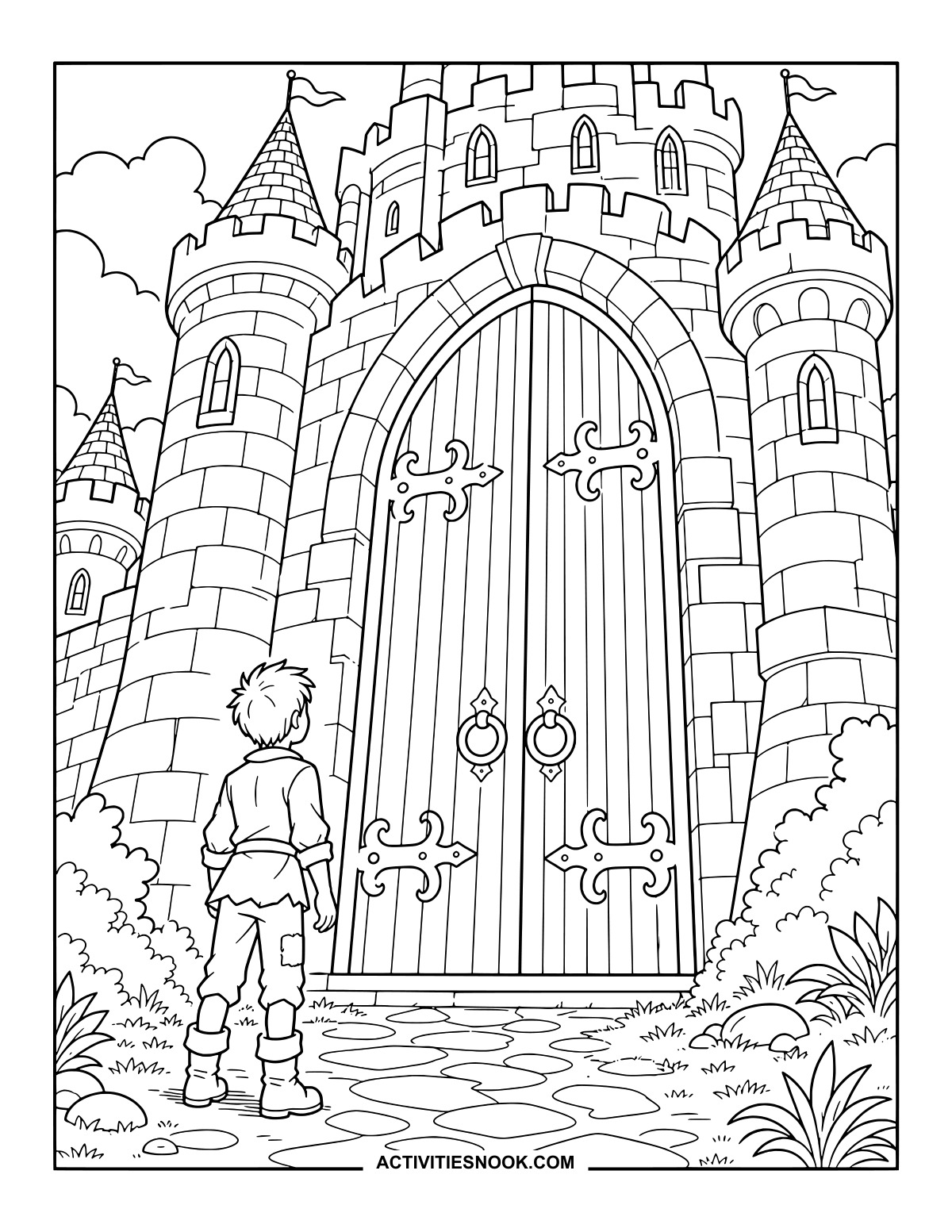
The Giant’s Castle Doors Coloring Page
Look up with Jack at the towering doors, pointed turrets and fluttering flags.
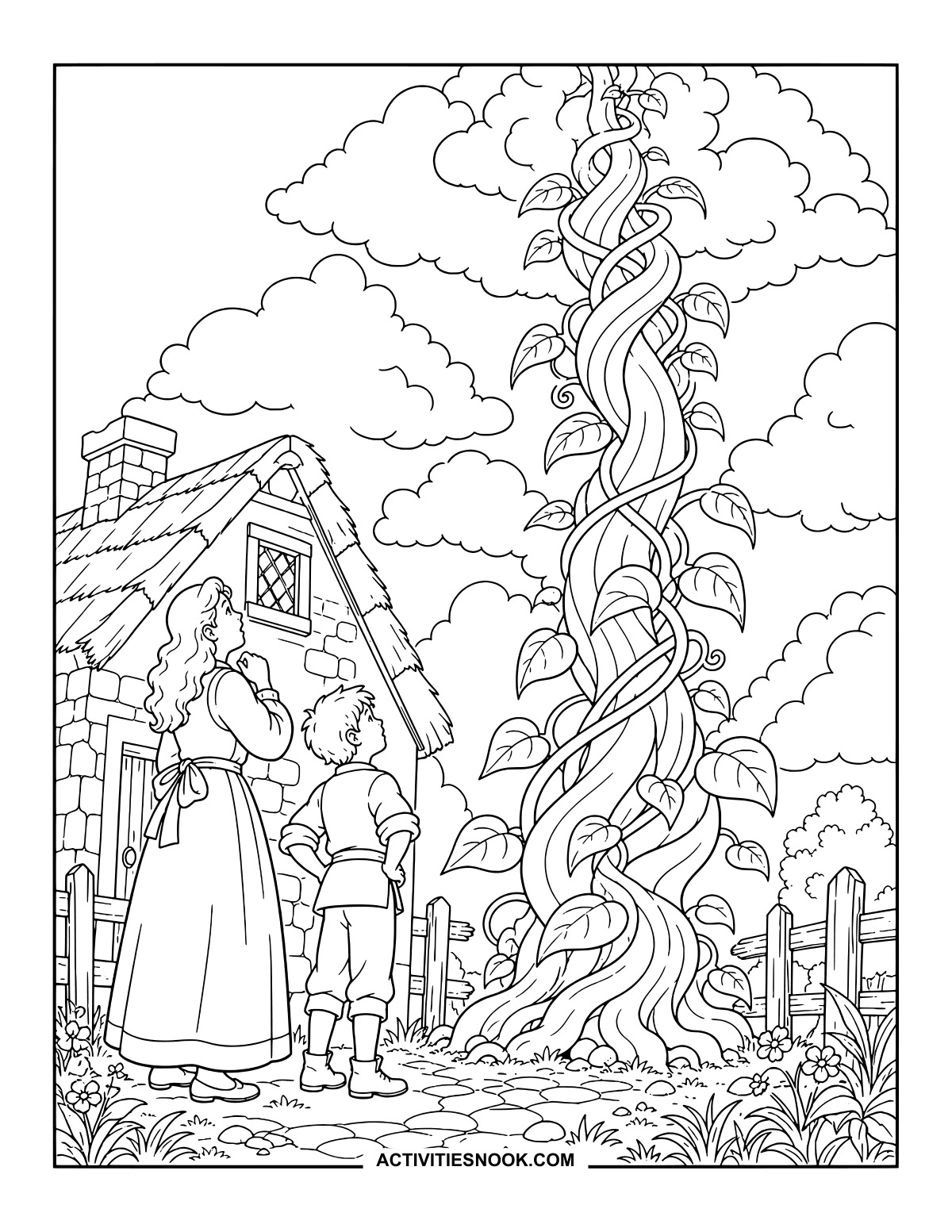
A Beanstalk Towers Above the Cottage
Jack and his mother tip their heads back to follow the vine into the clouds.
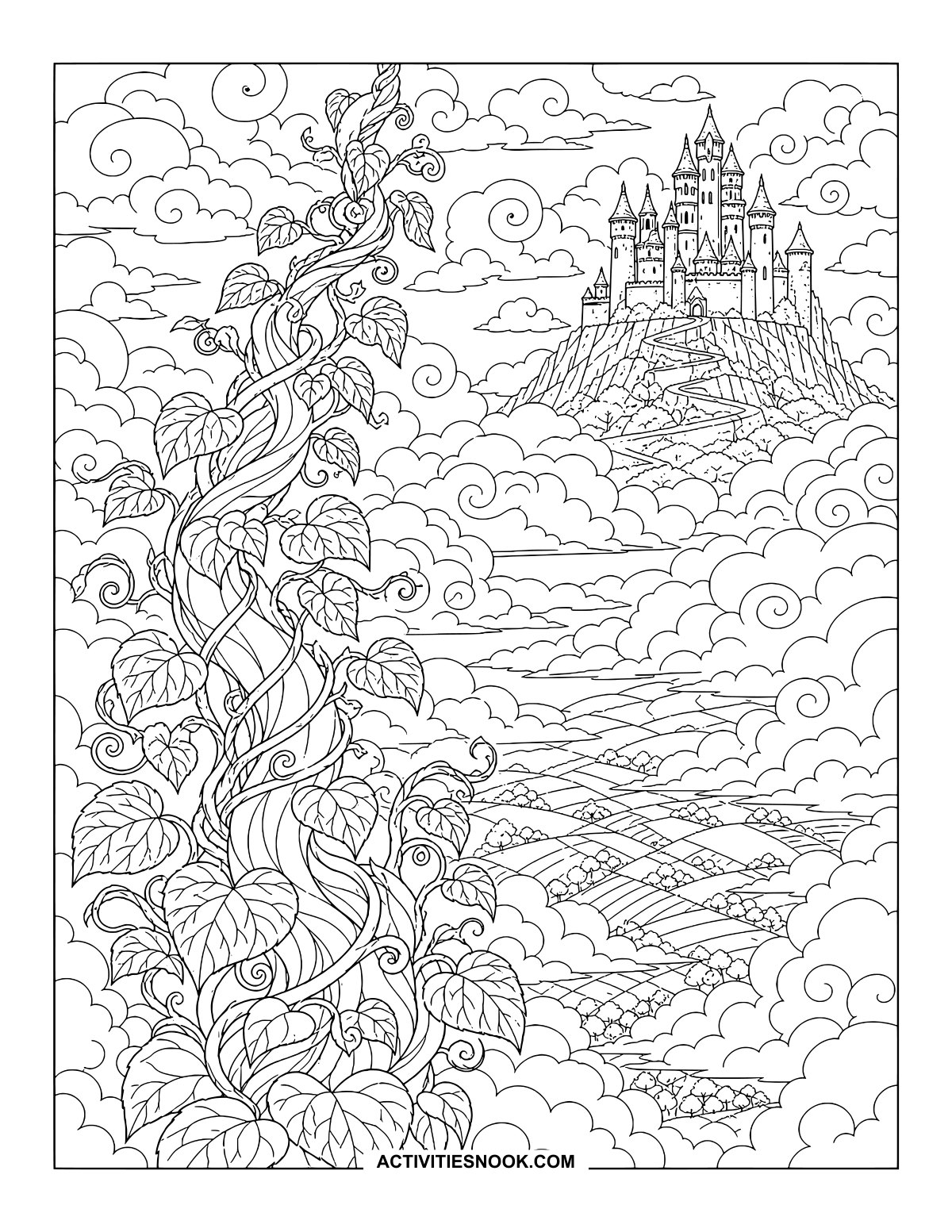
Beanstalk and Castle in the Clouds: Printable
Swirling clouds separate the distant castle from the patchwork fields far below.
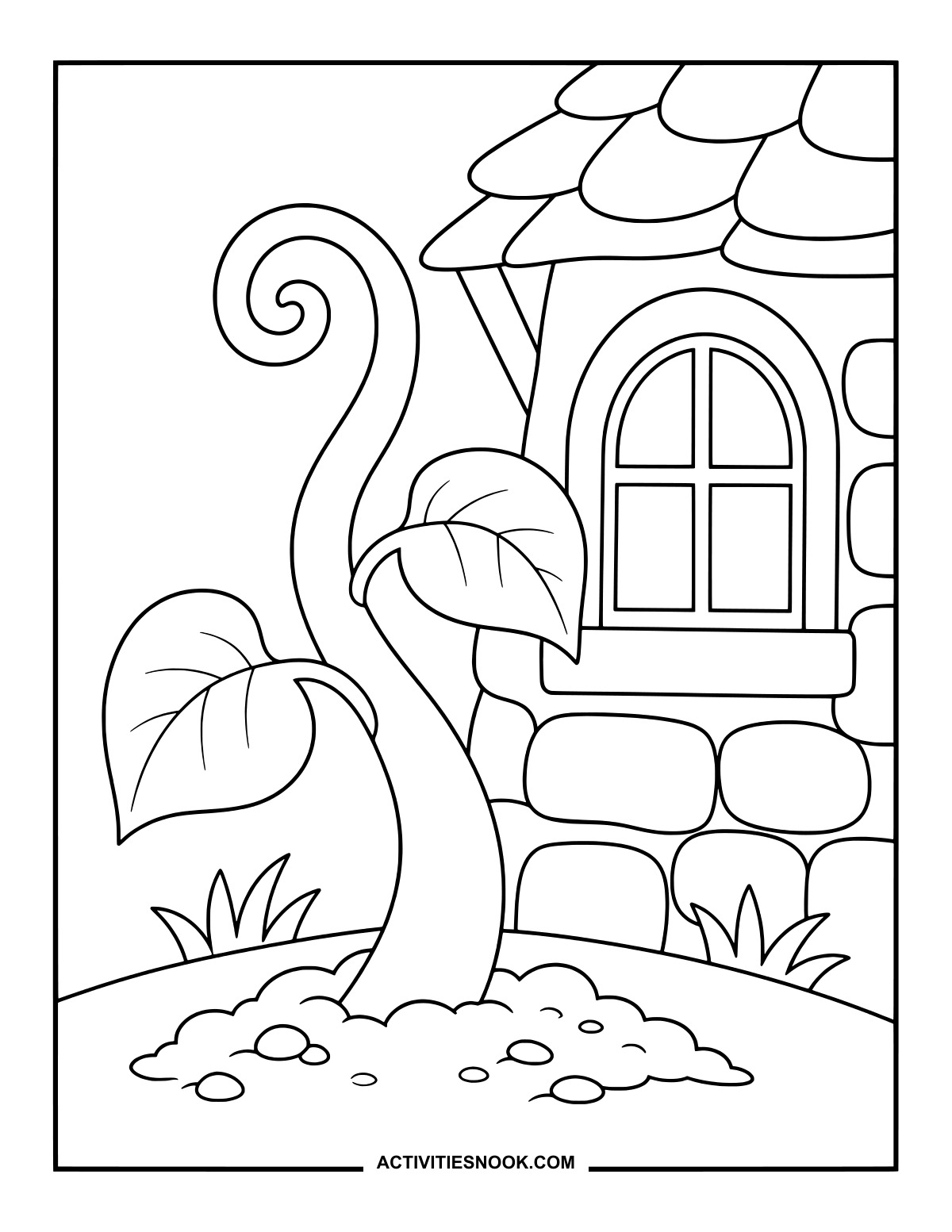
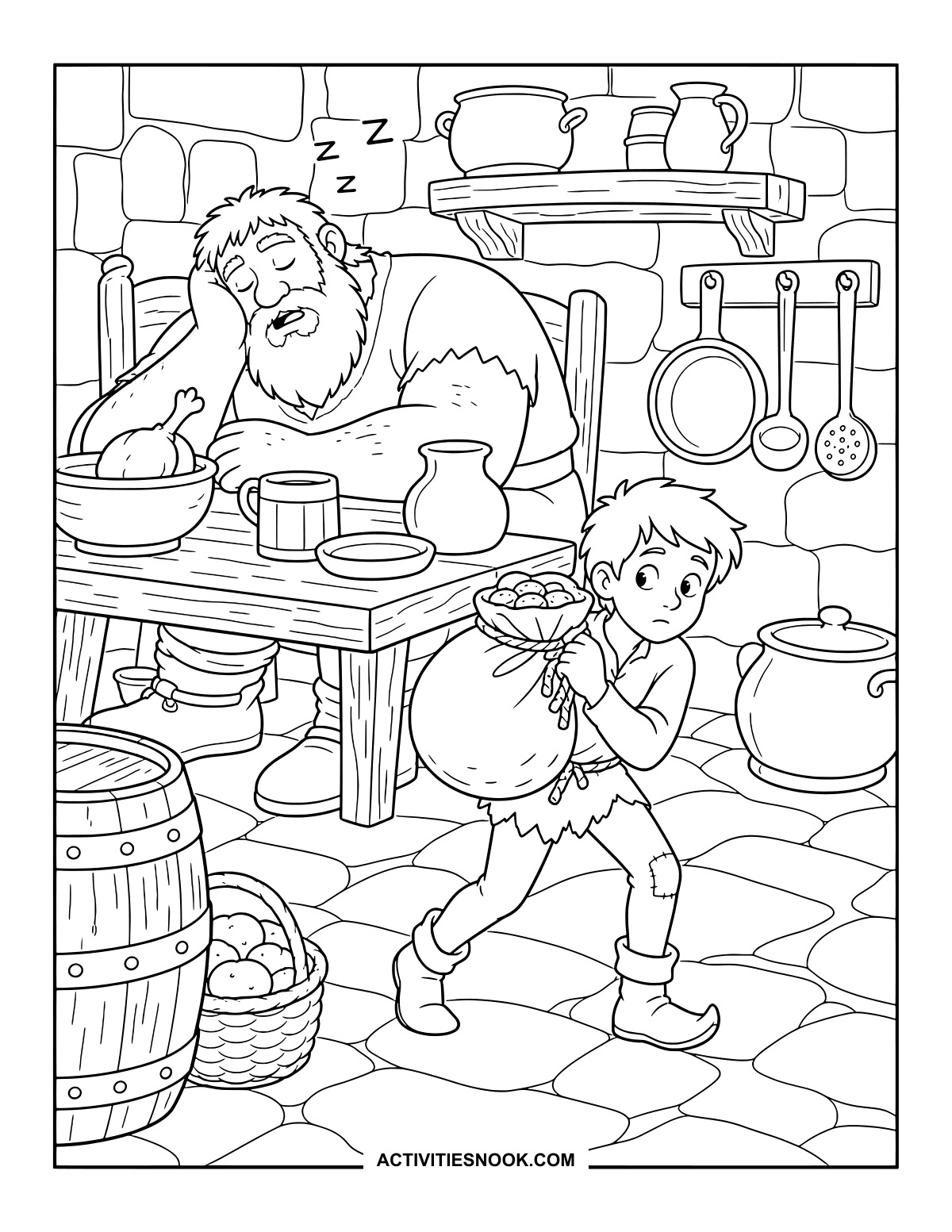
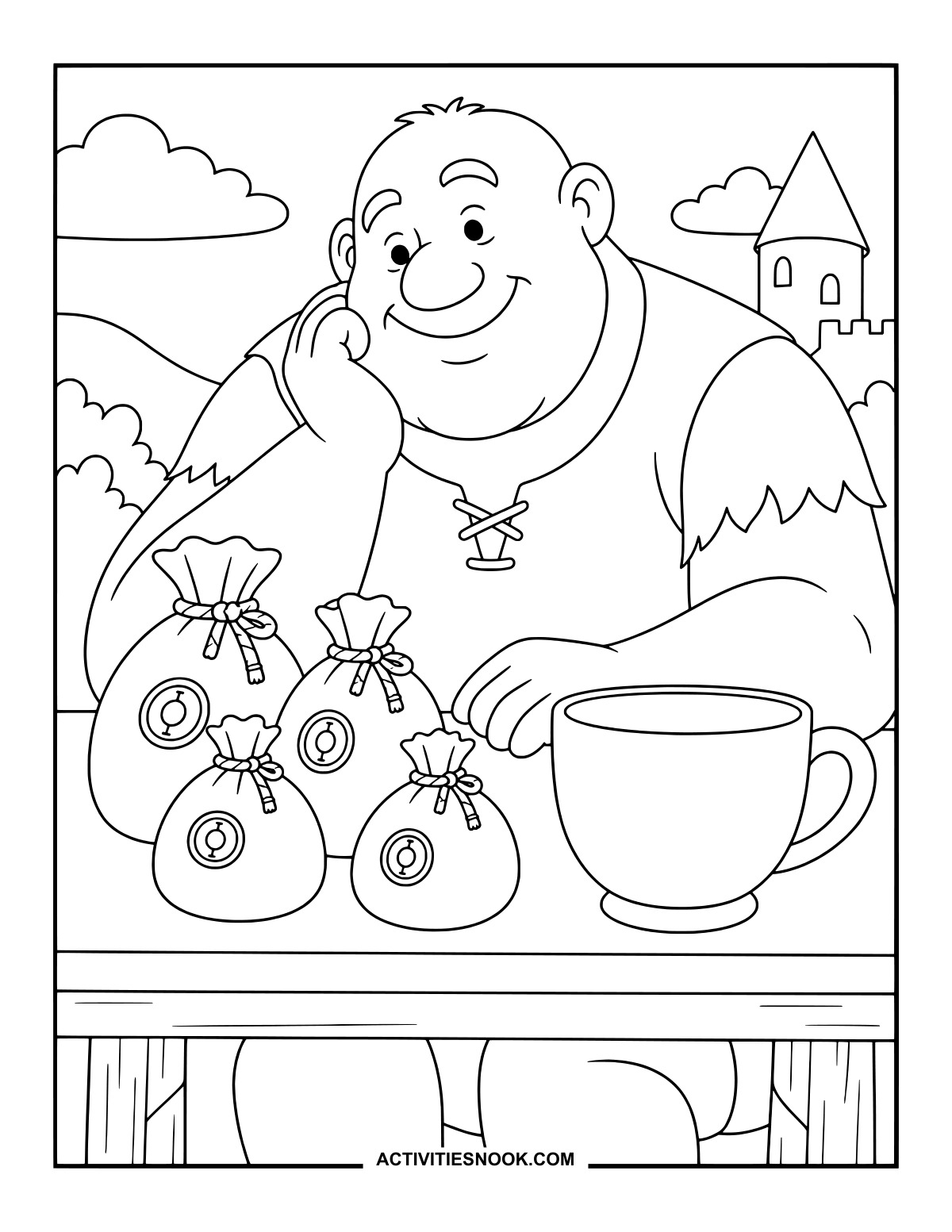
Jack Takes the Coins Past the Sleeping Giant
The giant snoozes at the kitchen table as Jack steps away with the bulging bag.
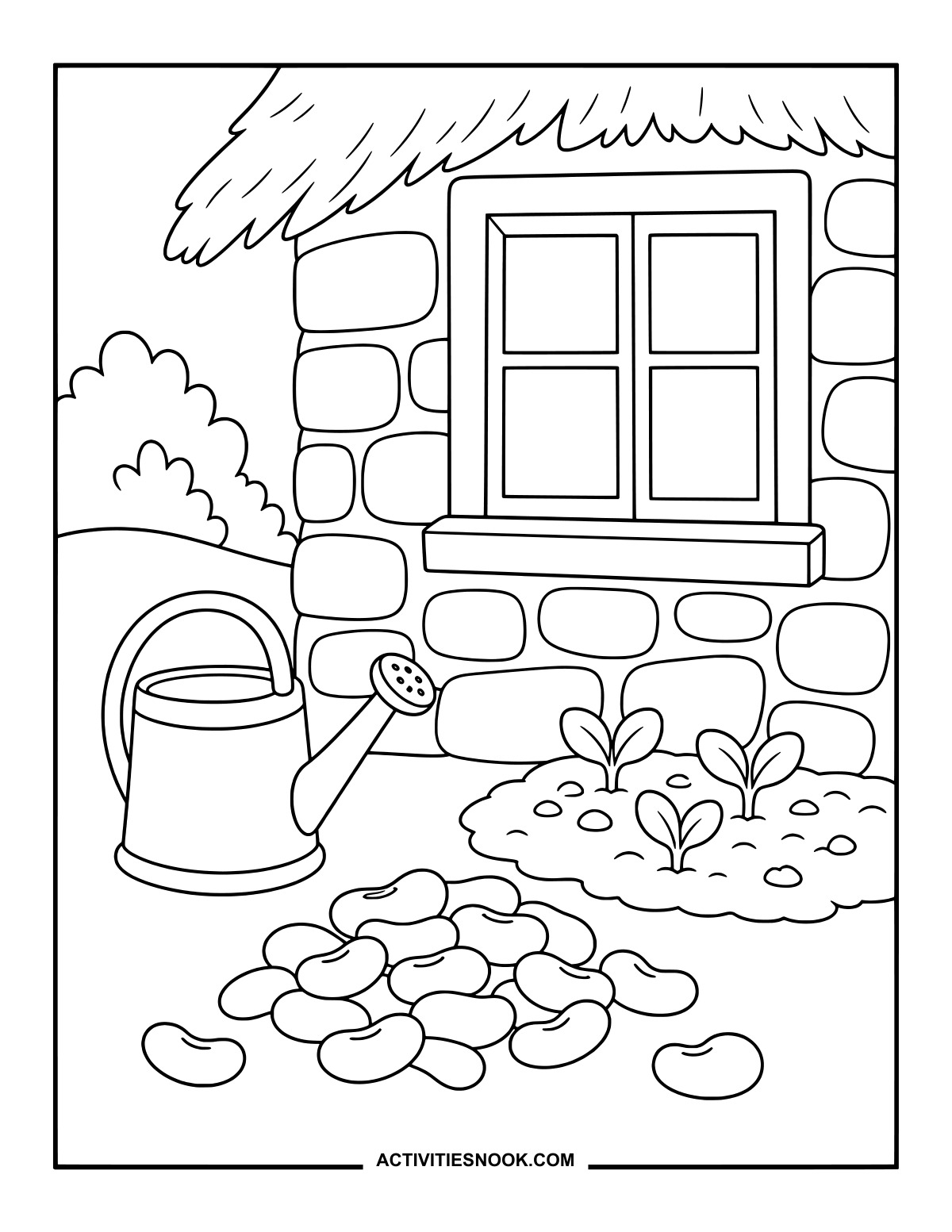
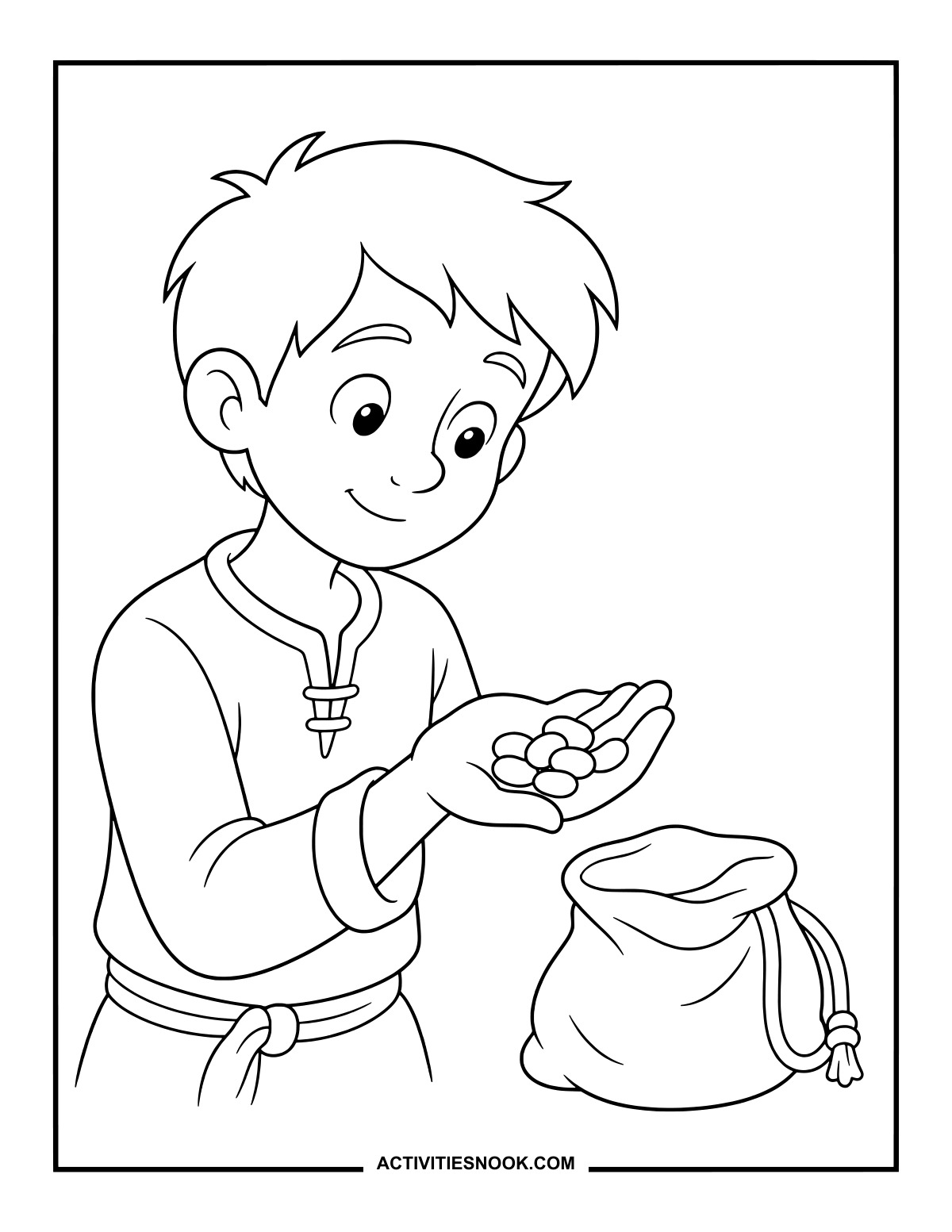
Beans Beside the Cottage Window
A watering can and three little sprouts give this garden corner plenty of color possibilities.
Ways to Use These Jack and the Beanstalk Coloring Pages
Pair a read-aloud with a favorite scene. After the story, invite children to describe what is happening in the picture they chose.
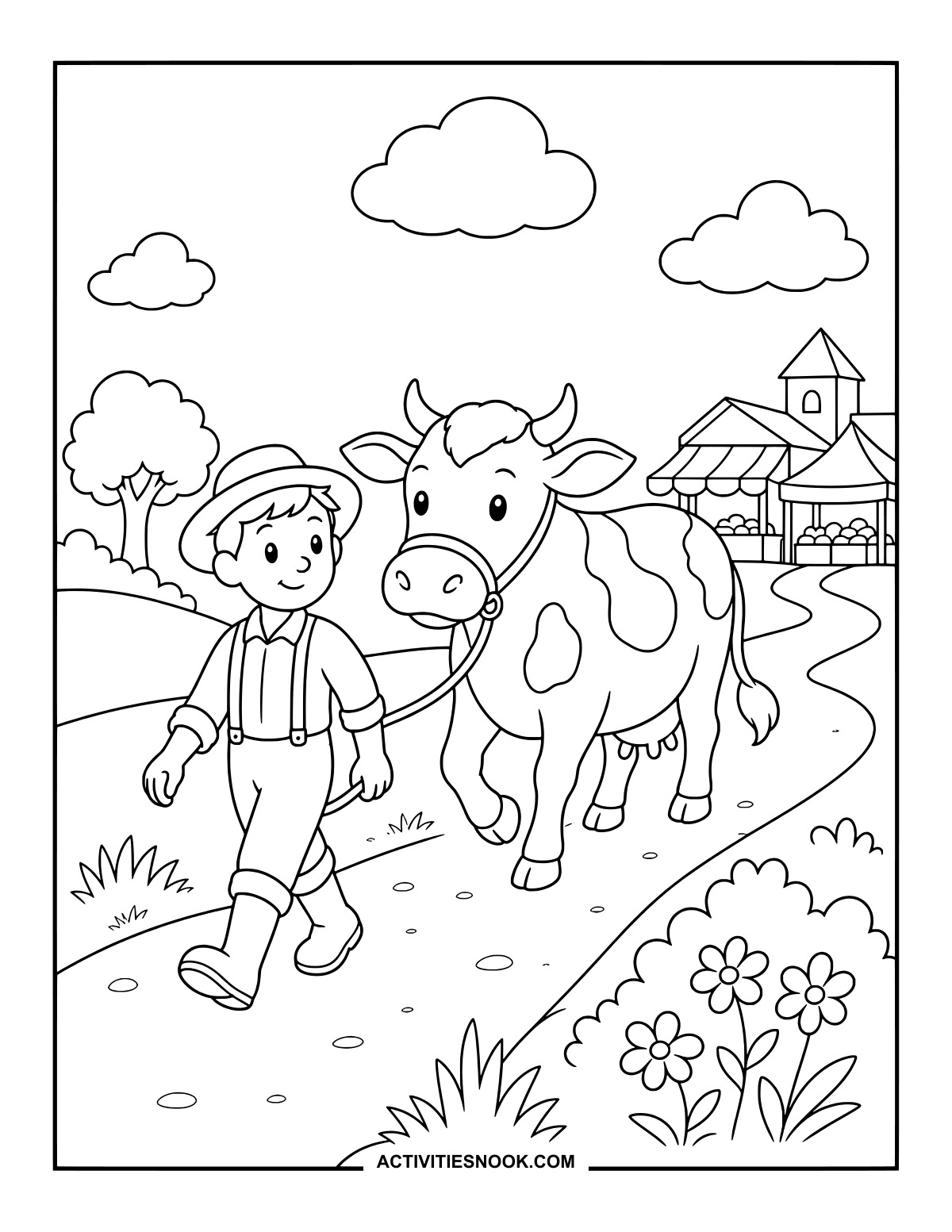
Arrange several finished pages in story order, from Jack leading the cow toward market to his escape down the beanstalk. Use them as prompts for a family or classroom retelling.
Make a storytime display with the cottage, climbing scene and castle. Add paper leaves between the pictures to create a beanstalk across the wall.
Share the collection for family coloring: choose a simple bean or hen picture alongside a detailed castle or cloud scene, and compare the colors everyone gives the story’s world.
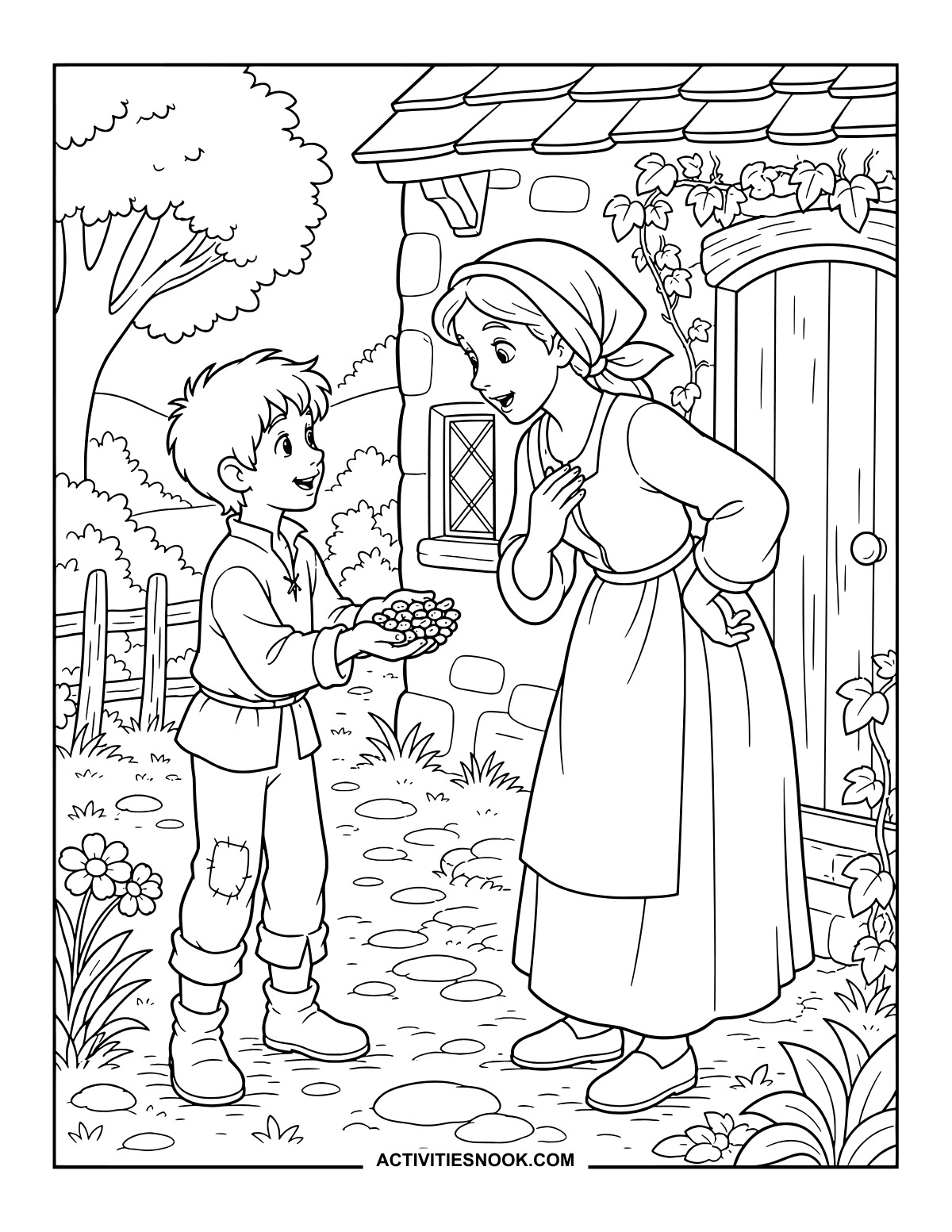
Use a finished page as a storytelling prompt. Imagine what Jack might say at the castle door or what his mother might say when she sees the beans.
For more printable collections, explore 20 Free Three Little Pigs Coloring Pages, 20 Free Goldilocks and the Three Bears Coloring Pages, and 20 Free Hansel and Gretel Coloring Pages.
How to Print or Download These Coloring Pages
⭐️ You don’t need to sign up or subscribe — just click the images to get your free coloring page PDFs!
- Choose your page. Click the image for the coloring page you’d like to use.
- Open the file. A PDF will open in Google Drive. Some school or office networks block this type of file sharing, so if you have trouble, try again at home or on a different internet connection.
- Print right away. Load your favorite paper into the printer, then click the print icon in the PDF window.
- If the edges look cut off, go to your print menu → “More Settings” → “Fit To Printable Area.” This resizes the page so the entire cozy design fits neatly inside the margins.
- Download for later. If you’d rather save the page, click the download icon (a downward arrow) in the Google Drive toolbar. The file will save to your device so you can open and print whenever you’re ready.
- No need to request access. You don’t have to ask to share the file. Just use the print or download icons directly in the Google Drive window.
- Start coloring! Once printed, enjoy your coloring pages with crayons, markers, colored pencils, or even watercolor paint. Use the space around the images to add your own text or embellishments for crafts and collages.