20 Free Gingerbread House Coloring Pages
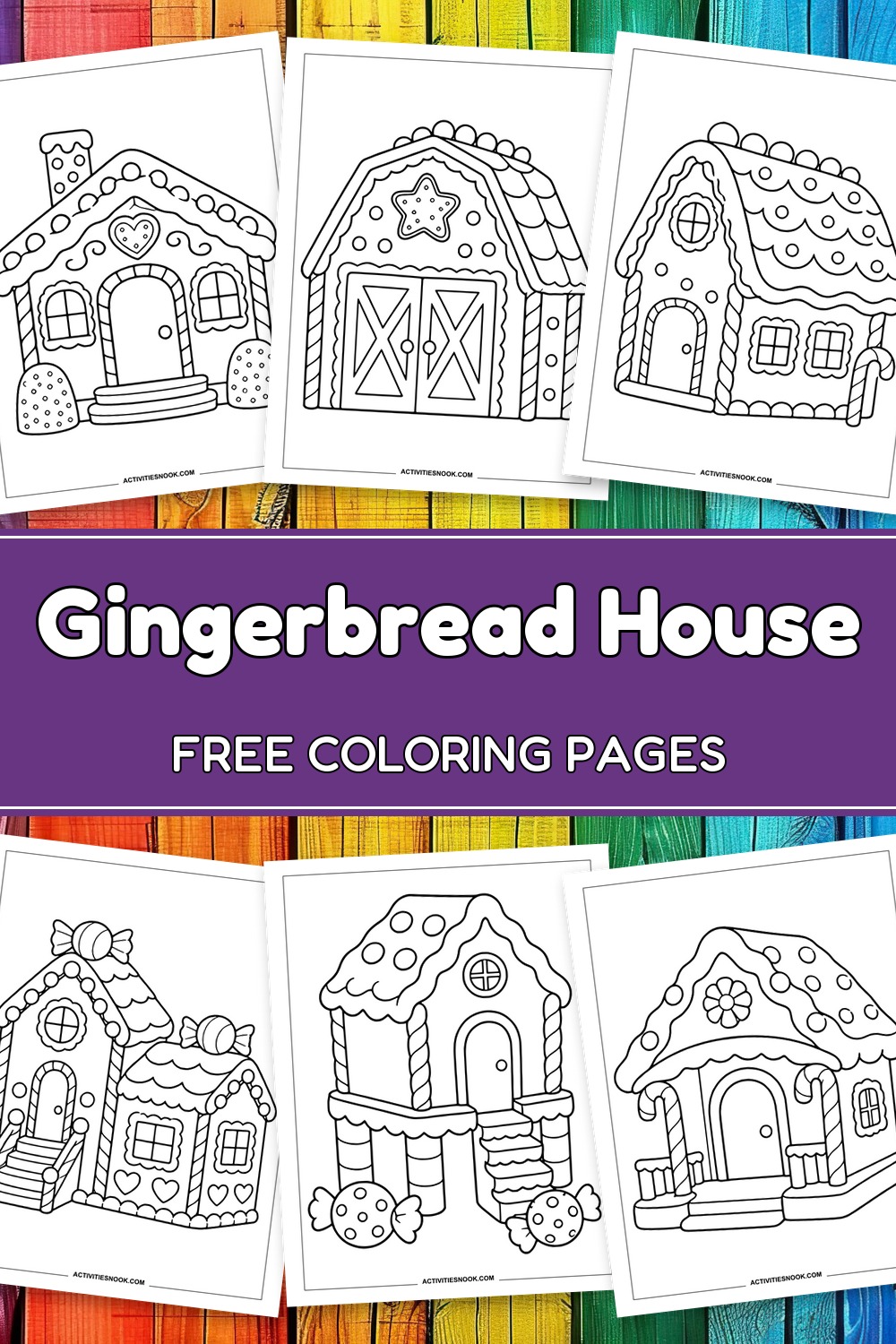
These free gingerbread house coloring pages invite children and families to fill a candy neighborhood with color. Choose from 20 designs, including a gingerbread barn, a candy-cane porch, a tall townhouse and a peek inside a cookie-furnished room. Sixteen simpler houses offer clear outlines and generous coloring spaces; four more detailed scenes add gardens, a courtyard or a village lane. Each design comes as an individual printable PDF for family coloring time or classroom holiday activities. Try classic gingerbread browns with white icing, or give every roof its own rainbow of candy colors.
Click a coloring page image or its title to open its individual PDF. Full printing instructions are at the end.
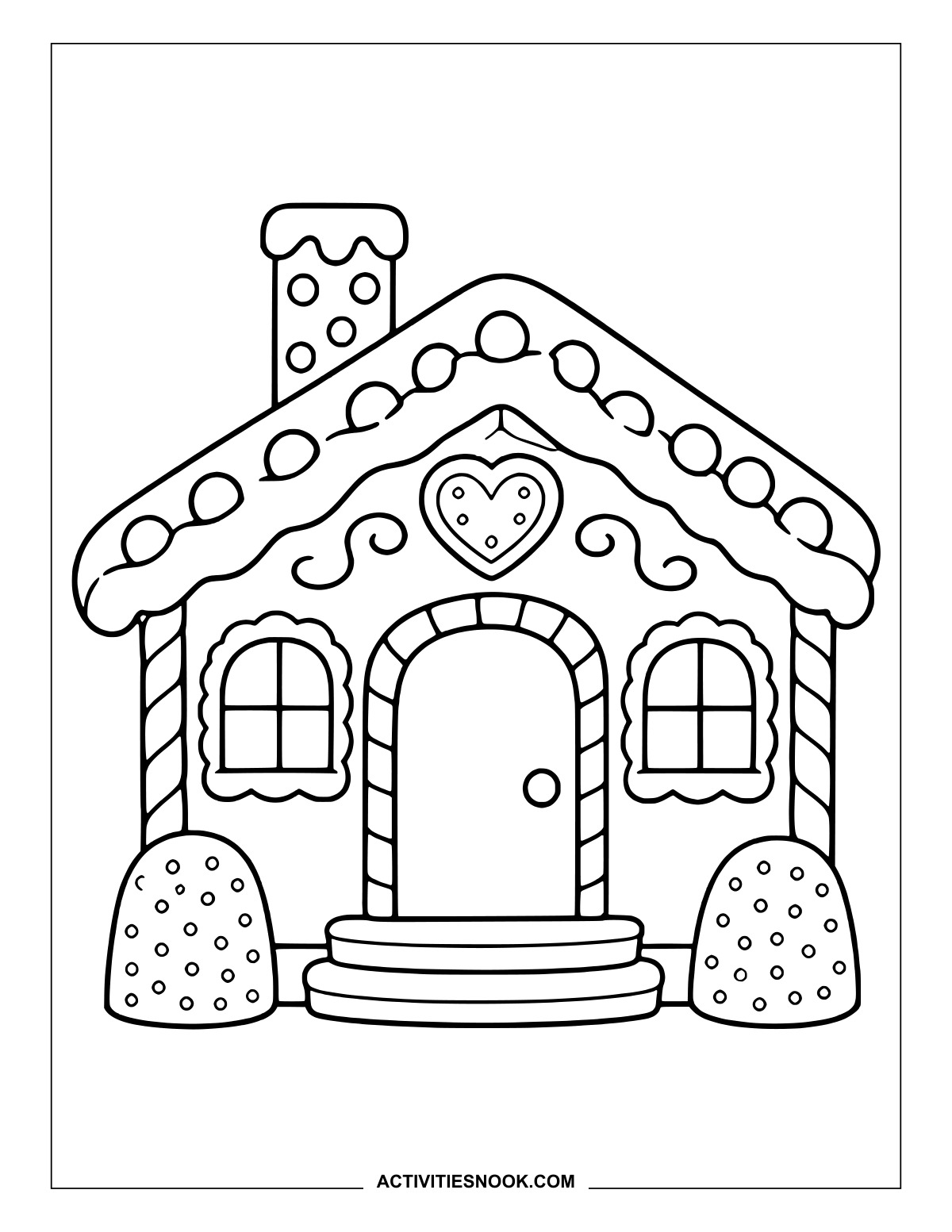
Gingerbread Bungalow Coloring Page
A heart-shaped cookie sits beneath the icing roof, with a gumdrop on each side of the steps.
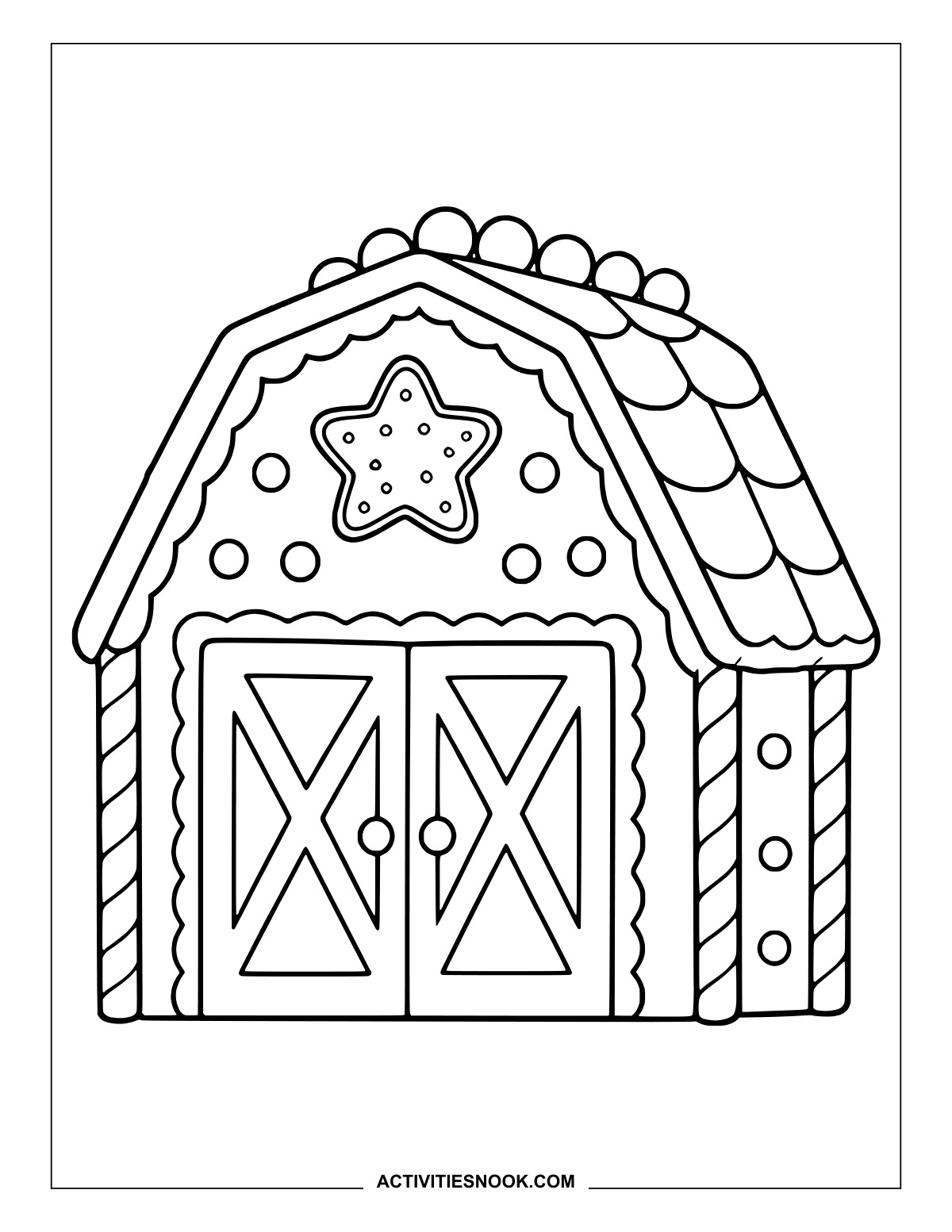
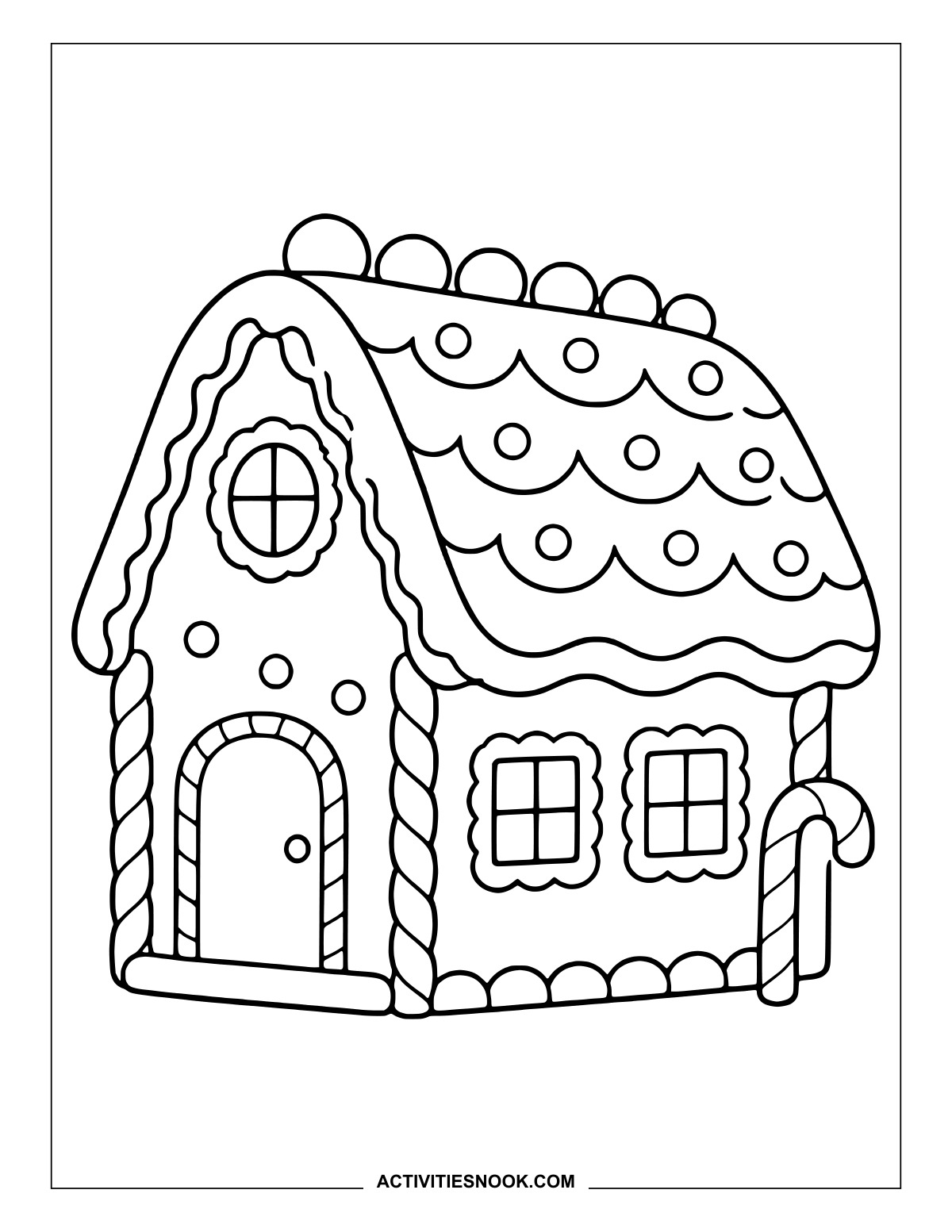
Follow the scalloped icing across the long roof, then pick a striped pattern for the candy cane.
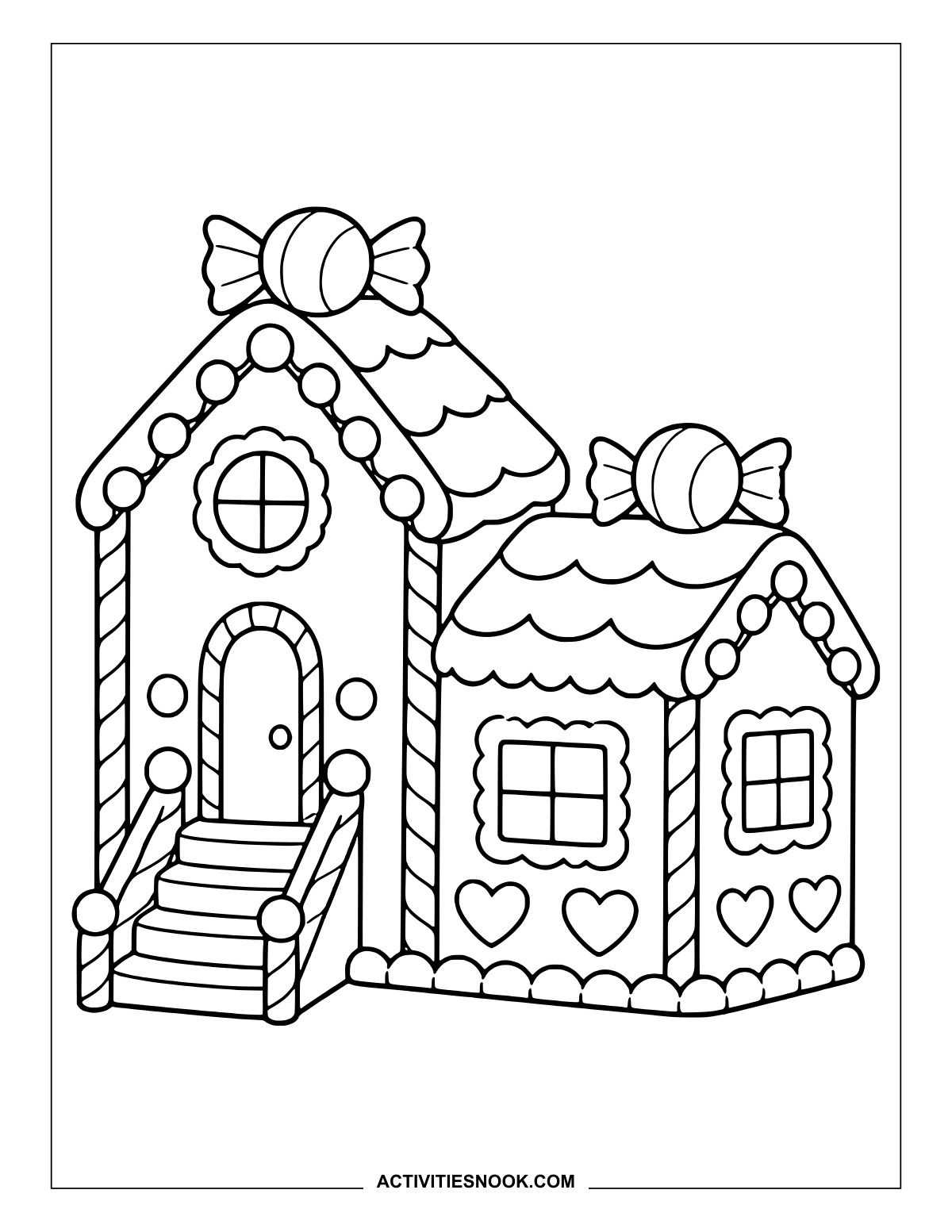
Split-Level Candy House to Color
Wrapped candies crown both roofs, while heart decorations line the lower walls.
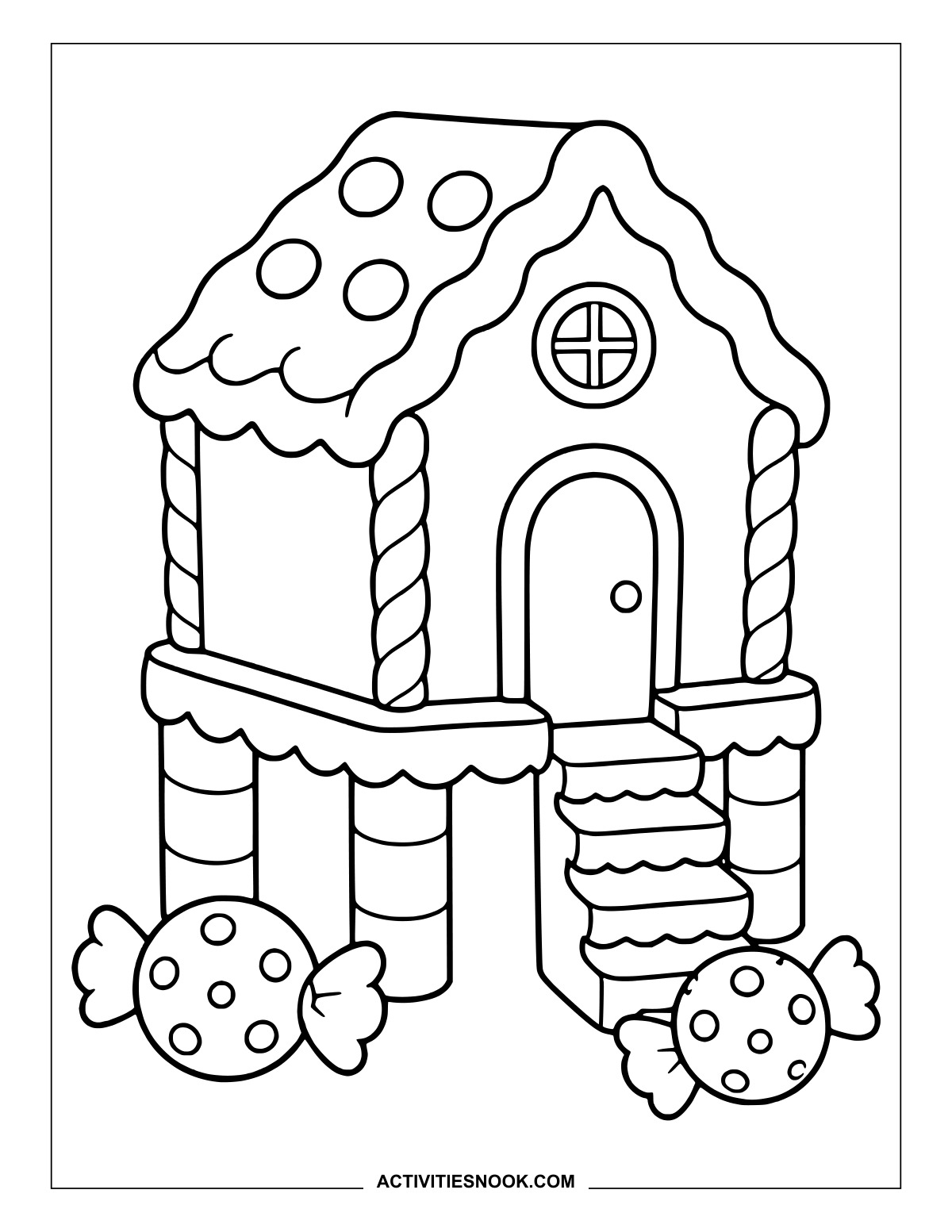
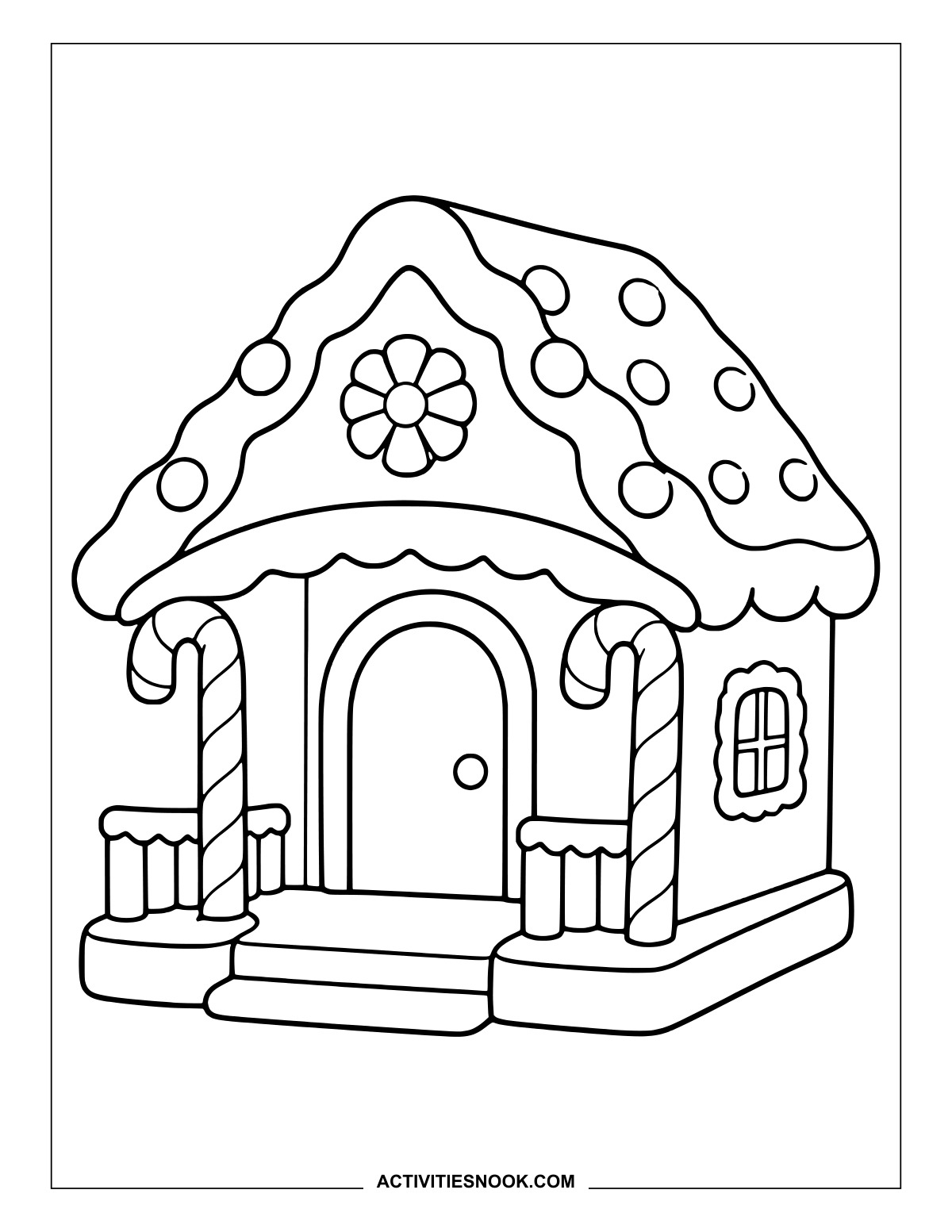
Candy-Cane Porch House Printable
A flower decorates the gable above a porch framed by two candy canes.
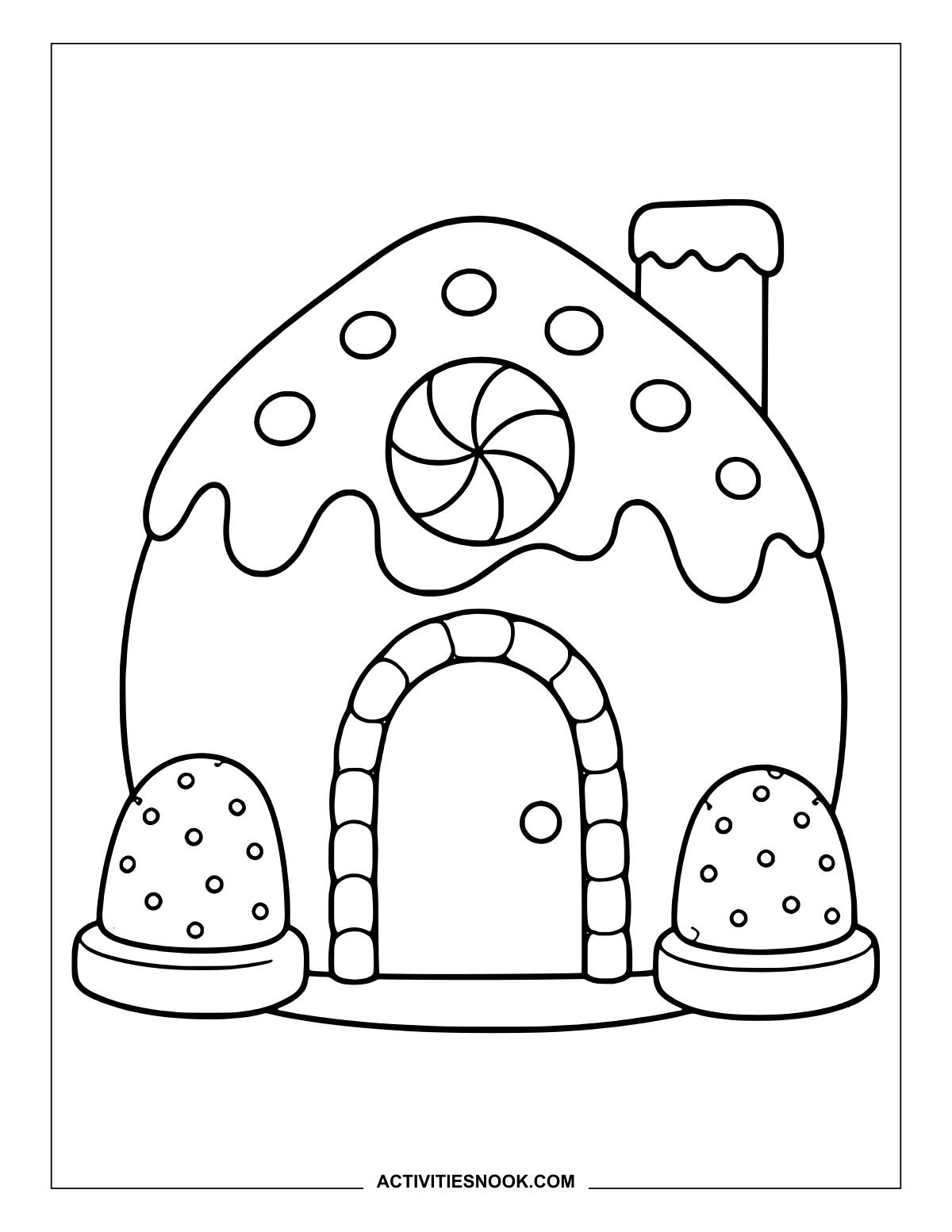
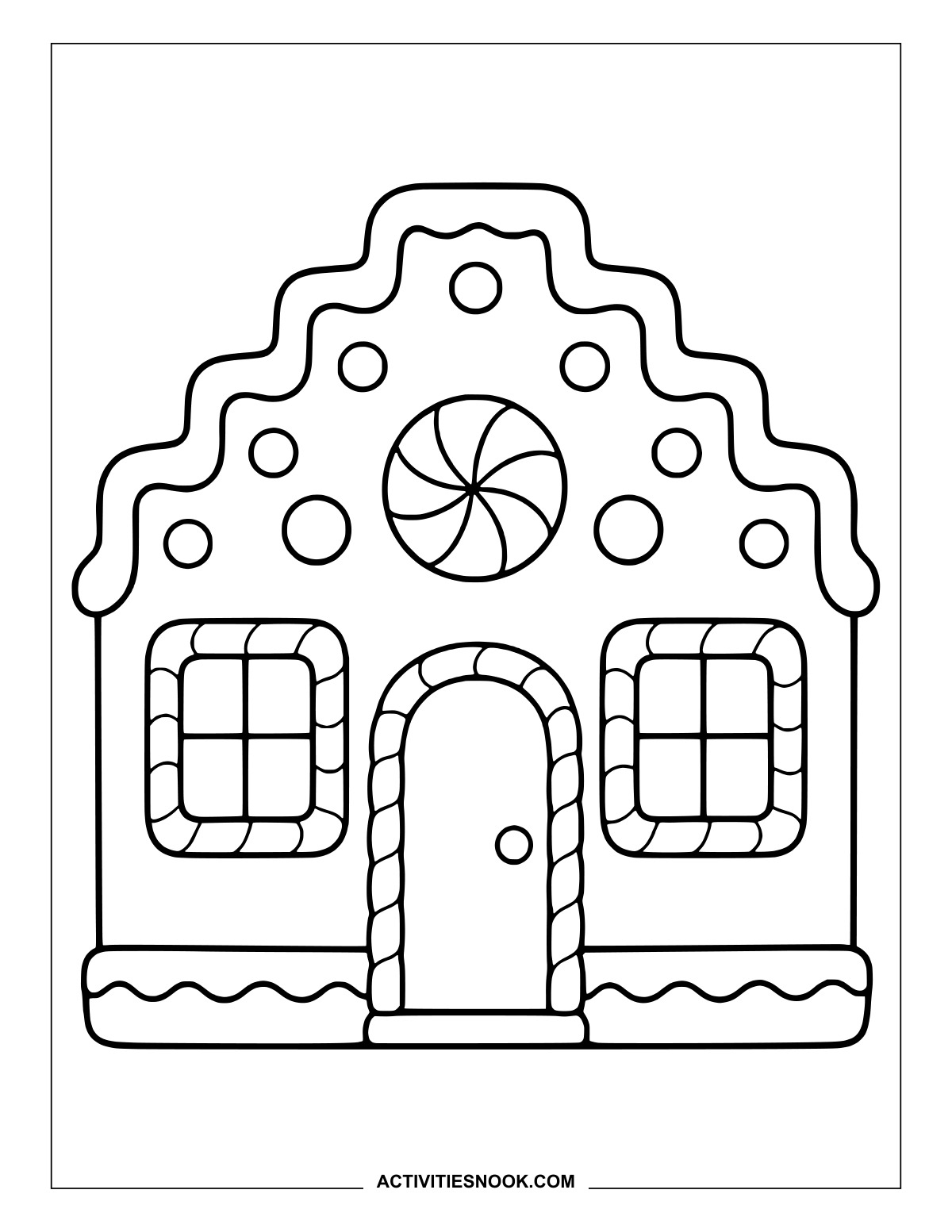
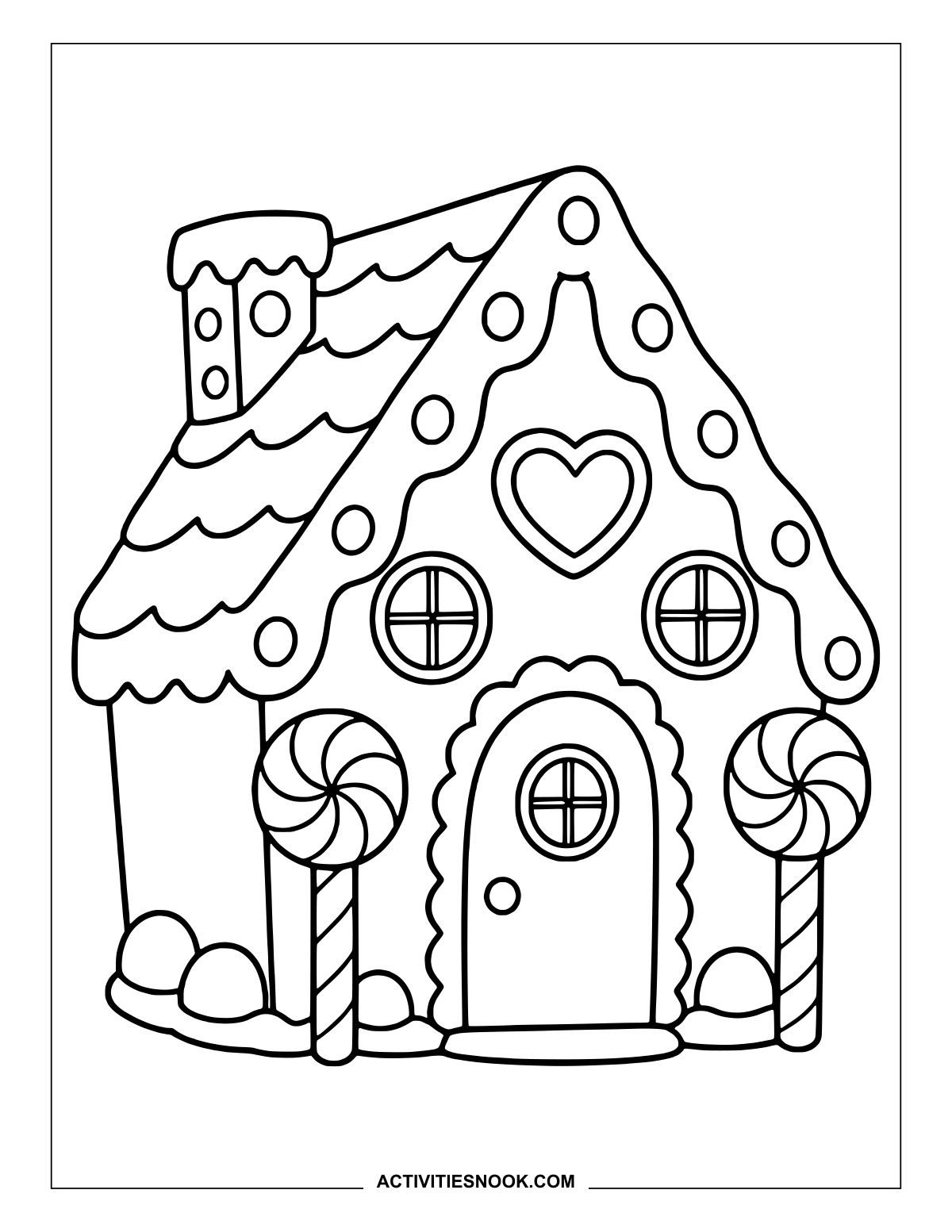
Gingerbread Cottage with Peppermint Posts
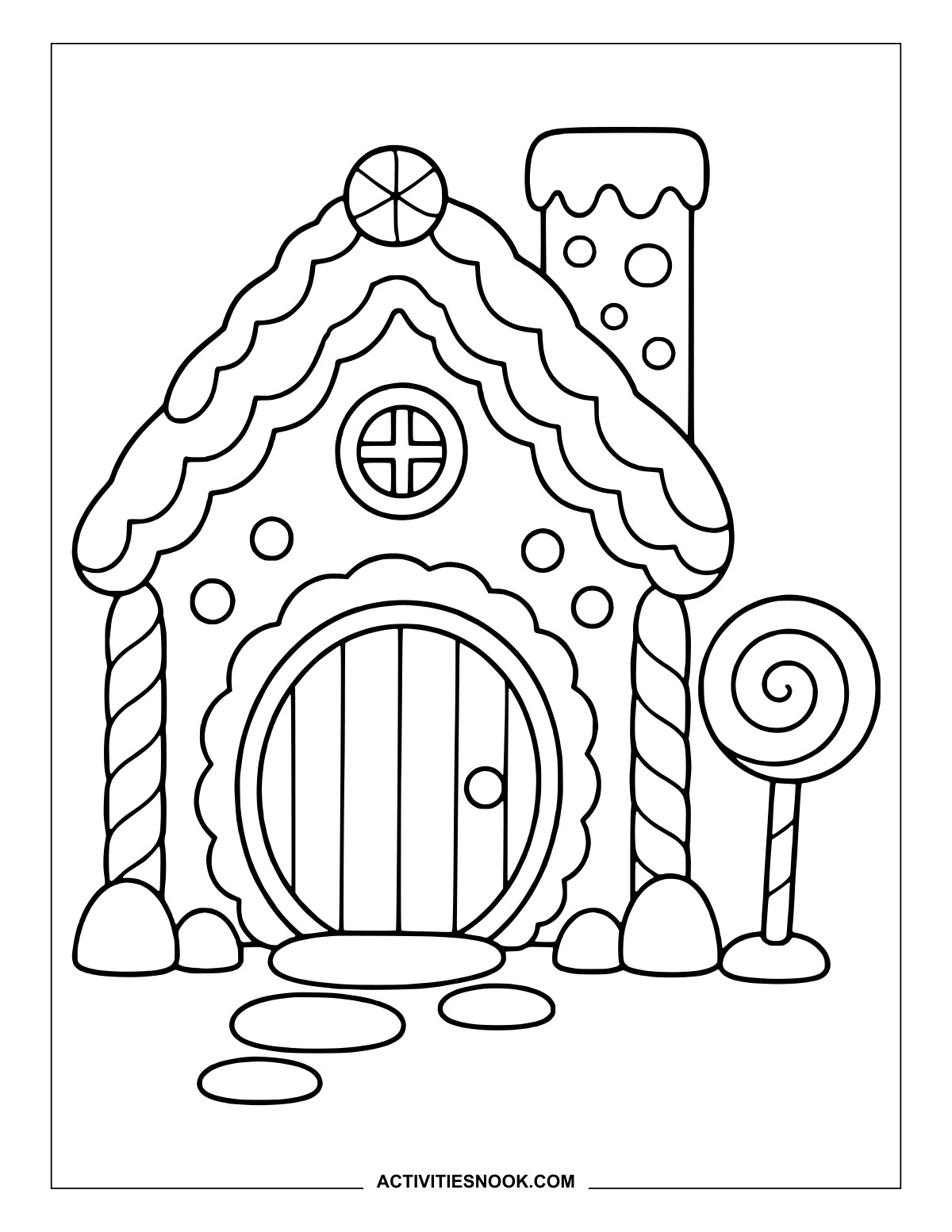
Try matching colors for the two peppermint posts and the heart tucked beneath the roof.
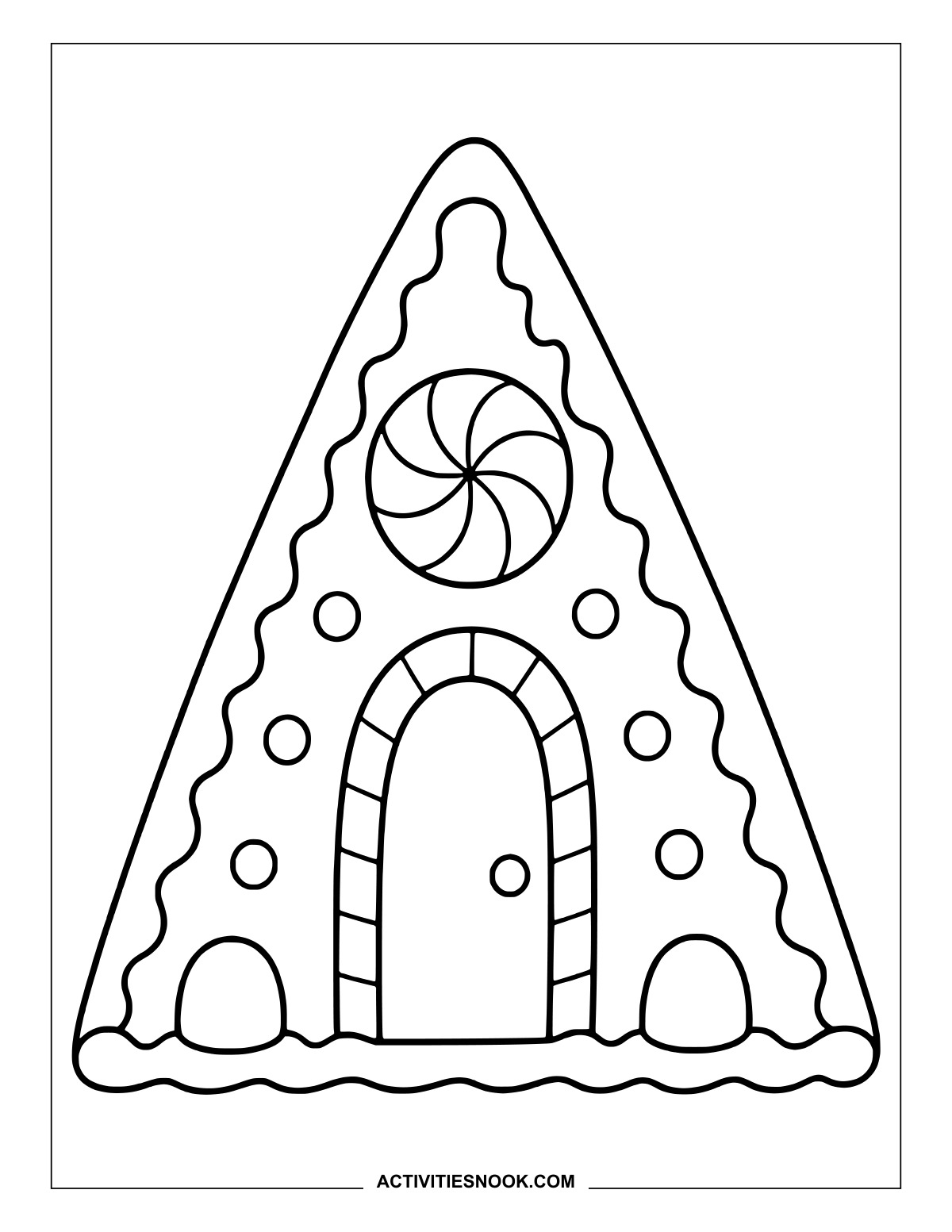
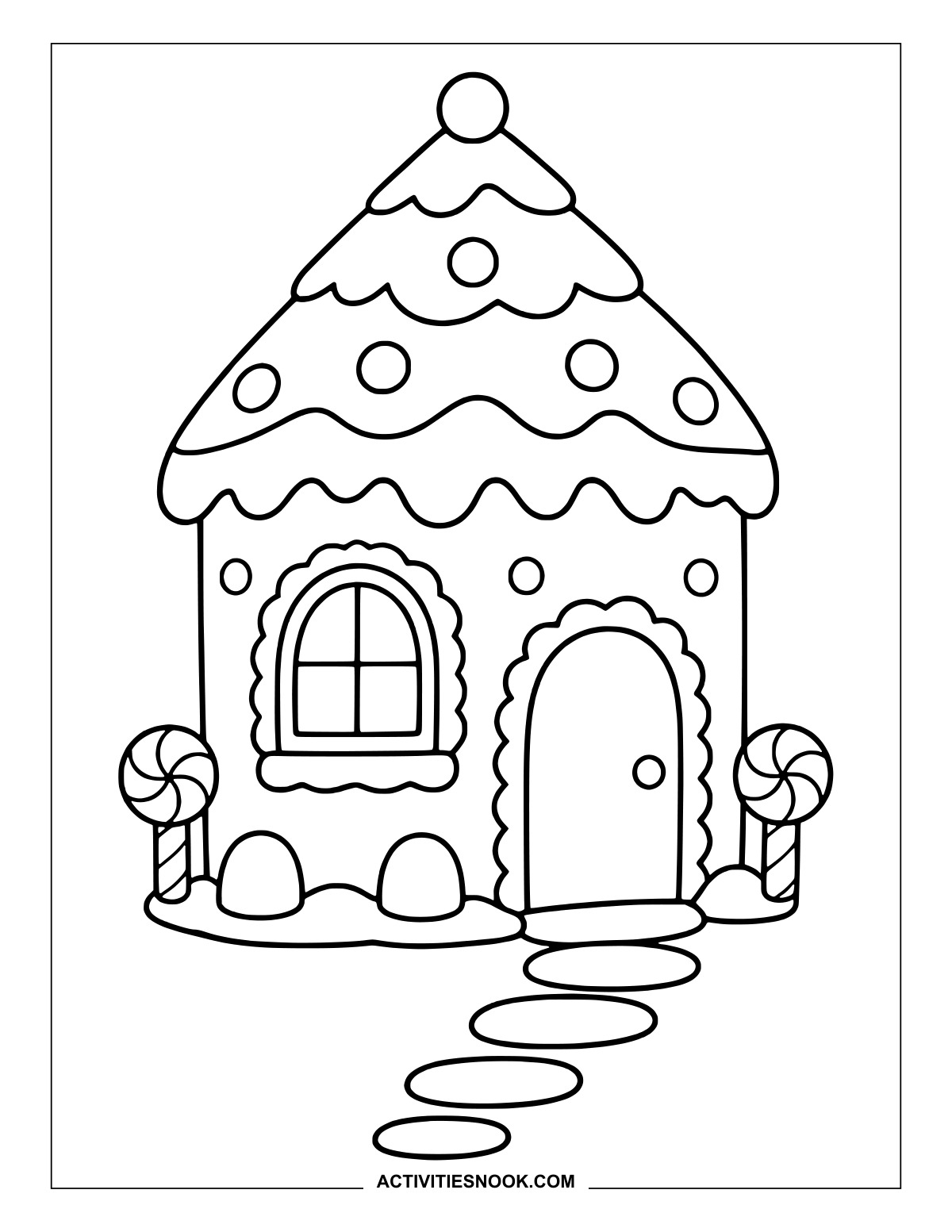
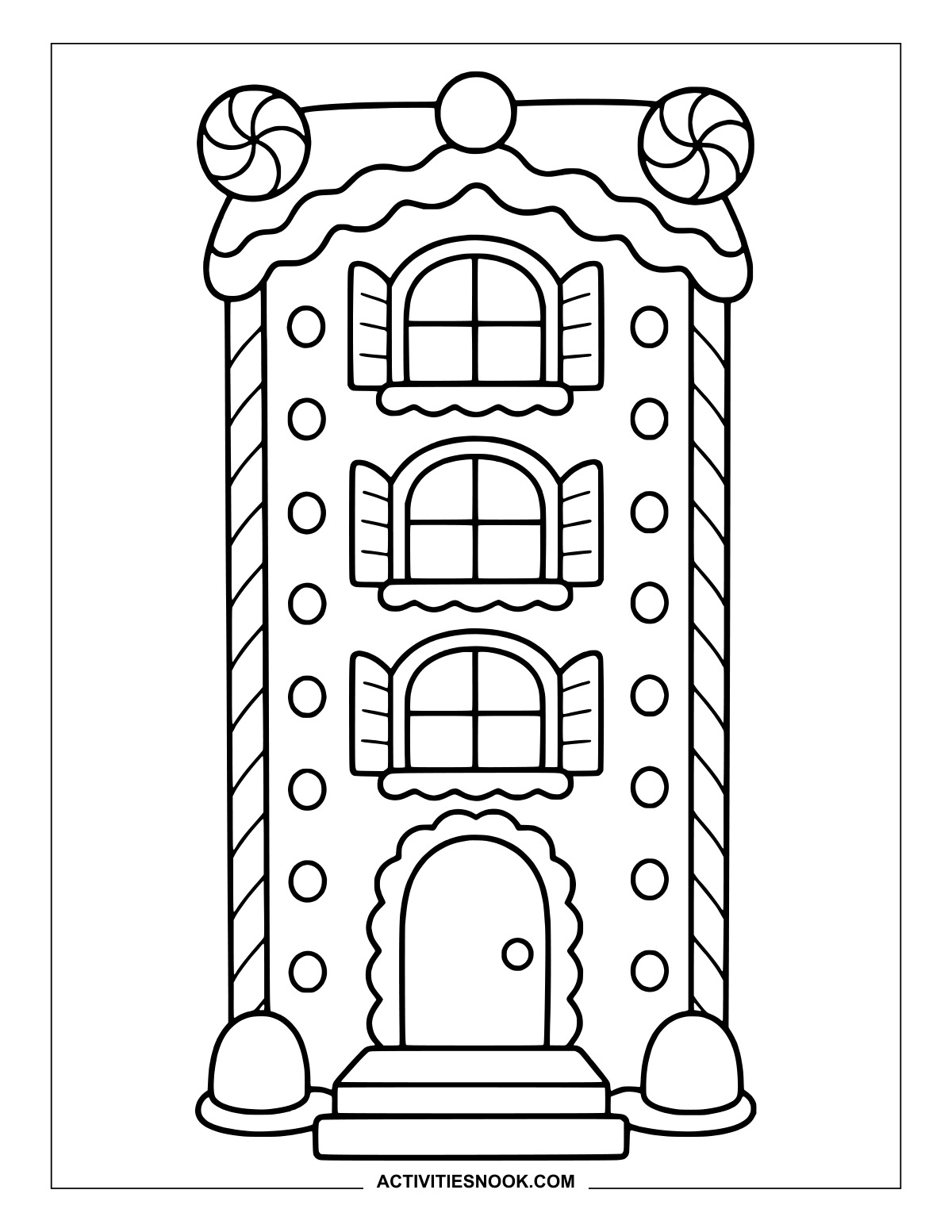
Tall Gingerbread Townhouse to Color
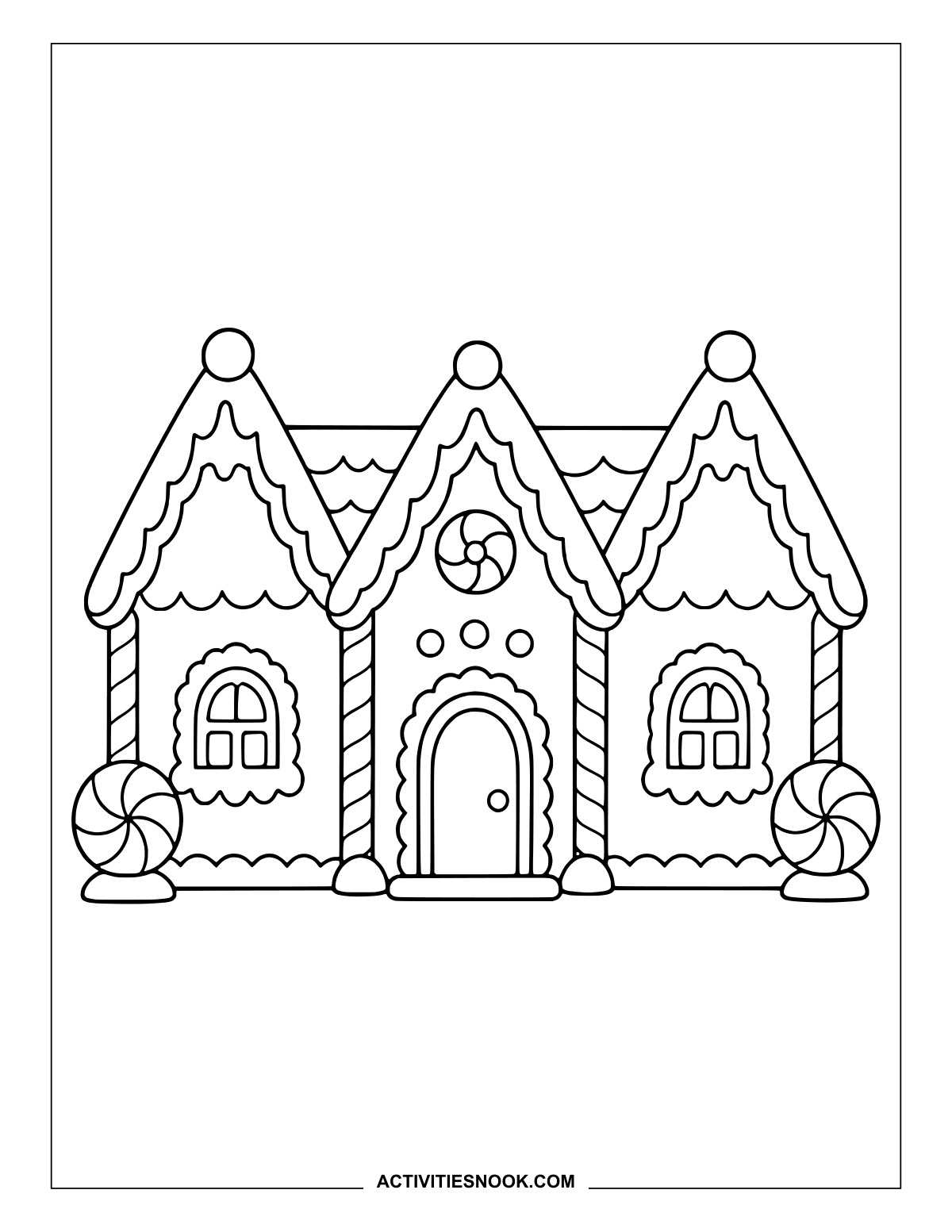
Three shuttered windows stack above the door, with peppermint swirls at the roof corners.
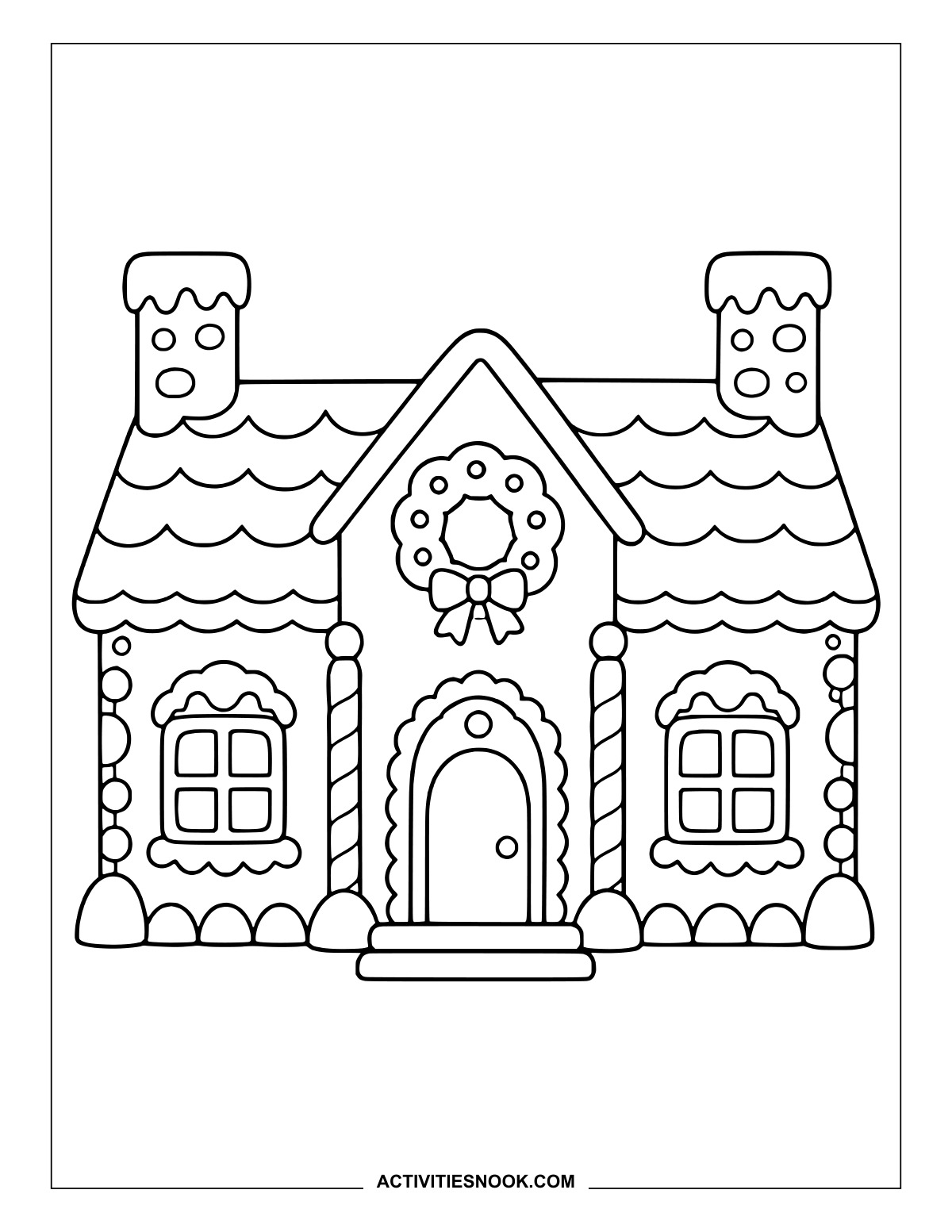
Twin-Chimney Gingerbread House Printable
Give the wreath and its bow a festive splash of color above the front door.
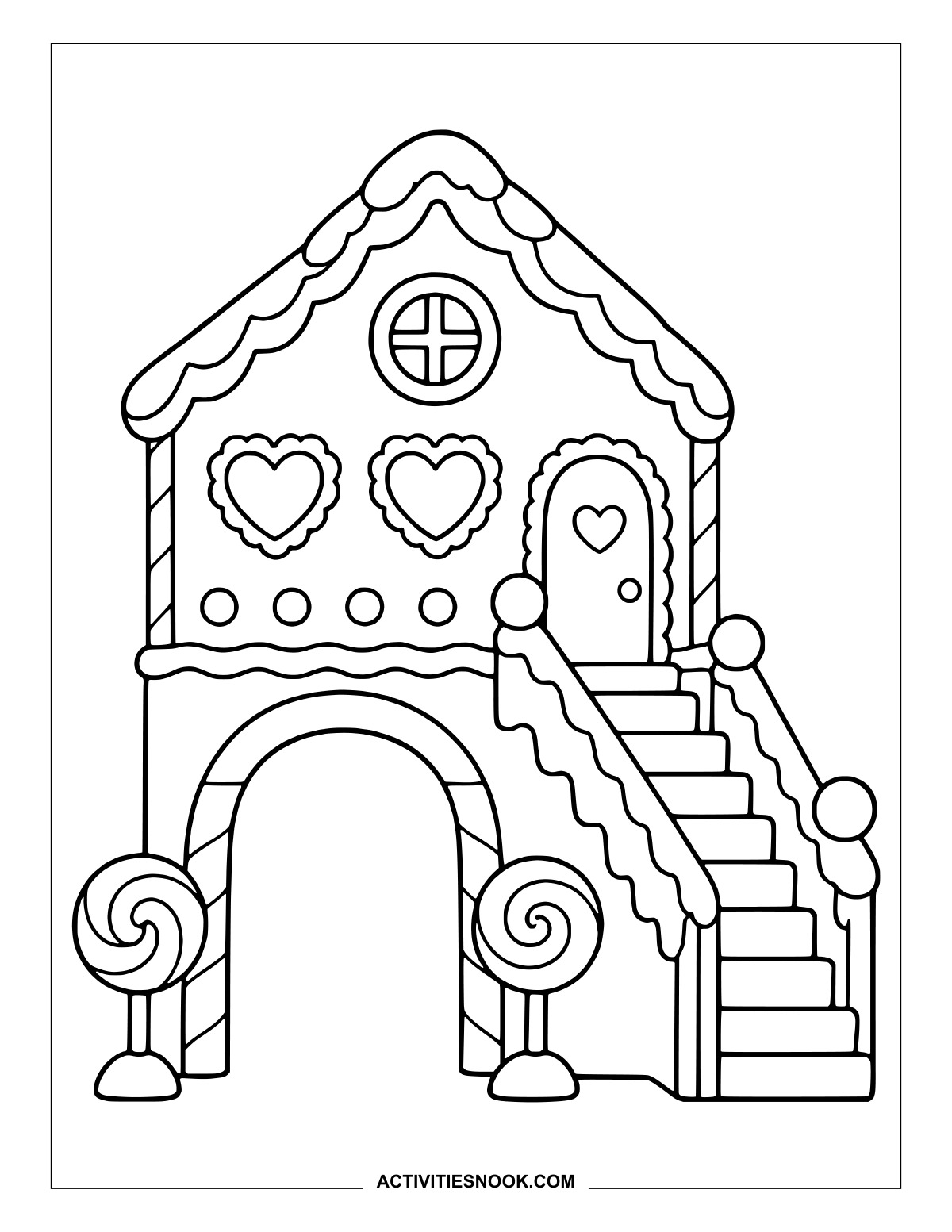
Gingerbread Gatehouse with Side Stairs
The staircase climbs past two heart-shaped windows to a little heart-decorated door.
Gingerbread Courtyard with a Gumdrop Fountain
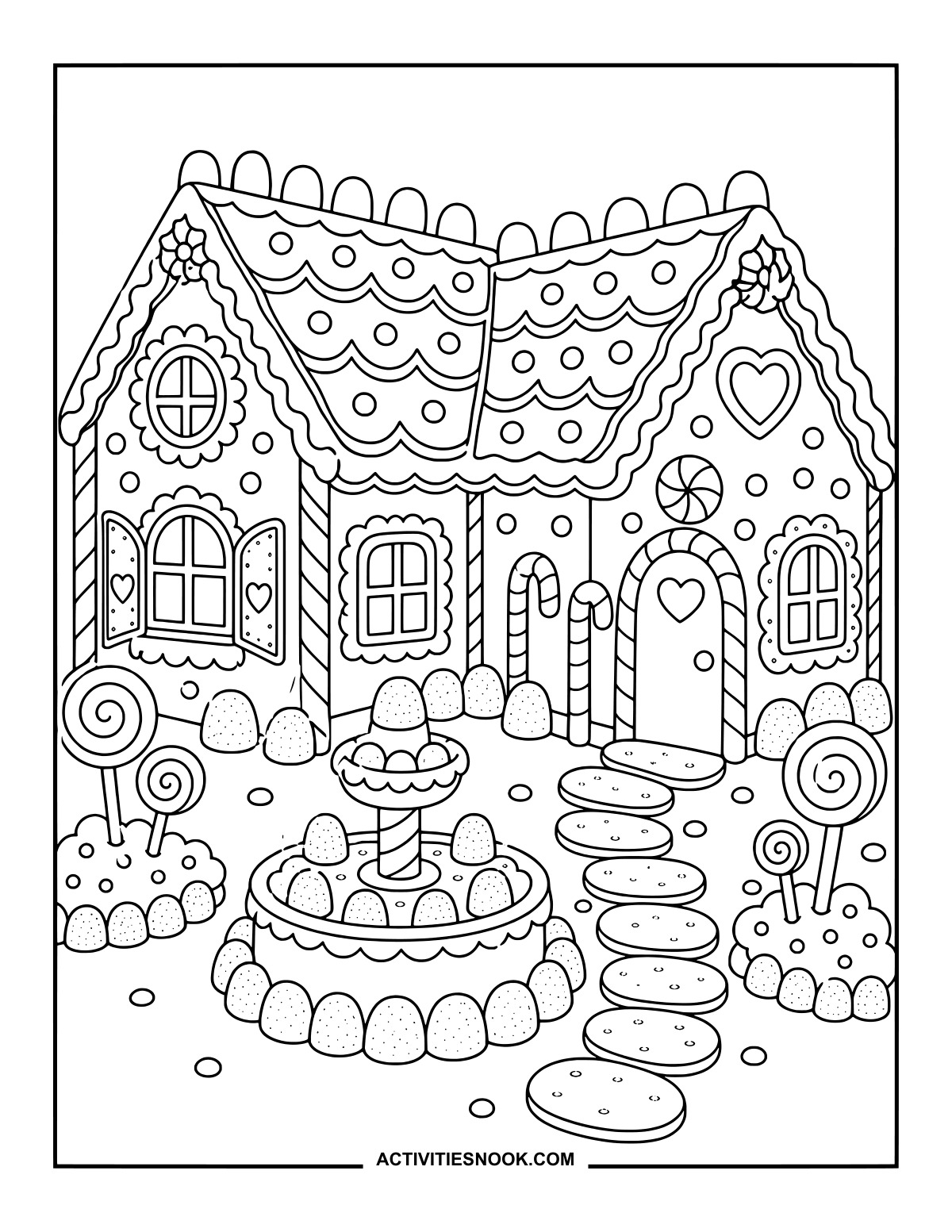
A cookie stepping-stone path curves past the fountain toward a heart-decorated door.
Candy Garden Cottage: Printable Coloring Scene
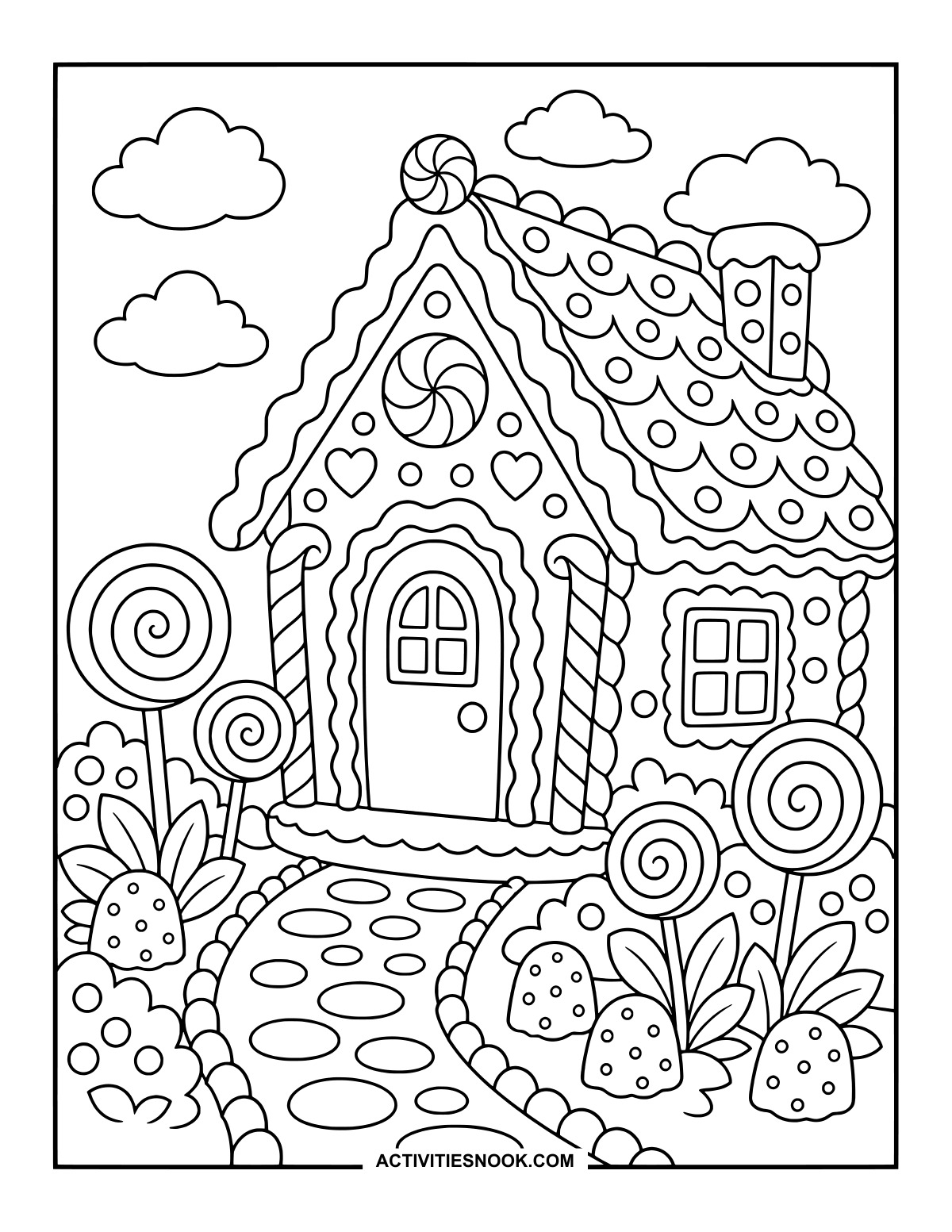
Let the lollipop flowers bloom in bright colors along the winding garden path.
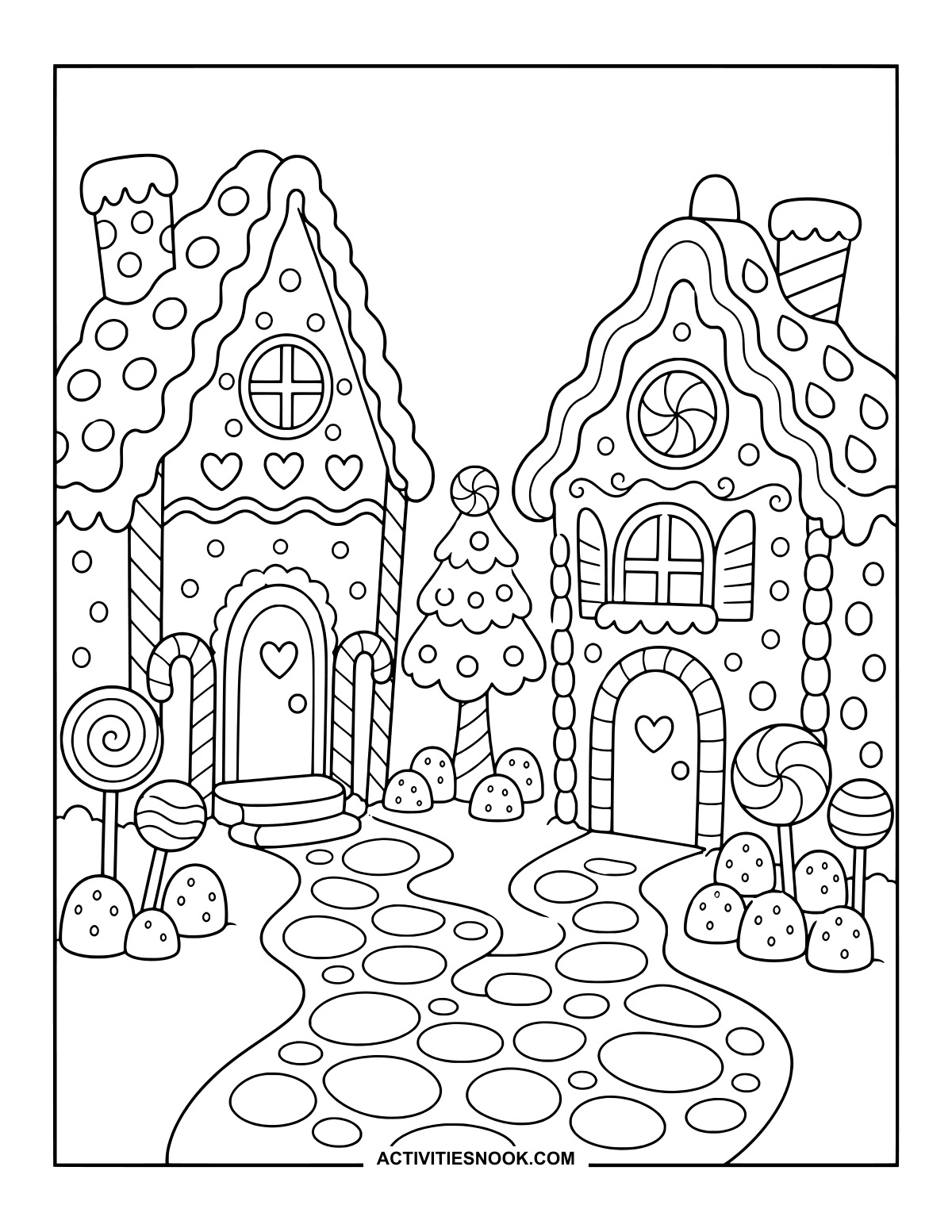
Give the neighboring houses different icing colors, then carry both palettes into their shared candy tree.
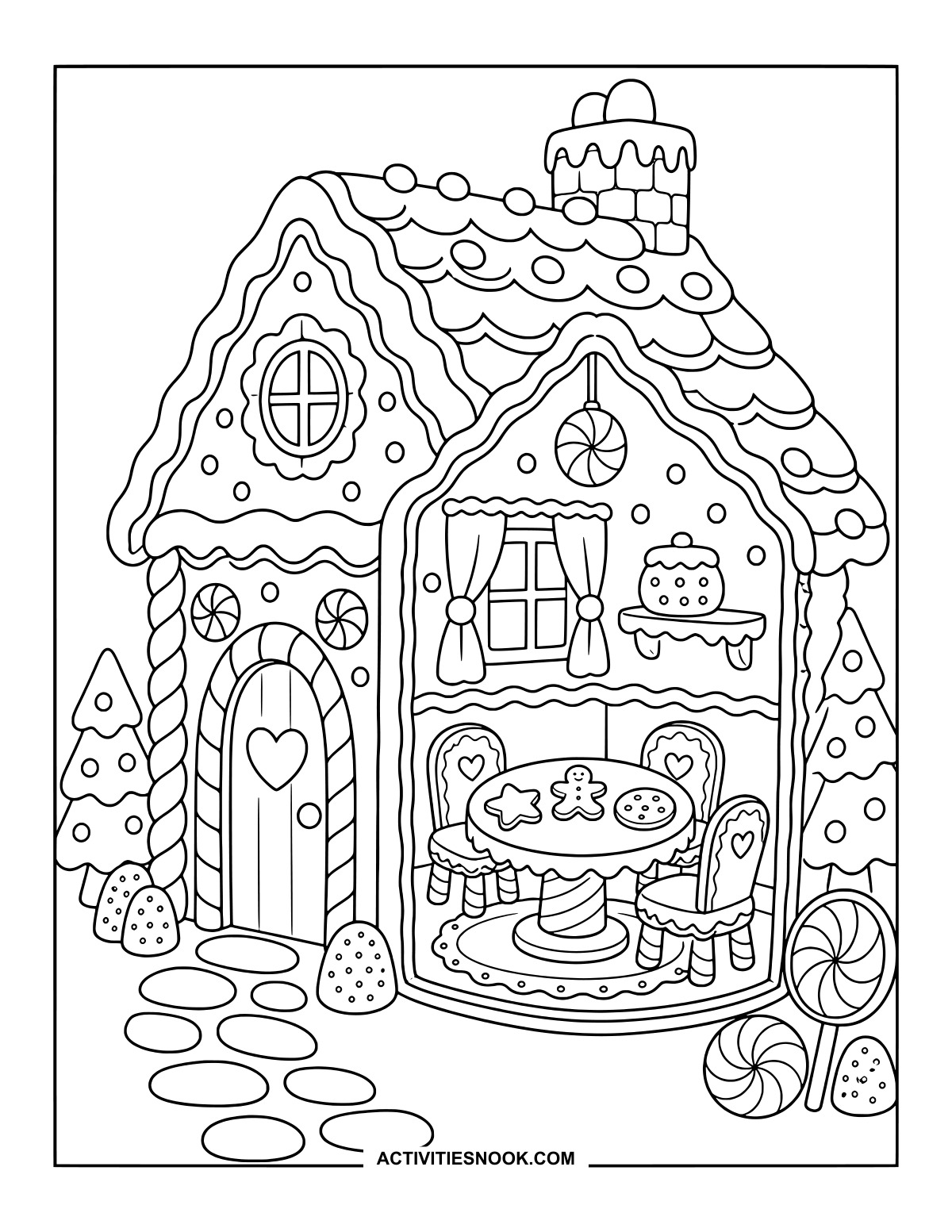
Inside a Gingerbread House: Cookie Table and Chairs
Peek into a room where cookies wait on the table beneath a curtained window.
Ways to Use These Gingerbread House Coloring Pages
Create a gingerbread neighborhood: let each family member or classmate color a different house, then display them together with a paper road connecting the doors.
Play with candy colors: choose a small palette for the peppermint swirls, gumdrops and icing, or invent a different candy combination for every house.
Plan a pretend gingerbread creation: color a favorite design and use it as inspiration for choosing roof decorations, door shapes and candy trim.
Make holiday cards: cut out a finished house and mount it on folded cardstock, leaving room inside for a seasonal message.
For more printable collections, explore 20 Free Hansel and Gretel Coloring Pages, Cute Village Shops: Aesthetic Coloring Pages, and Christmas Animals Coloring Pages.
How to Print or Download These Coloring Pages
⭐️ You don’t need to sign up or subscribe — just click the images to get your free coloring page PDFs!
- Choose your page. Click the image for the coloring page you’d like to use.
- Open the file. A PDF will open in Google Drive. Some school or office networks block this type of file sharing, so if you have trouble, try again at home or on a different internet connection.
- Print right away. Load your favorite paper into the printer, then click the print icon in the PDF window.
- If the edges look cut off, go to your print menu → “More Settings” → “Fit To Printable Area.” This resizes the page so the entire cozy design fits neatly inside the margins.
- Download for later. If you’d rather save the page, click the download icon (a downward arrow) in the Google Drive toolbar. The file will save to your device so you can open and print whenever you’re ready.
- No need to request access. You don’t have to ask to share the file. Just use the print or download icons directly in the Google Drive window.
- Start coloring! Once printed, enjoy your coloring pages with crayons, markers, colored pencils, or even watercolor paint. Use the space around the images to add your own text or embellishments for crafts and collages.