20 Free Hansel and Gretel Coloring Pages
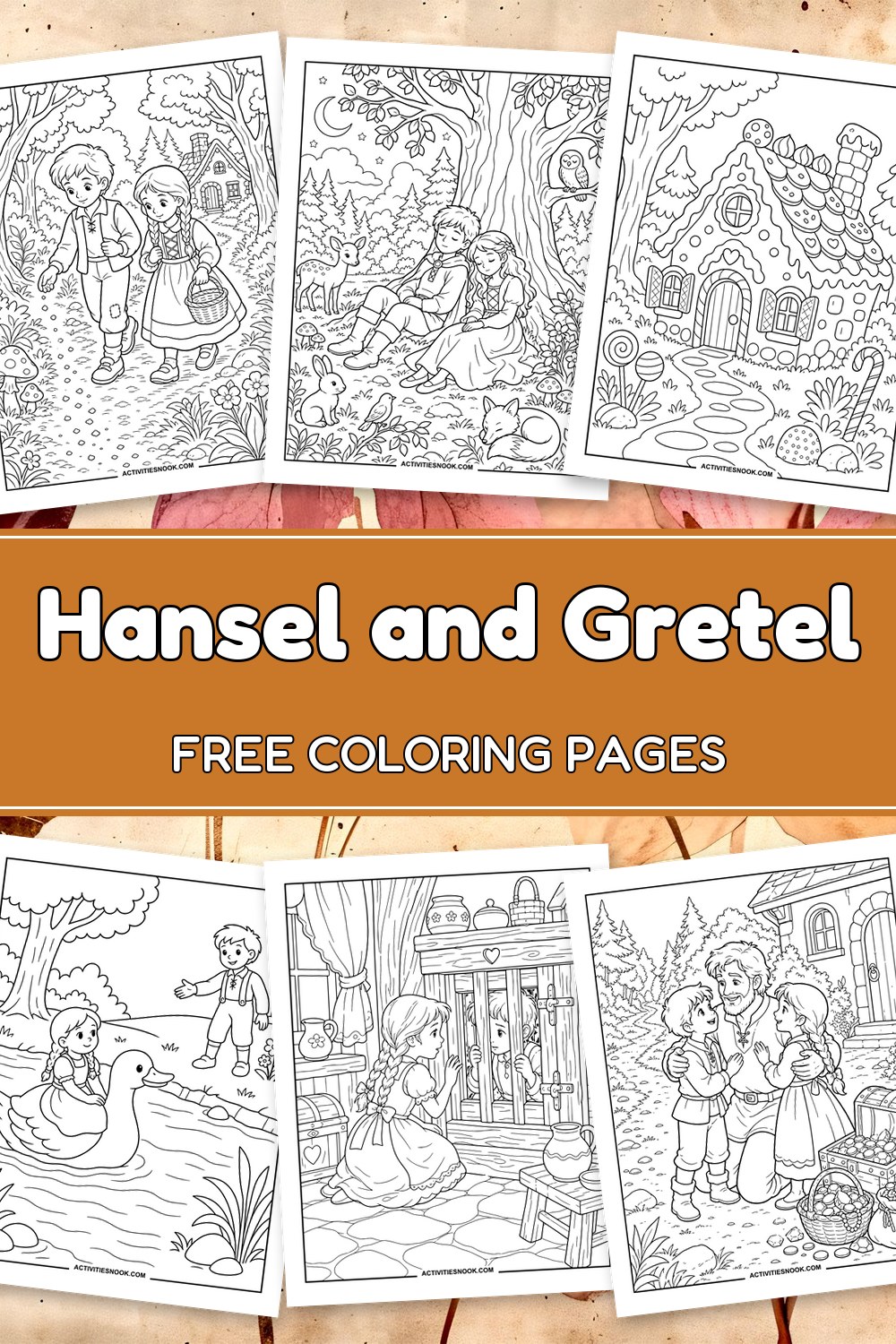
These 20 free printable Hansel and Gretel coloring pages follow the siblings through forest paths, past breadcrumb trails and into a candy-covered cottage. Choose a moonlit walk, a woodland rest, the witch’s kitchen or a happy reunion at home. The cartoon scenes range from open character portraits to detailed forests and treasure-filled interiors, giving children and families a mix to enjoy during storytime or a read-aloud. Each design is available as an individual PDF, so you can choose favorite moments to color and retell.
Click a coloring page image or its title to open its individual PDF. Full printing instructions are at the end.
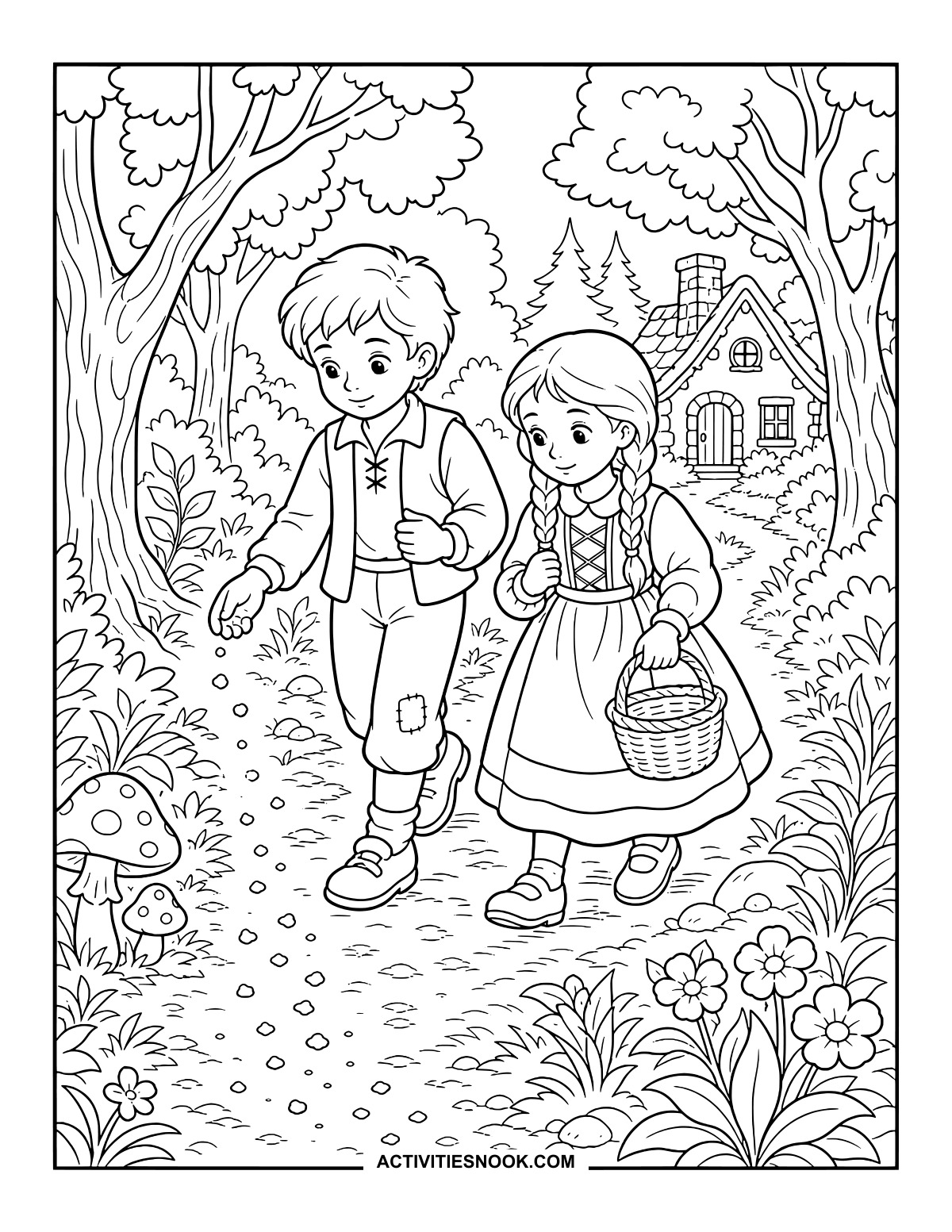
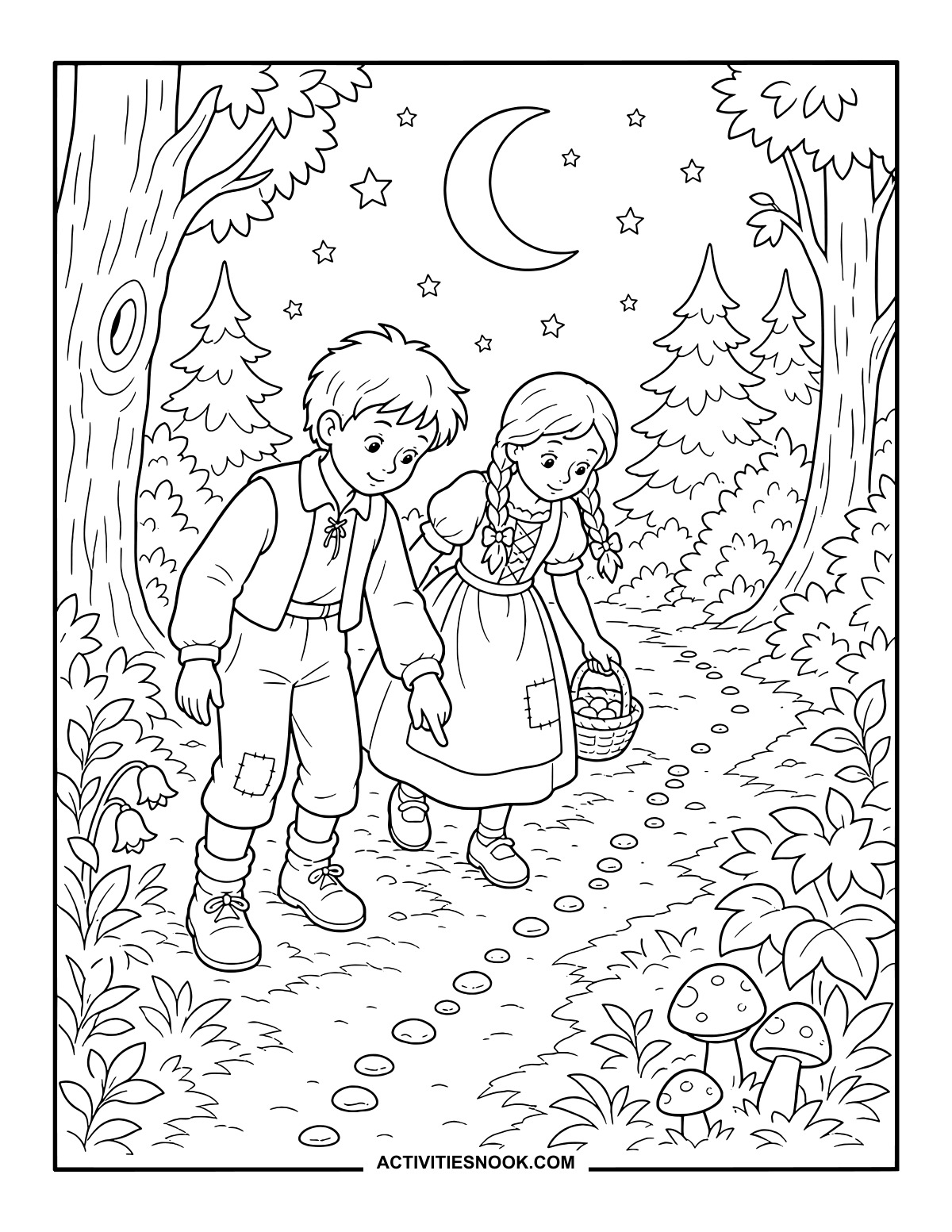
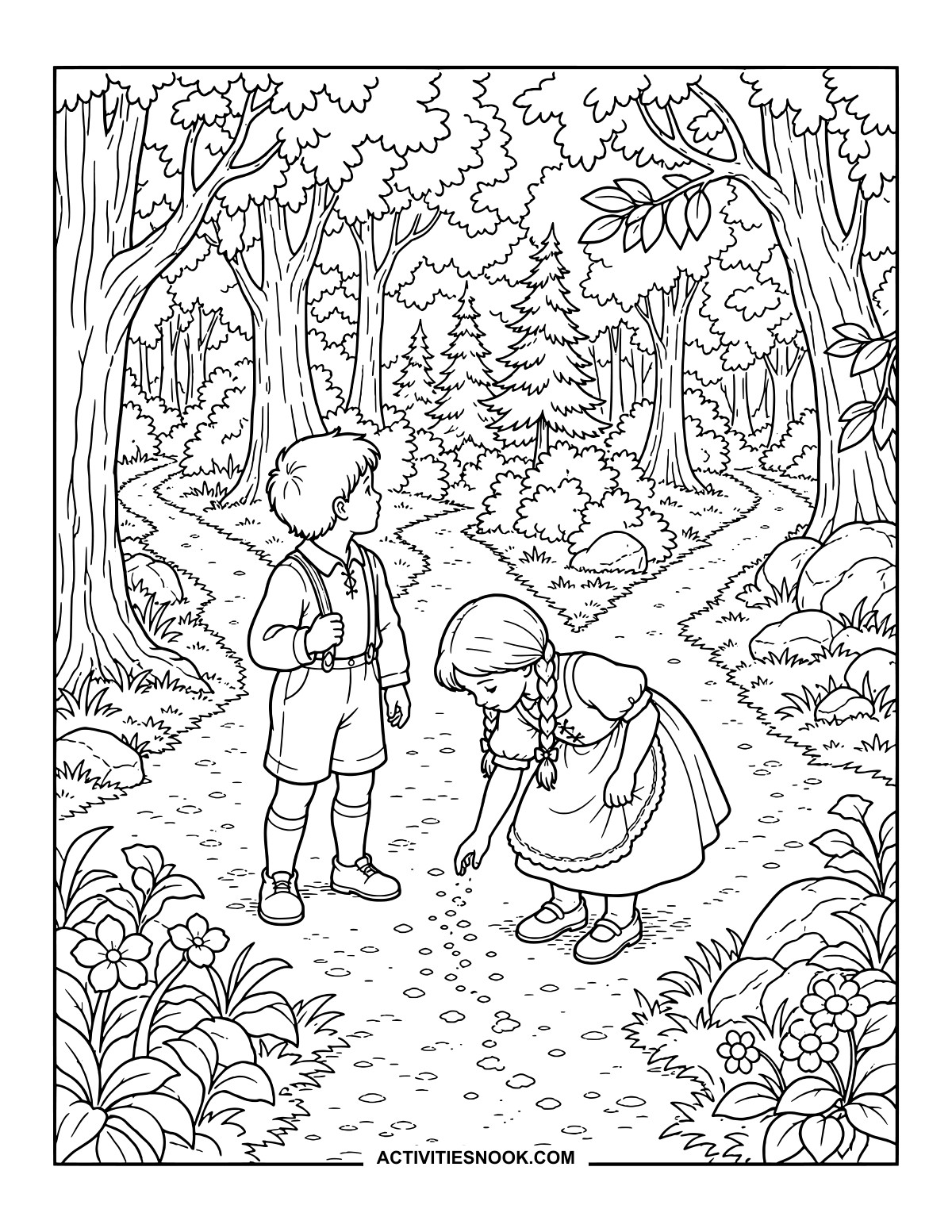
Hansel Drops Breadcrumbs on the Forest Path
Follow the little trail past mushrooms and flowers as Gretel walks beside him with her basket.
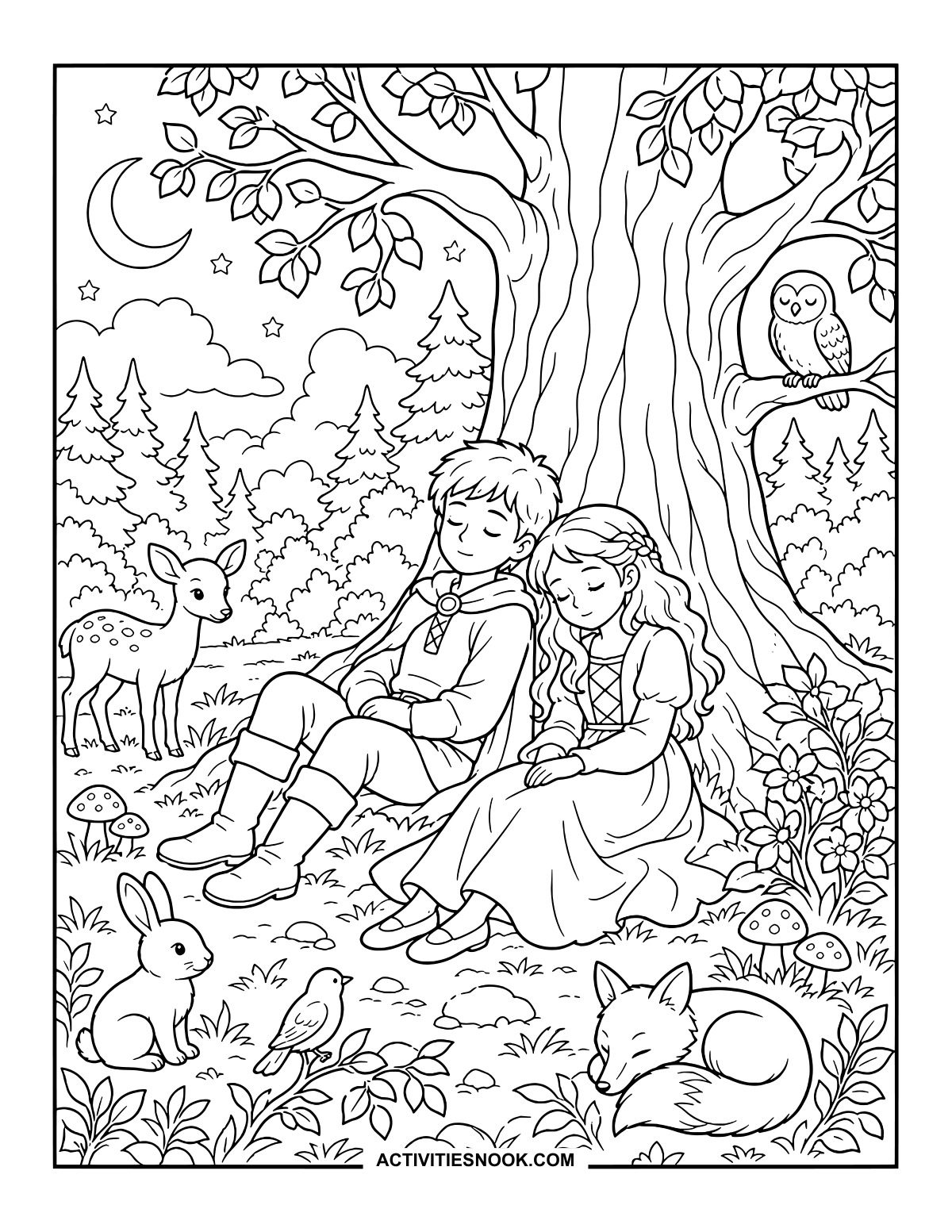
Hansel and Gretel Rest Beneath a Tree
A crescent moon hangs above the sleeping siblings, with woodland animals gathered nearby.
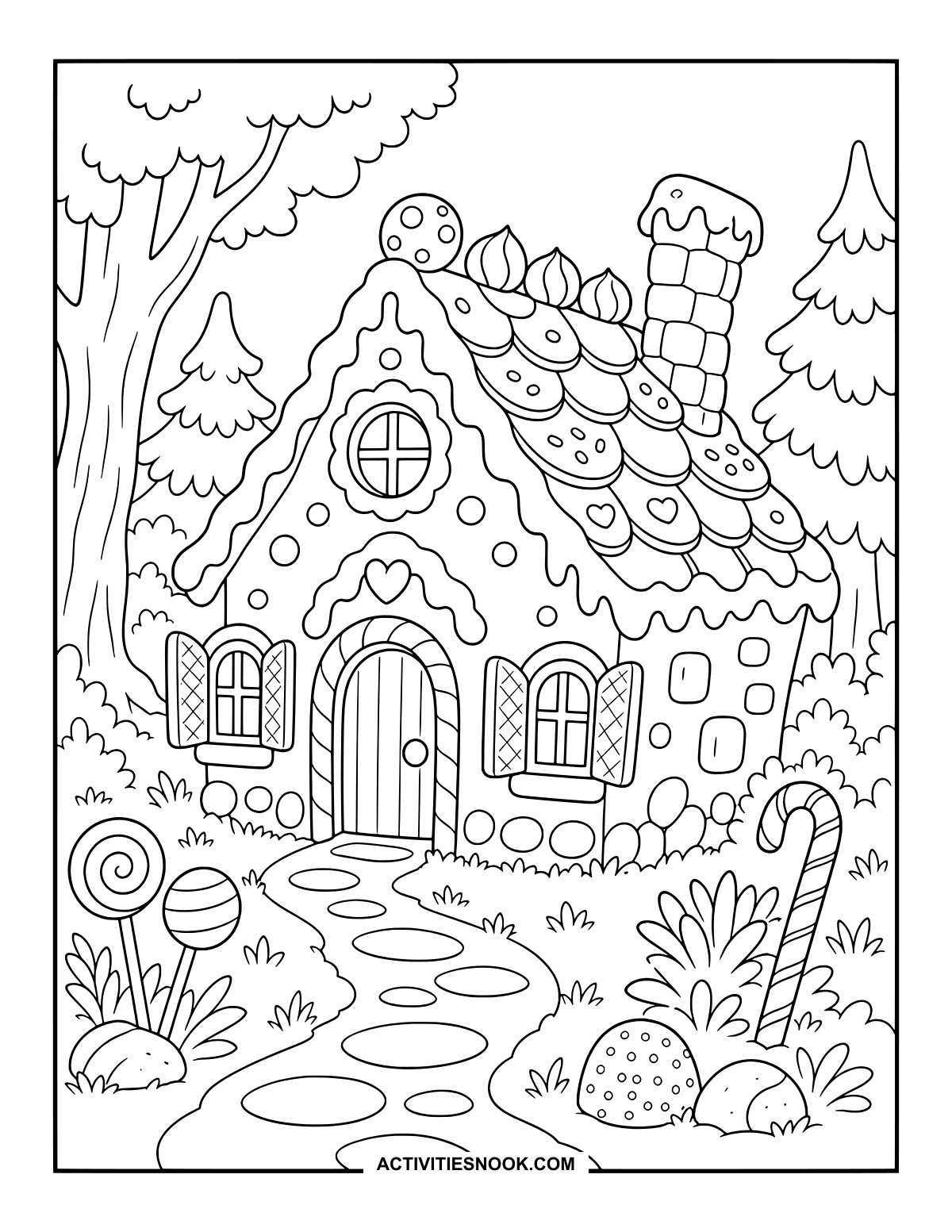
Choose a different sweet color for each roof tile, then follow the stepping-stone path to the door.
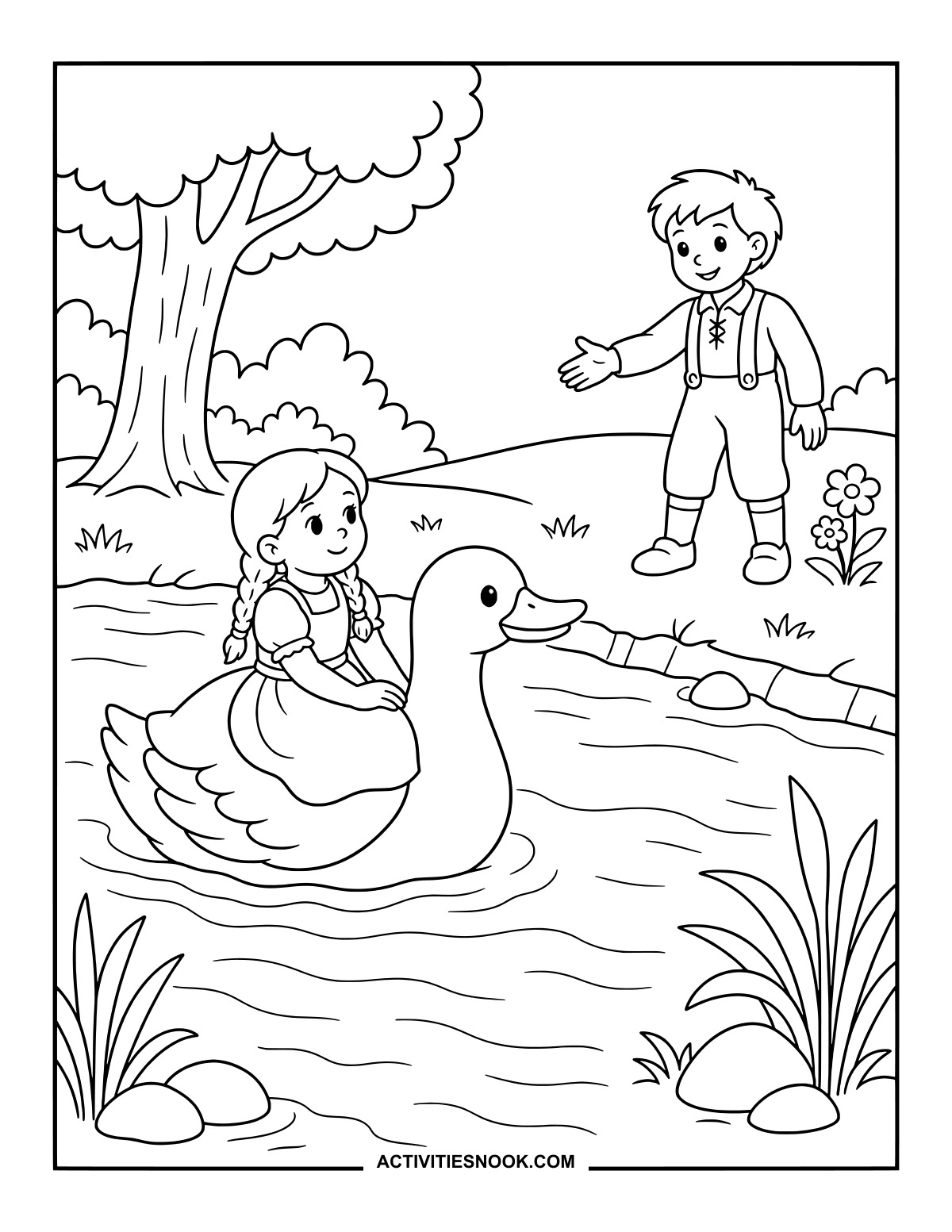
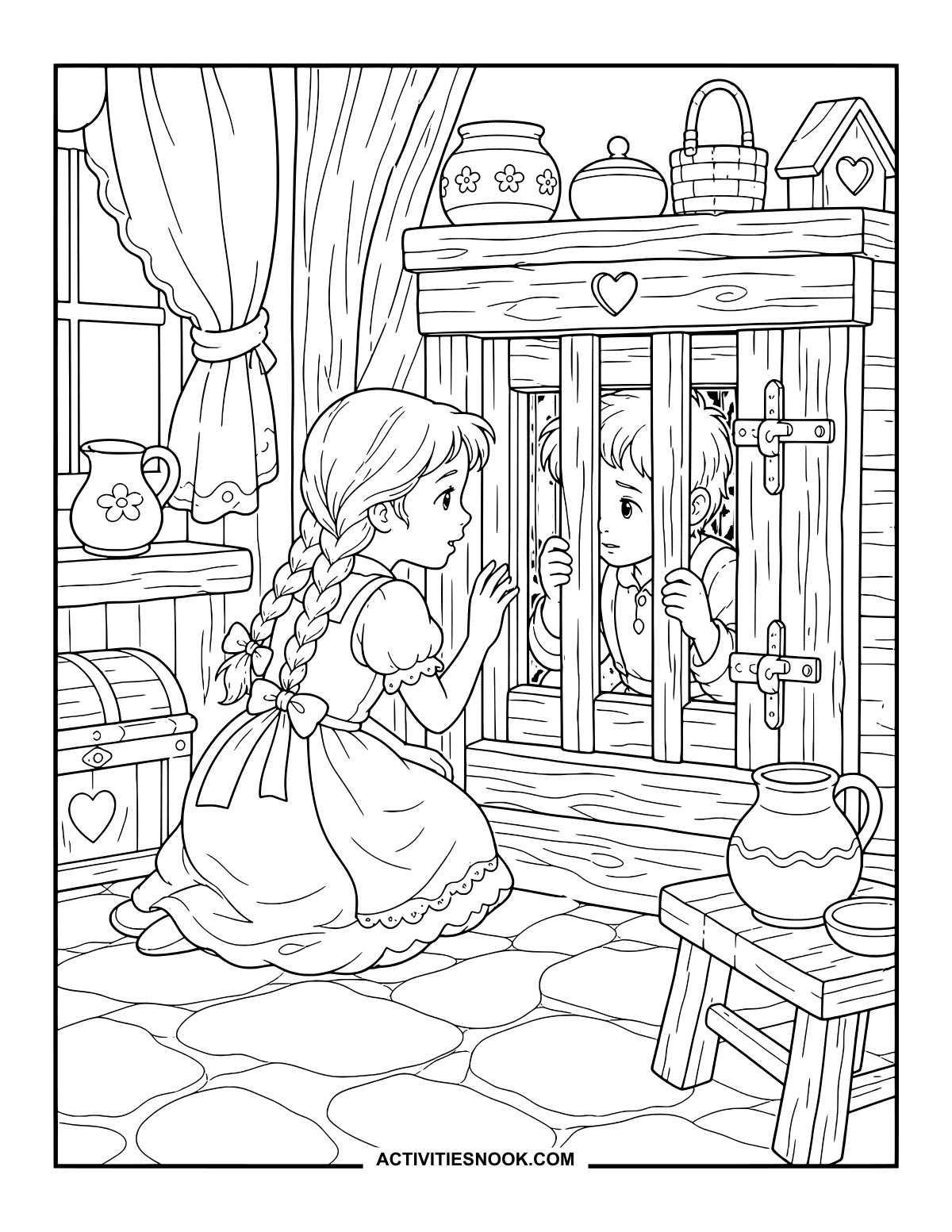
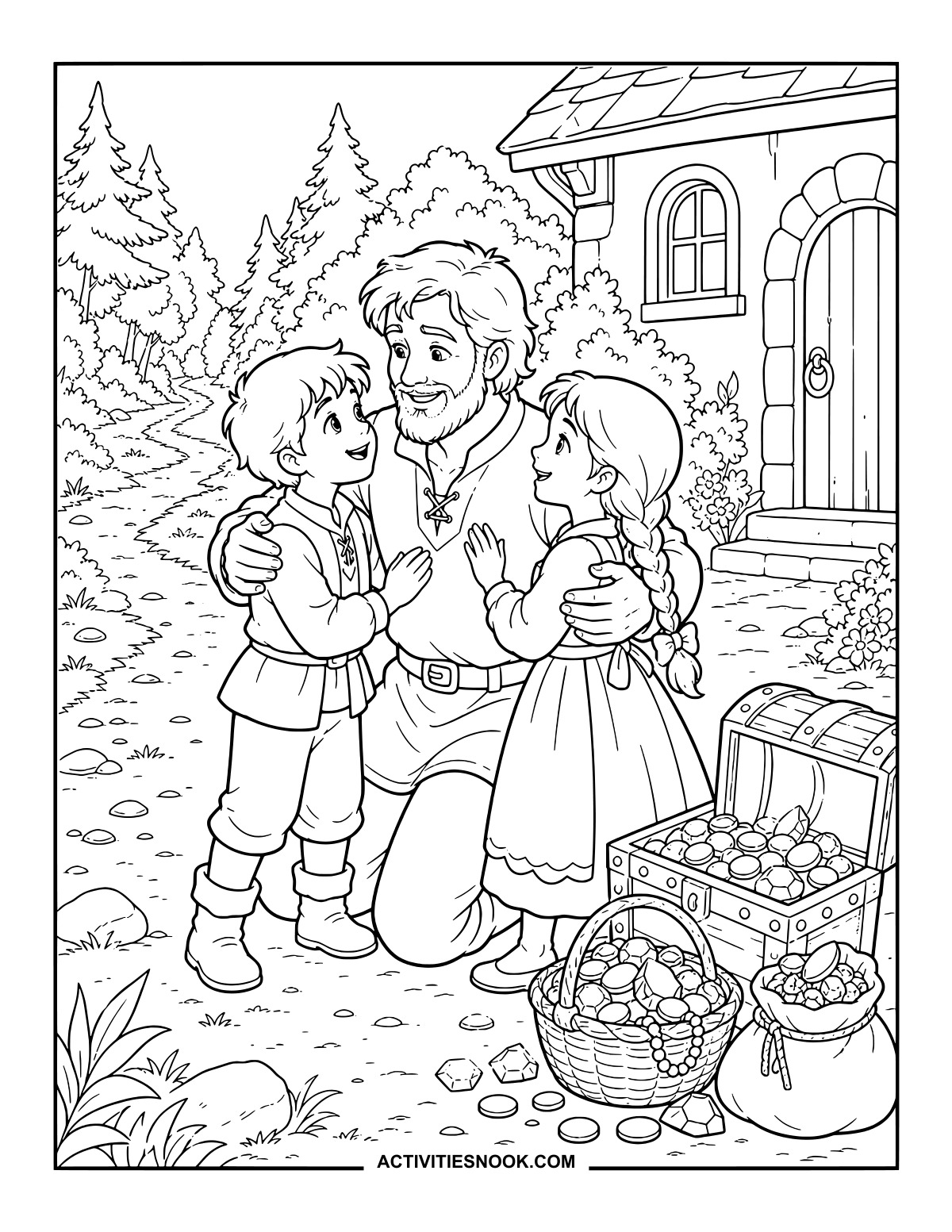
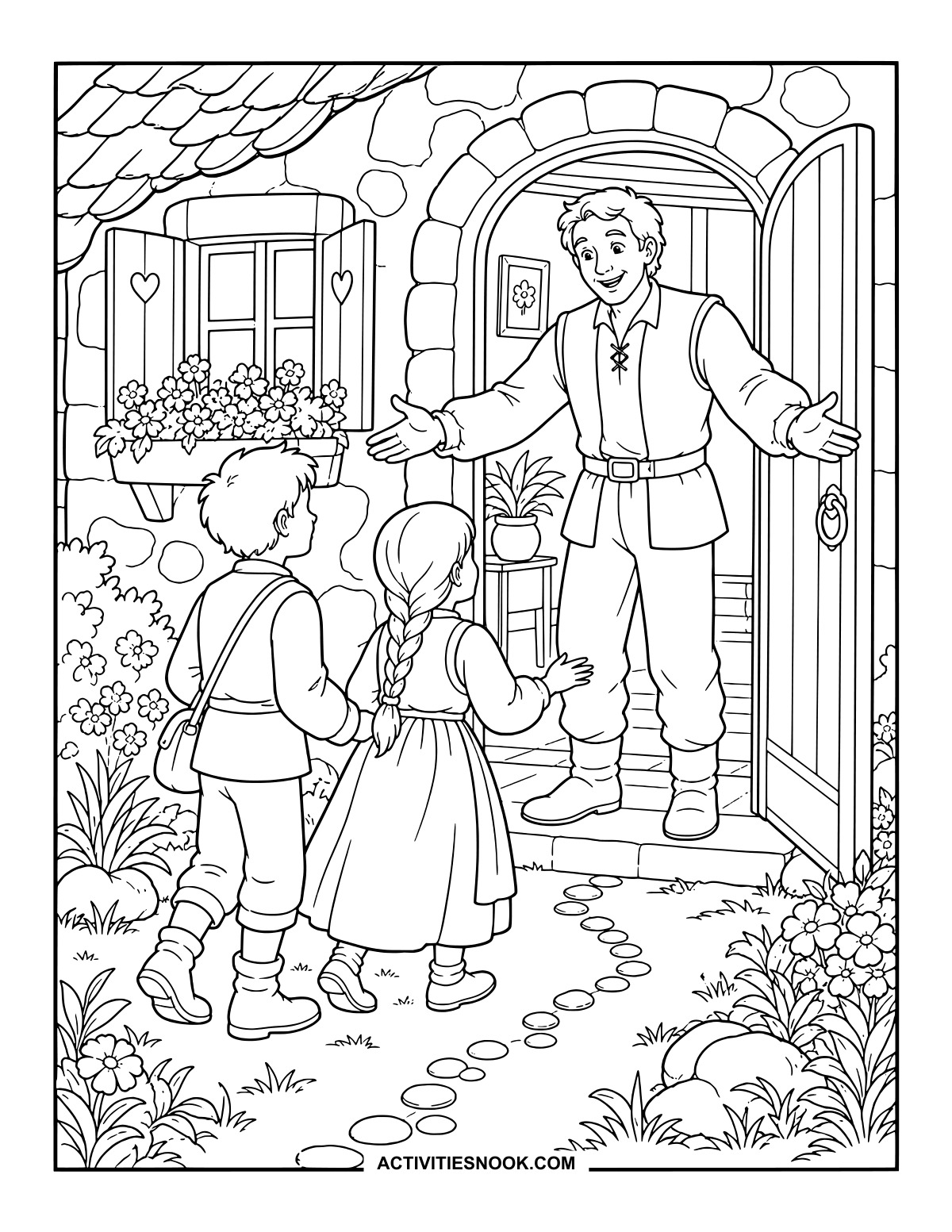
Homecoming with Father: A Picture to Color
There is plenty of treasure to color beside this family hug, from coins to strings of beads.
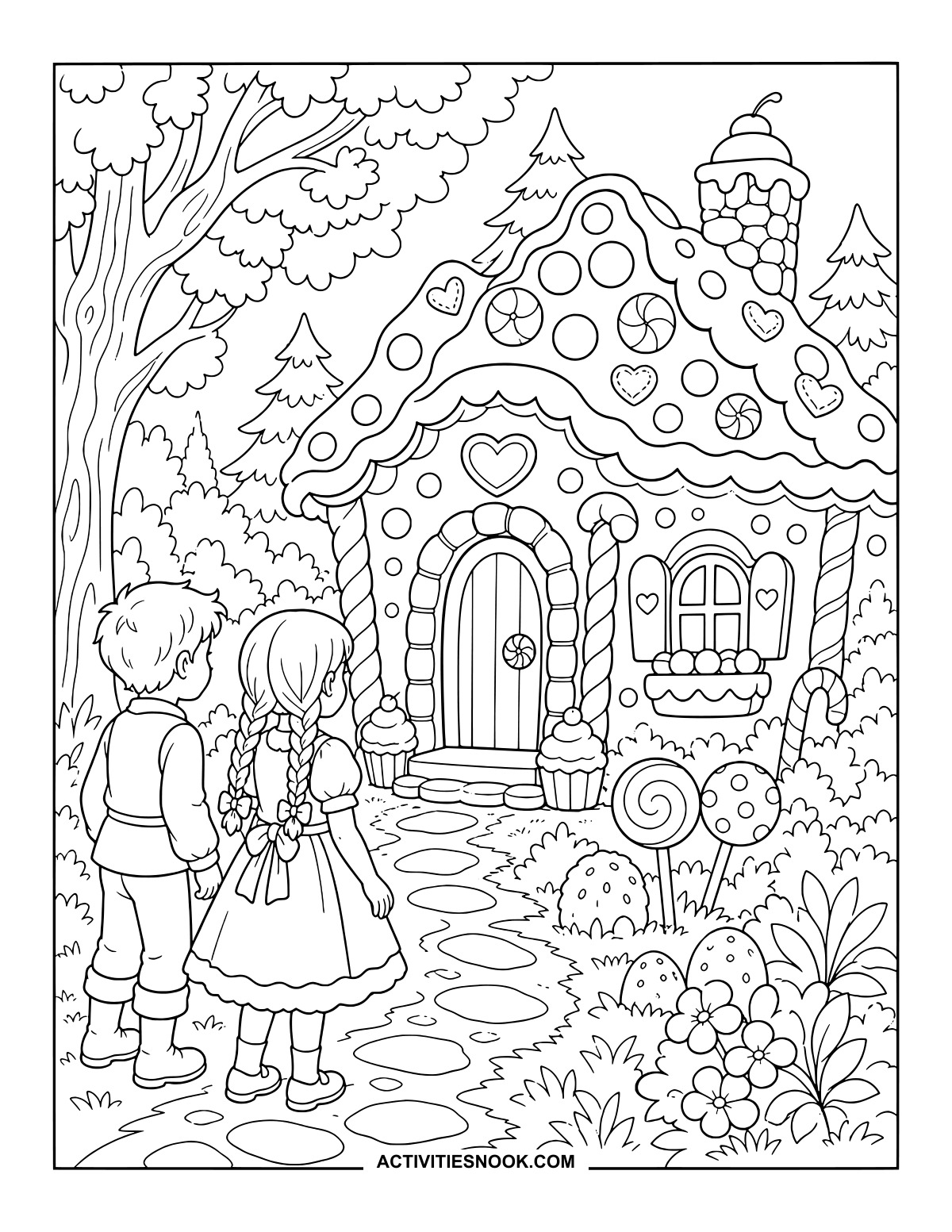
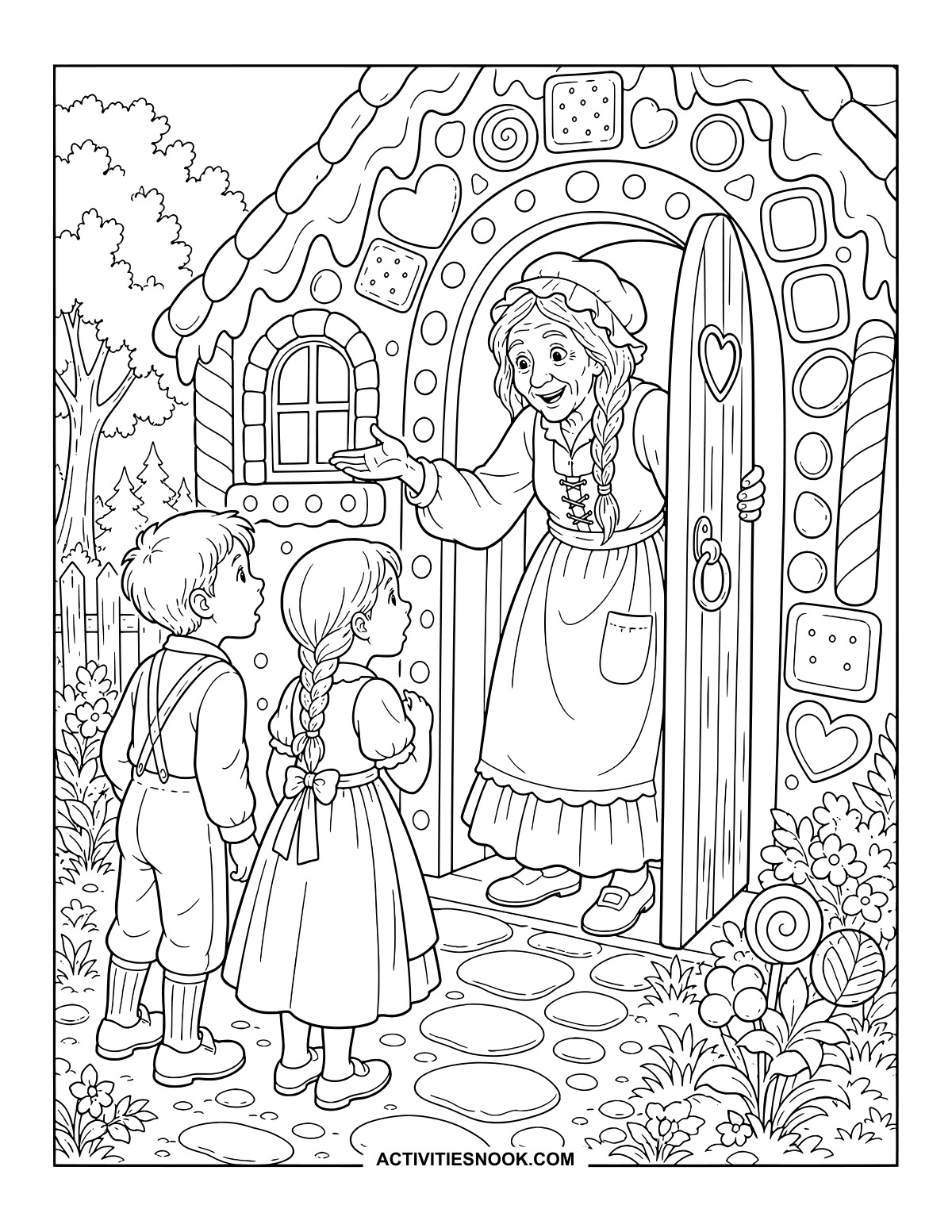
Hansel and Gretel Discover the Candy House
Cupcakes flank the doorway, and lollipops line the approach to this tempting cottage.
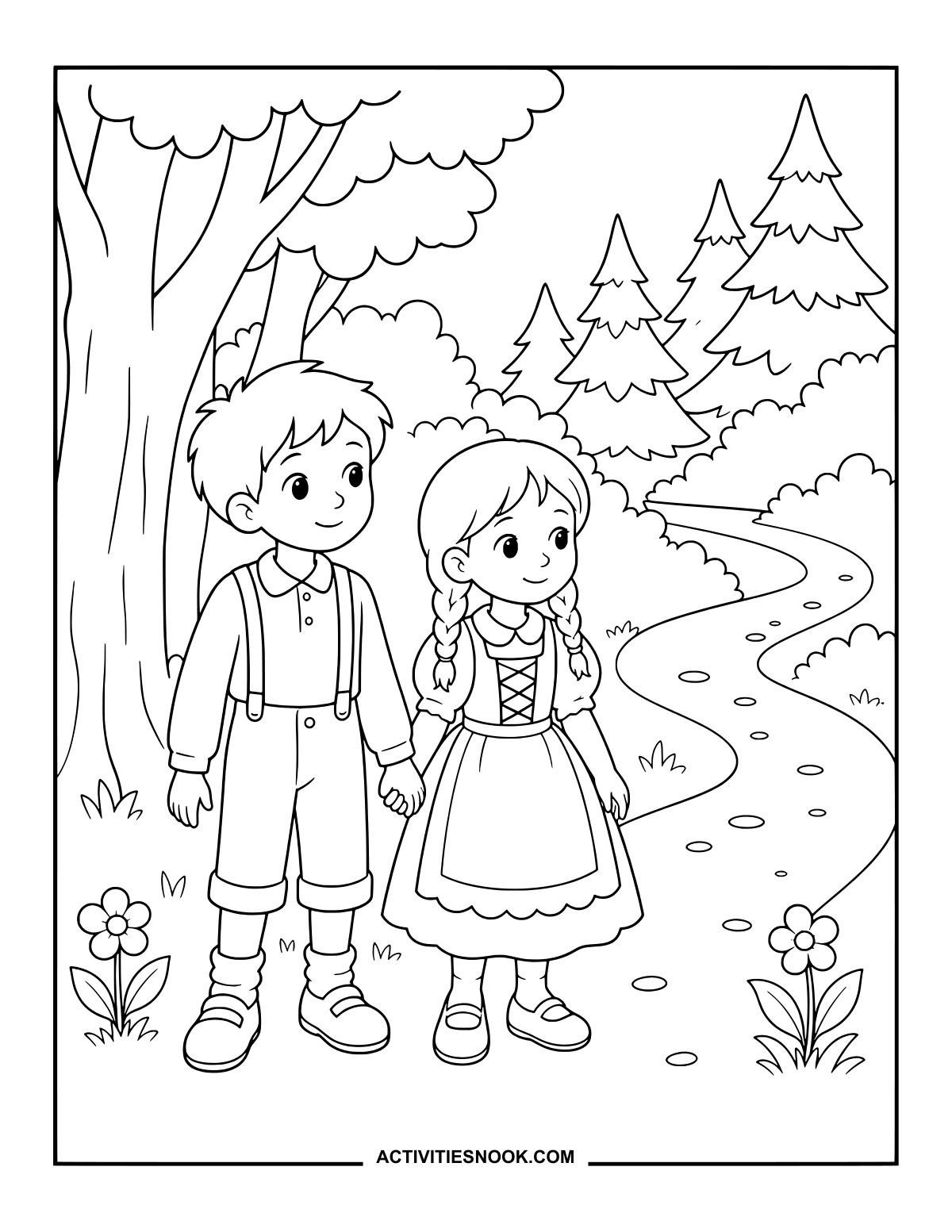
Into the Forest with Hansel and Gretel
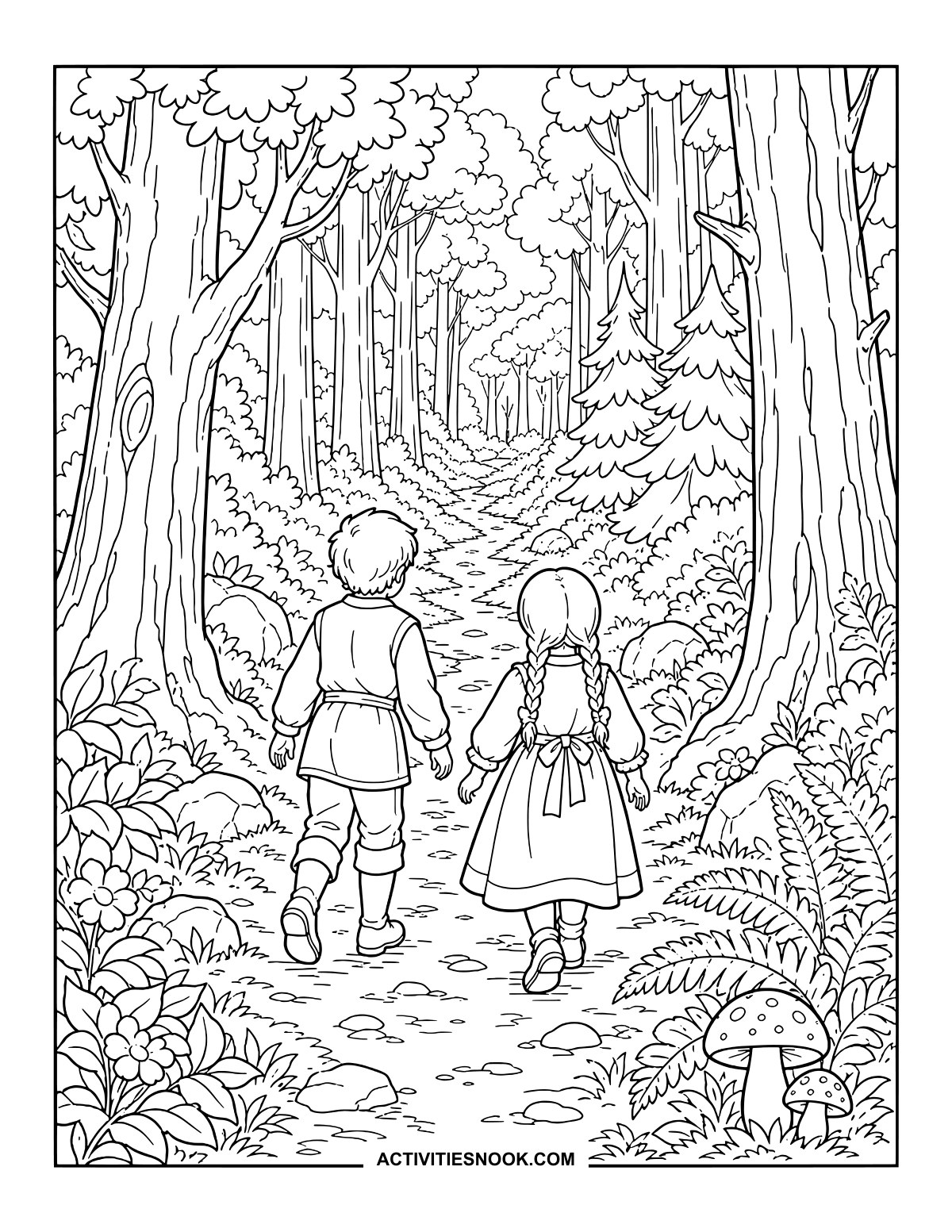
Tall trunks, layered leaves and curling ferns frame the long path ahead.
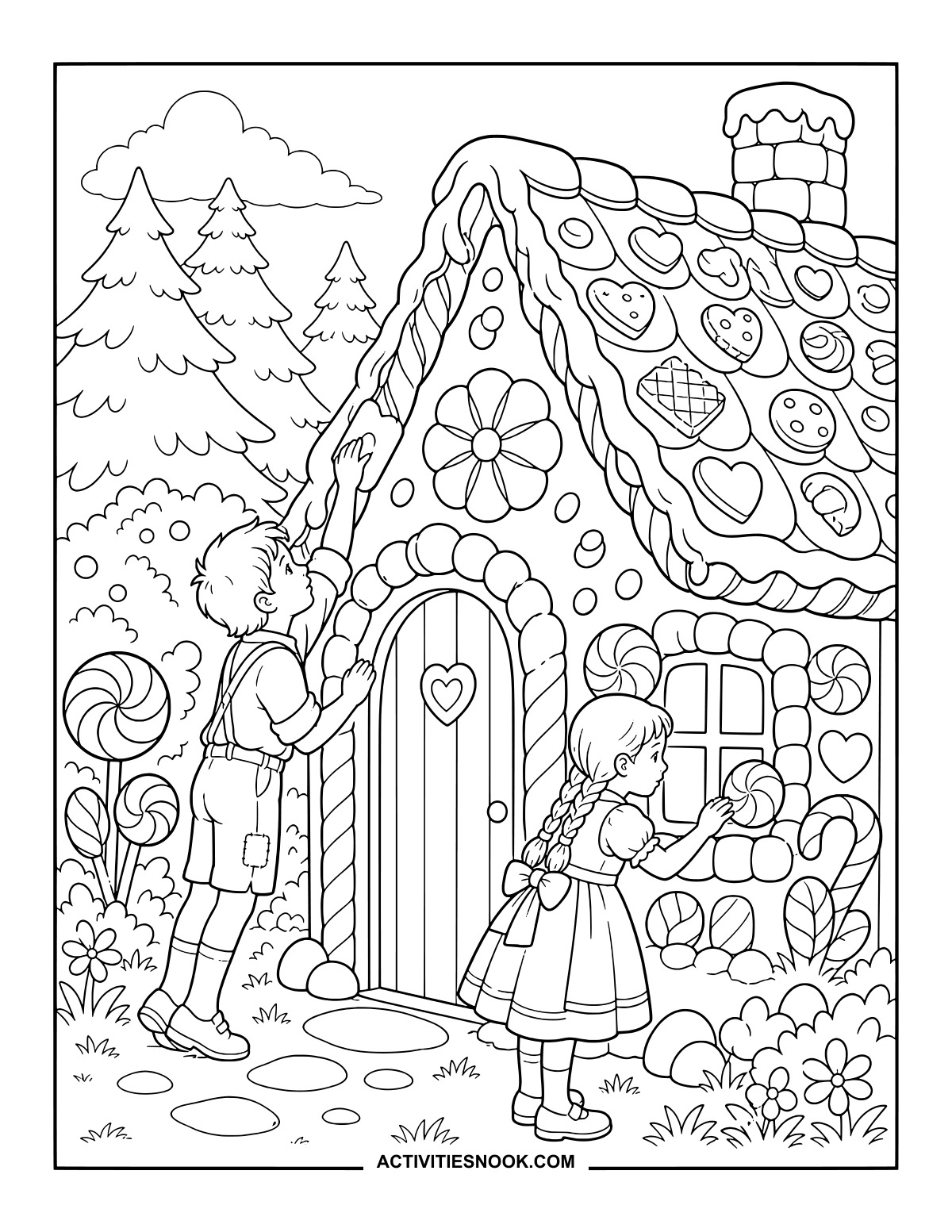
Exploring the Cottage’s Sweet Decorations
Hearts, cookies and swirled sweets offer plenty of little details to pick out in color.
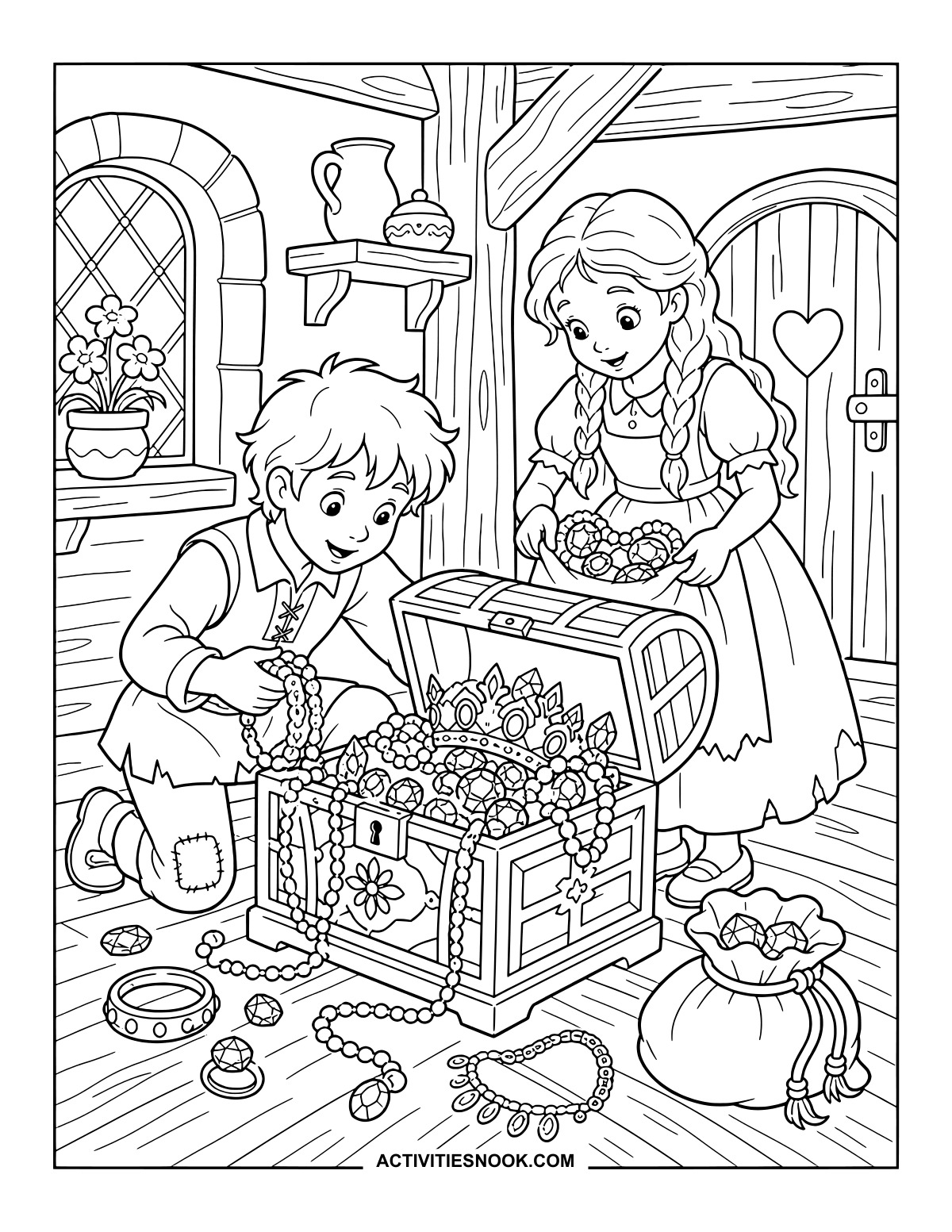
Hansel and Gretel Find a Treasure Chest
Make the jewels sparkle with bright colors among the looping necklaces and crown.
Ways to Use These Hansel and Gretel Coloring Pages
Pair a favorite scene with a family read-aloud, library storytime or homeschool fairy-tale activity. Invite children to describe the moment they chose.
Arrange several finished pages in the order of your telling, then use them as picture prompts to retell the siblings’ adventure.
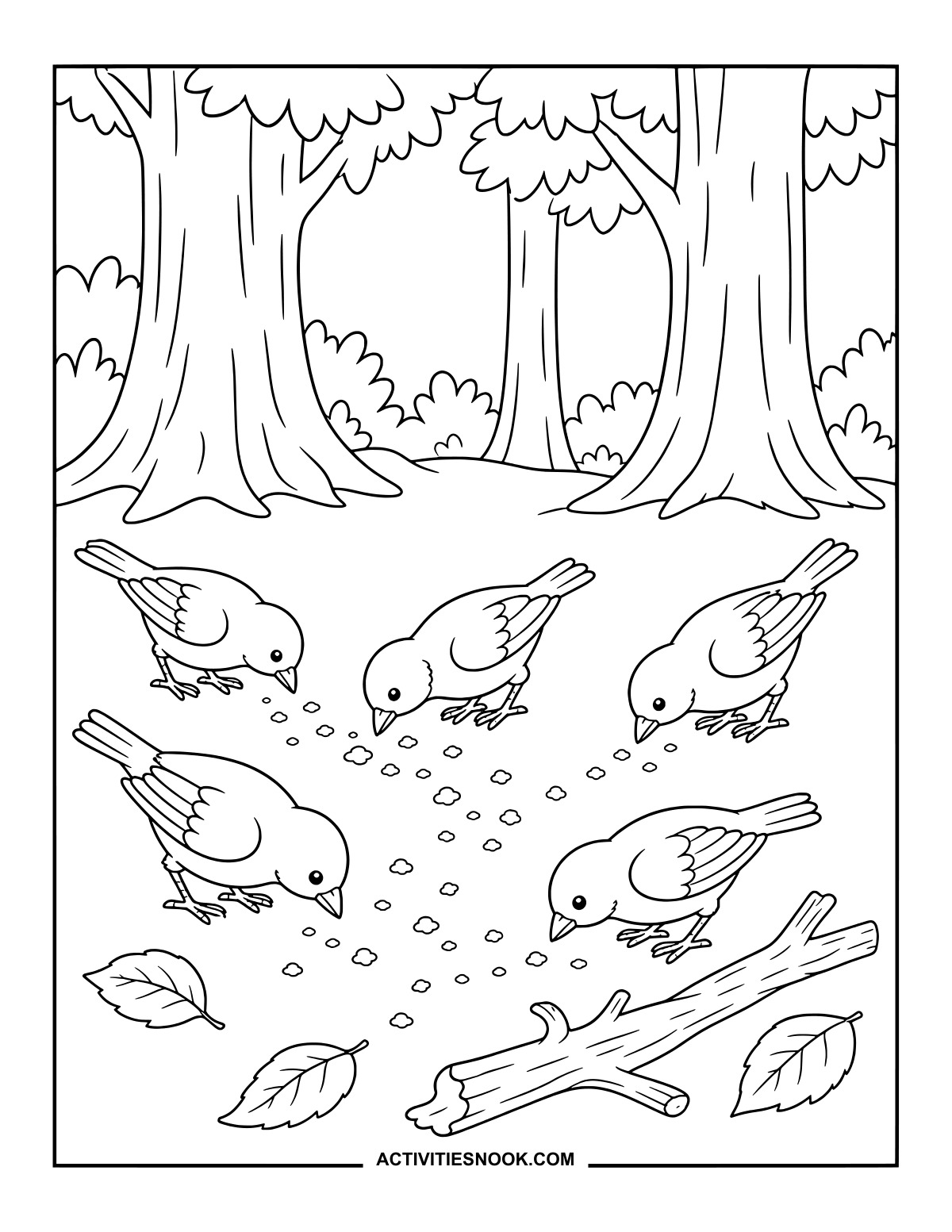
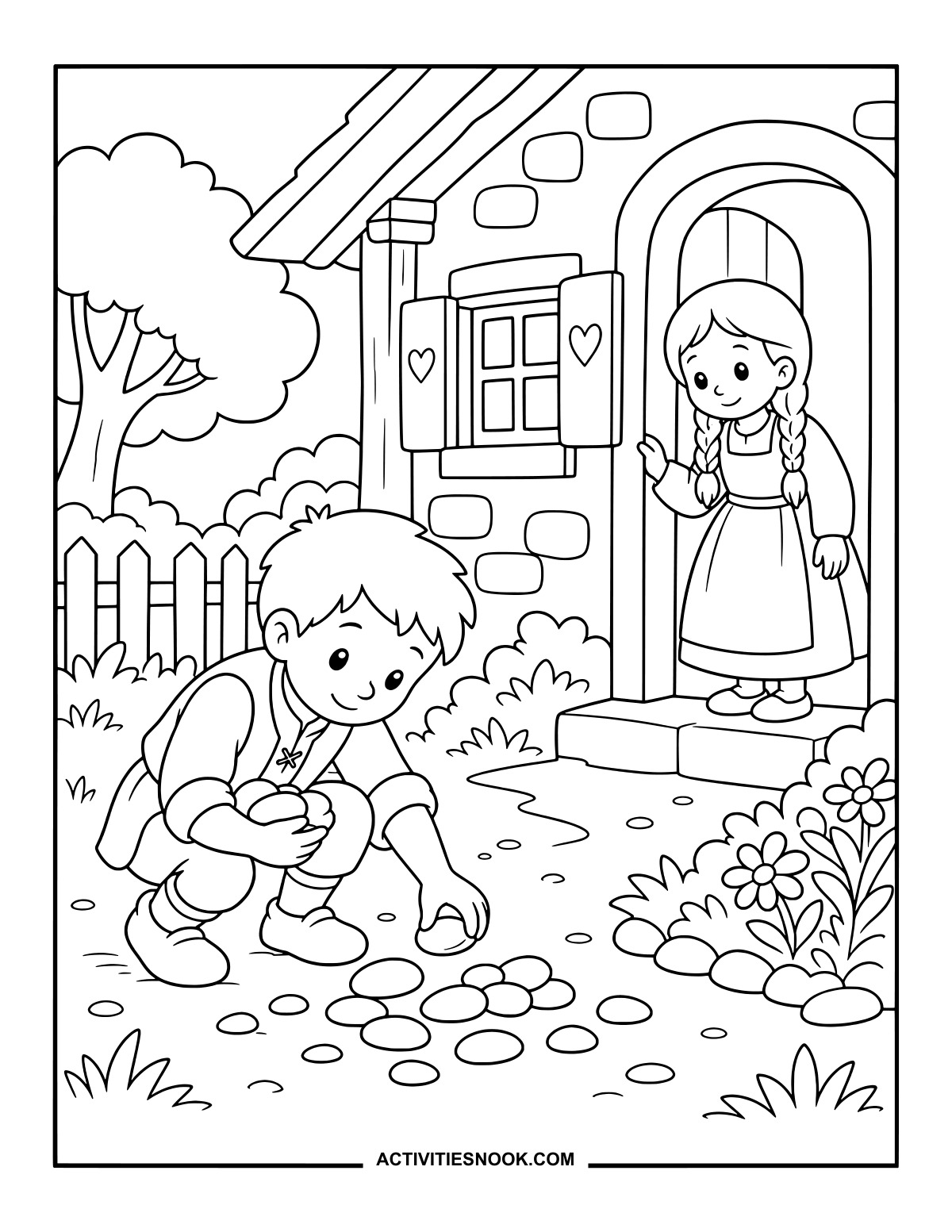
Compare the pebble trail, breadcrumb trail and birds eating the crumbs. Ask children to point out what changes between the pictures.
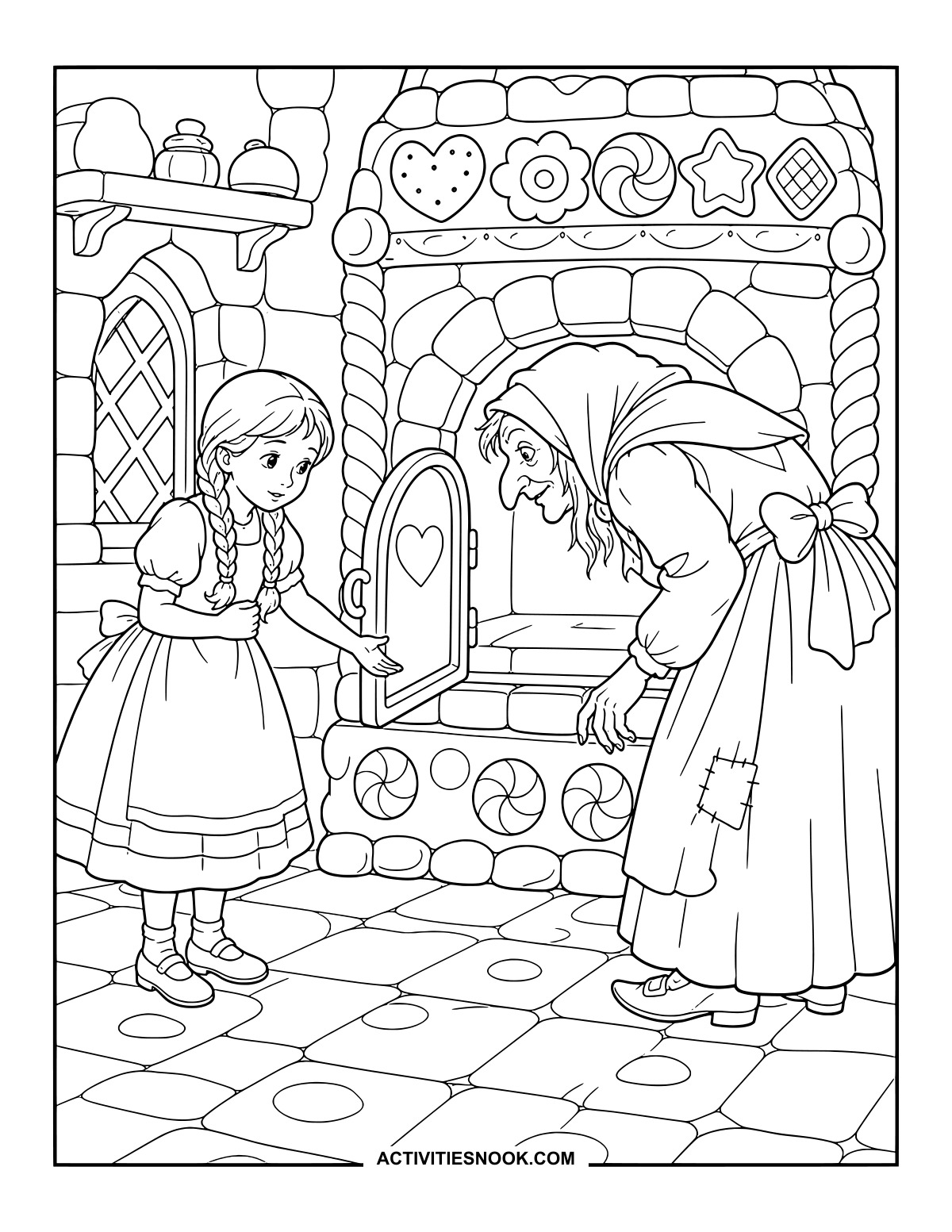
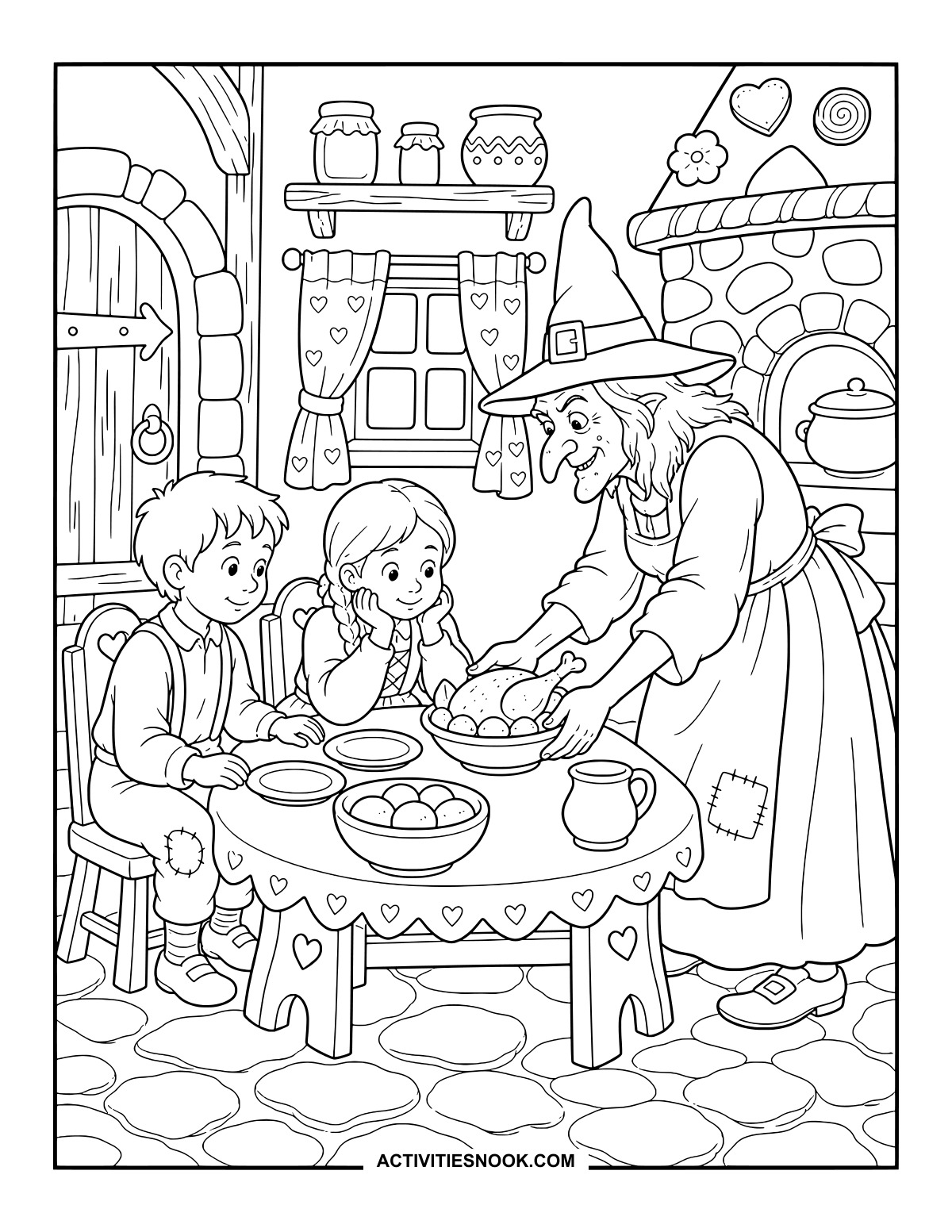
Give the cottage a candy-shop palette, then carry those colors into its doorway, kitchen and oven scenes.
Make a folded story booklet with selected pictures. Add a dictated sentence or a short handwritten caption to each finished scene.
For more printable collections, explore 20 Free Little Red Riding Hood Coloring Pages, 20 Free Goldilocks and the Three Bears Coloring Pages, and 20 Free Jack and the Beanstalk Coloring Pages.
How to Print or Download These Coloring Pages
⭐️ You don’t need to sign up or subscribe — just click the images to get your free coloring page PDFs!
- Choose your page. Click the image for the coloring page you’d like to use.
- Open the file. A PDF will open in Google Drive. Some school or office networks block this type of file sharing, so if you have trouble, try again at home or on a different internet connection.
- Print right away. Load your favorite paper into the printer, then click the print icon in the PDF window.
- If the edges look cut off, go to your print menu → “More Settings” → “Fit To Printable Area.” This resizes the page so the entire cozy design fits neatly inside the margins.
- Download for later. If you’d rather save the page, click the download icon (a downward arrow) in the Google Drive toolbar. The file will save to your device so you can open and print whenever you’re ready.
- No need to request access. You don’t have to ask to share the file. Just use the print or download icons directly in the Google Drive window.
- Start coloring! Once printed, enjoy your coloring pages with crayons, markers, colored pencils, or even watercolor paint. Use the space around the images to add your own text or embellishments for crafts and collages.