20 Free Cinderella Coloring Pages
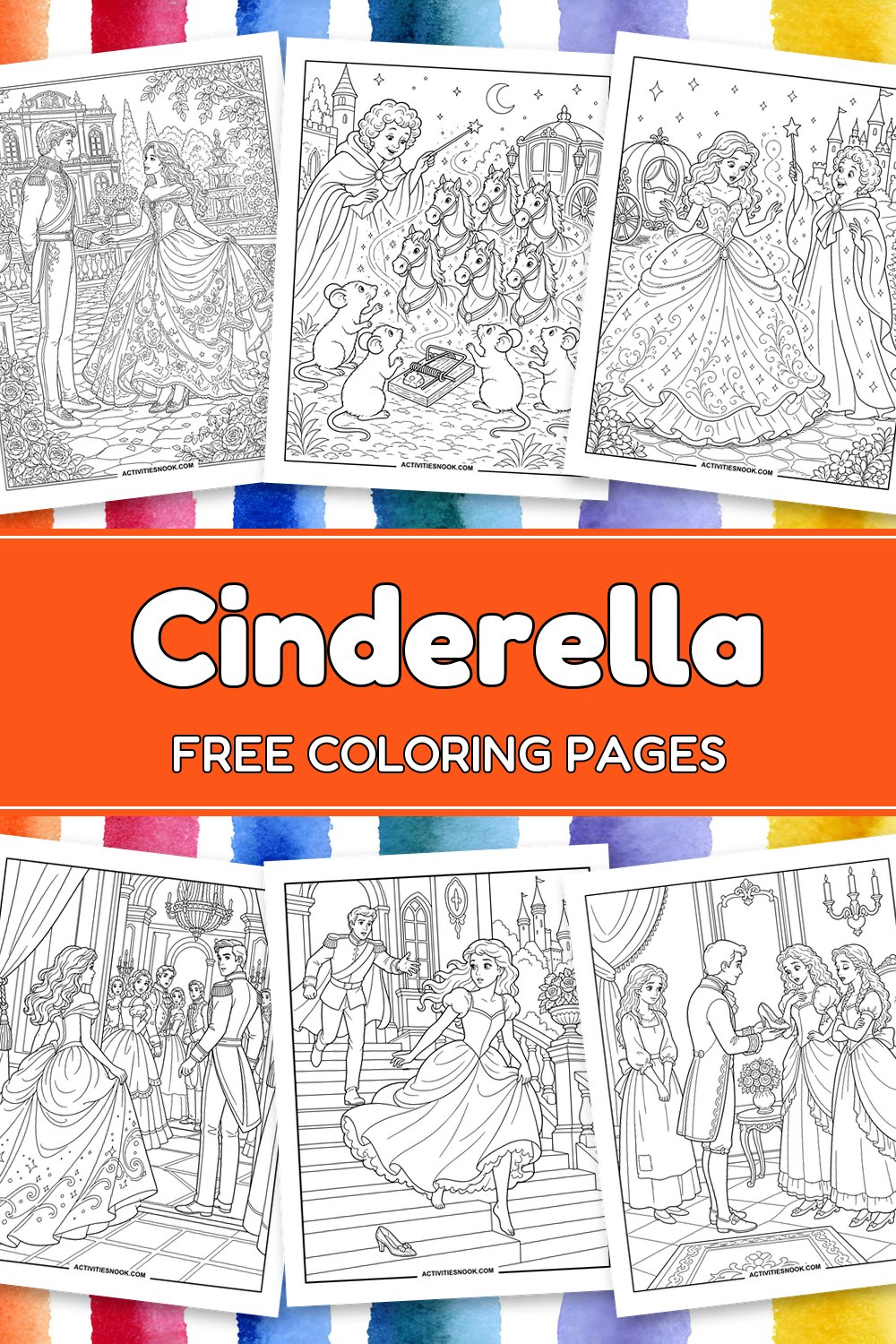
These 20 free printable Cinderella coloring pages bring the fairy tale to the coloring table, from a quiet hearth to a sparkling gown and a carriage bound for the palace. Each design is available as an individual PDF. Children and families can choose simpler pictures of the glass slippers or pumpkin garden, while older children and anyone who enjoys finer detail can linger over ornate gowns, roses and palace scenes. Pick a favorite for family coloring, library storytime or a homeschool read-aloud.
Click a coloring page image or its title to open its individual PDF. Full printing instructions are at the end.
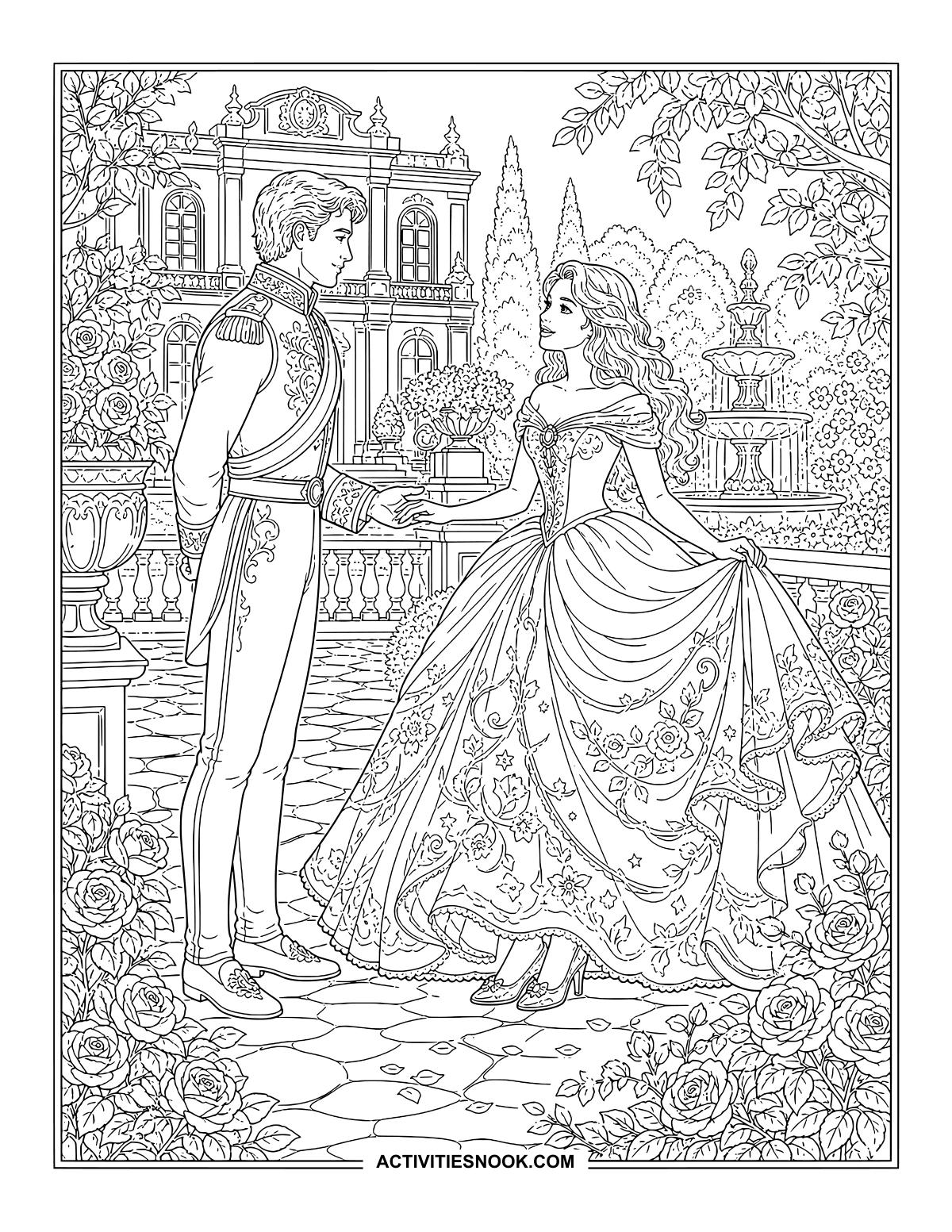
Cinderella and the Prince in the Palace Garden
Roses frame their reunion, with tiny patterns to color across Cinderella’s sweeping gown.
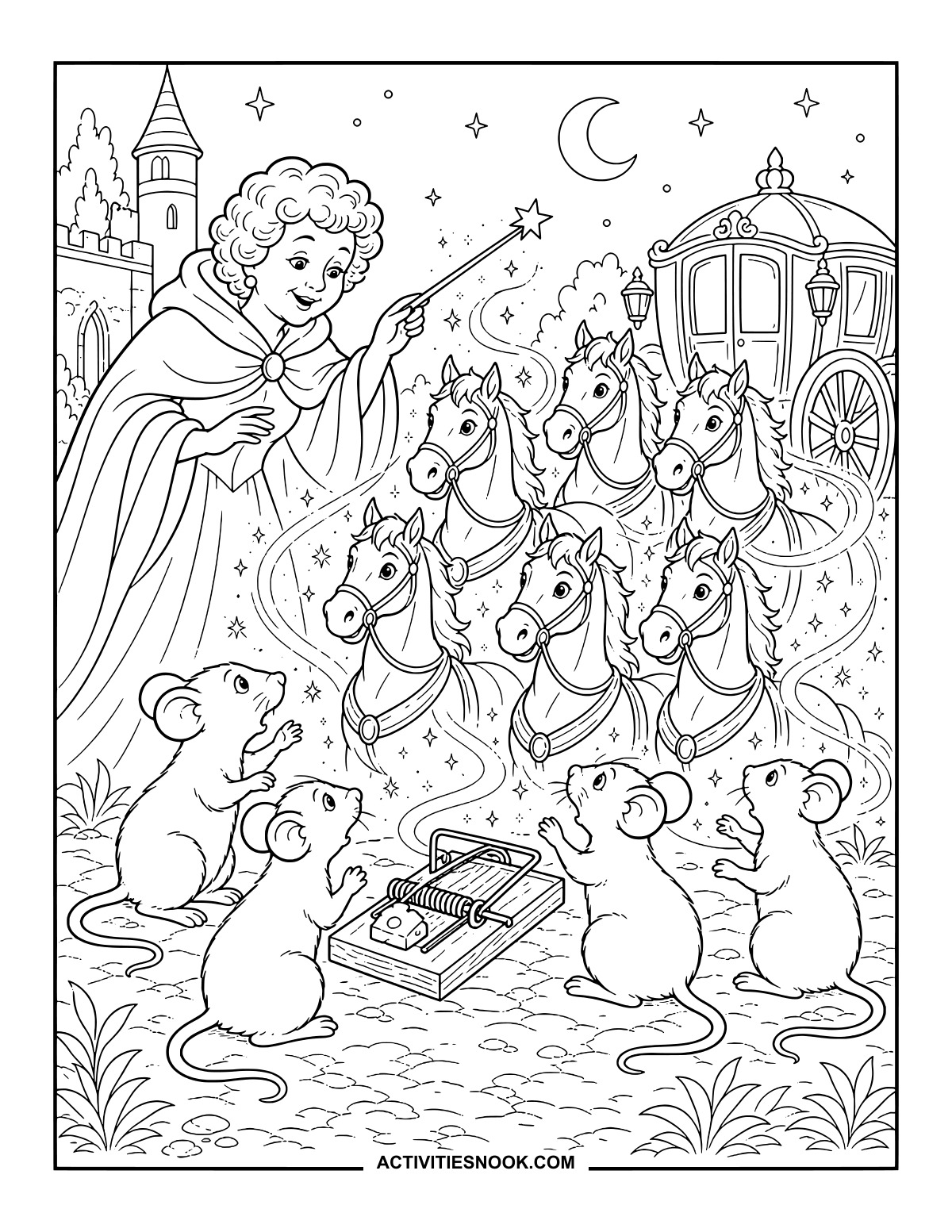
Mice Become Carriage Horses: A Magical Coloring Scene
Swirls of magic connect the mice below with the horses above.
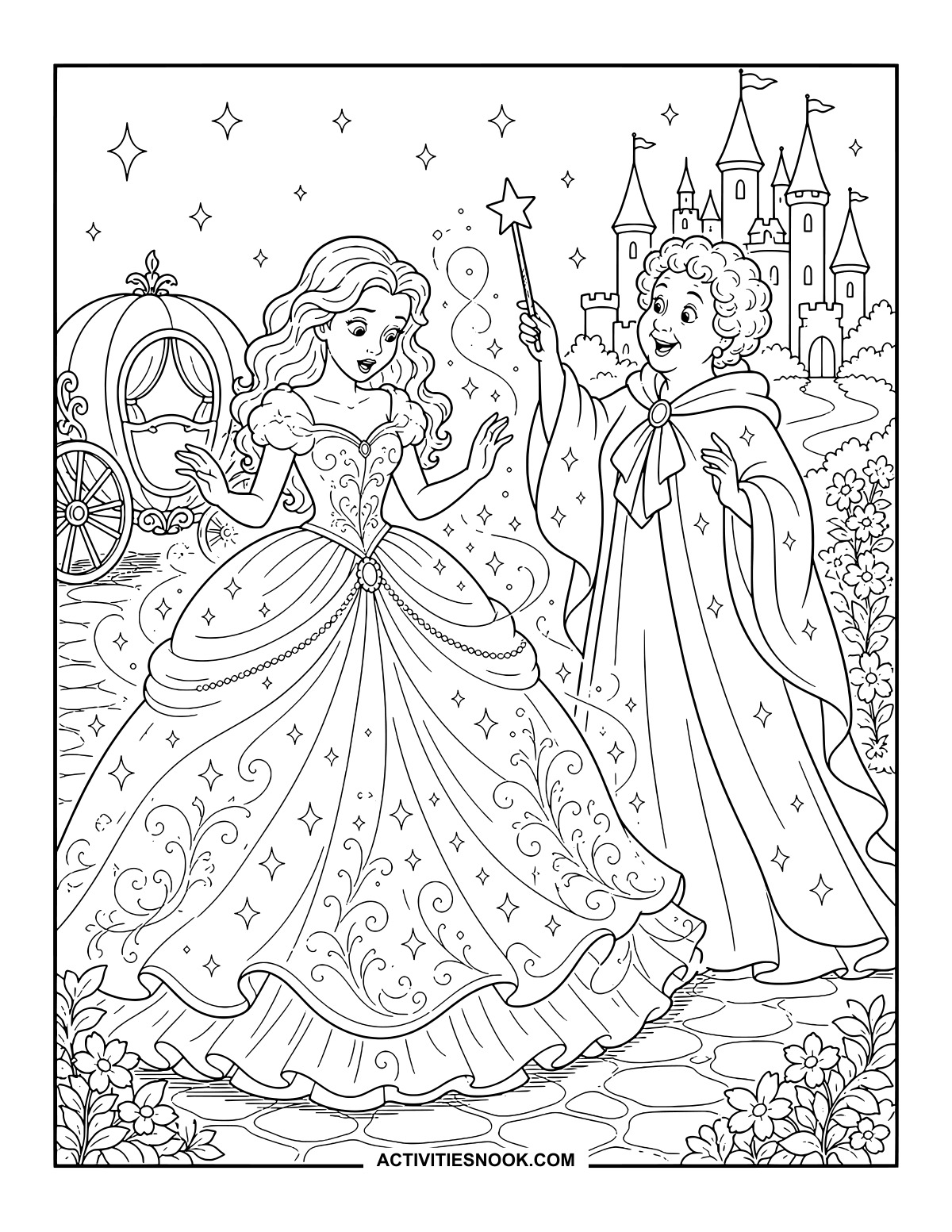
Cinderella’s Ball Gown Transformation
Choose a little shimmer for the stars scattered across her new gown.
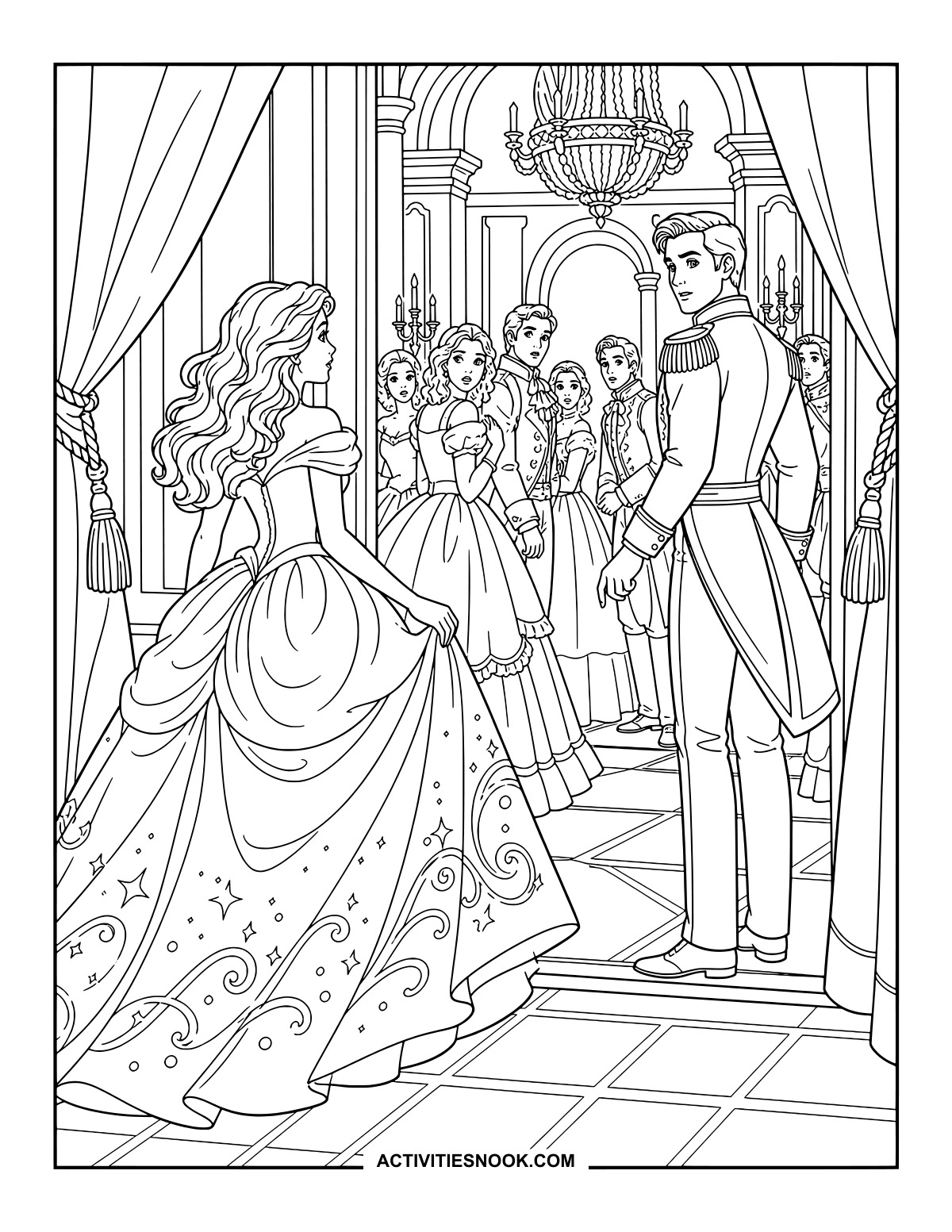
Cinderella Arrives at the Royal Ball
The curtains open onto a ballroom full of guests turning toward Cinderella.
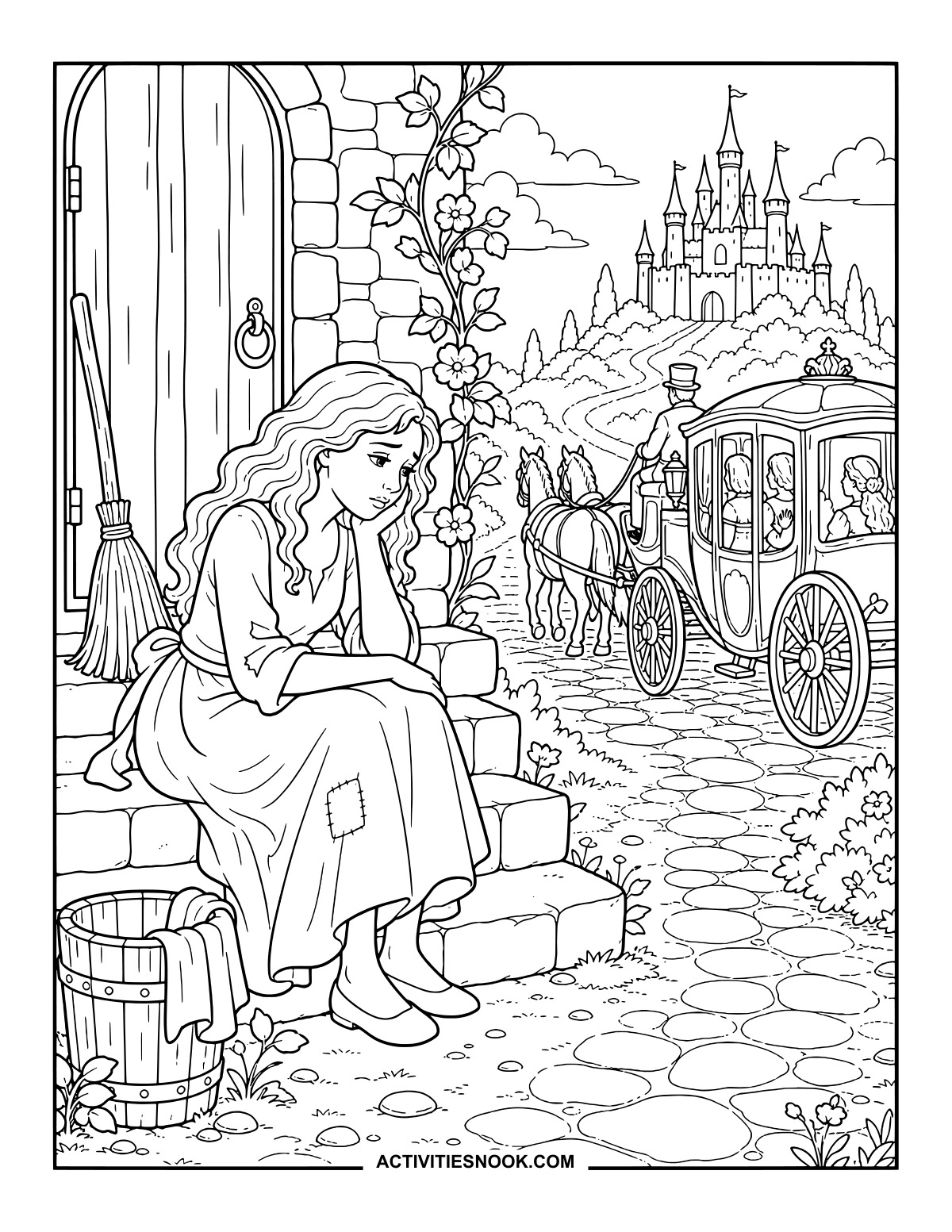
Cinderella Left Behind: A Picture to Color
A winding path leads from the doorstep toward the distant palace.
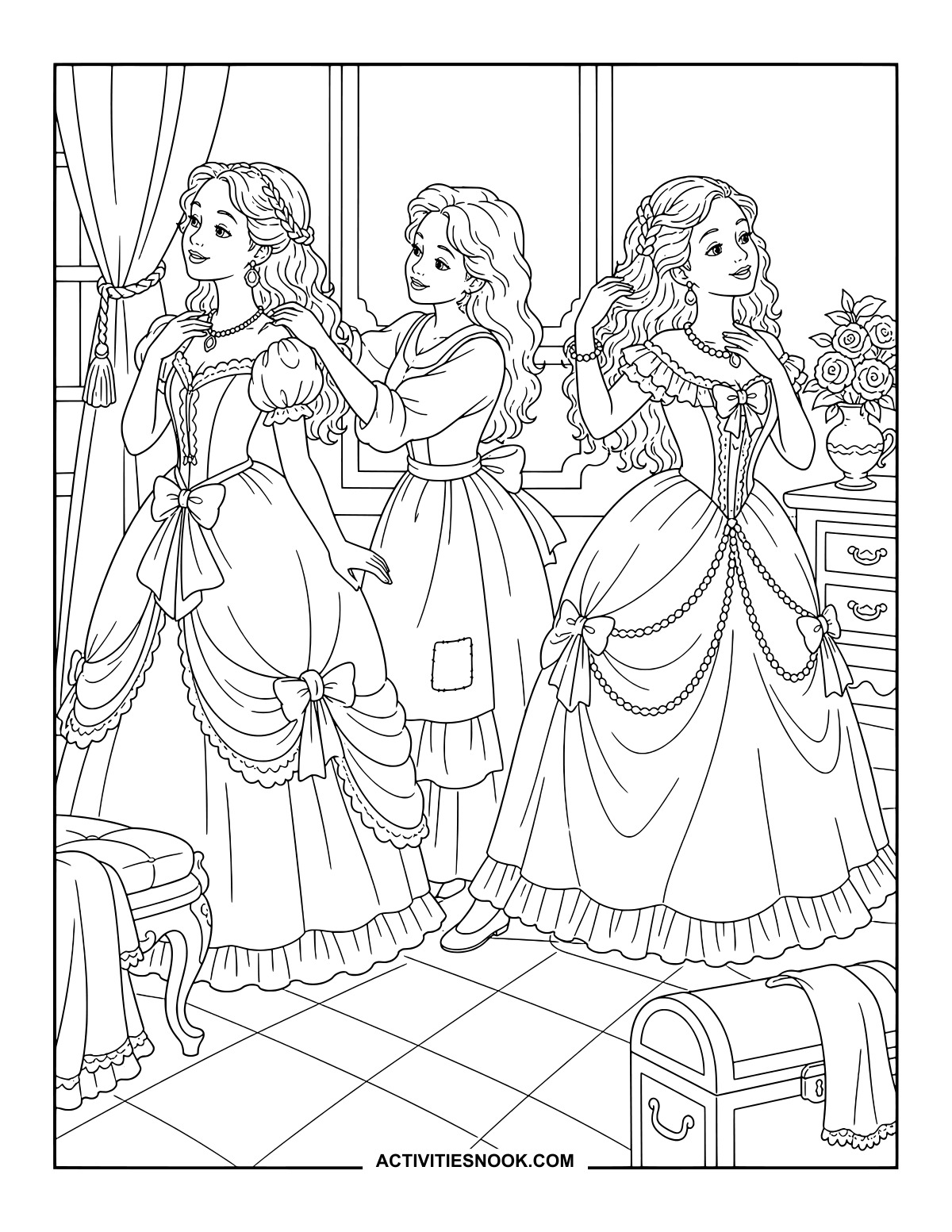
Helping the Stepsisters Dress for the Ball
Bows, beads and ruffled skirts offer plenty of room for a festive palette.
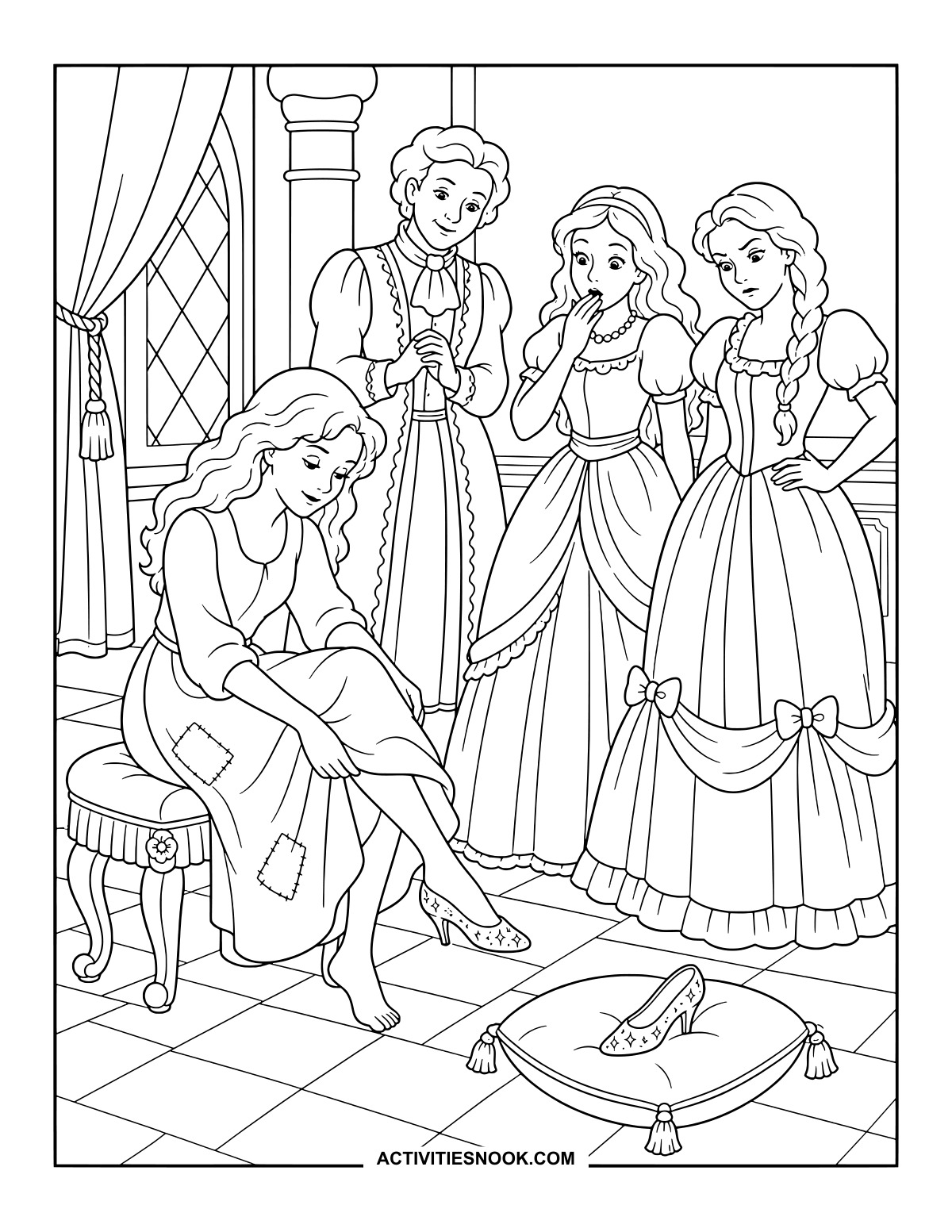
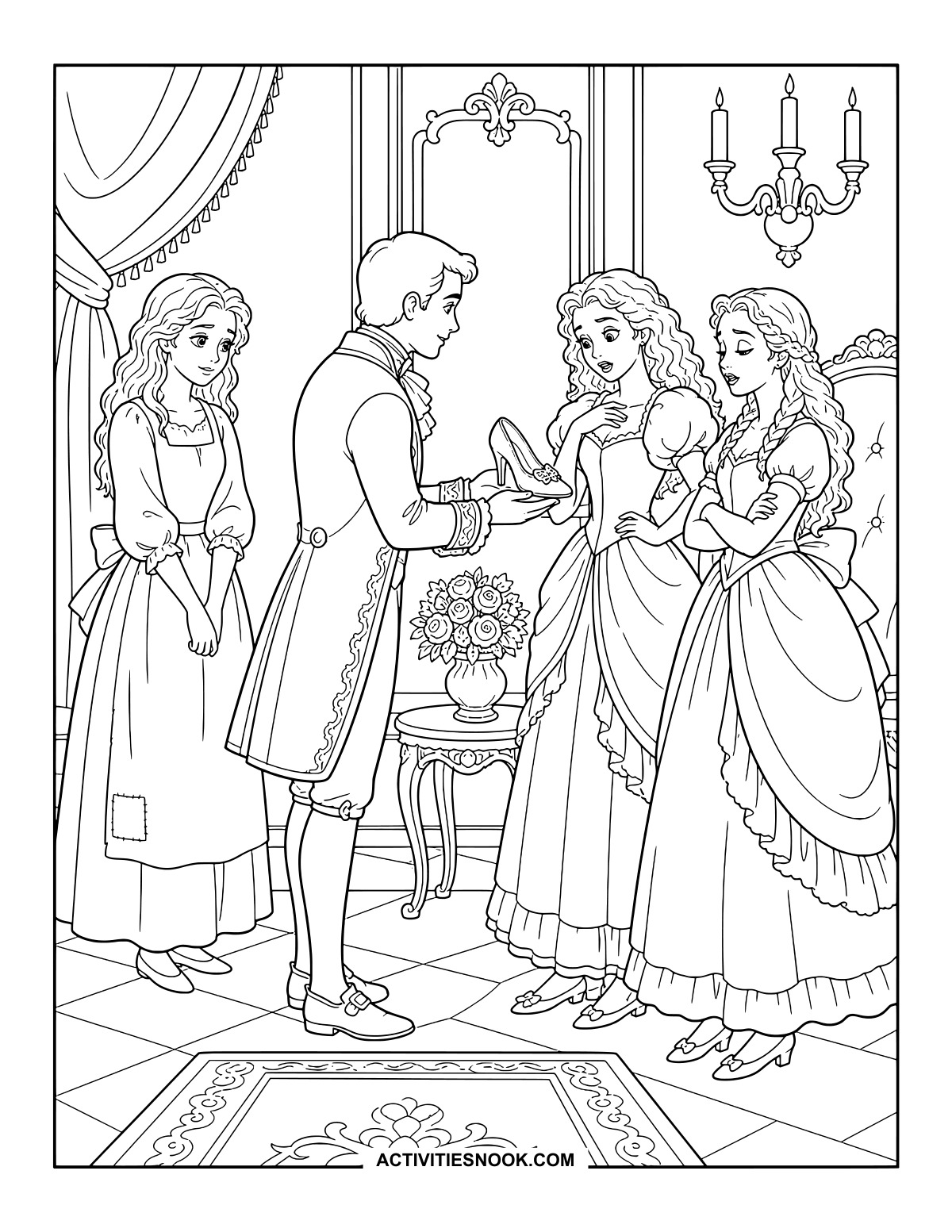
A Perfect Fit: Cinderella Tries the Slipper
Her stepsisters watch as Cinderella wears the slipper; another rests on a tasseled cushion.
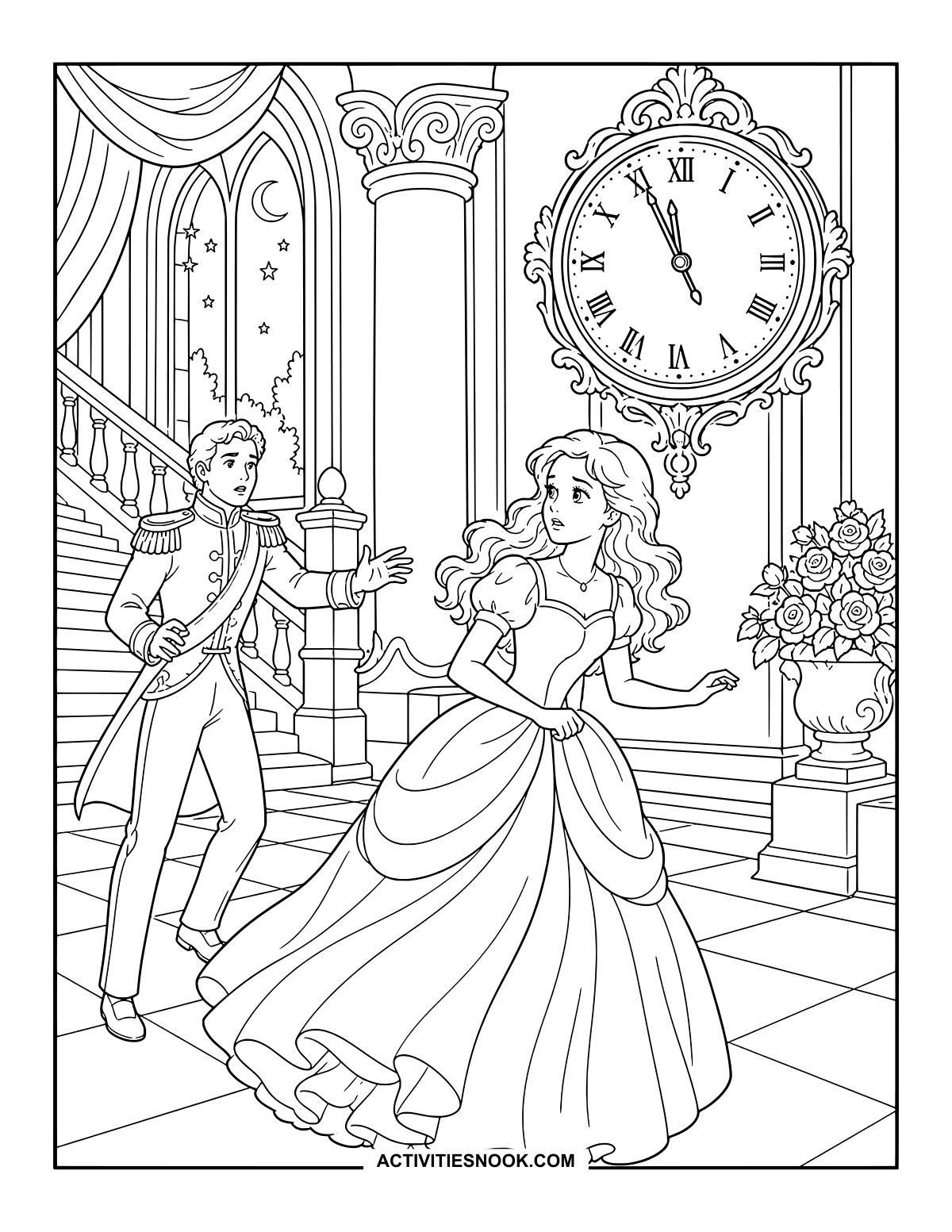
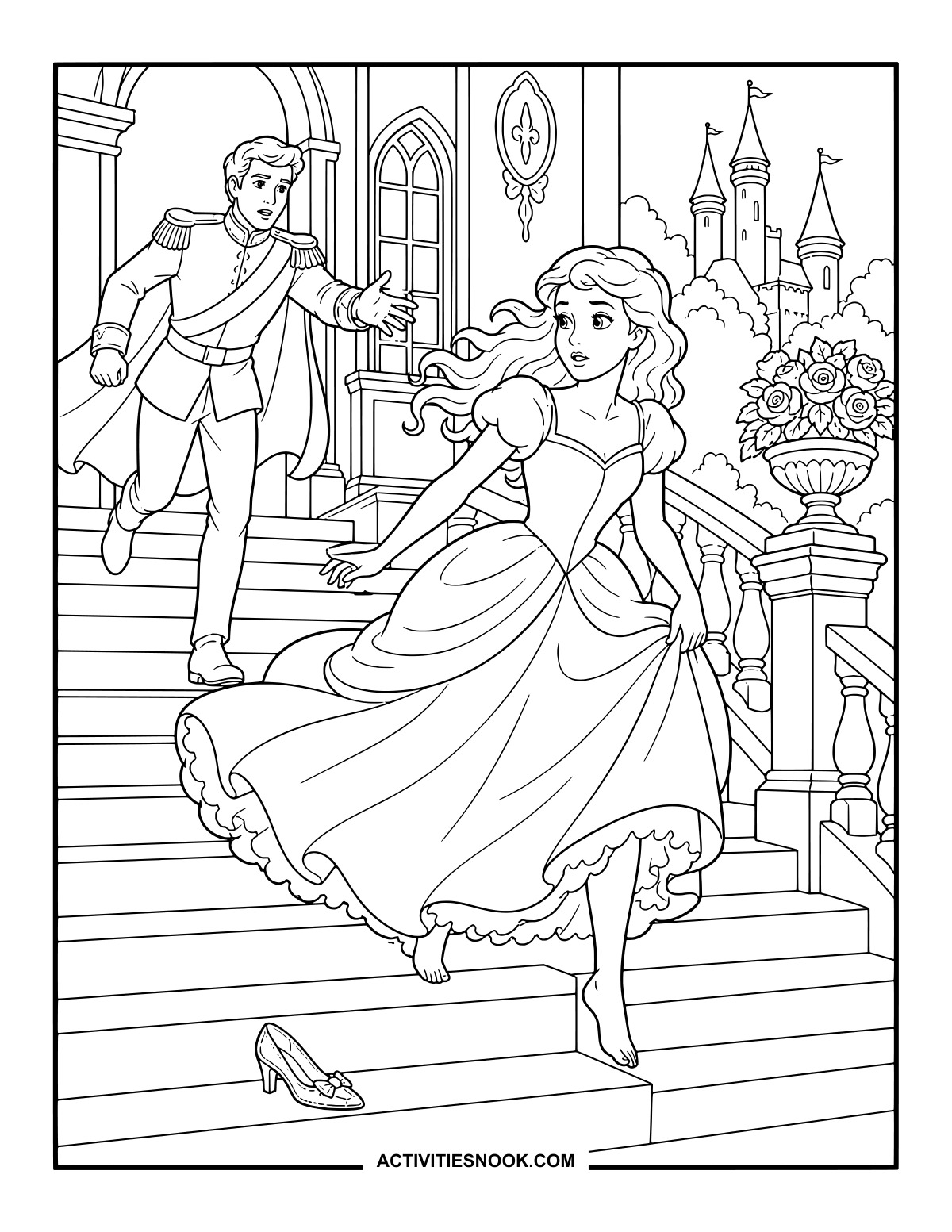
Cinderella Beneath the Palace Clock
Cinderella turns to leave, gathering her skirt as the prince reaches toward her.
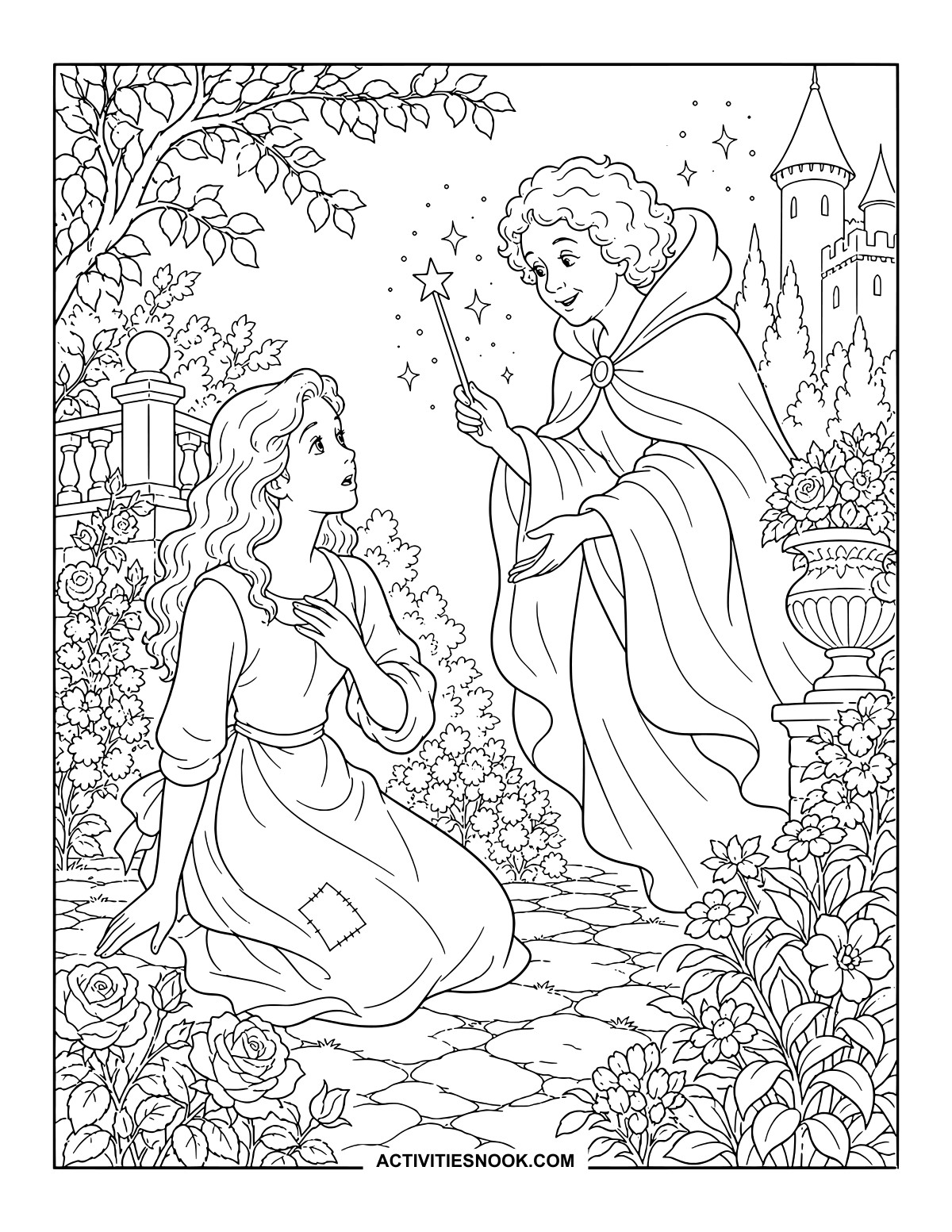
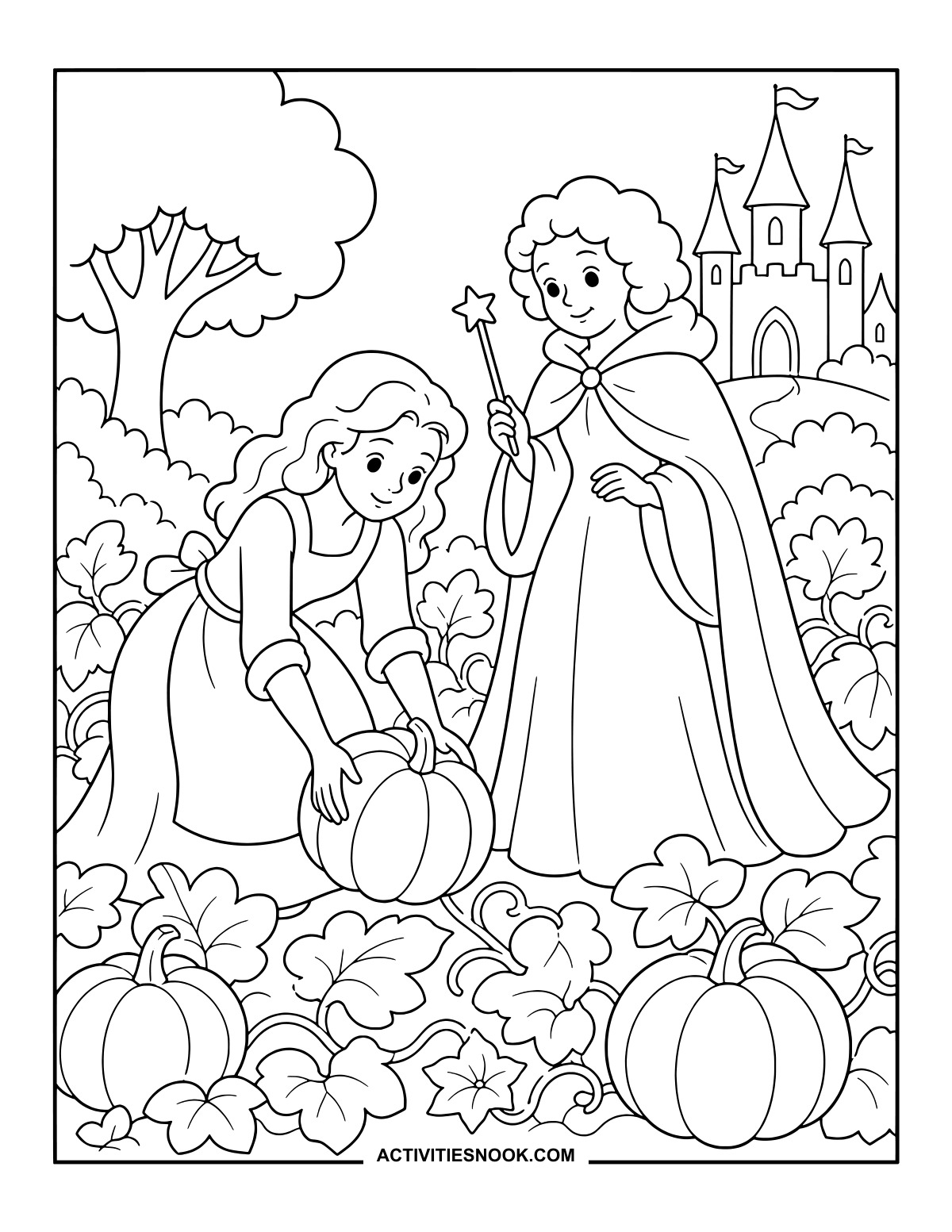
A raised wand and a trail of stars bring a touch of magic to the flower garden.
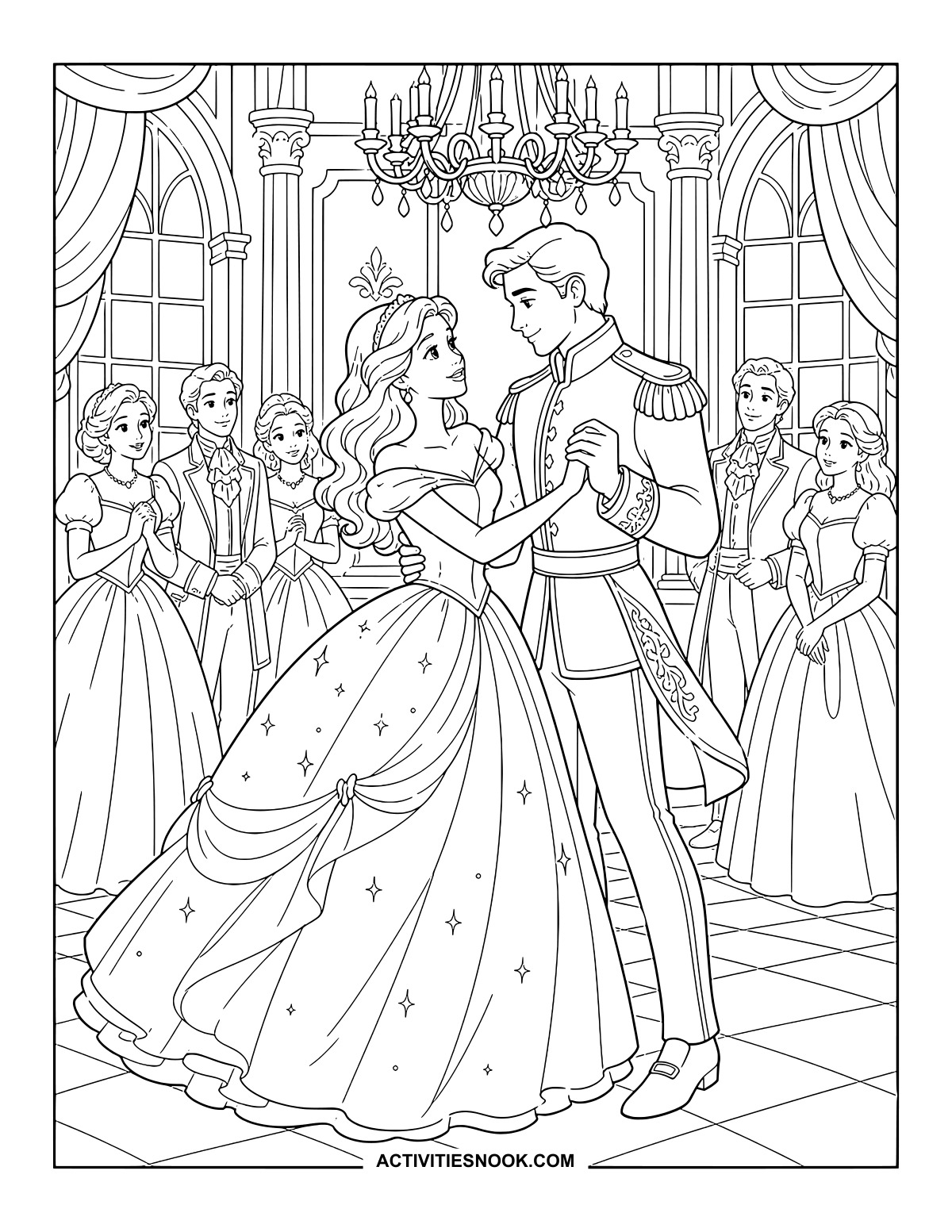
Cinderella and the Prince Dancing: Printable PDF
Color their ballroom moment beneath a grand chandelier.
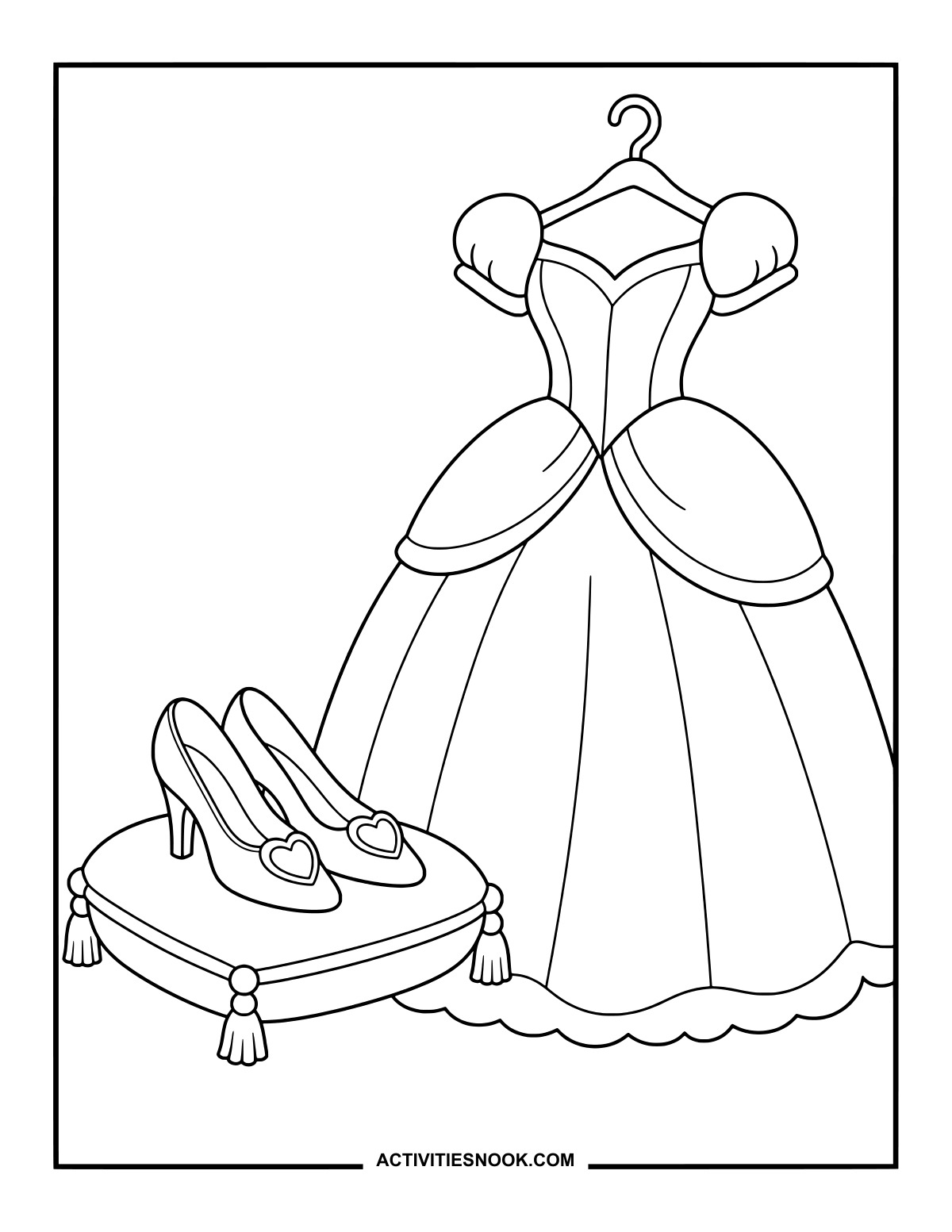
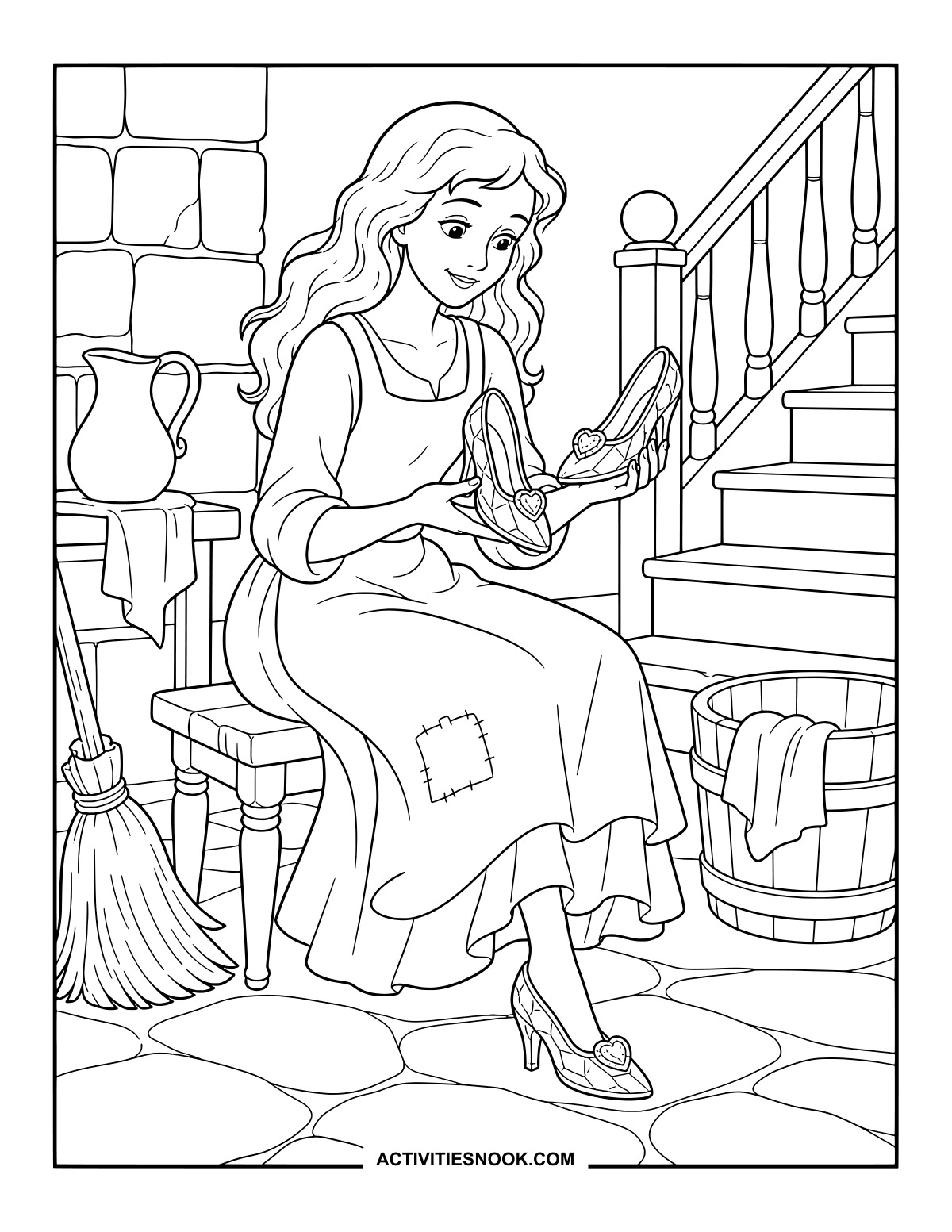
Cinderella’s Gown and Glass Slippers
Heart-shaped decorations give the slippers a sweet finishing touch.
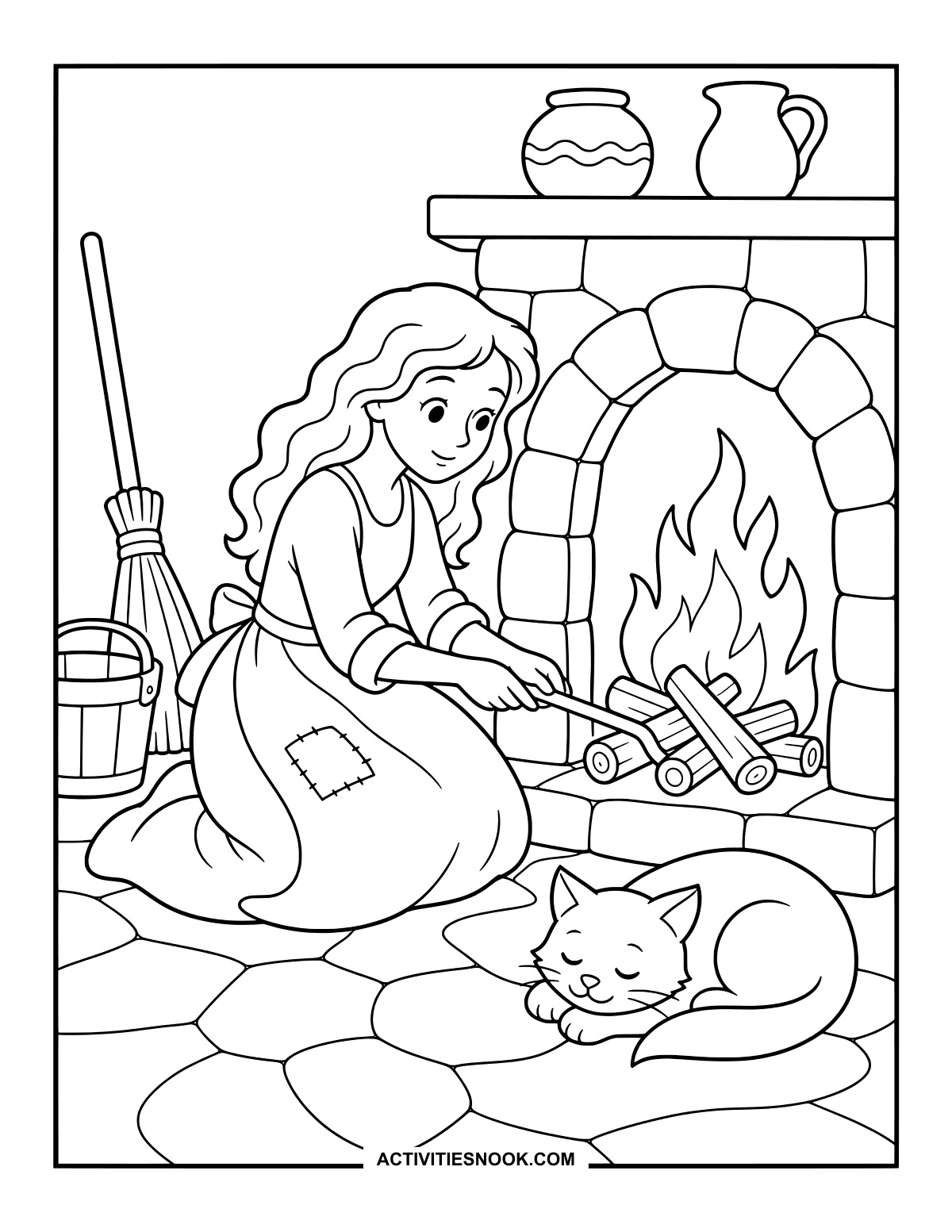
Cinderella by the Hearth Coloring Page
A sleeping cat curls up beside the fire while Cinderella tends the logs.
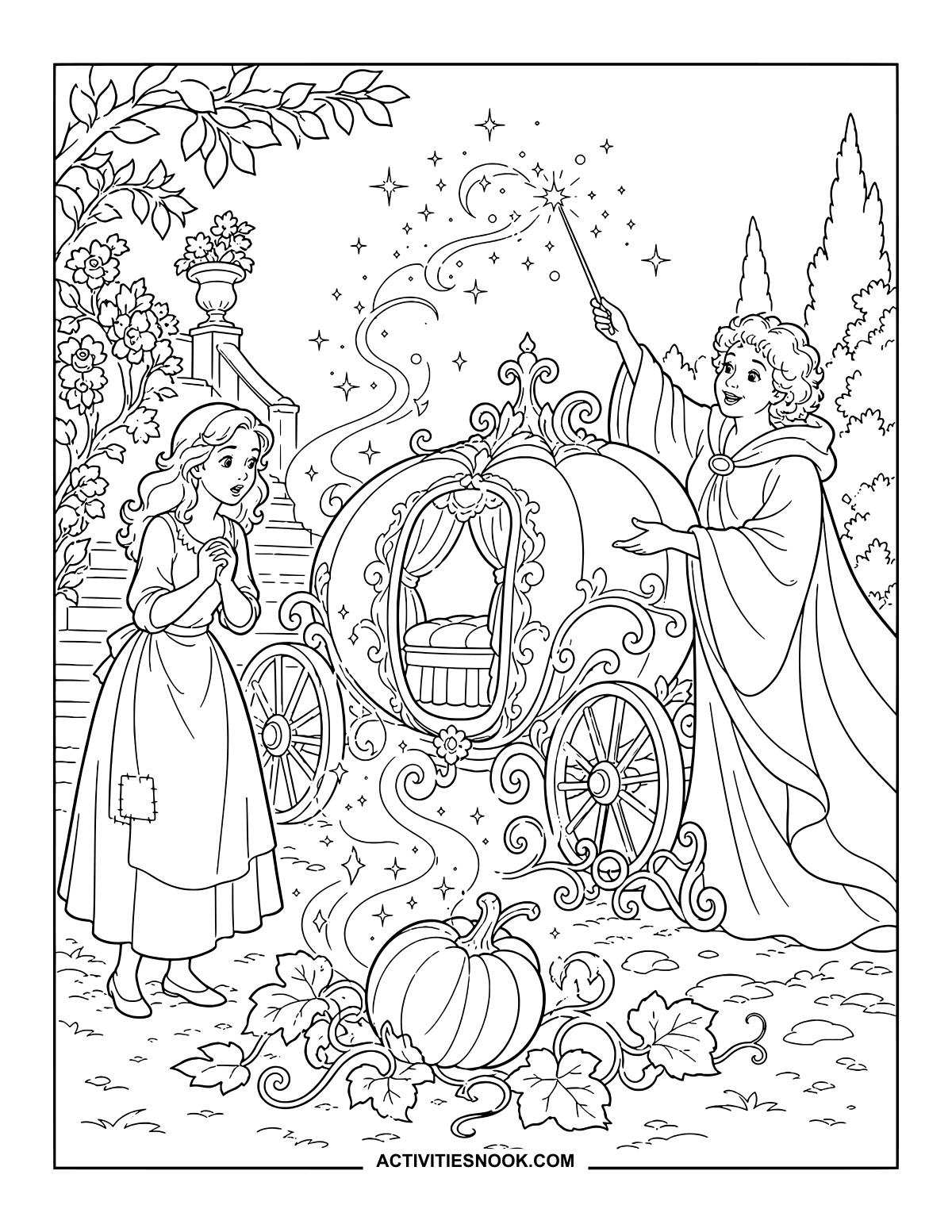
The Pumpkin Carriage Transformation
Follow the curling magic from the pumpkin to the carriage’s ornate doorway.
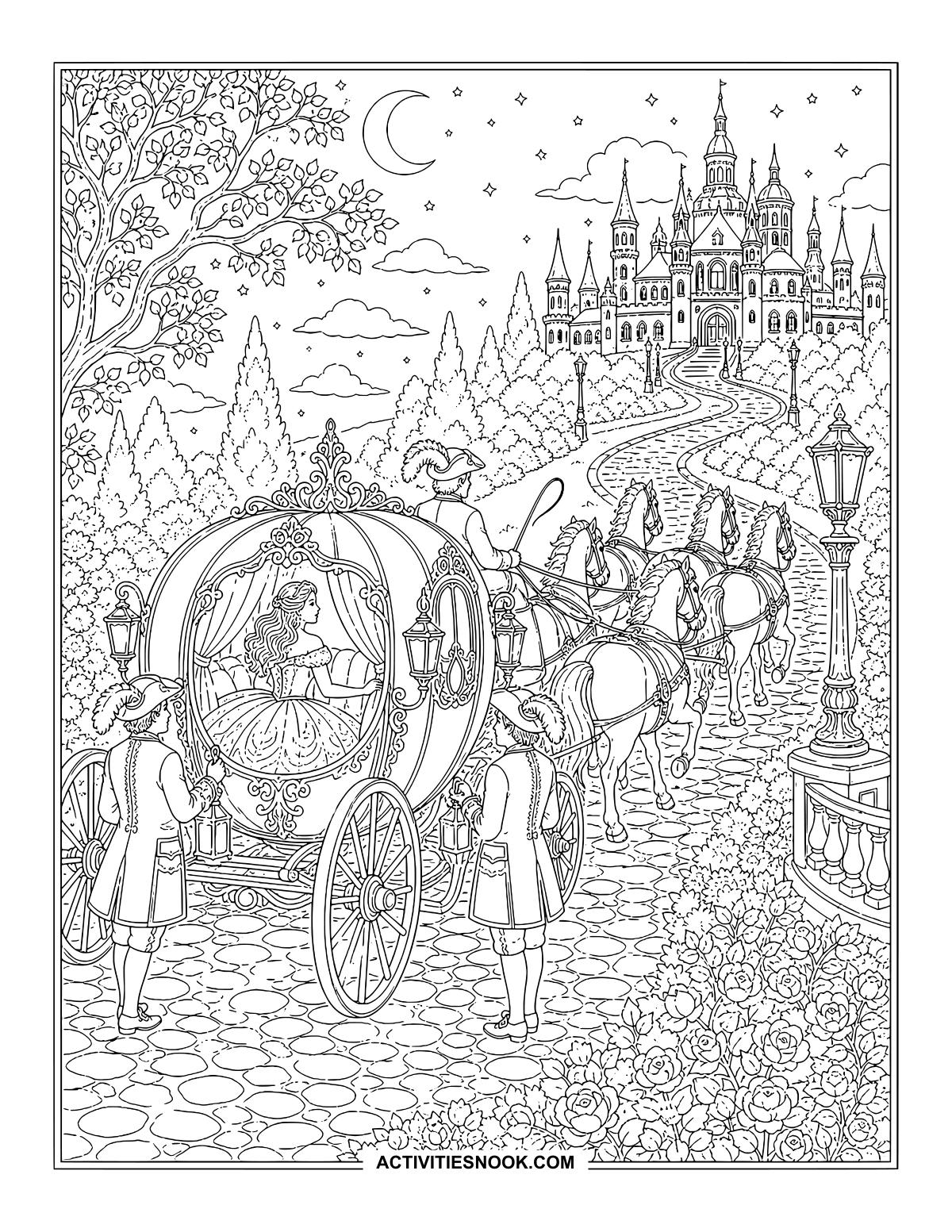
Cinderella’s Carriage Journey to the Palace
Moonlight, lanterns and a rose-lined road set the scene for a grand arrival.
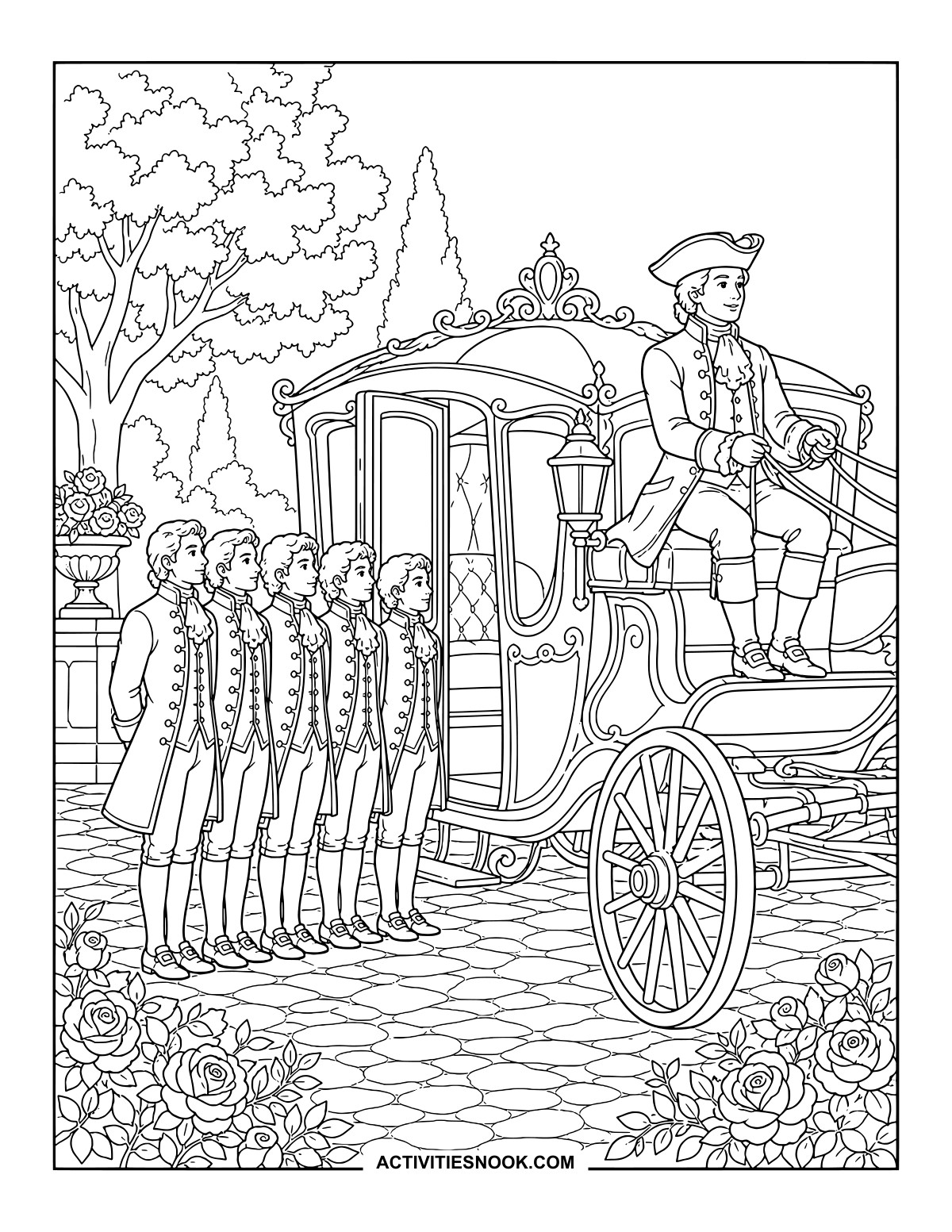
The Coachman and Footmen Beside the Carriage
Try matching colors for the attendants’ coats, then pick out the carriage trim.
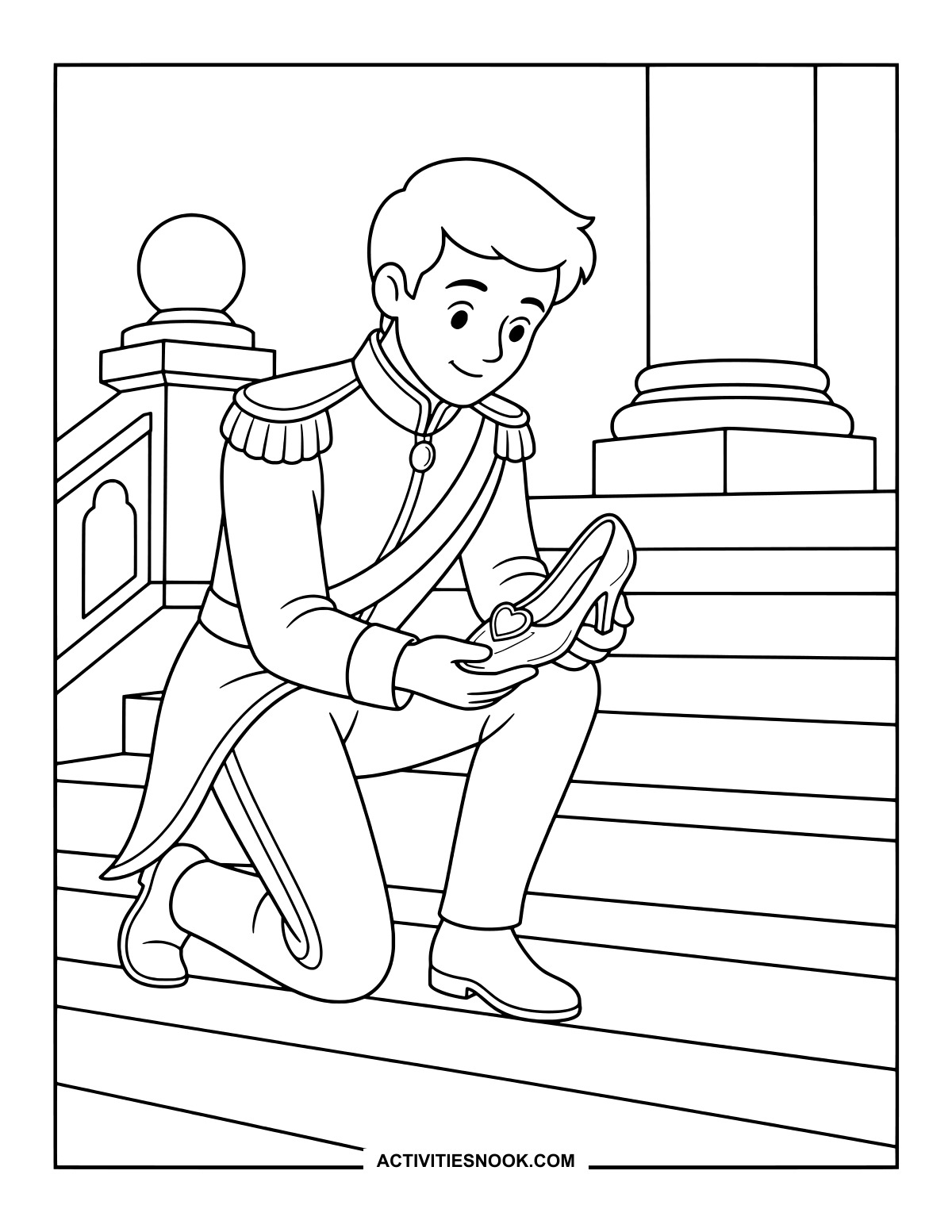
Ways to Use These Cinderella Coloring Pages
Pair a favorite scene with a Cinderella read-aloud at home or library storytime, then invite each child to explain why they chose it.
Arrange several finished pictures in story order, from Cinderella by the hearth to her reunion with the prince. Use them as prompts for a spoken retelling.
Create a family fairy-tale gallery: each person chooses a scene, then everyone brings their pictures together to tell the story.
Try a shared color palette across the ball gown, slippers and carriage, or give each magical transformation its own colors.
Use a finished picture as a writing prompt for a speech bubble or a short description on a separate sheet of paper.
For more printable collections, explore 20 Free Little Red Riding Hood Coloring Pages, 20 Free Hansel and Gretel Coloring Pages, and 20 Free Jack and the Beanstalk Coloring Pages.
How to Print or Download These Coloring Pages
⭐️ You don’t need to sign up or subscribe — just click the images to get your free coloring page PDFs!
- Choose your page. Click the image for the coloring page you’d like to use.
- Open the file. A PDF will open in Google Drive. Some school or office networks block this type of file sharing, so if you have trouble, try again at home or on a different internet connection.
- Print right away. Load your favorite paper into the printer, then click the print icon in the PDF window.
- If the edges look cut off, go to your print menu → “More Settings” → “Fit To Printable Area.” This resizes the page so the entire cozy design fits neatly inside the margins.
- Download for later. If you’d rather save the page, click the download icon (a downward arrow) in the Google Drive toolbar. The file will save to your device so you can open and print whenever you’re ready.
- No need to request access. You don’t have to ask to share the file. Just use the print or download icons directly in the Google Drive window.
- Start coloring! Once printed, enjoy your coloring pages with crayons, markers, colored pencils, or even watercolor paint. Use the space around the images to add your own text or embellishments for crafts and collages.