22 Cute Witch Coloring Pages: Free Printable PDFs
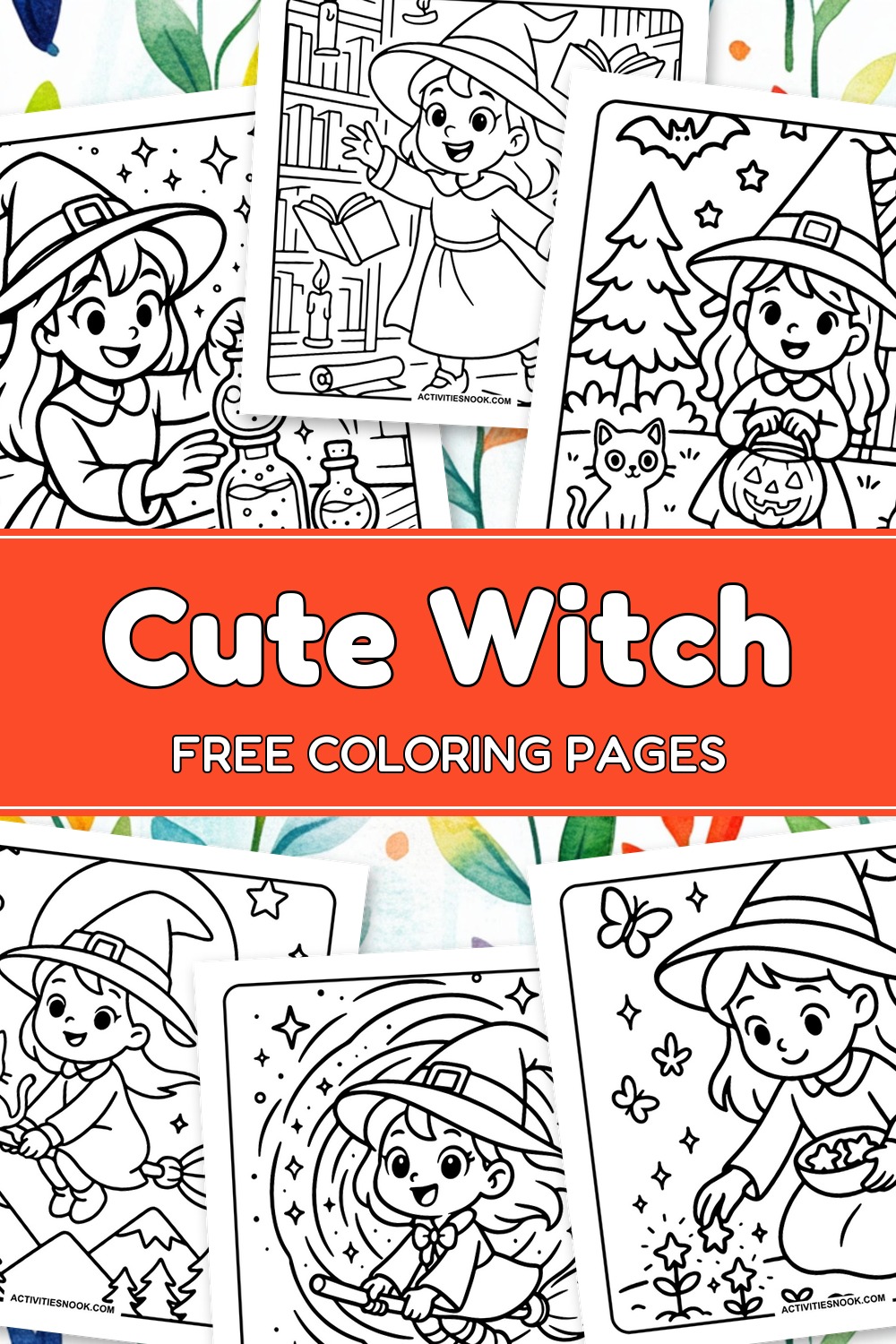
These 22 free printable cute witch coloring pages feature friendly witches brewing potions, flying with animal companions and enjoying cozy woodland adventures. Bold outlines and roomy dresses, hats and skies offer easy coloring spaces for kids, while smaller details in bookshelves, gardens and rooftops give families more to explore together. Each design is available as an individual PDF. Choose a cheerful Halloween scene or settle in with a witch tending flowers, sipping tea or cuddling an owl on the moon.
Click a coloring page image or its title to open its individual PDF. Full printing instructions are at the end.
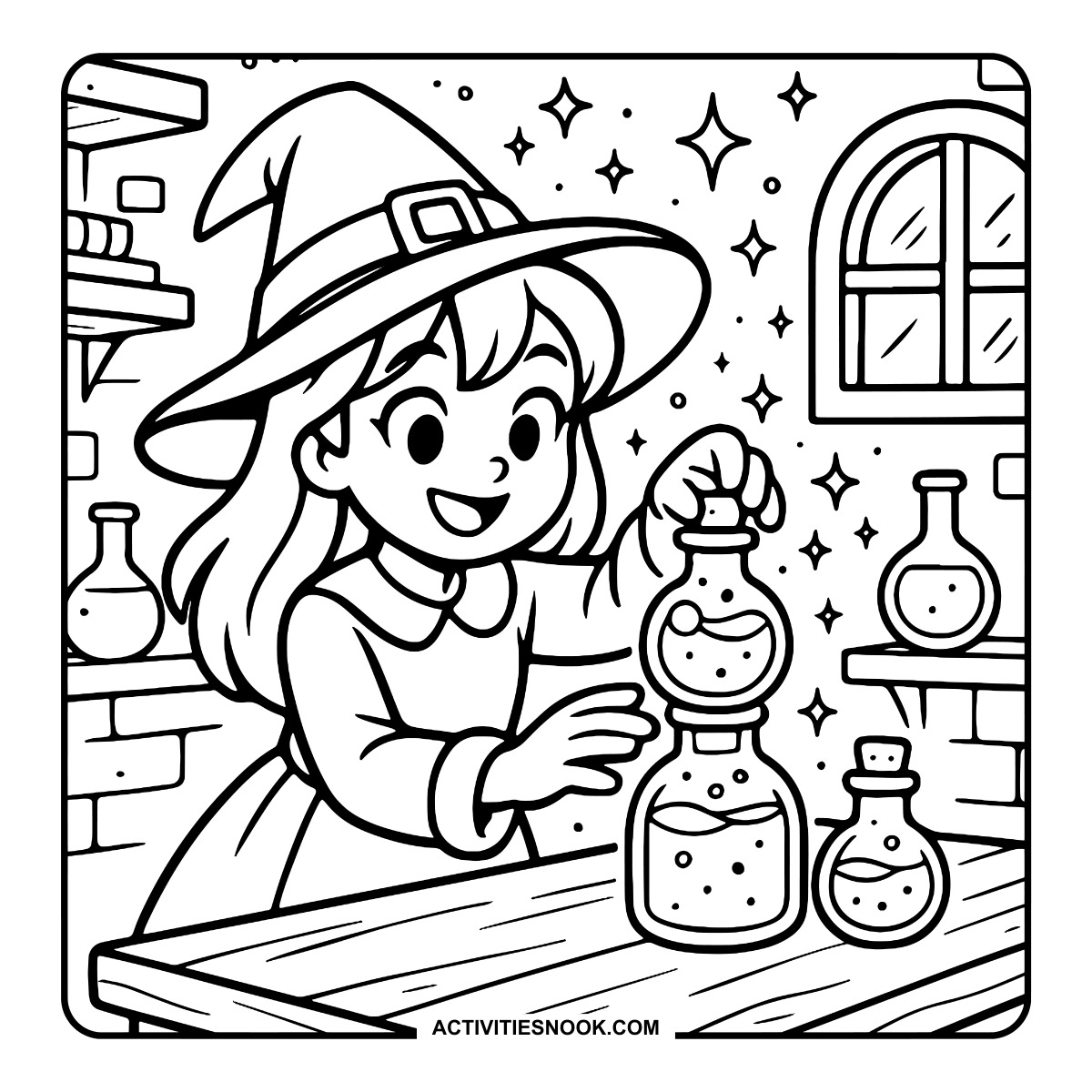
Cute Witch Coloring Page with Potion Bottles
Sparkles fill the workroom as the witch holds a round potion bottle above the table.
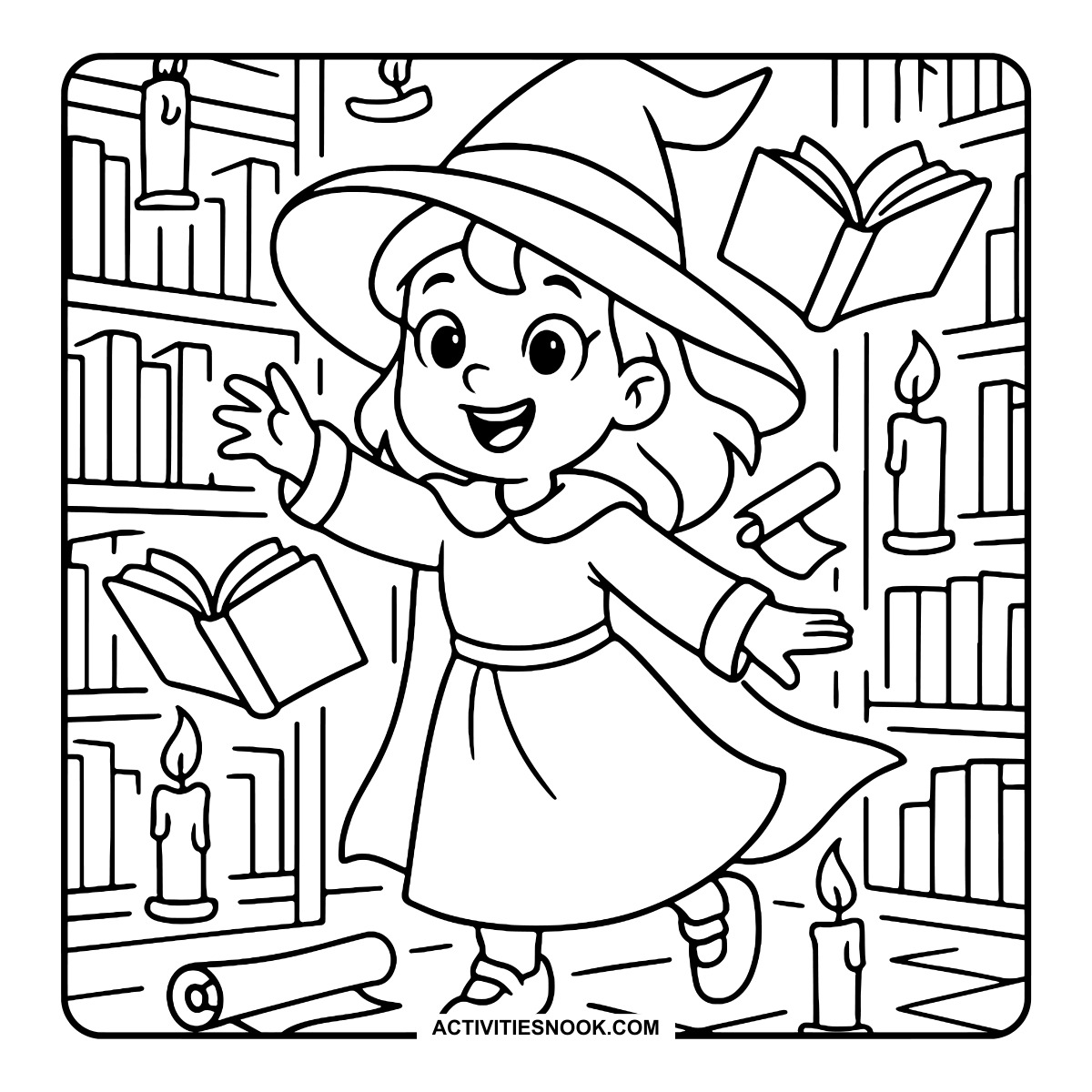
Witch Coloring Page in a Magical Library
Open books and scrolls float between the shelves beside glowing candles.
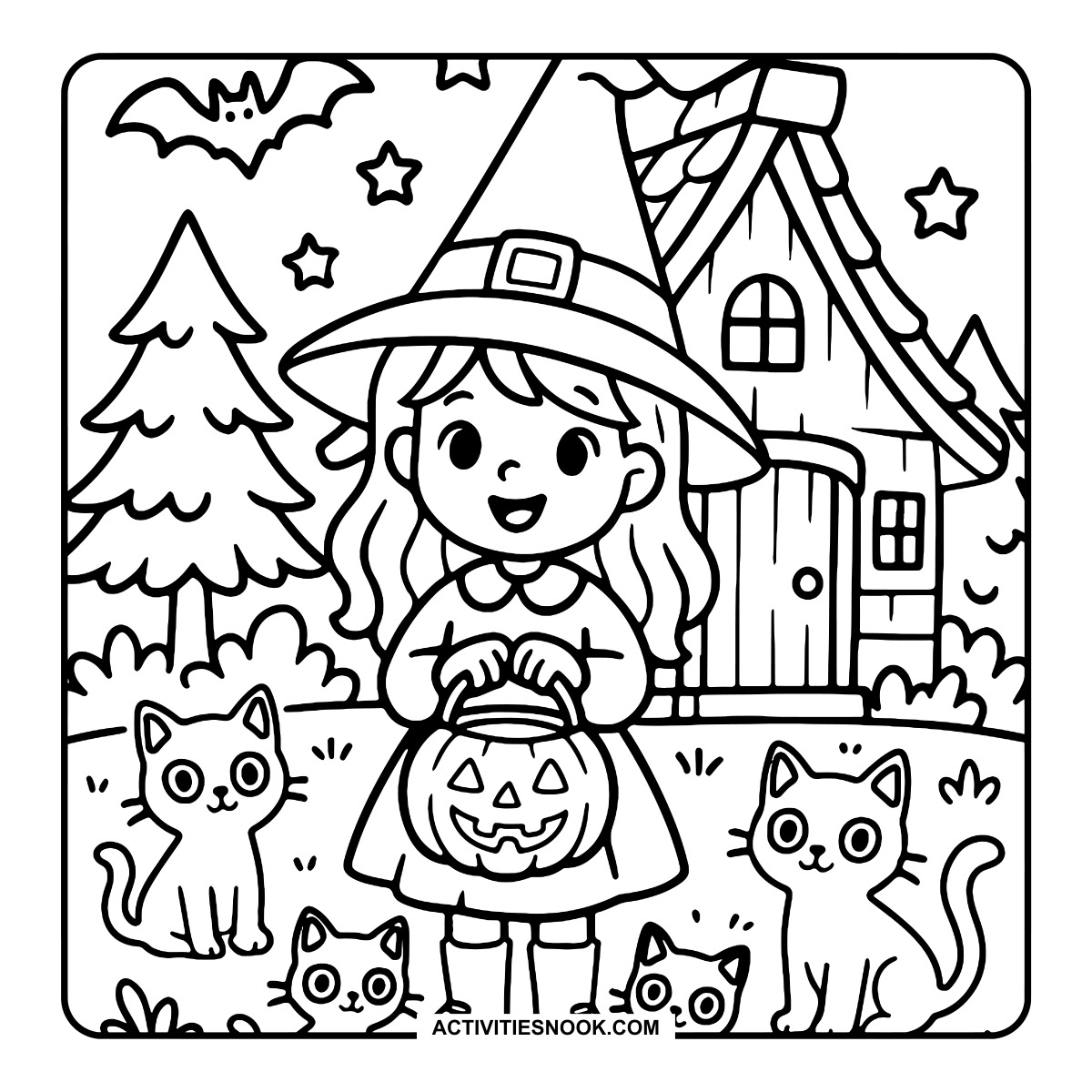
Witch and Cats Coloring Sheet with a Pumpkin Bucket
A crooked cottage, a flying bat and stars complete the Halloween scene.
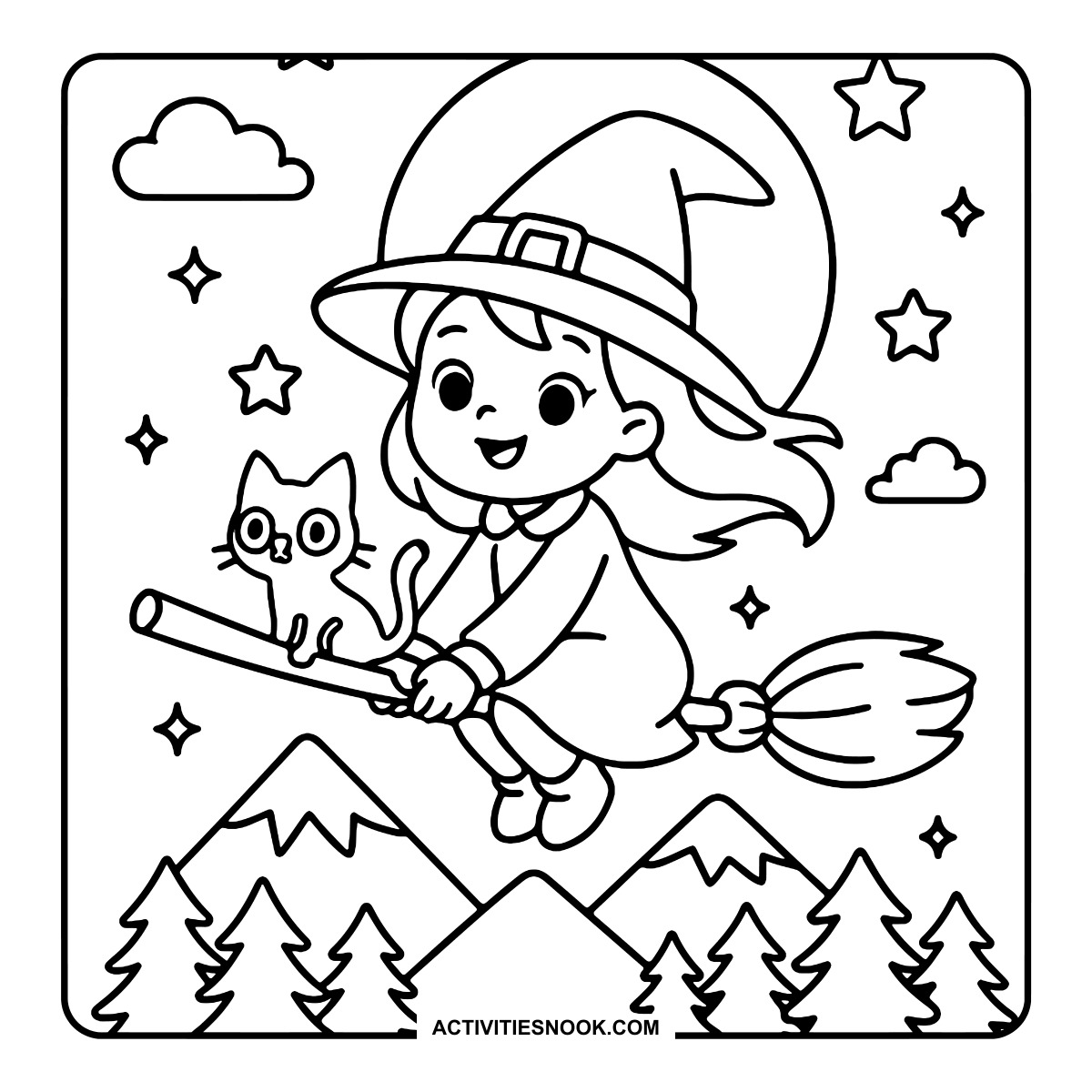
Witch and Cat Flying on a Broom Coloring Page
The pair soar above mountain peaks and evergreen trees beneath a large moon.
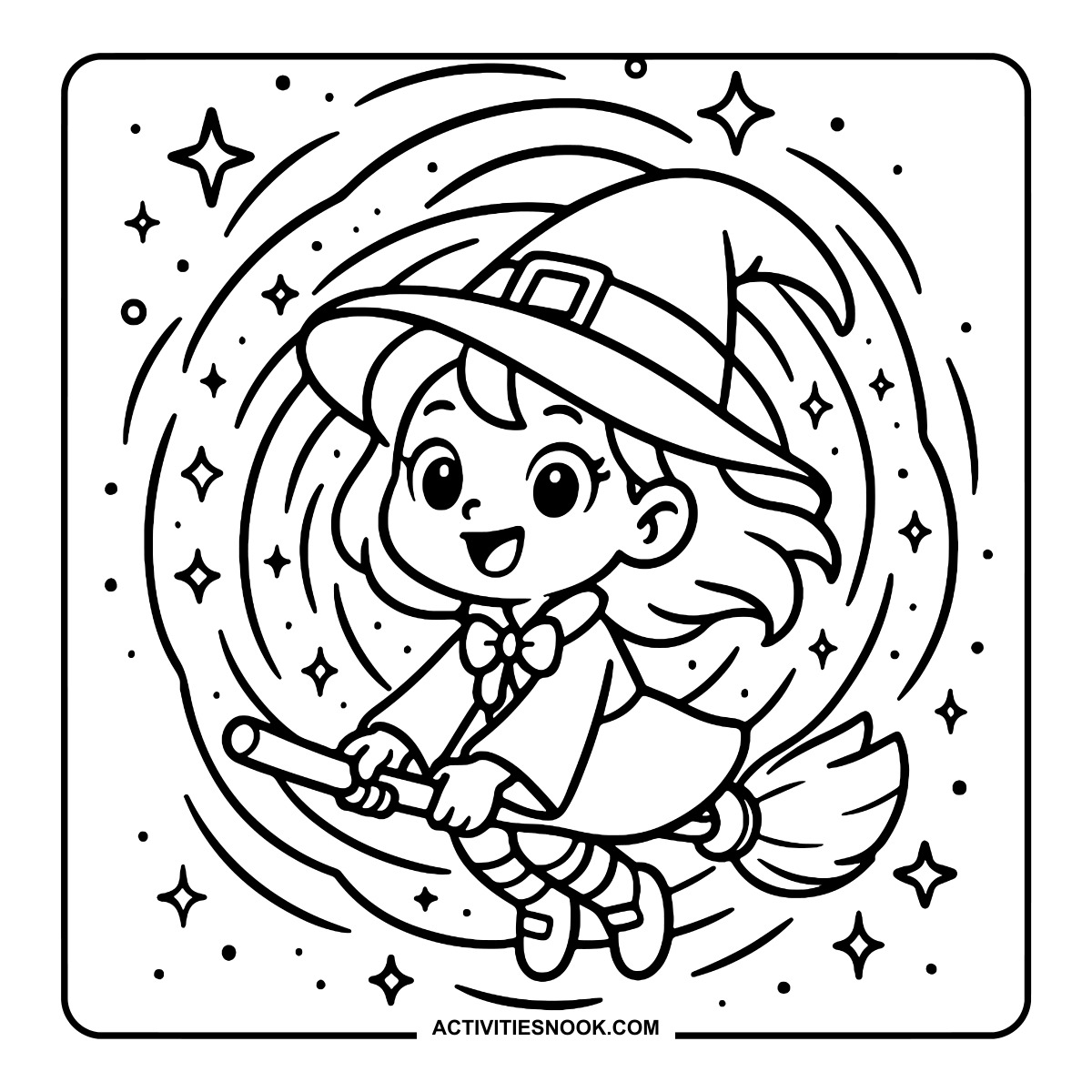
Cute Witch on a Broomstick Coloring Sheet
Sweeping circular lines and scattered sparkles surround this broomstick ride.
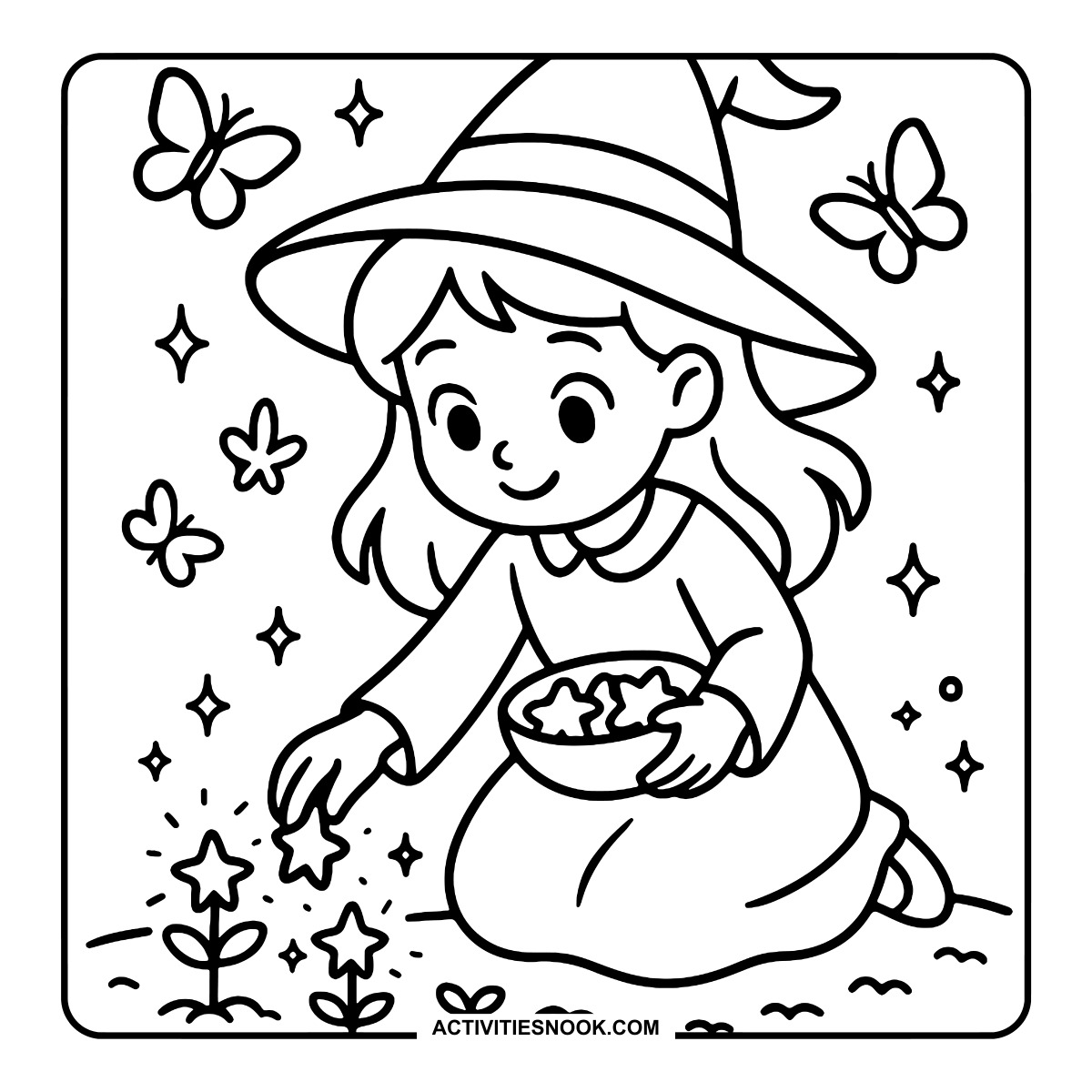
Witch Planting Stars Coloring Page
Butterflies flutter around the witch as she reaches toward star-shaped flowers.
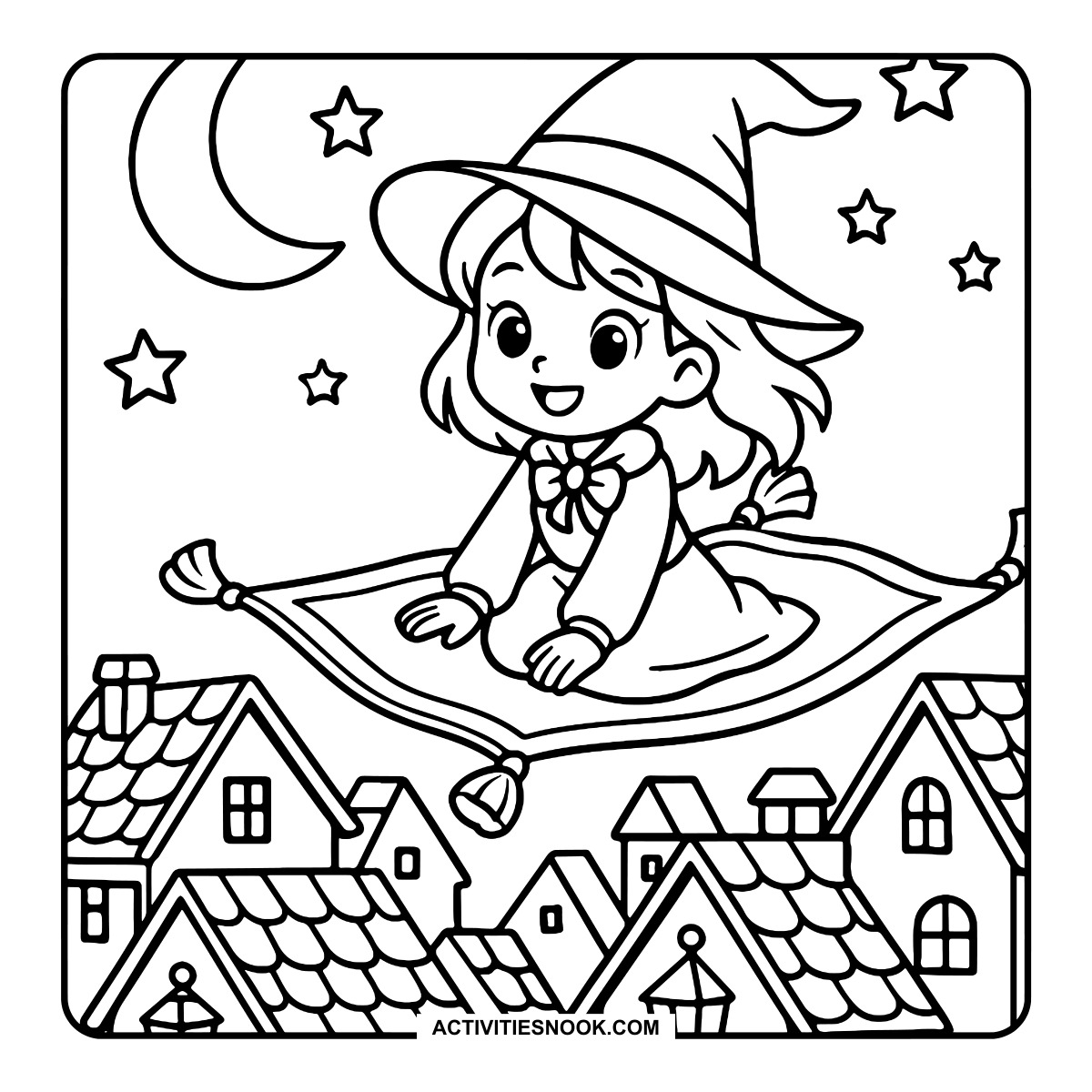
Witch on a Flying Carpet Coloring Page
Tasseled corners frame the carpet as it floats above the village rooftops.
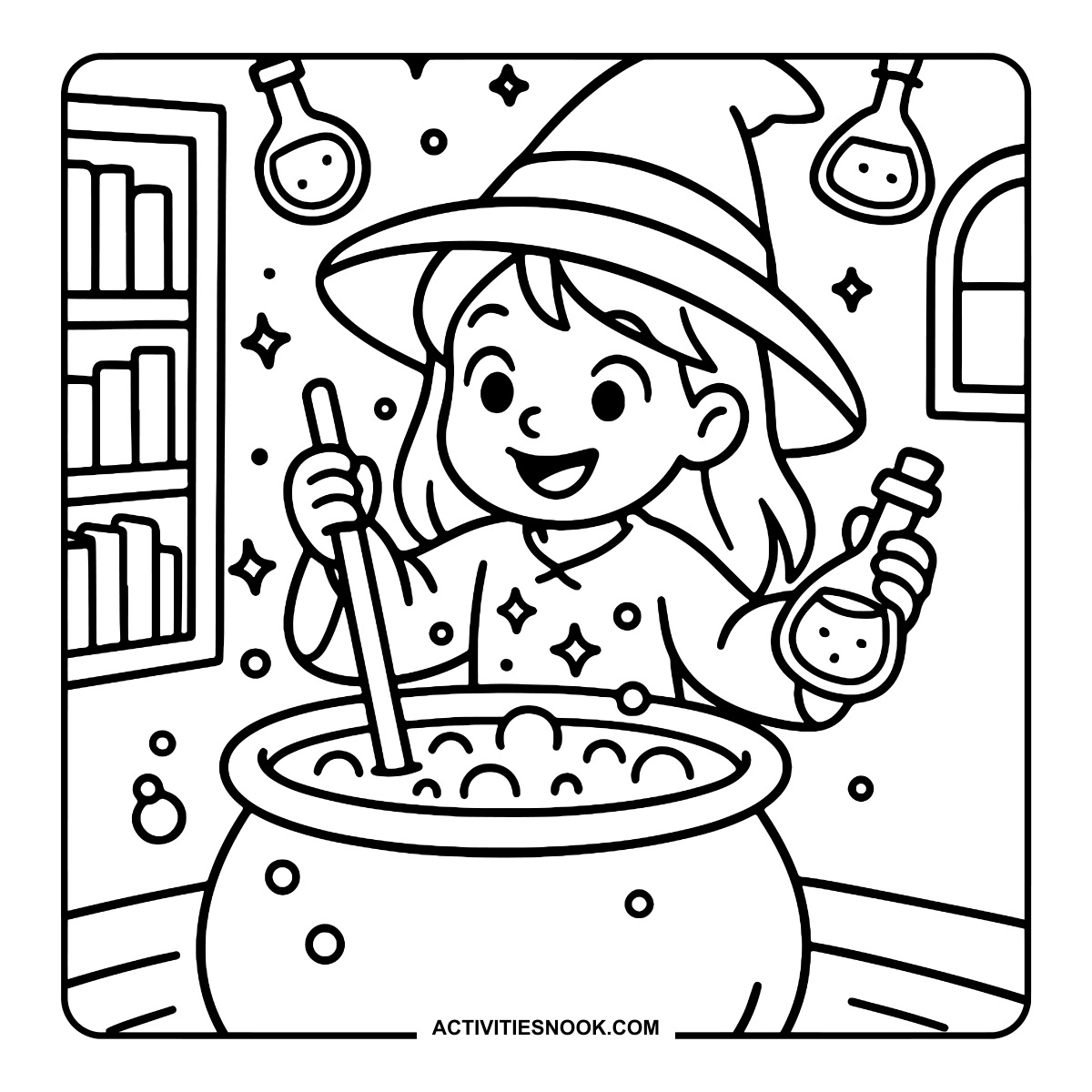
Witch Brewing a Potion Coloring Page
The witch holds a small bottle while stirring a bubbling cauldron.
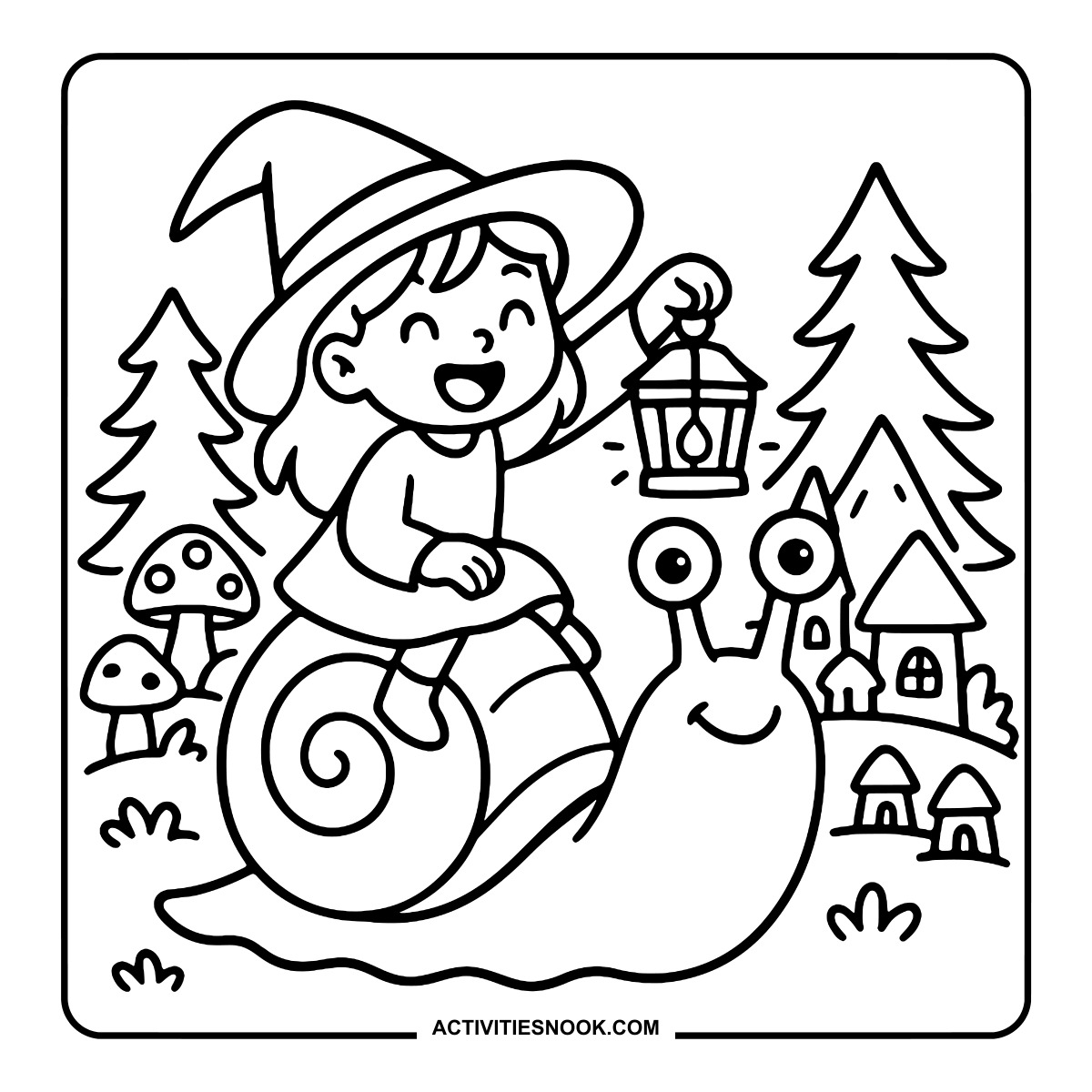
Witch Riding a Giant Snail Coloring Page
A lantern lights the way past mushrooms, trees and tiny houses.
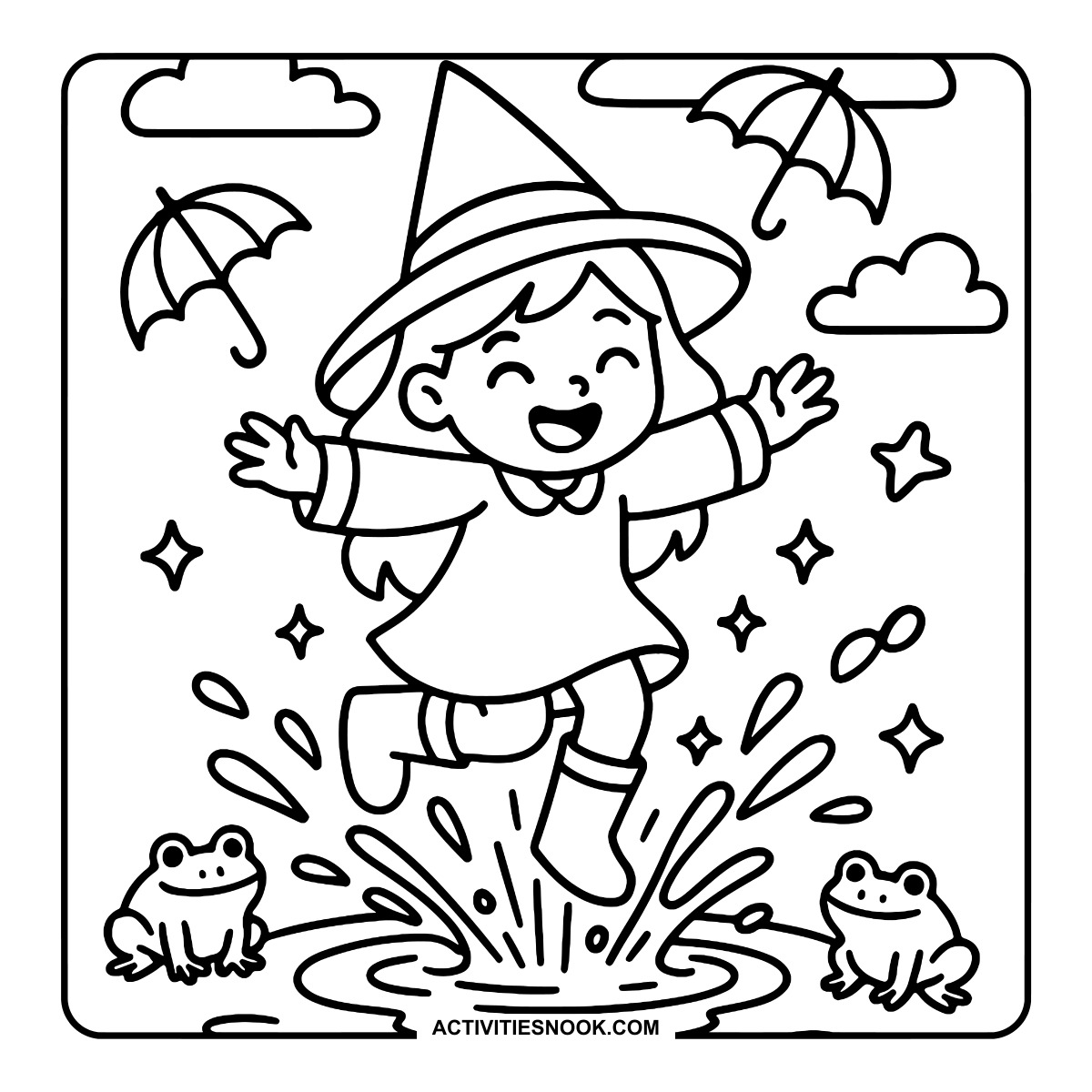
Witch Splashing in a Puddle Coloring Sheet
Two frogs watch the splash, with floating umbrellas and clouds overhead.
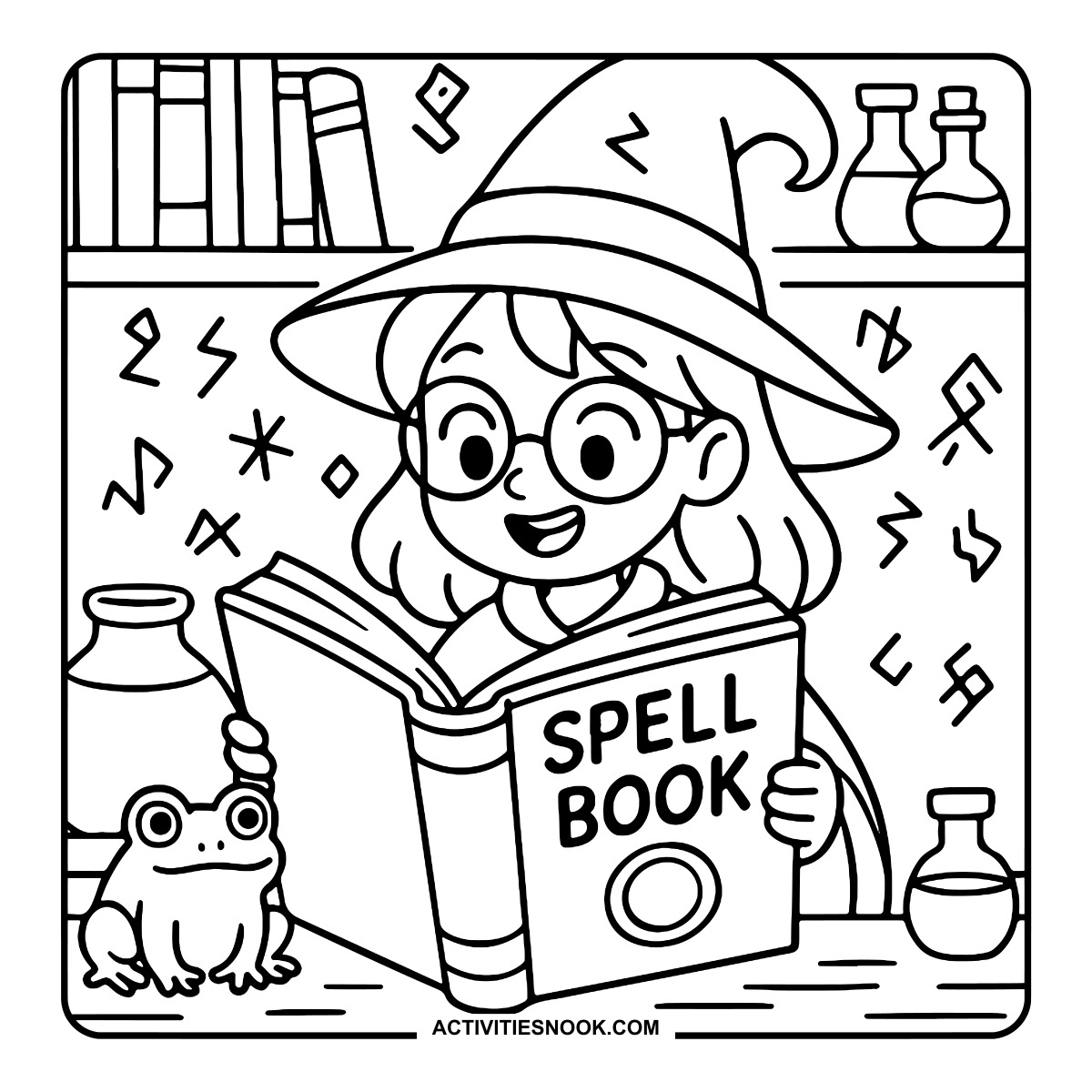
Witch Reading a Spell Book Coloring Page
Round glasses, a frog companion and floating symbols add detail to the reading scene.
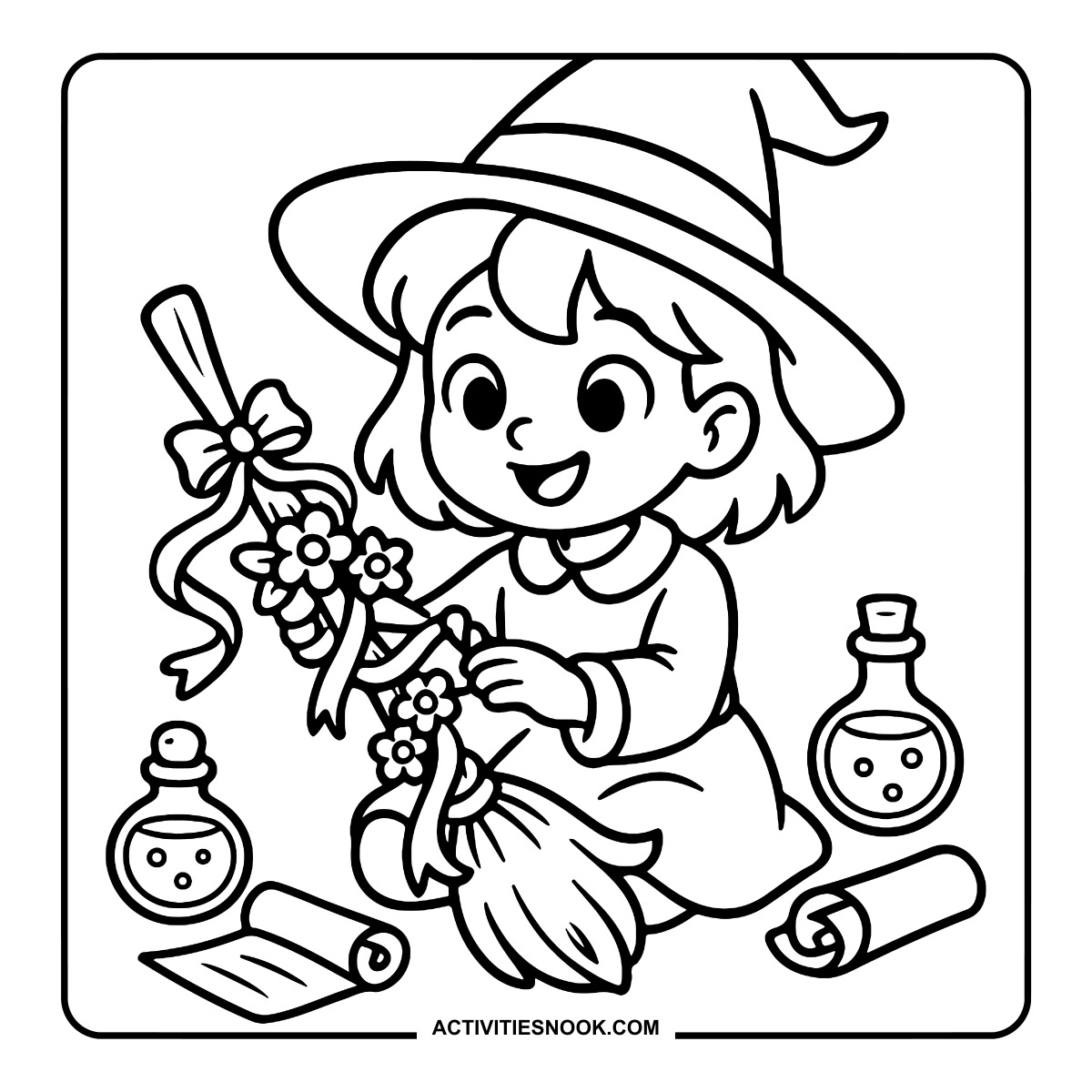
Witch Decorating a Broom Coloring Page
Flowers, bows and trailing ribbons dress up the broom beside bottles and scrolls.
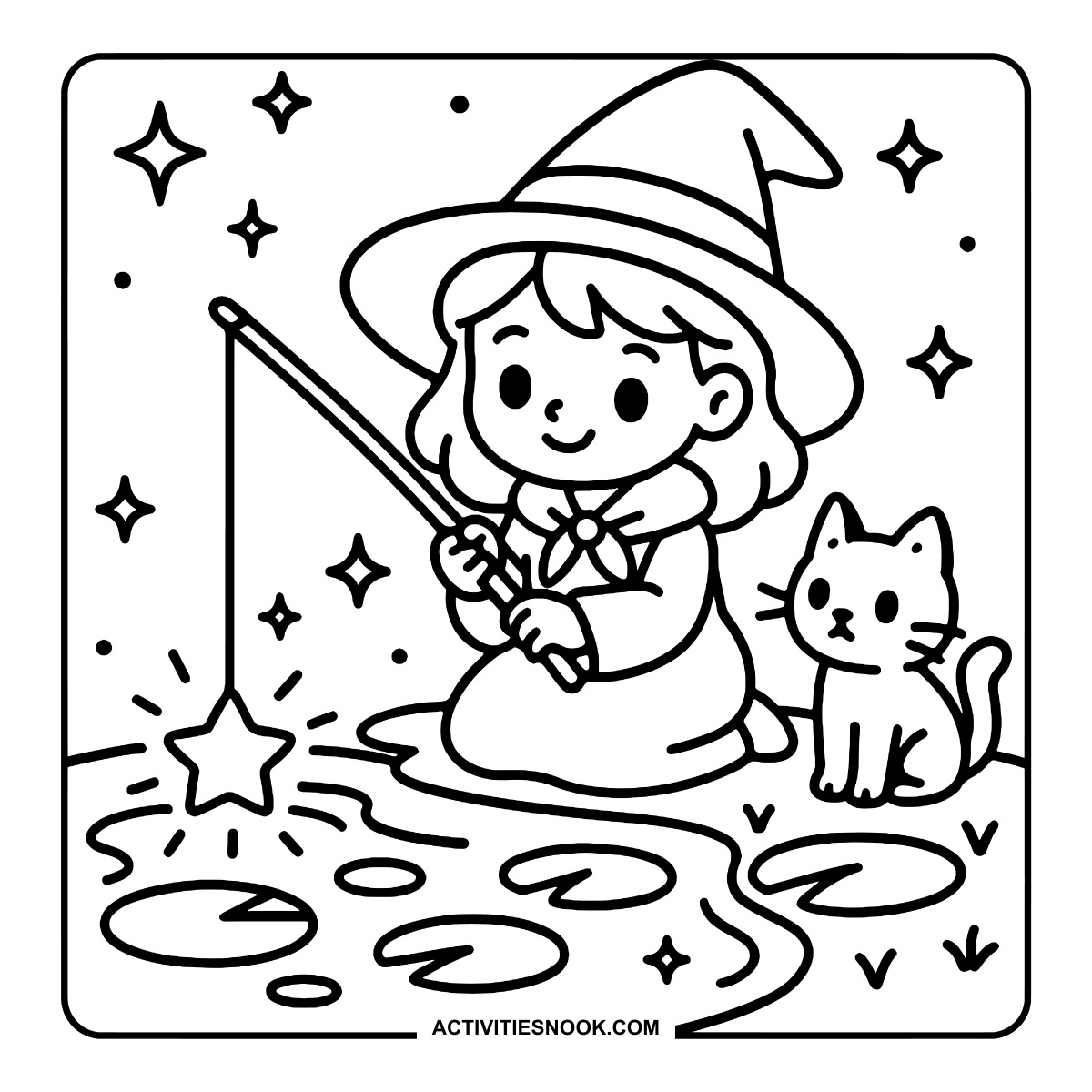
Witch Fishing for a Star Coloring Sheet
A cat sits beside the witch on the bank of a pond dotted with lily pads.
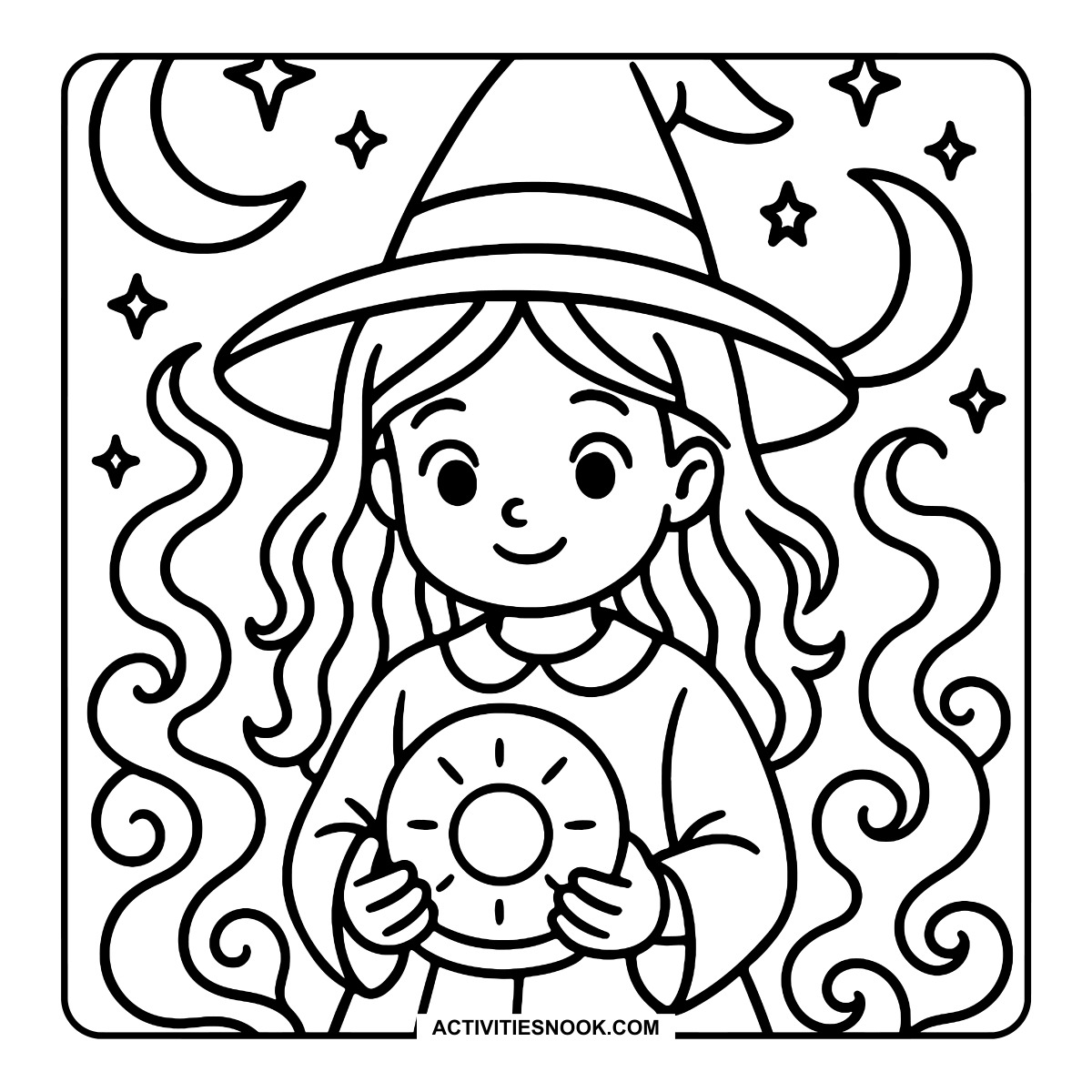
Witch Holding a Sun Disc Coloring Page
Crescent moons, stars and curling wisps surround the witch and her round sun design.
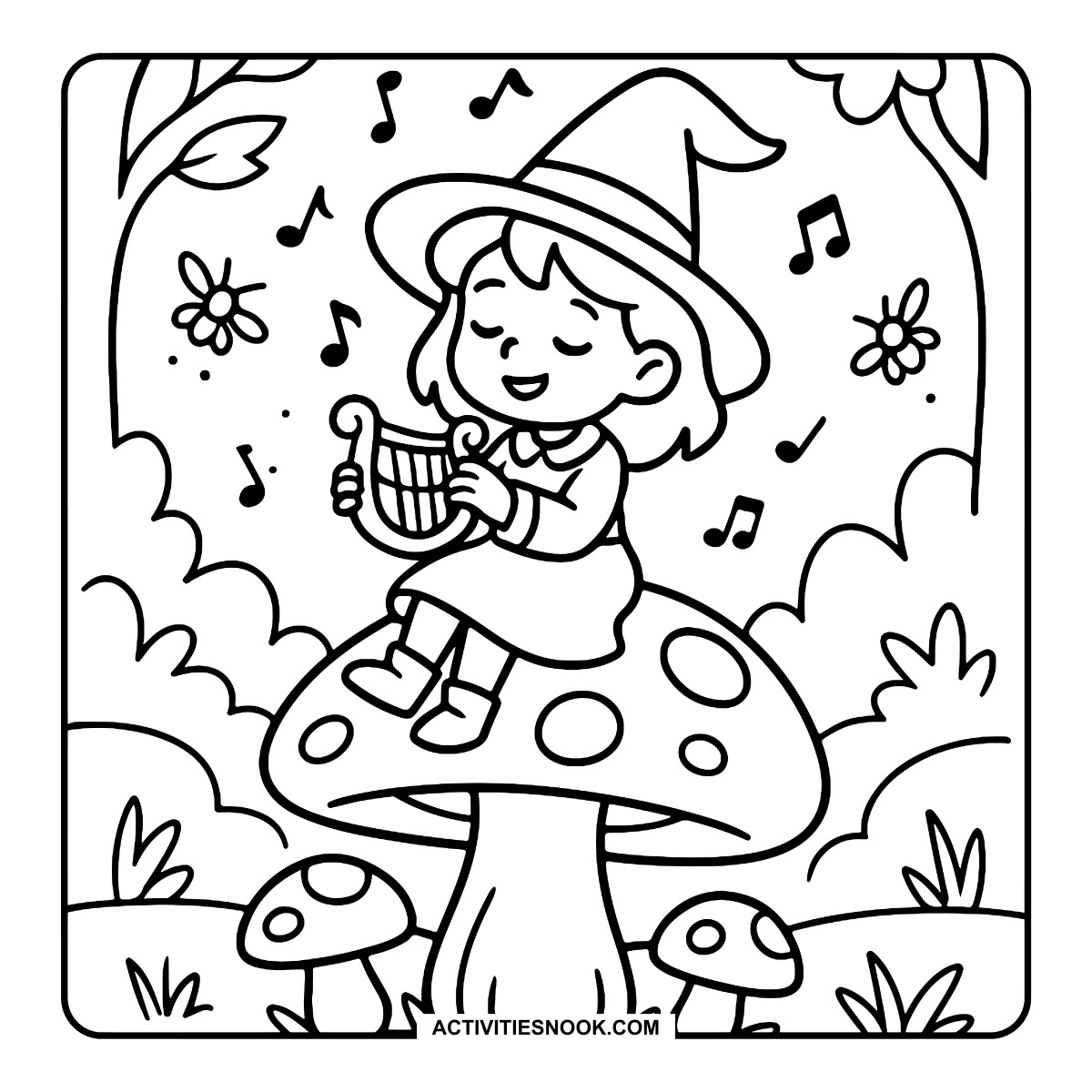
Musical Witch on a Mushroom Coloring Page
The witch plays a small harp atop a spotted mushroom, with musical notes floating nearby.
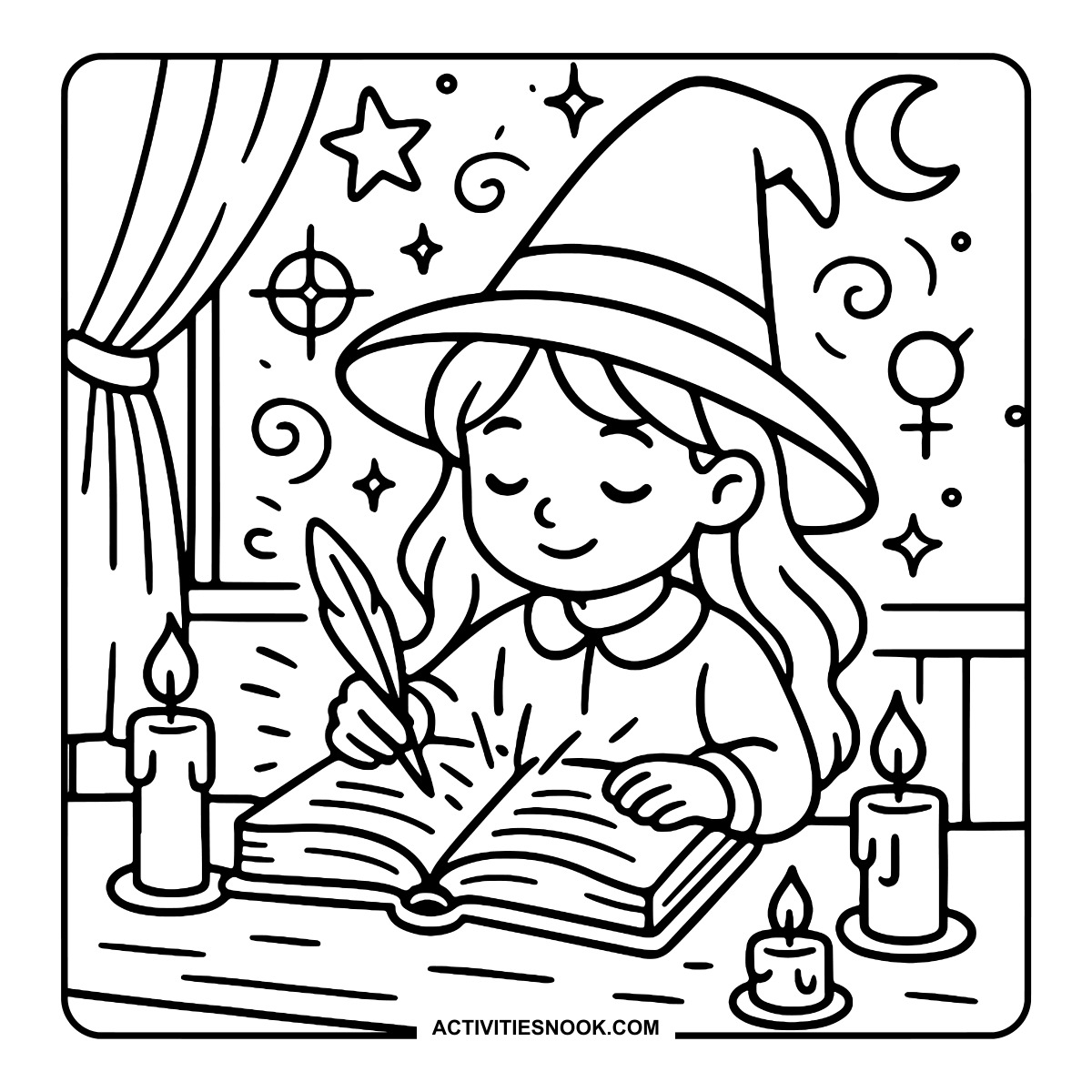
Witch Writing with a Quill Coloring Sheet
Three candles surround the open book, with stars and symbols behind the desk.
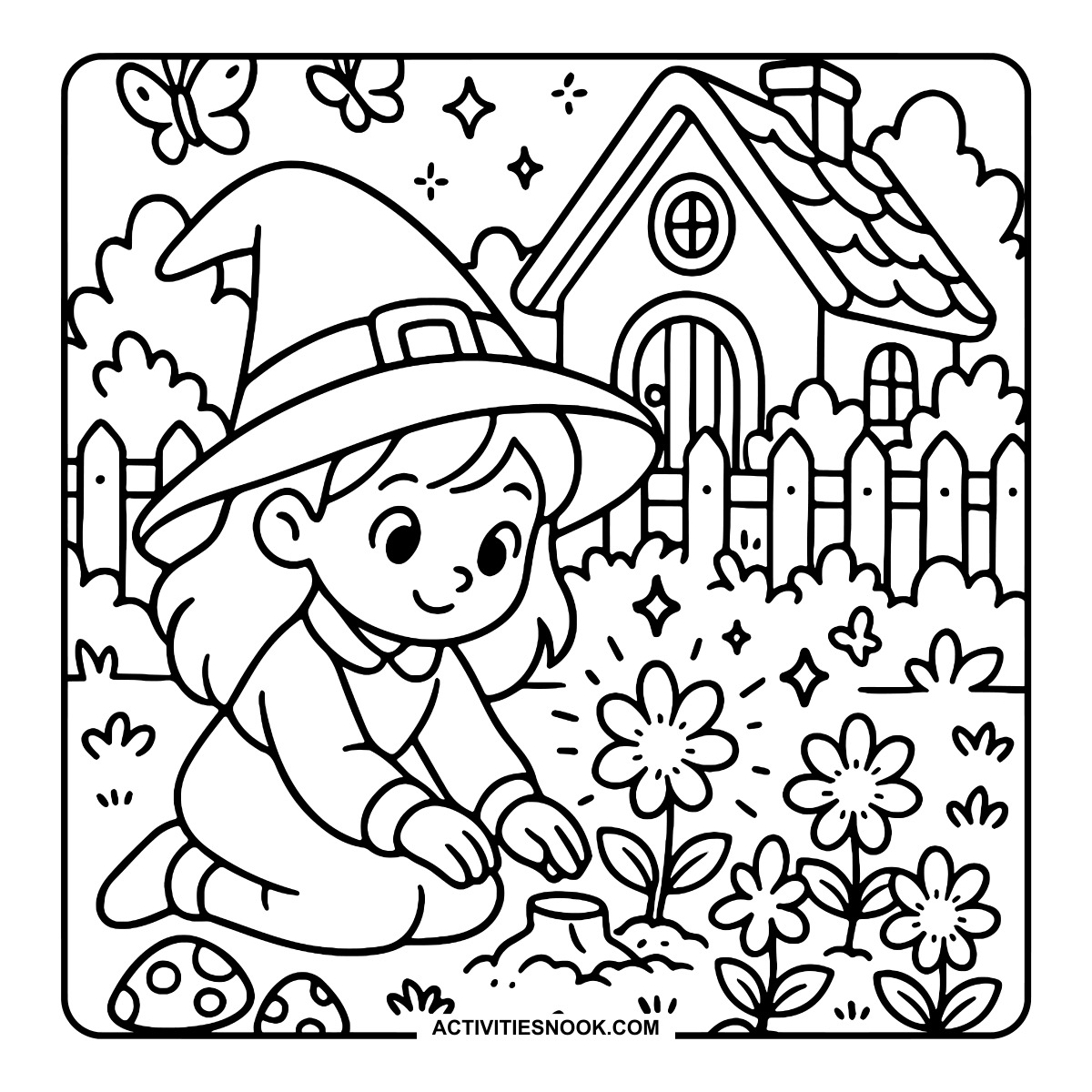
Witch in a Flower Garden Coloring Page
Butterflies hover above the garden outside a cottage and picket fence.
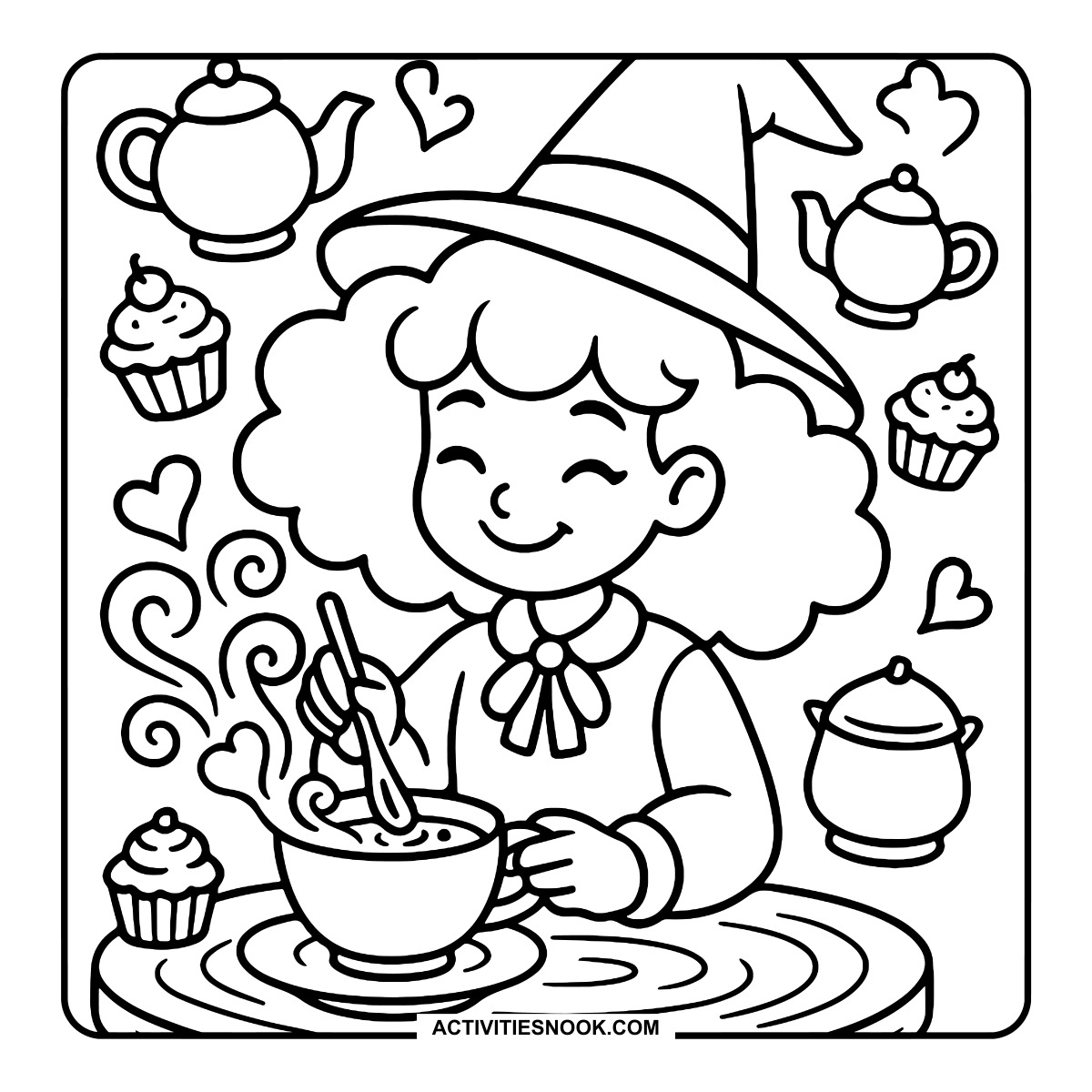
Cozy Witch Tea Time Coloring Page
Teapots, cupcakes and hearts surround a curly-haired witch stirring her steaming cup.
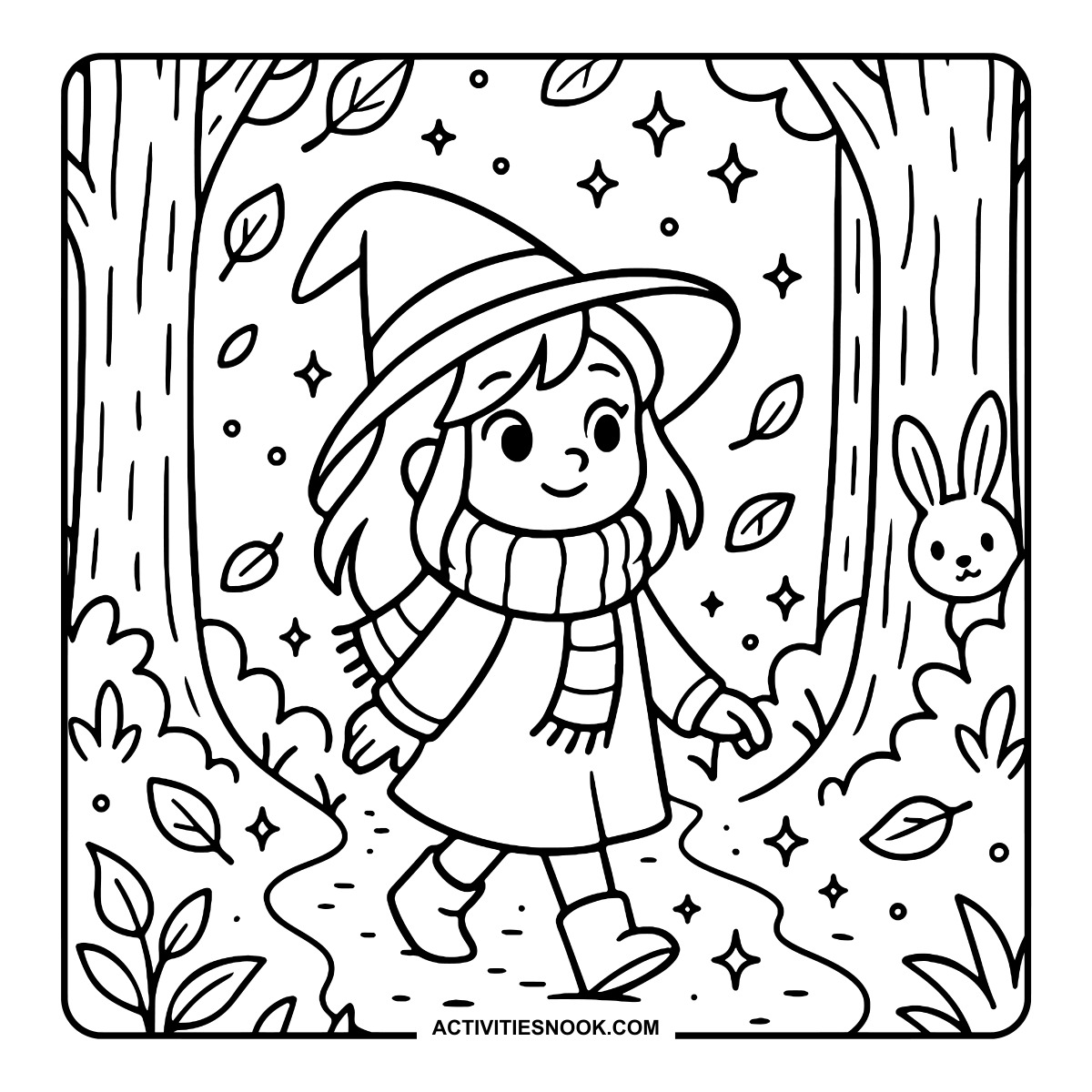
Witch Taking an Autumn Walk Coloring Sheet
A rabbit peeks from behind a tree as leaves drift around the winding path.
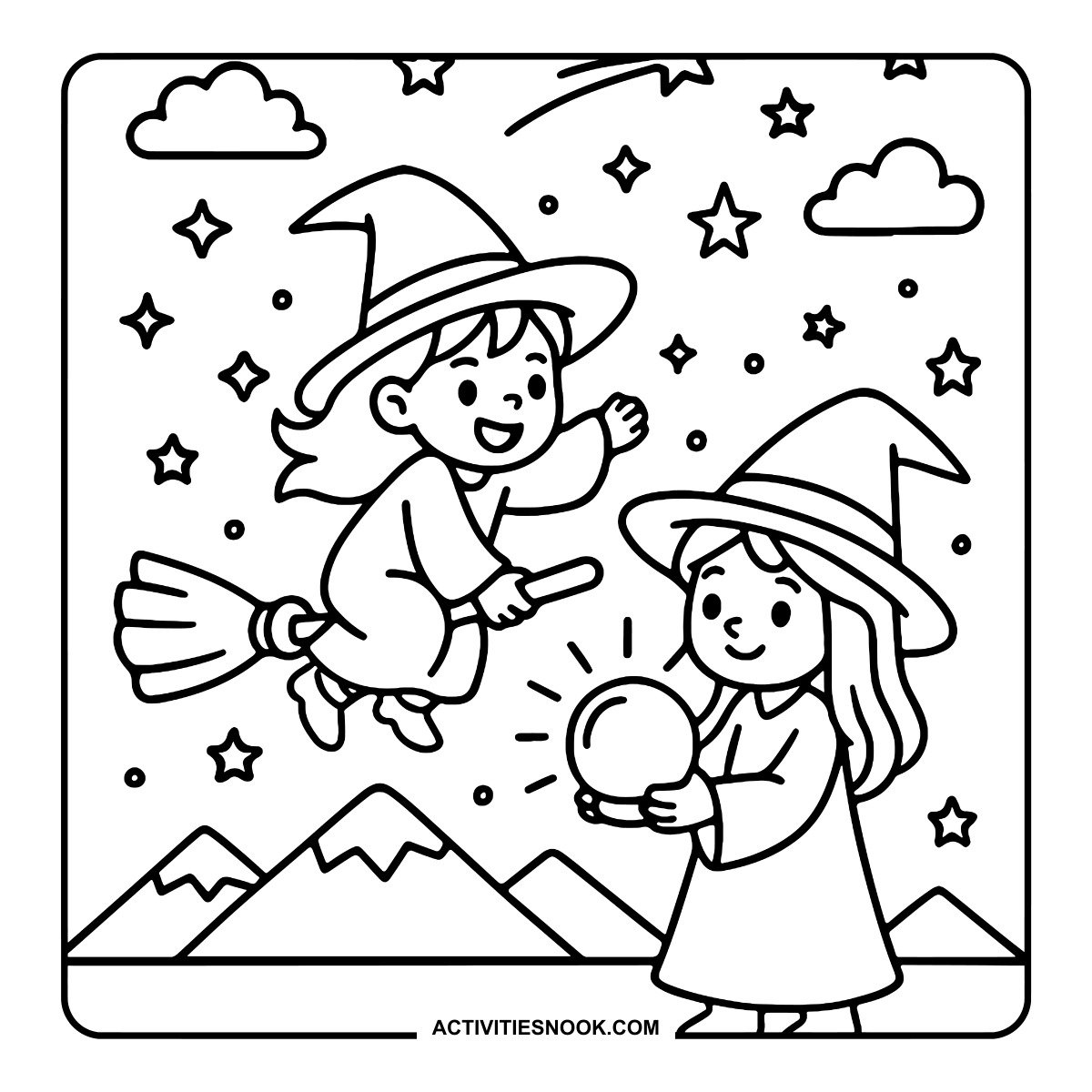
Two Witches Under the Stars Coloring Page
One witch waves from a broomstick while the other holds a glowing orb above the mountain backdrop.
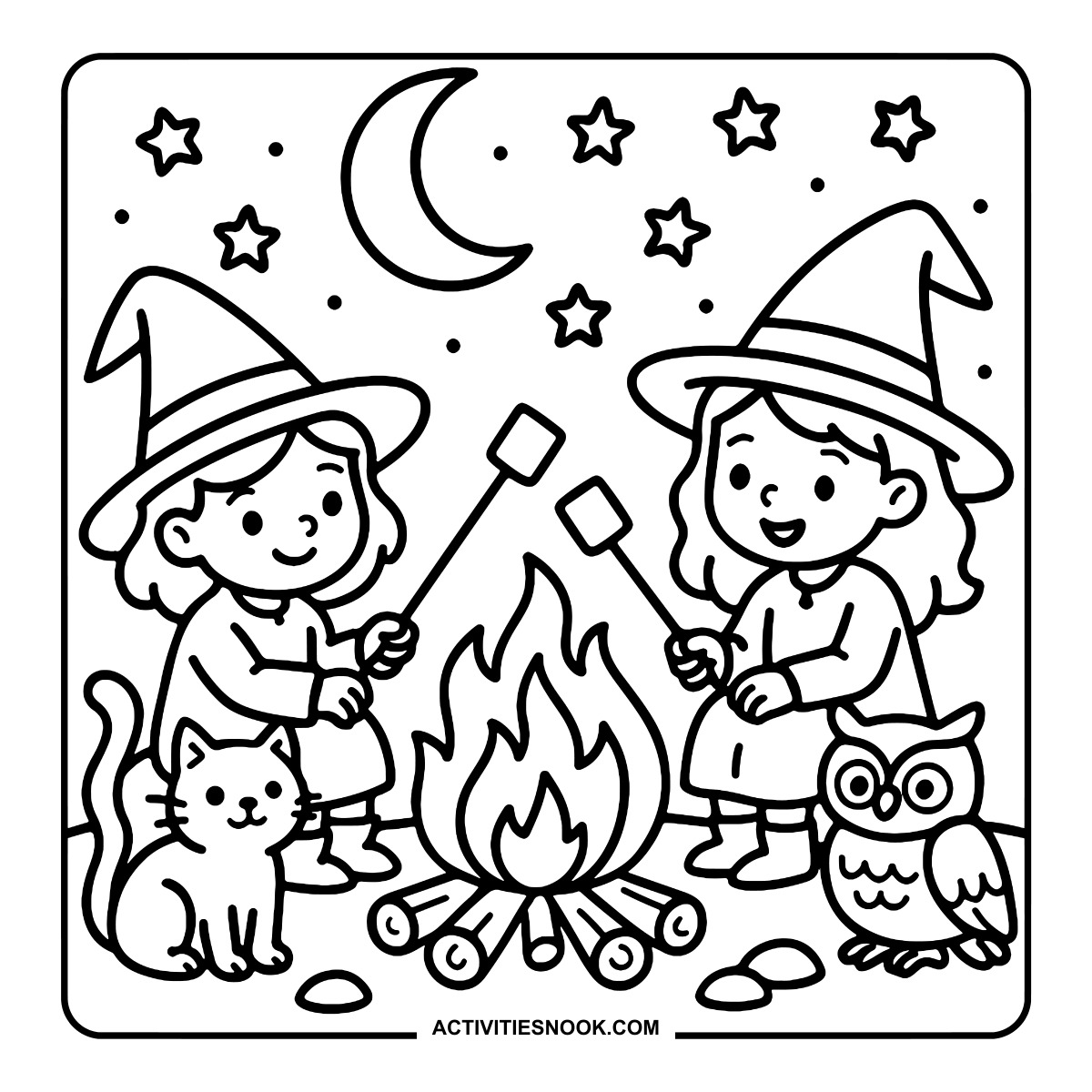
Witches Roasting Marshmallows Coloring Page
A cat and an owl join the two witches around a campfire beneath the moon.
Ways to Use These Cute Witch Coloring Pages
Set up a Halloween coloring table with the potion, pumpkin bucket and broomstick scenes so everyone can choose a favorite.
Create a family color challenge: pick three colors together, then see how each person uses them on a different witch design.
Pair the library or spell book scene with a storytelling prompt. Invent a gentle spell and tell what happens when the witch tries it.
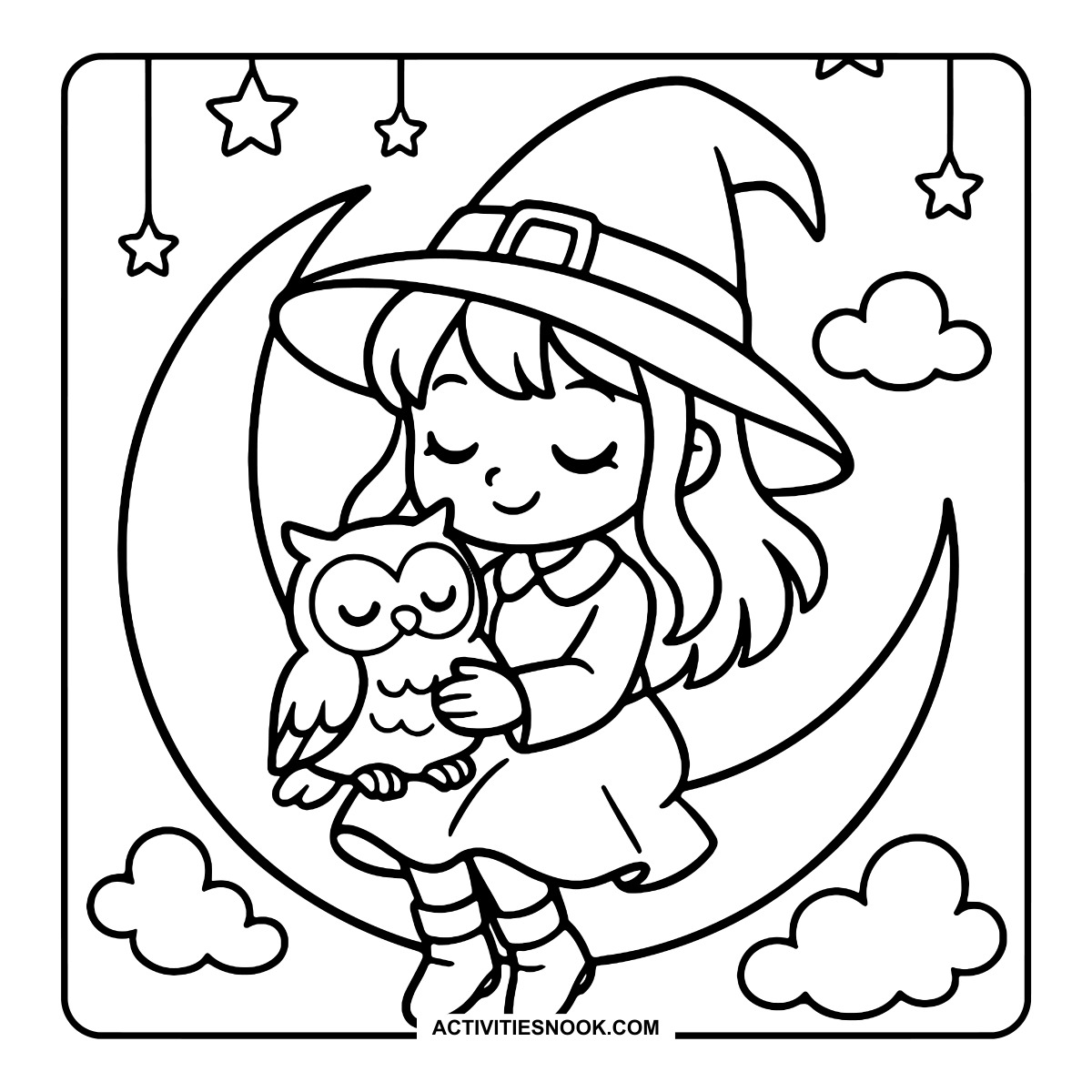
Make a cozy coloring afternoon with the tea, owl or woodland walk pages and a favorite seasonal story.
Turn finished pages into a magical village display, grouping the cottages, garden, flying carpet and woodland scenes.
Use the two-witch campfire picture as the start of a shared story about a nighttime adventure with a cat and an owl.
How to Print or Download These Coloring Pages
⭐️ You don’t need to sign up or subscribe — just click the images to get your free coloring page PDFs!
- Choose your page. Click the image for the coloring page you’d like to use.
- Open the file. A PDF will open in Google Drive. Some school or office networks block this type of file sharing, so if you have trouble, try again at home or on a different internet connection.
- Print right away. Load your favorite paper into the printer, then click the print icon in the PDF window.
- If the edges look cut off, go to your print menu → “More Settings” → “Fit To Printable Area.” This resizes the page so the entire cozy design fits neatly inside the margins.
- Download for later. If you’d rather save the page, click the download icon (a downward arrow) in the Google Drive toolbar. The file will save to your device so you can open and print whenever you’re ready.
- No need to request access. You don’t have to ask to share the file. Just use the print or download icons directly in the Google Drive window.
- Start coloring! Once printed, enjoy your coloring pages with crayons, markers, colored pencils, or even watercolor paint. Use the space around the images to add your own text or embellishments for crafts and collages.