24 Cute and Creepy Halloween Coloring Pages
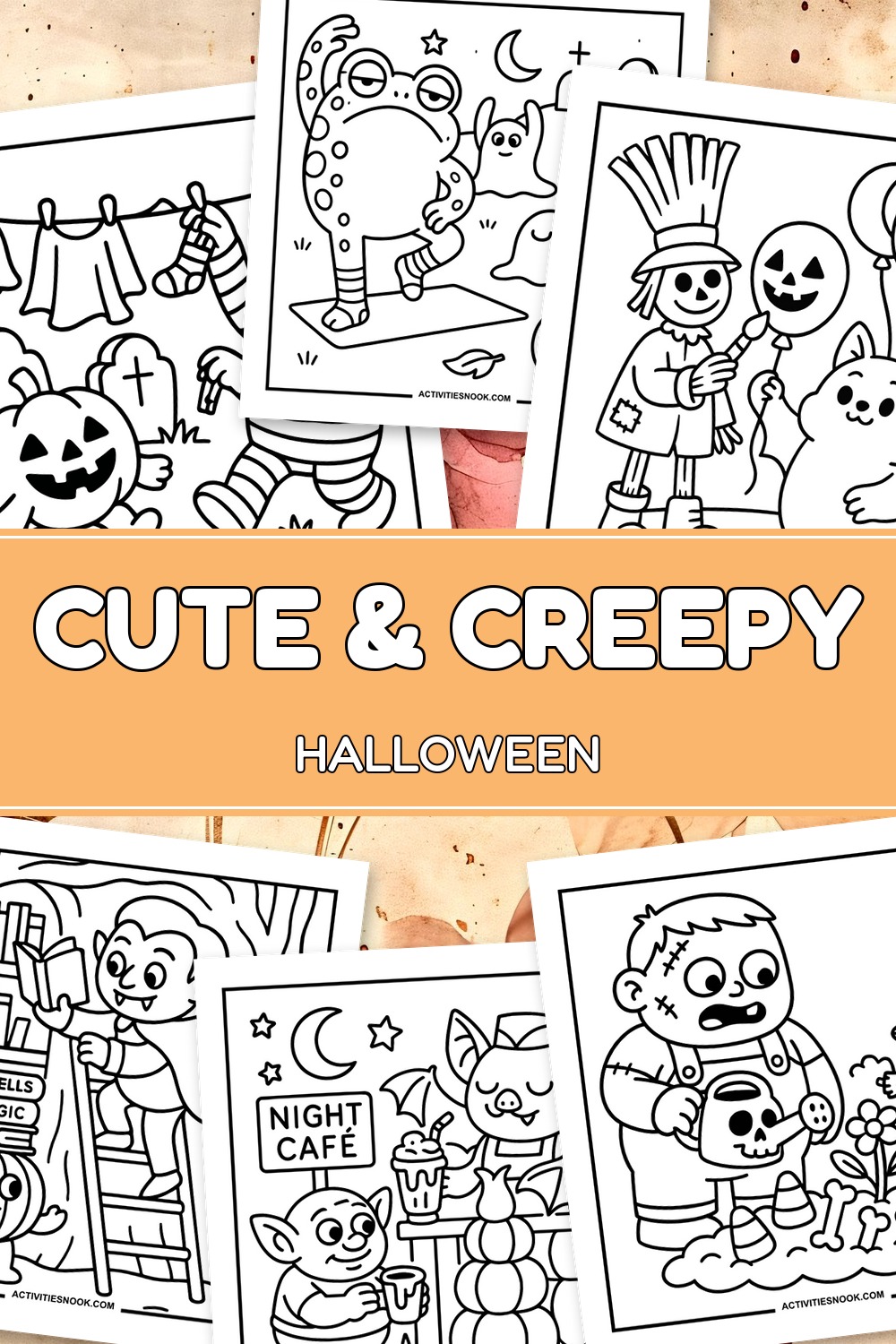
These free cute and creepy Halloween coloring pages feature friendly ghosts, busy witches, smiling skeletons and mischievous pumpkins. The 24 designs give kids a little spooky fun, from a monster tending a strange garden to a mummy racing a coffin-shaped car. Bold outlines and generous coloring spaces keep the collection approachable, while busier scenes offer extra details to explore. Each design is available as an individual printable PDF.
Click a coloring page image or its title to open its individual PDF. Full printing instructions are at the end.
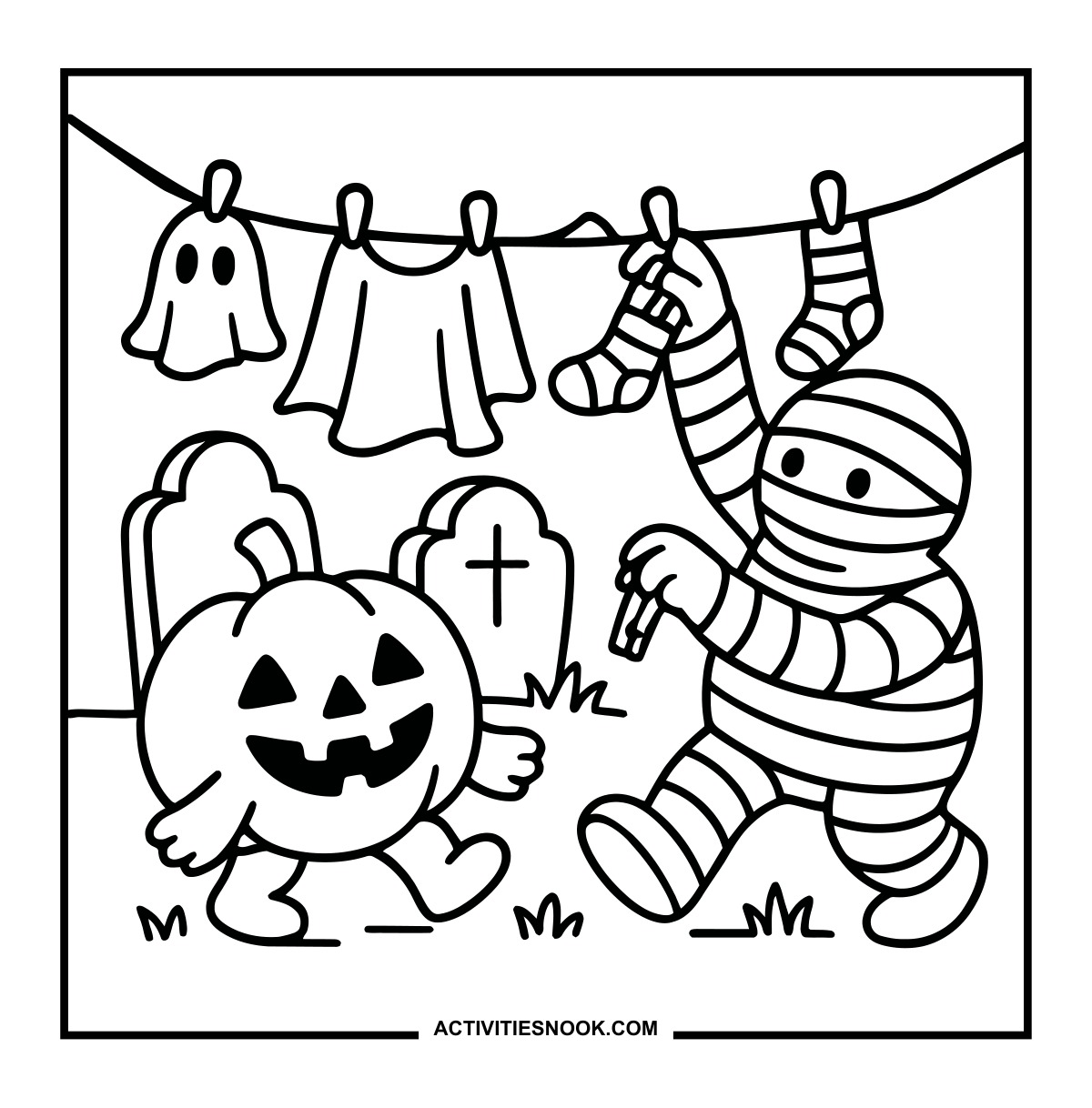
Mummy Coloring Page: Halloween Laundry
A ghost-shaped cloth, a shirt and striped socks hang above a walking jack-o'-lantern.
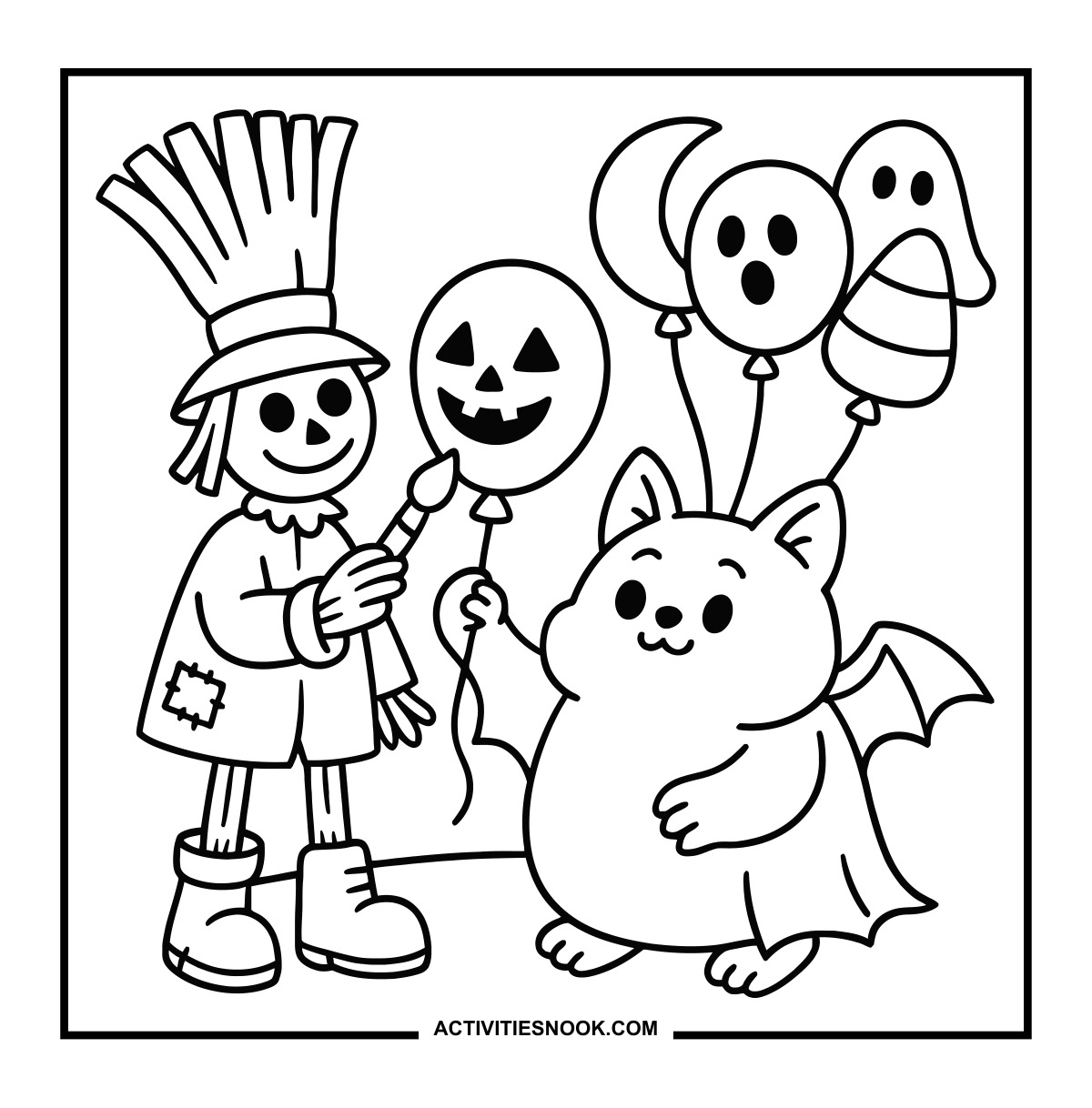
Scarecrow and Winged Creature Coloring Page
Halloween balloons include a jack-o'-lantern, a ghost, a crescent moon and candy corn.
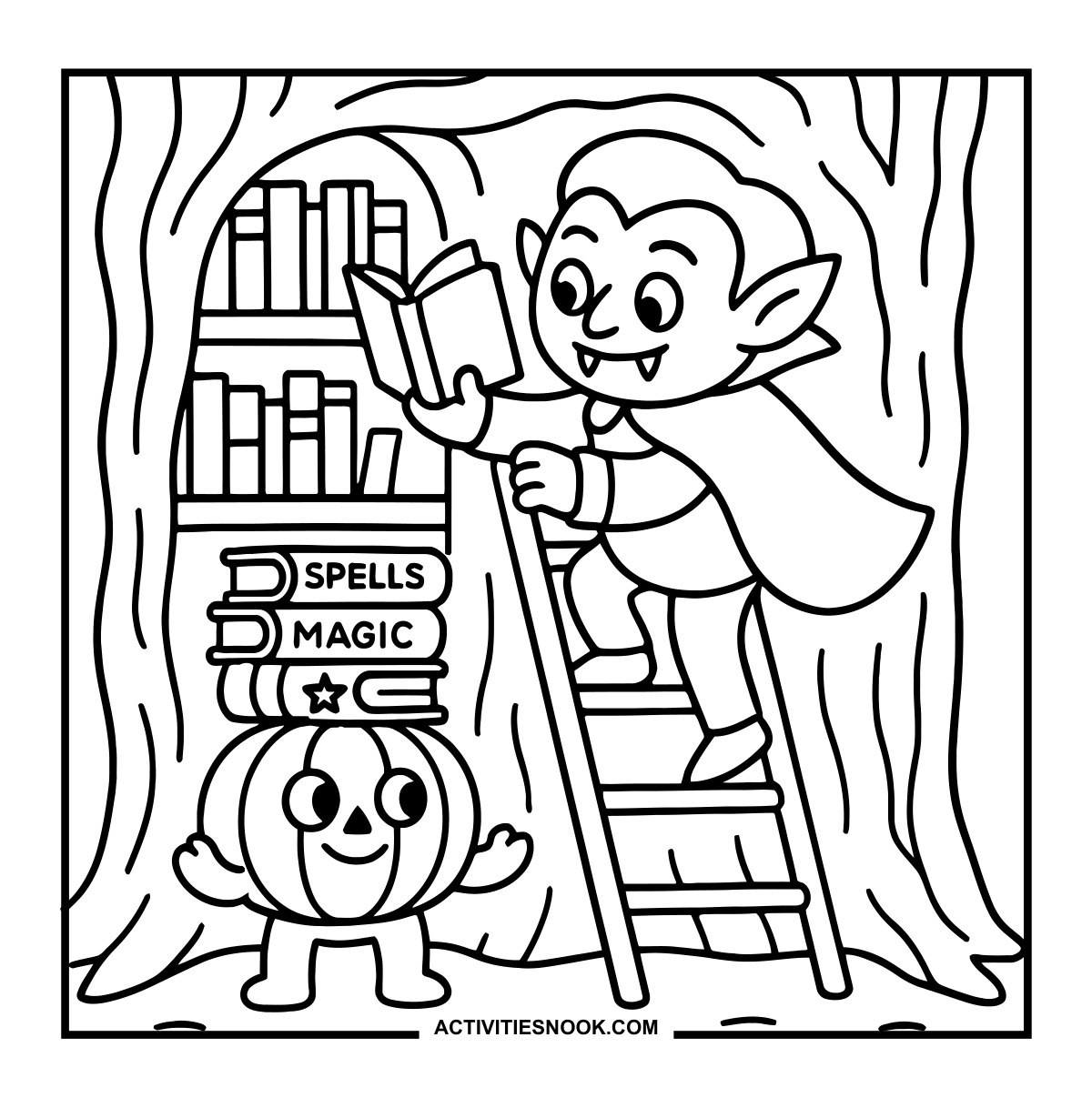
Vampire Coloring Page: Tree Library
A pumpkin helper balances a stack of books labeled “Spells” and “Magic.”
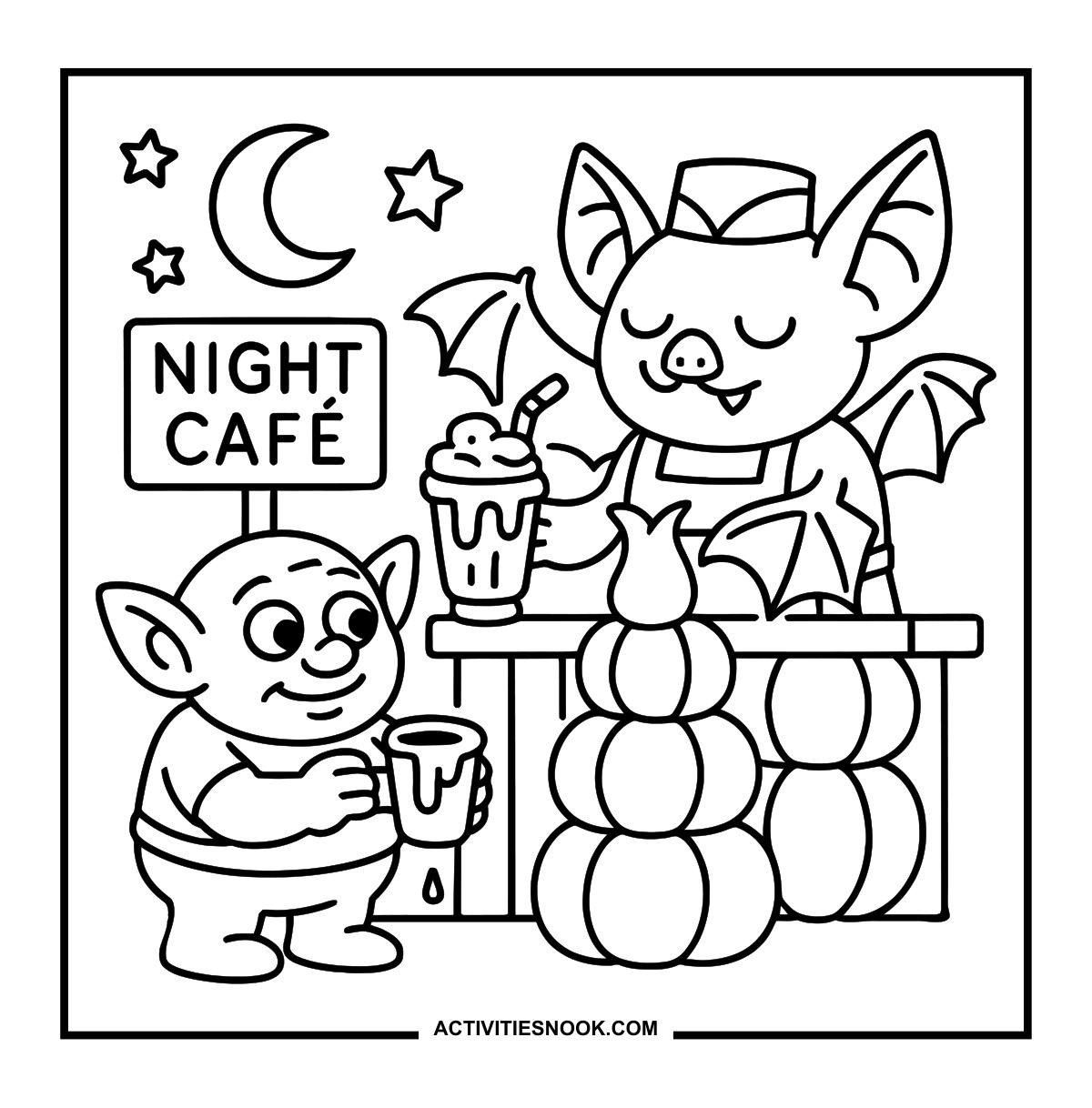
Bat Coloring Sheet: Night Café
A bat server offers a topped drink while a pointed-eared customer holds a dripping mug.
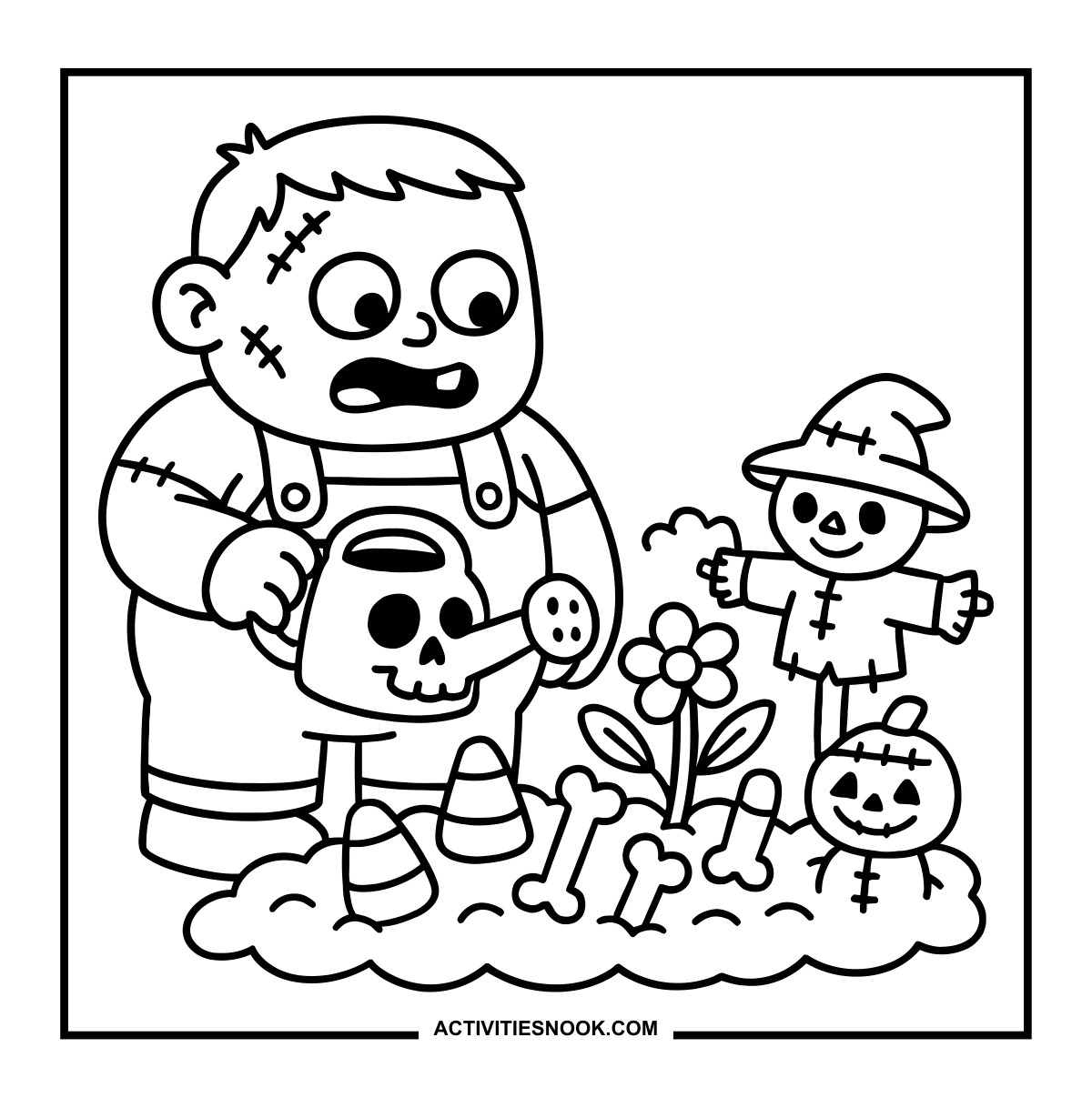
Monster Coloring Page: Spooky Garden
The garden includes candy corn, bones, a flower and tiny scarecrow figures.
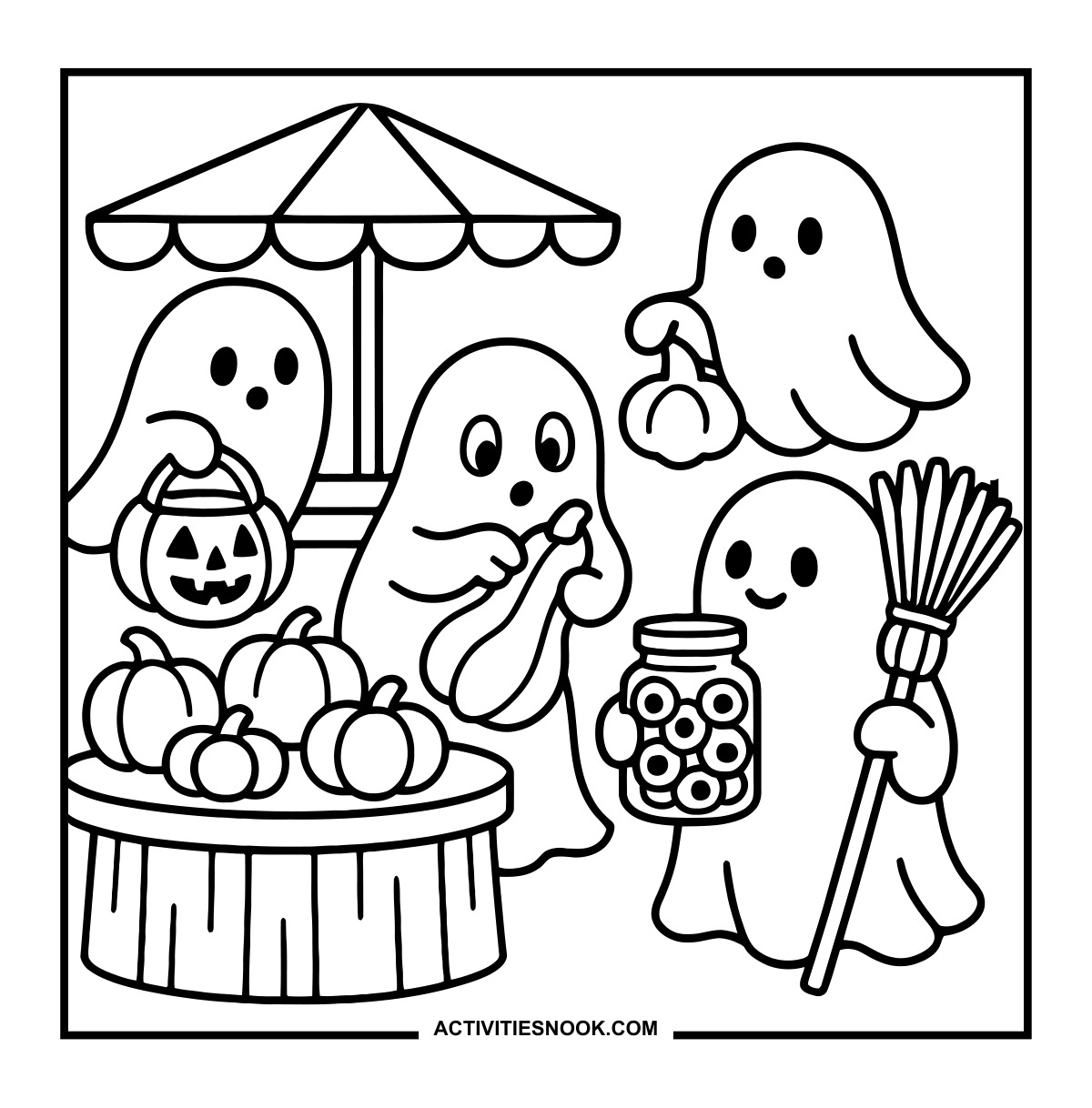
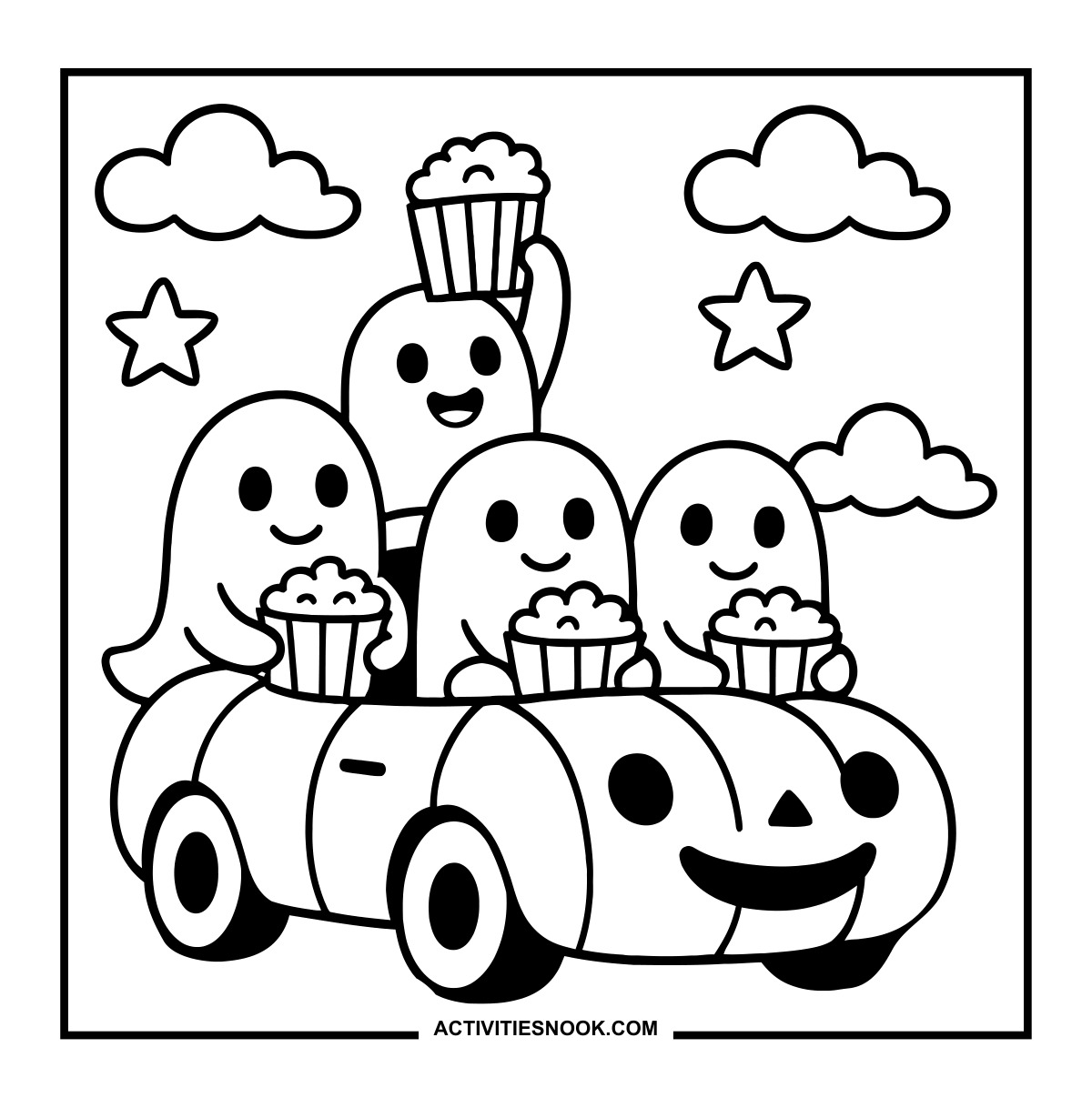
The ghosts carry a pumpkin bucket, a long vegetable, a broom and a jar of eyeballs.
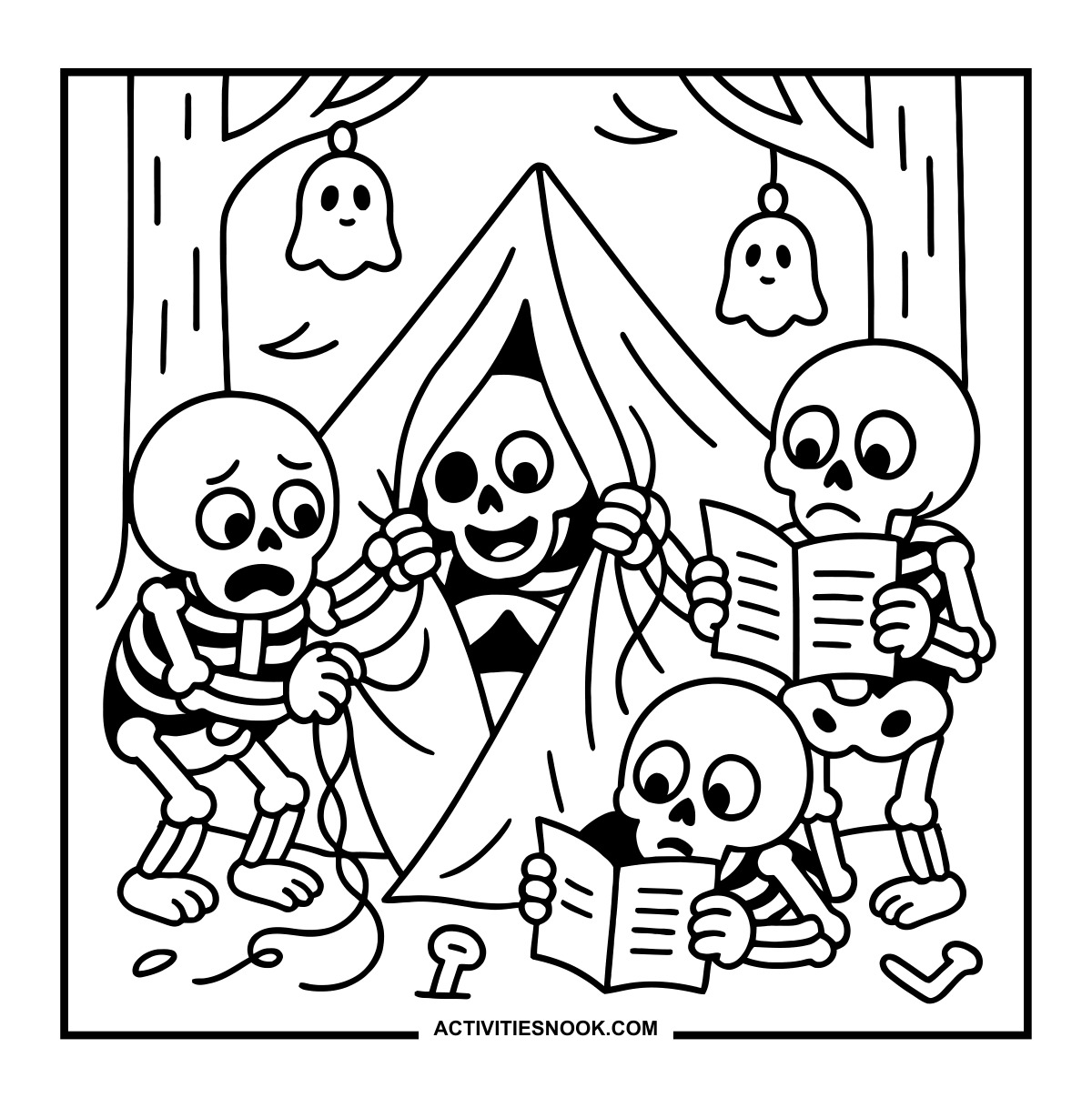
Skeleton Camping Coloring Sheet
Two skeletons study instruction sheets while their companions work on the tent.
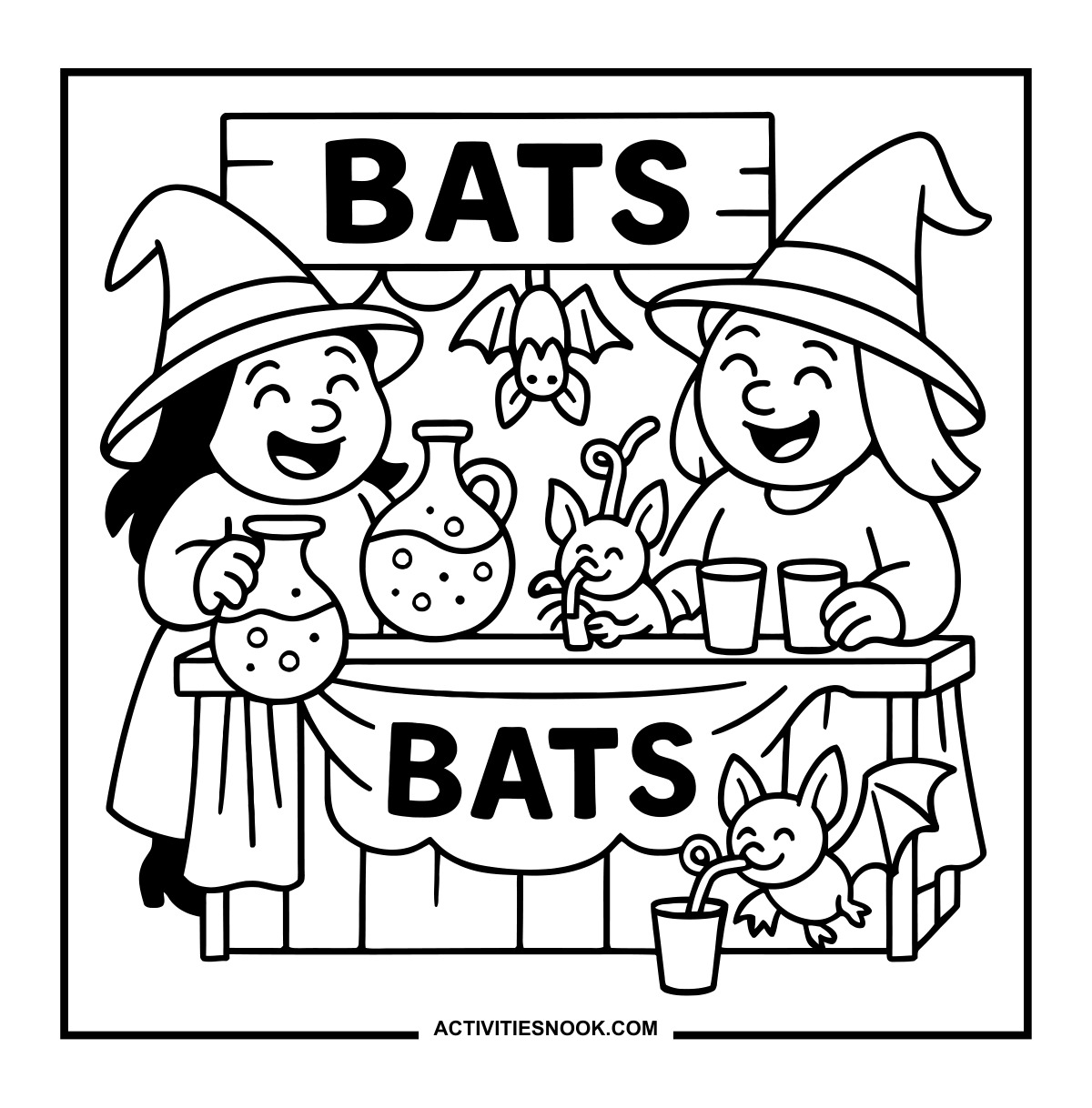
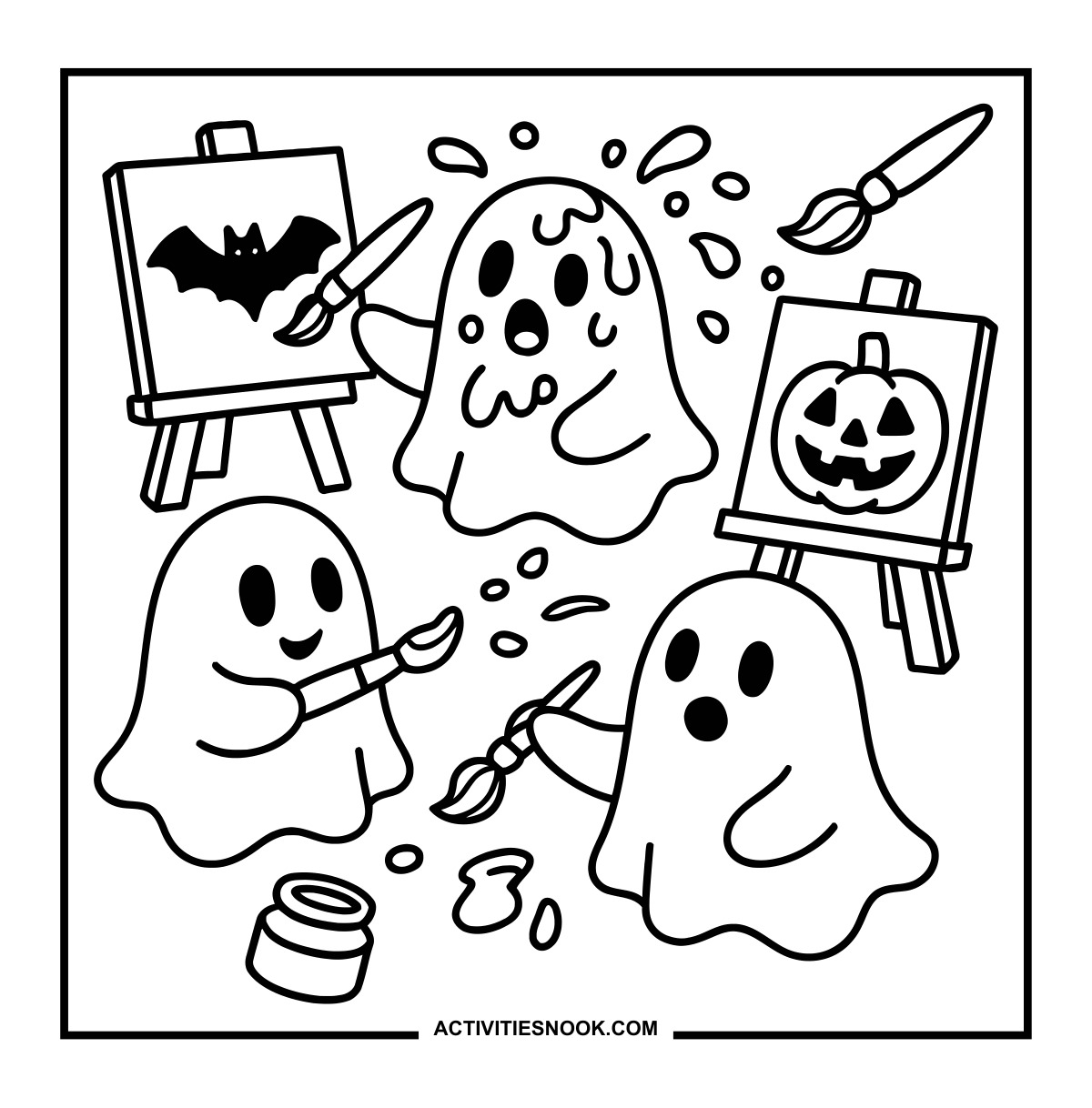
Bat and jack-o'-lantern pictures sit on easels amid floating brushes and paint splashes.
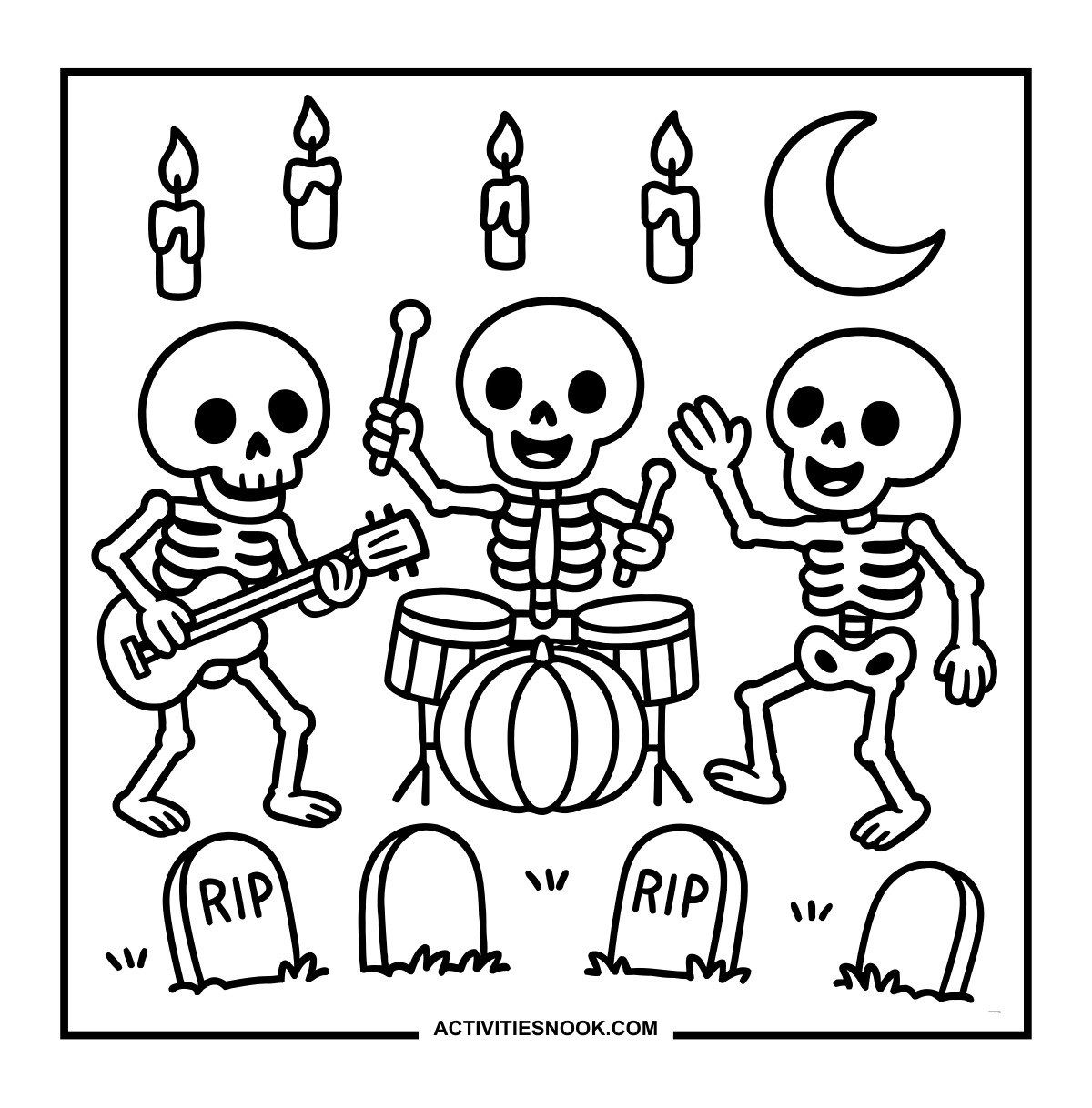
A pumpkin forms the front of the drum kit beneath floating candles and a crescent moon.
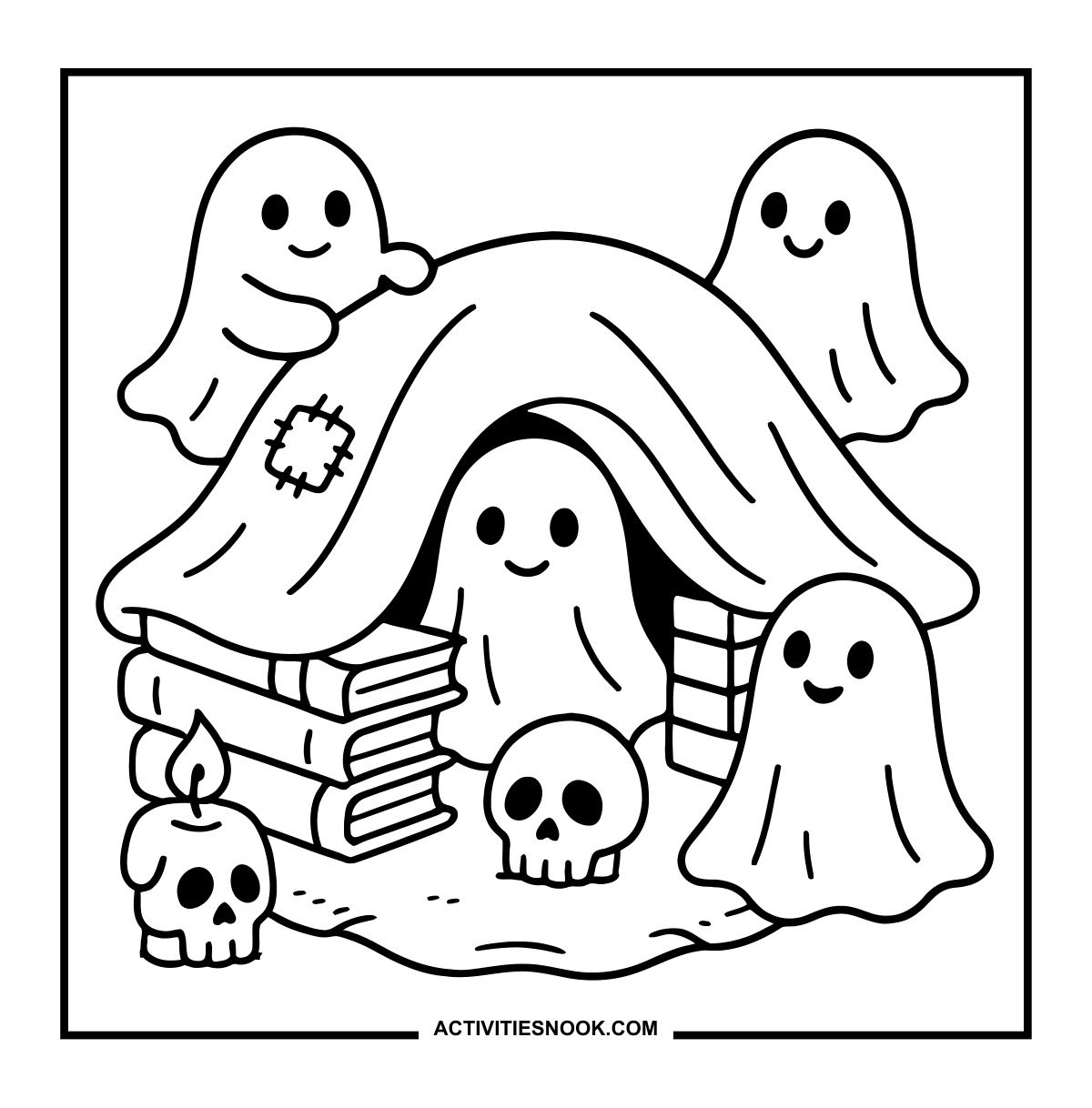
Ghost Blanket Fort Coloring Page
Stacks of books support the patched blanket, with skulls outside the entrance.
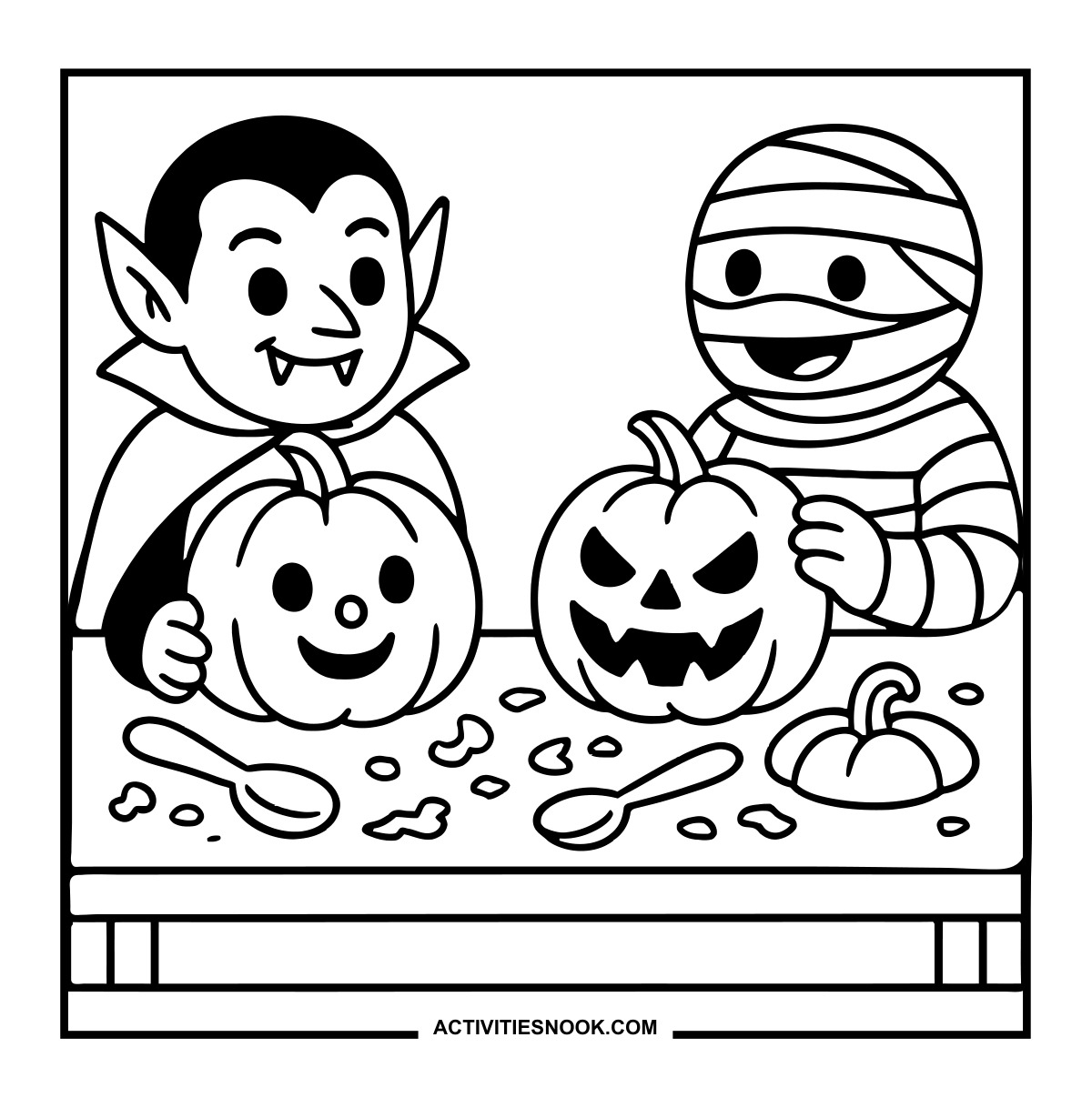
Vampire and Mummy Pumpkin Carving Coloring Page
One pumpkin has a cheerful face; the other wears a sharp, jagged grin.
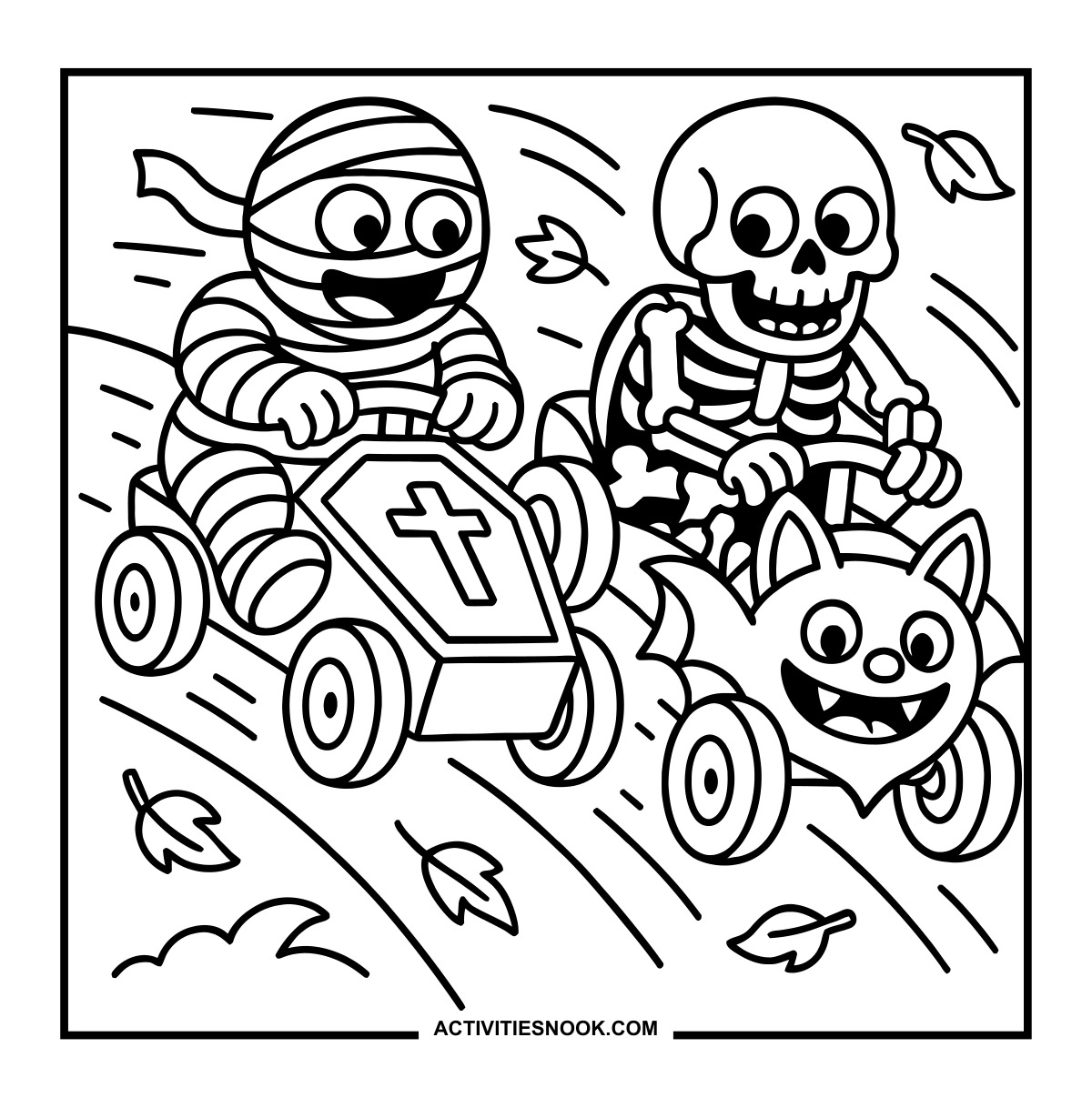
Mummy and Skeleton Racing Coloring Sheet
A coffin-shaped car races beside a car with a grinning bat face.
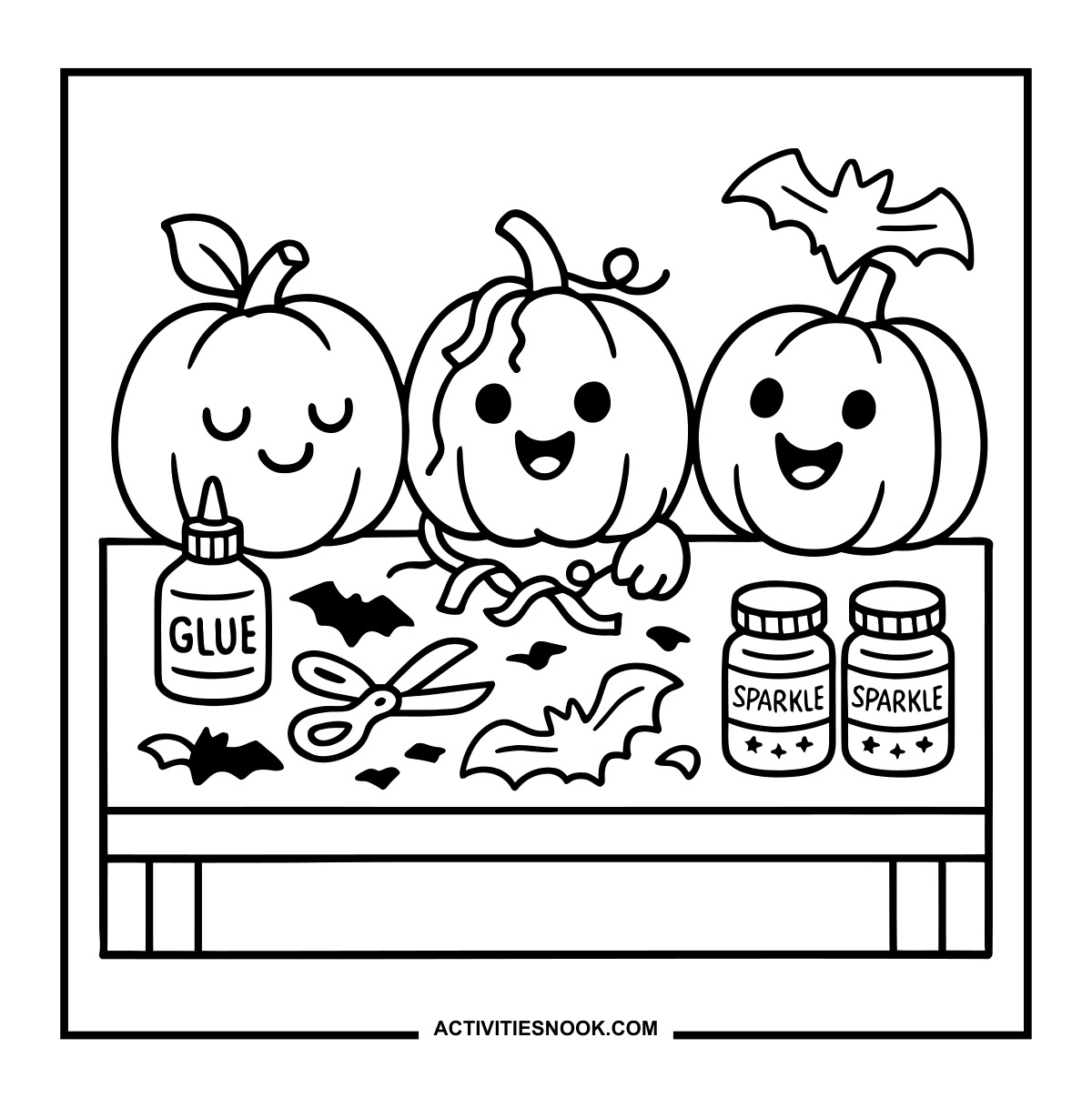
Pumpkin Craft Table Coloring Page
Glue, scissors, bat cutouts and jars labeled “Sparkle” cover the table.
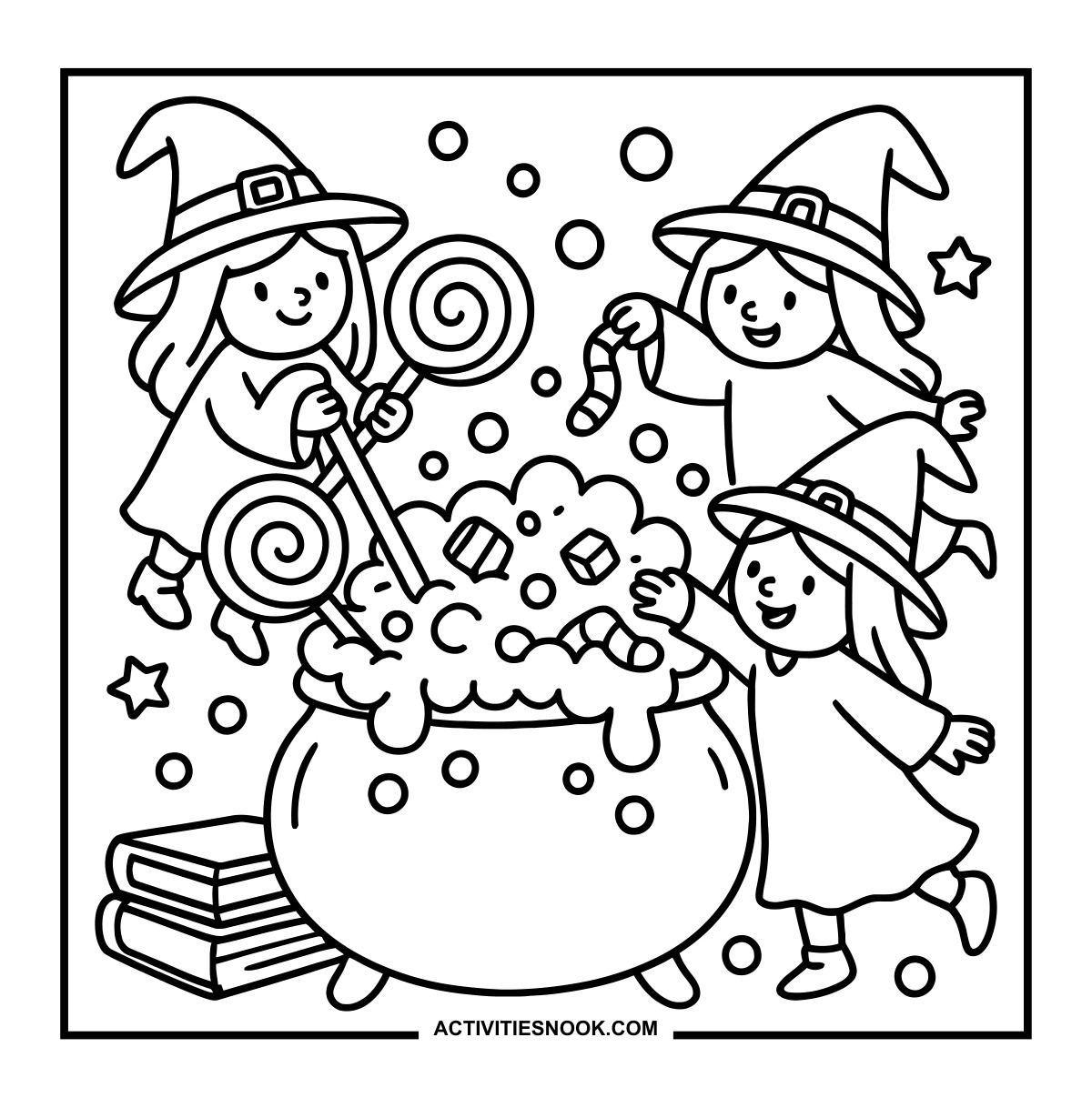
Witches' Candy Cauldron Coloring Page
Lollipops, wrapped sweets and striped candies fill the bubbling mixture.
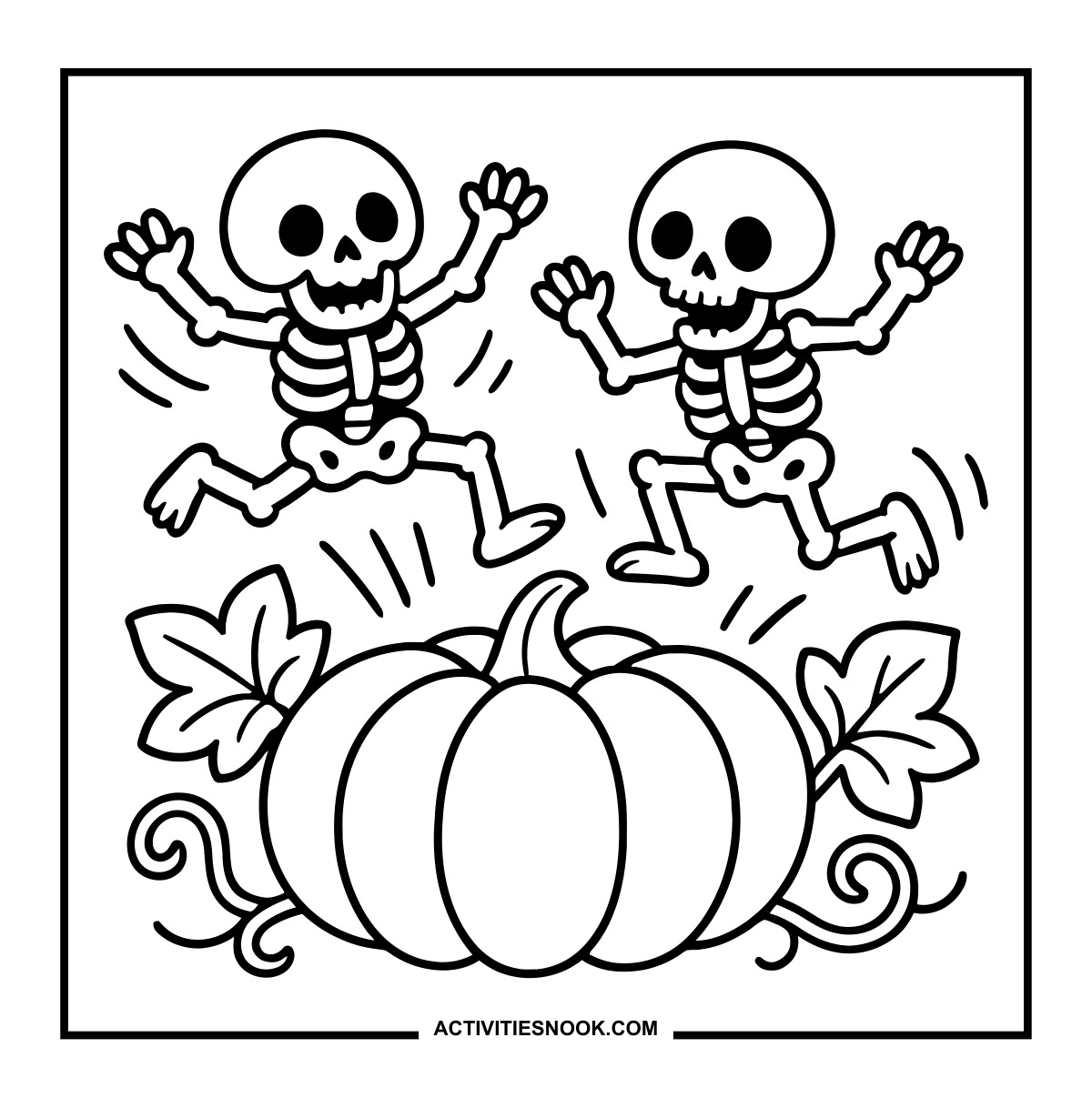
Pumpkin Costume Portrait Coloring Page
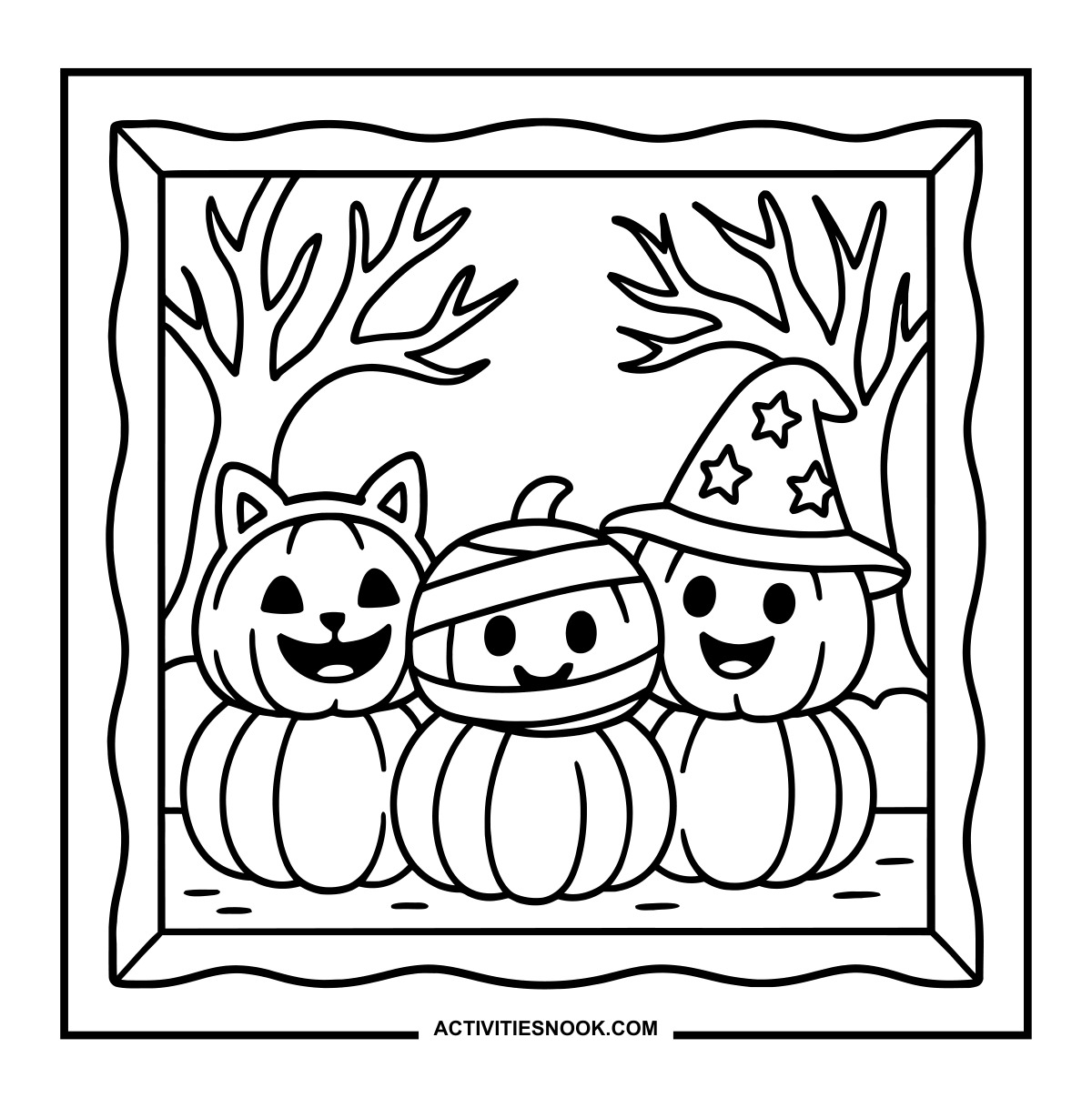
Cat ears, mummy wraps and a starry witch hat distinguish the three pumpkins.
Little Witches in a Giant Boot Coloring Sheet
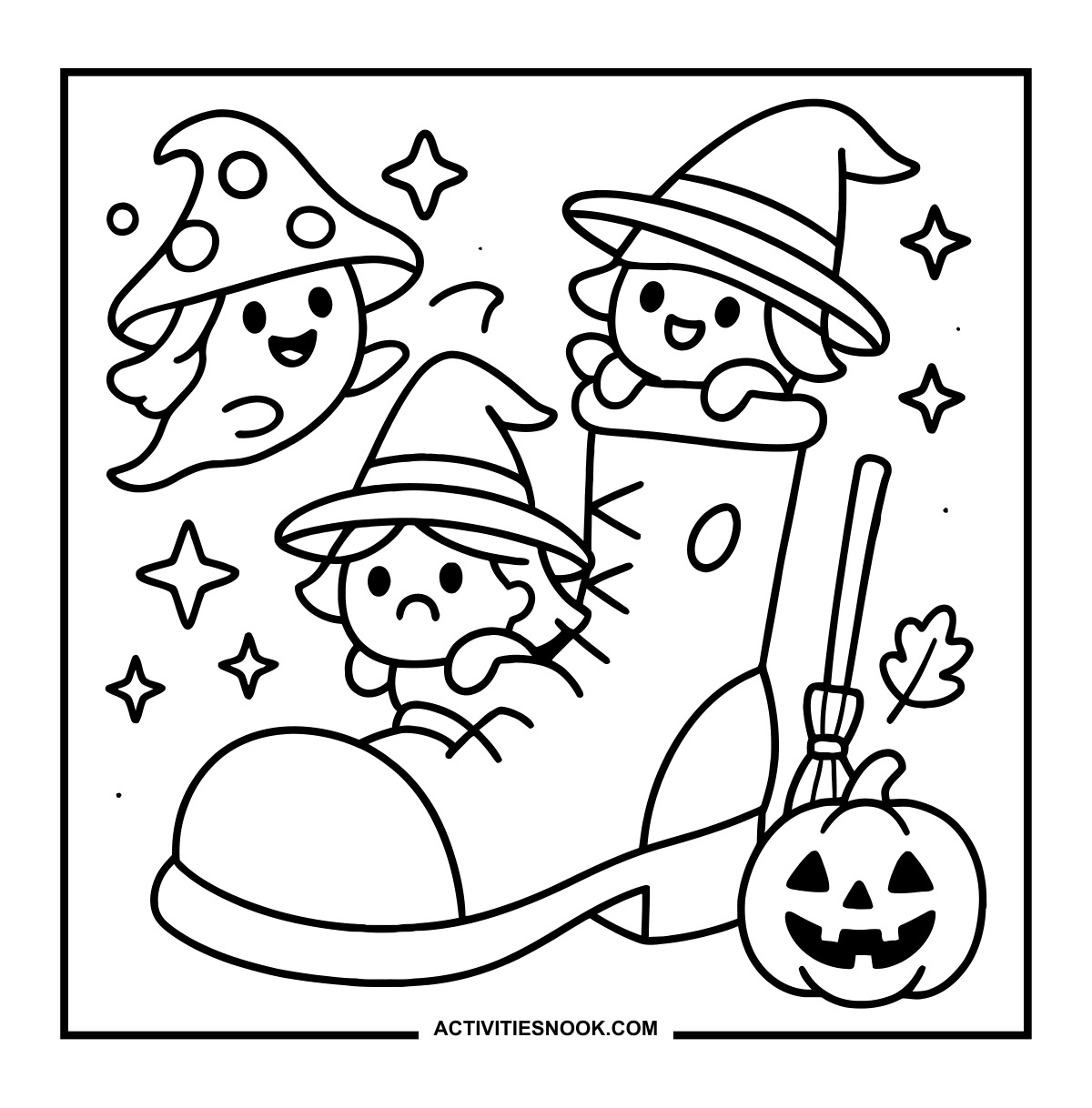
A mushroom-hatted ghost floats nearby, with a broom and jack-o'-lantern beside the boot.
Tangled Ghost Decorating Coloring Page
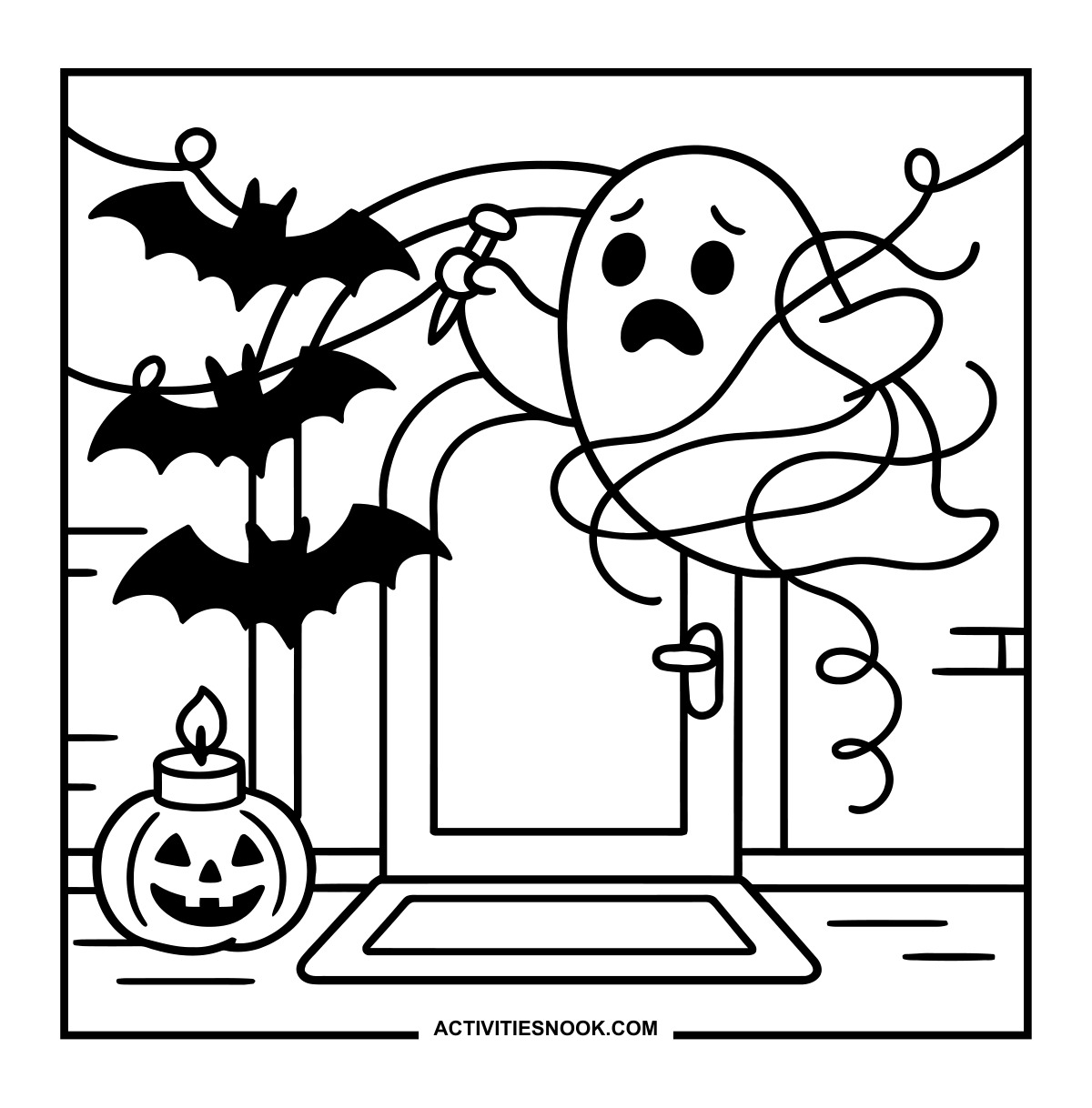
Bat garlands stretch across the doorway above a pumpkin candle.
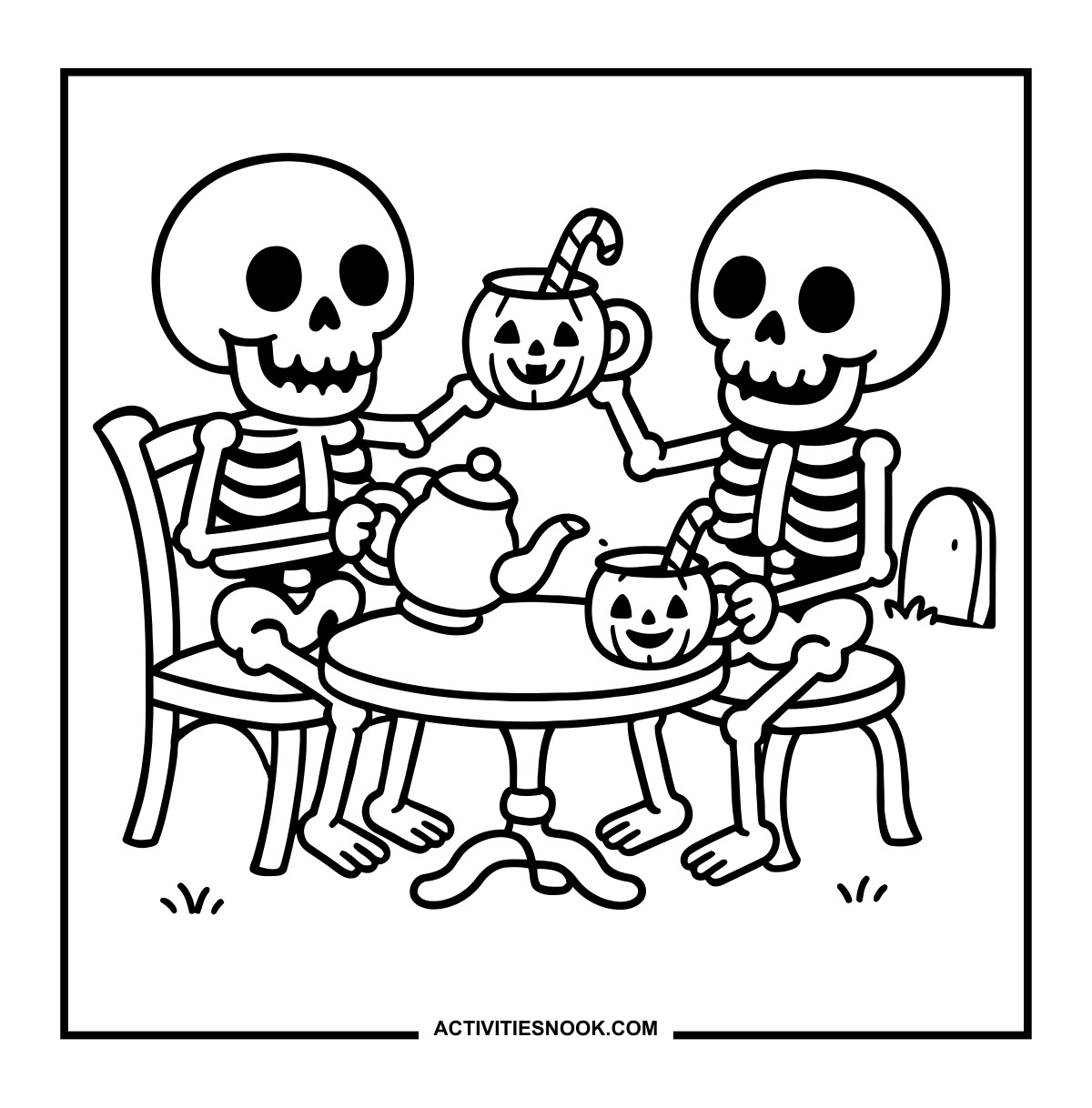
Skeleton Tea Party Coloring Page
The pumpkin mugs hold striped candy sticks, and a teapot sits between the guests.
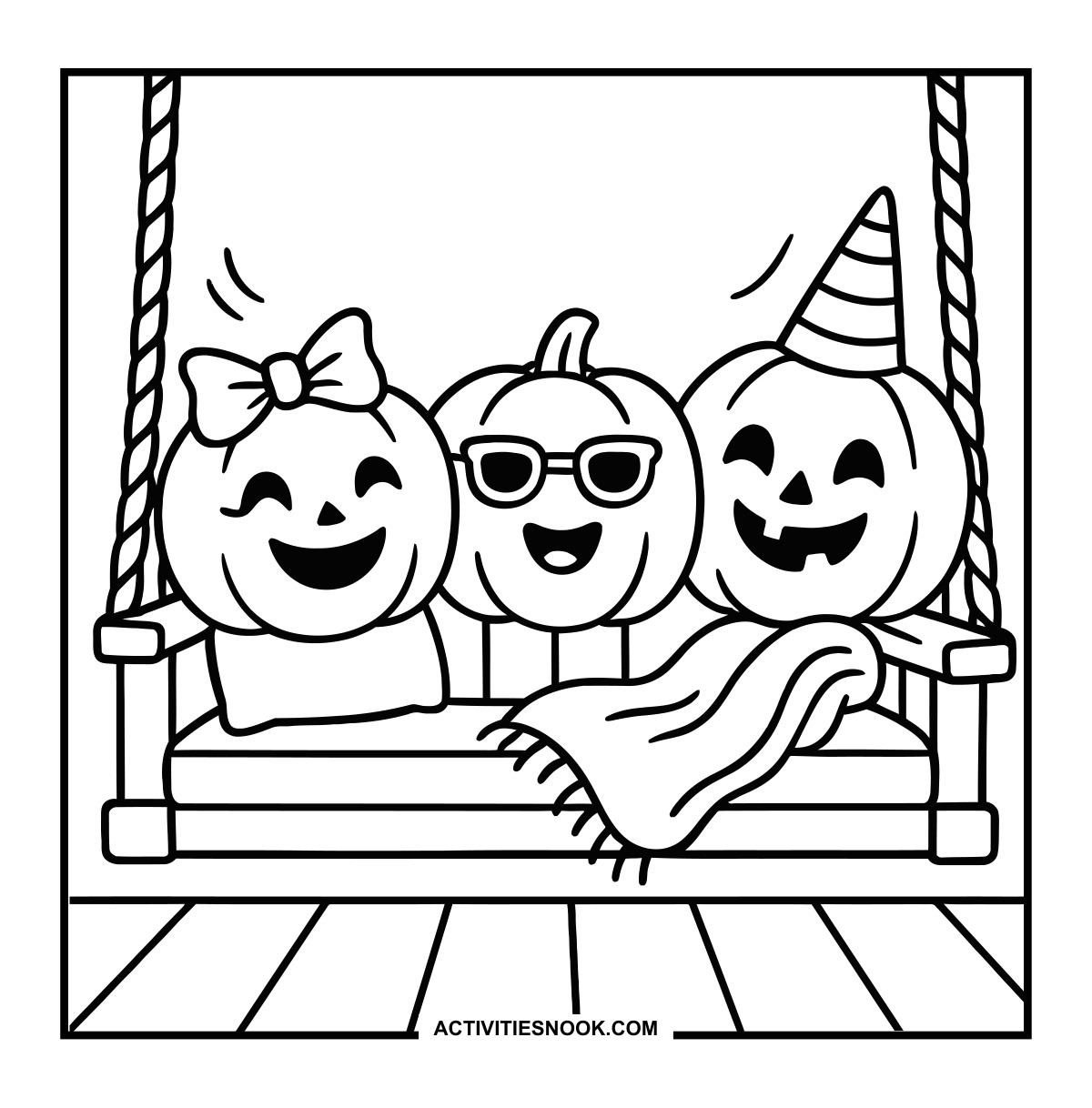
Pumpkins on a Porch Swing Coloring Sheet
A bow, sunglasses and a striped party hat give each pumpkin a different look.
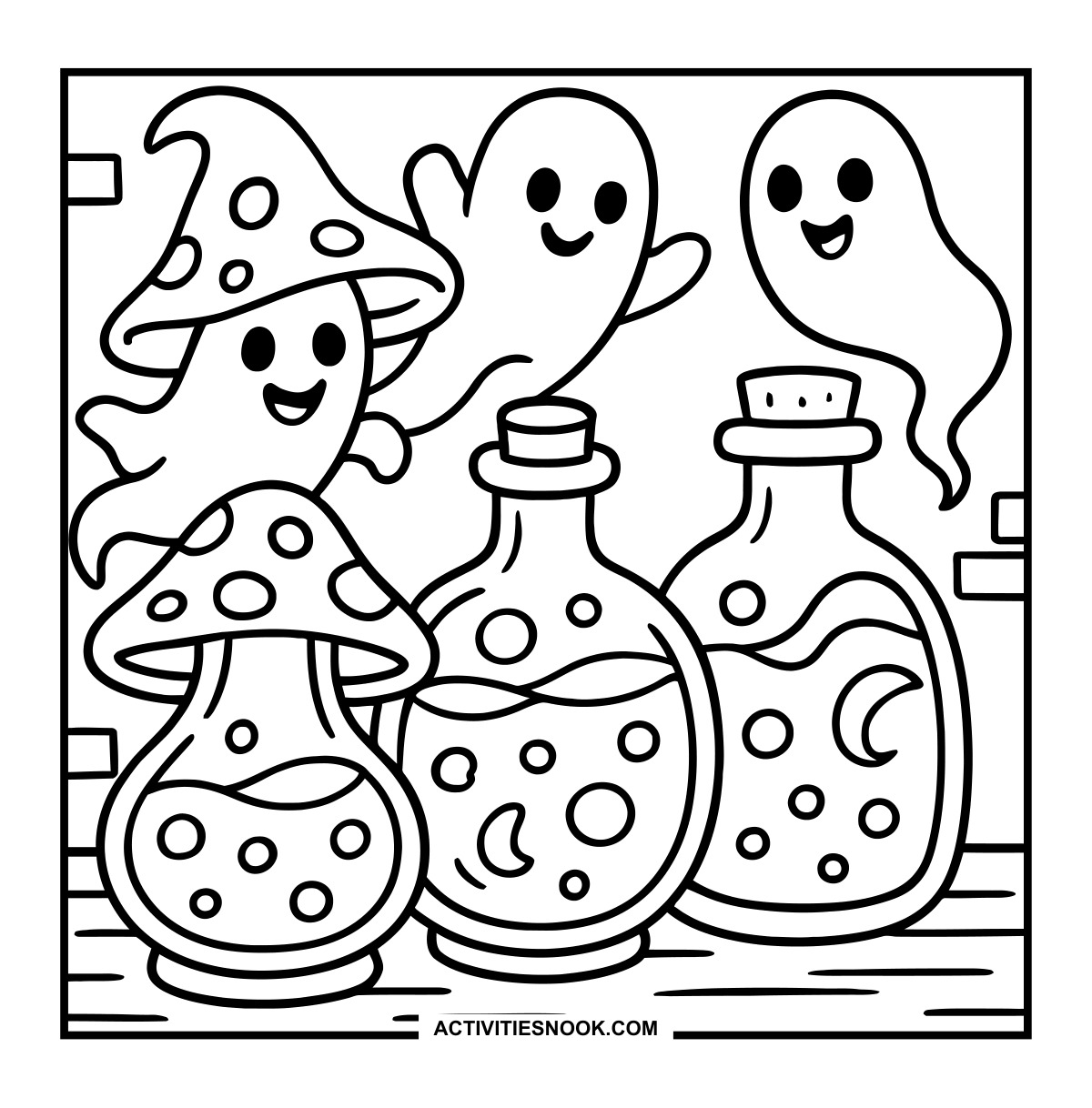
Ghosts and Potion Bottles Coloring Page
Bubbles and crescent moons decorate the potions, and one bottle has a mushroom-shaped top.
Ways to Use These Cute and Creepy Halloween
Set up a Halloween party coloring table with ghost, witch and pumpkin scenes so each child can choose a favorite.
Make a spooky storybook: color several pages, arrange them in any order and invent a Halloween adventure that connects the scenes.
Create a Halloween gallery at home or in the classroom with finished monster gardens, skeleton bands and pumpkin portraits.
Try a shared color challenge using orange, purple and green, then compare how the same colors look across different scenes.
Use the pumpkin craft table or ghost painting scene as a starting point for drawing your own Halloween art studio.
How to Print or Download These Coloring Pages
⭐️ You don’t need to sign up or subscribe — just click the images to get your free coloring page PDFs!
- Choose your page. Click the image for the coloring page you’d like to use.
- Open the file. A PDF will open in Google Drive. Some school or office networks block this type of file sharing, so if you have trouble, try again at home or on a different internet connection.
- Print right away. Load your favorite paper into the printer, then click the print icon in the PDF window.
- If the edges look cut off, go to your print menu → “More Settings” → “Fit To Printable Area.” This resizes the page so the entire cozy design fits neatly inside the margins.
- Download for later. If you’d rather save the page, click the download icon (a downward arrow) in the Google Drive toolbar. The file will save to your device so you can open and print whenever you’re ready.
- No need to request access. You don’t have to ask to share the file. Just use the print or download icons directly in the Google Drive window.
- Start coloring! Once printed, enjoy your coloring pages with crayons, markers, colored pencils, or even watercolor paint. Use the space around the images to add your own text or embellishments for crafts and collages.