24 Free Kawaii Halloween Coloring Pages
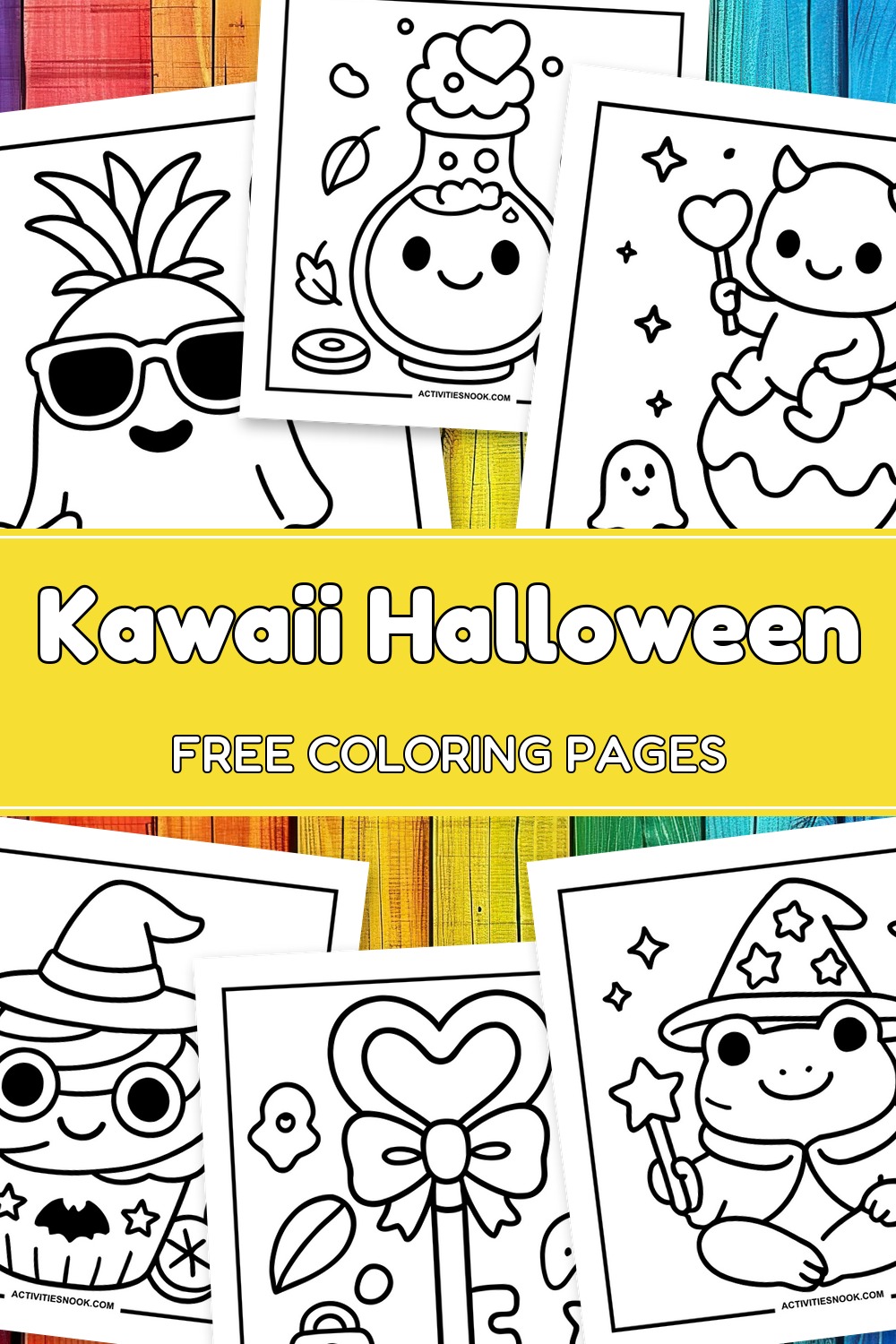
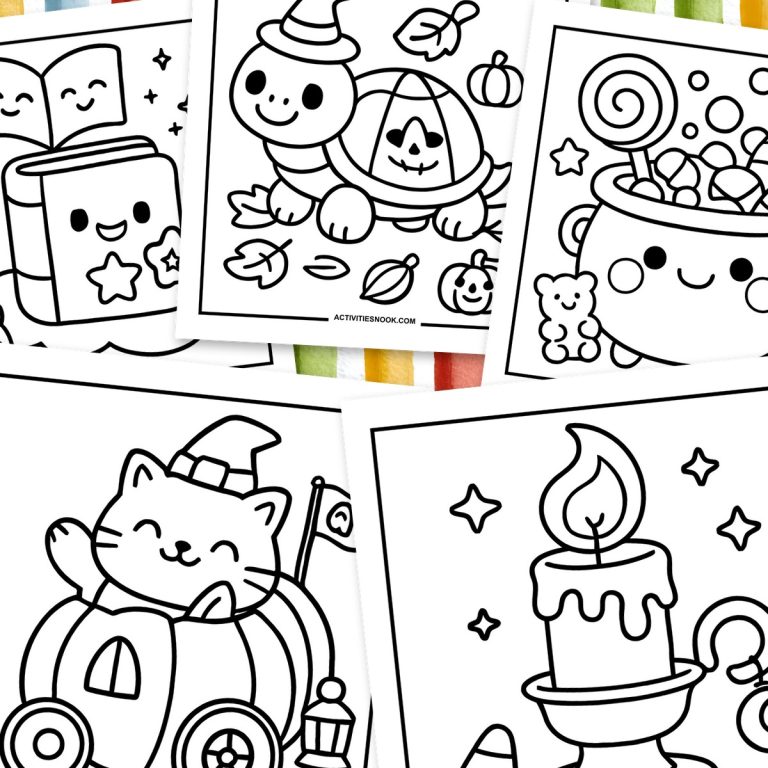
These free kawaii Halloween coloring pages feature smiling ghosts, a frog wizard, cute monsters and Halloween treats. The 24 designs have bold outlines and roomy coloring areas for kids, with smaller details such as stars, leaves and patterned blankets to decorate. Choose a simple pumpkin or potion bottle, or spend a little longer on a cozy ghost scene. Each design is available as a free individual PDF.
Click a coloring page image or its title to open its individual PDF. Full printing instructions are at the end.
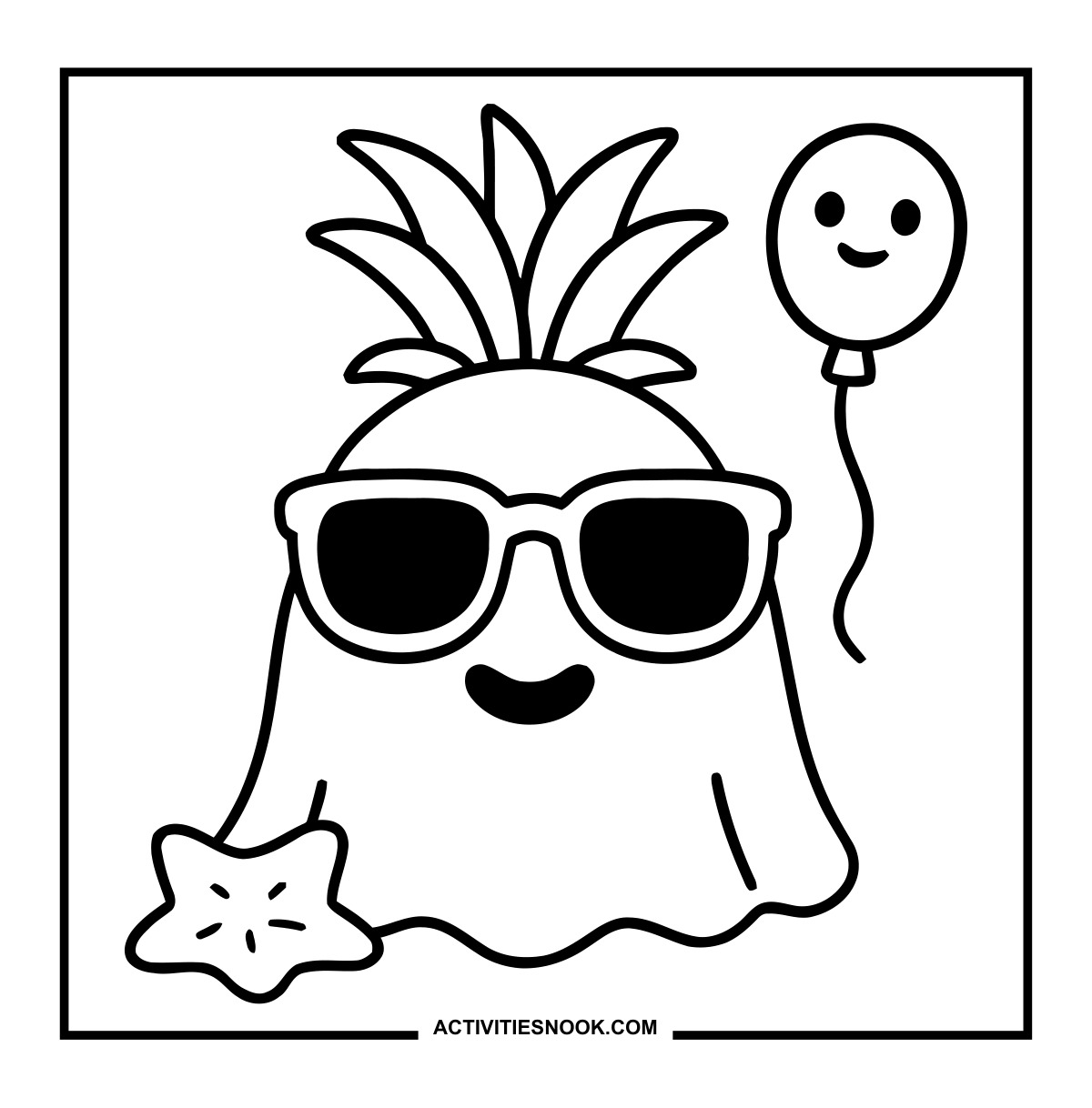
Ghost Coloring Page with Sunglasses and a Leafy Crown
A smiling balloon and a starfish add a beachy twist to this Halloween ghost.
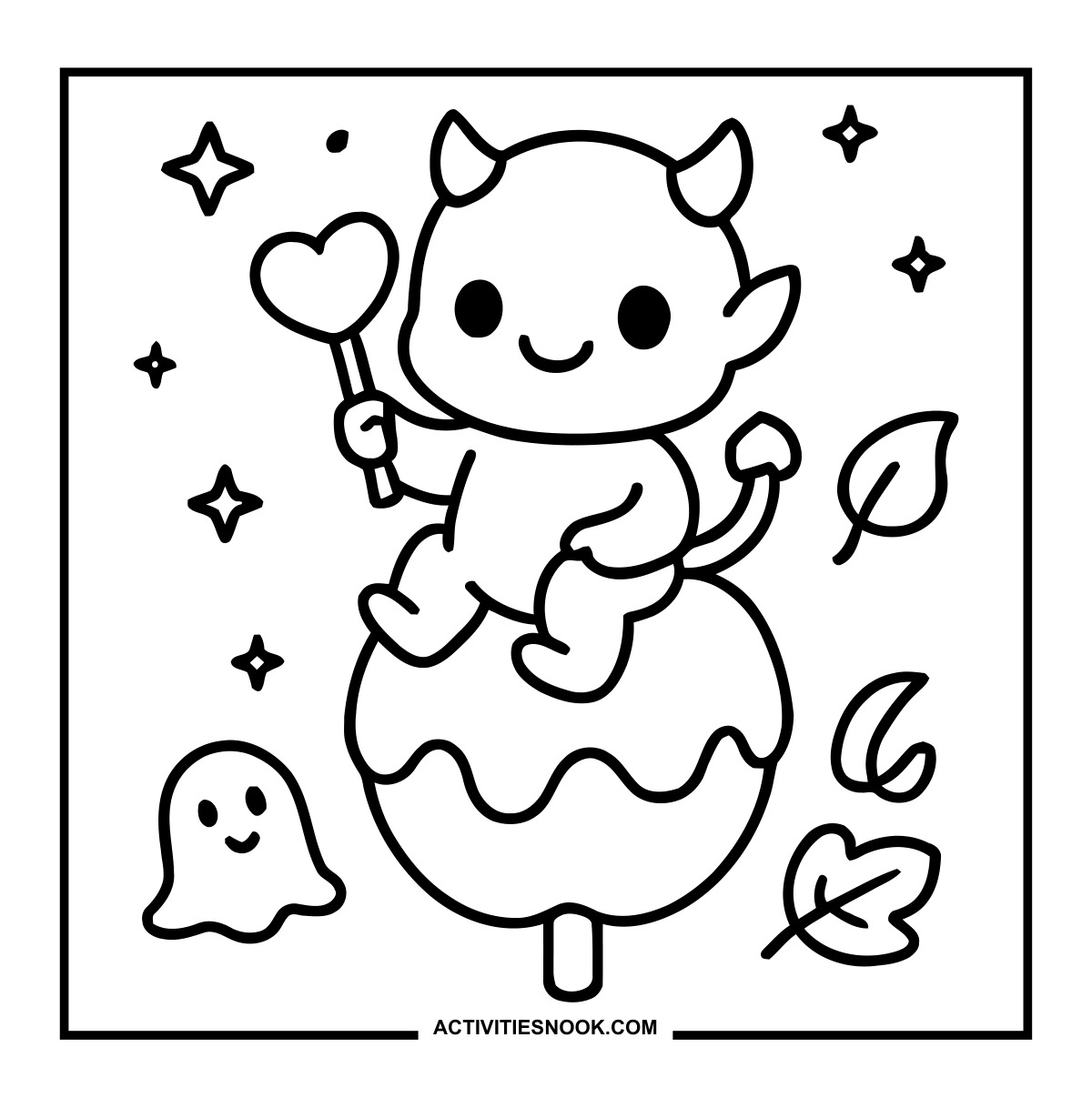
Little Devil on a Candy Apple Coloring Sheet
The little devil holds a heart-shaped wand, with a tiny ghost nearby.
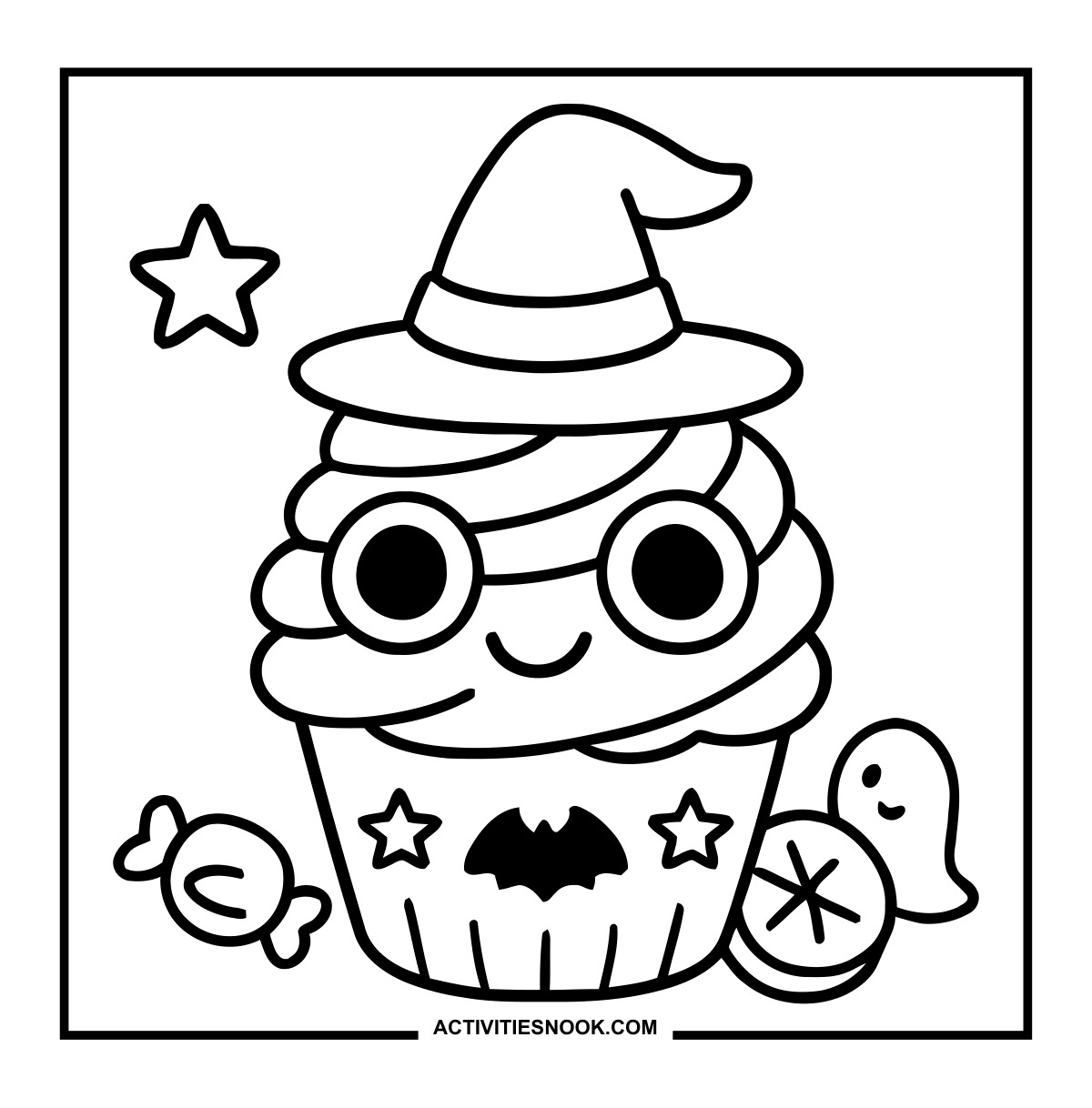
Witch Cupcake Coloring Page with Round Glasses
A bat and stars decorate the wrapper beneath the swirled frosting.
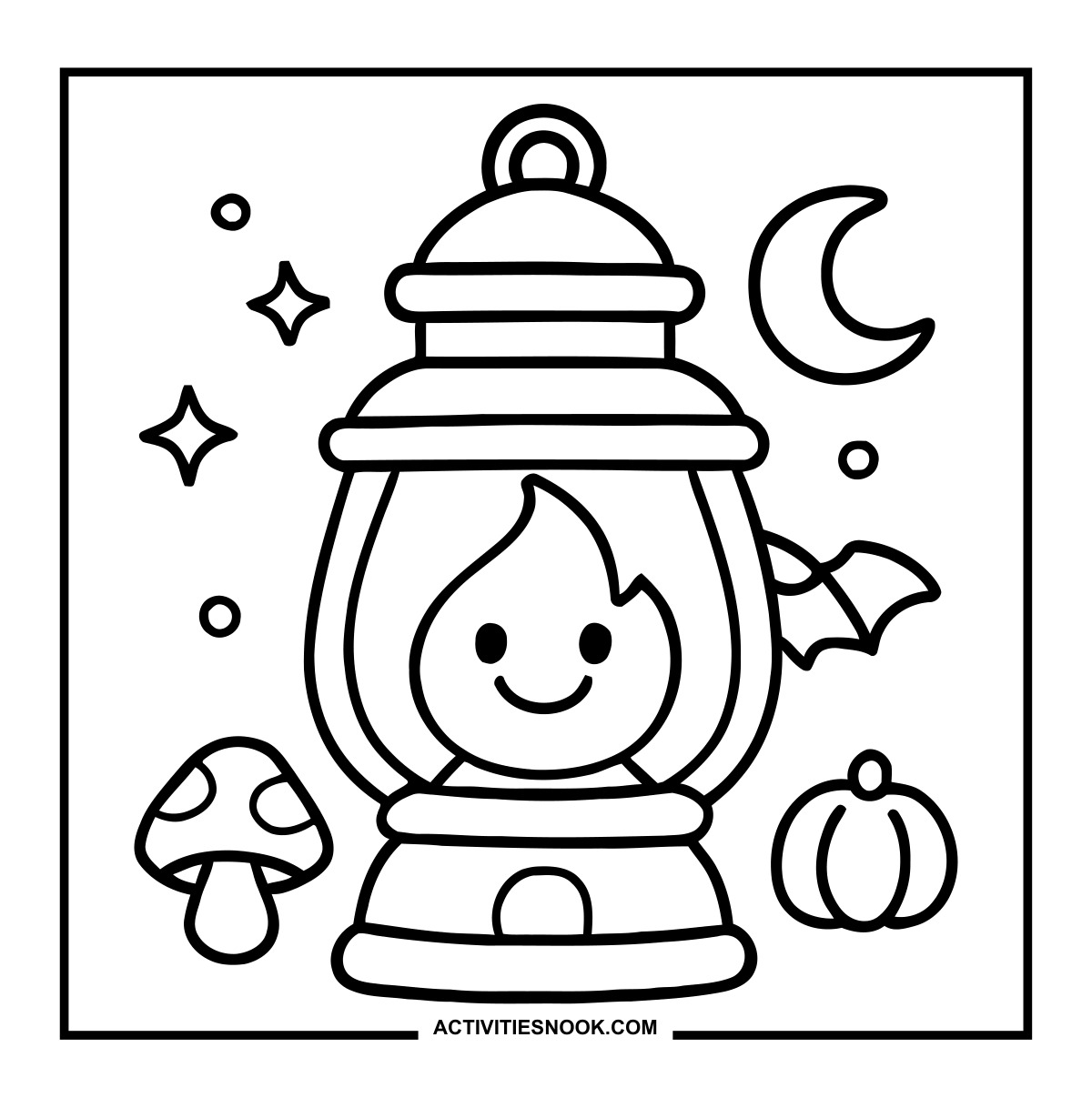
Halloween Lantern Coloring Page with a Smiling Flame
A crescent moon, mushroom and pumpkin surround the lantern.
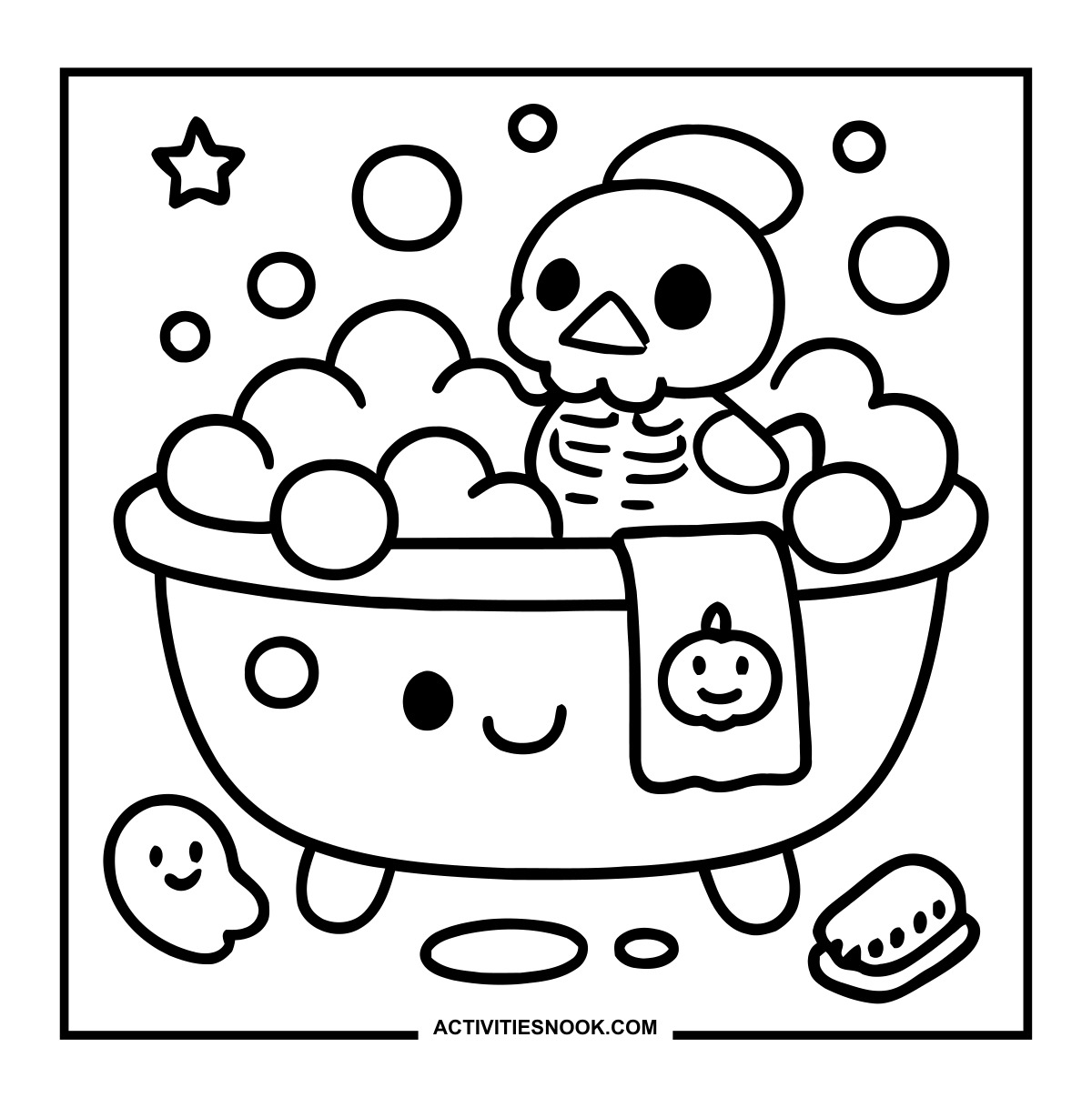
Cute Skeleton Bubble Bath Coloring Page
A pumpkin towel hangs over the smiling tub, with a scrub brush on the floor.
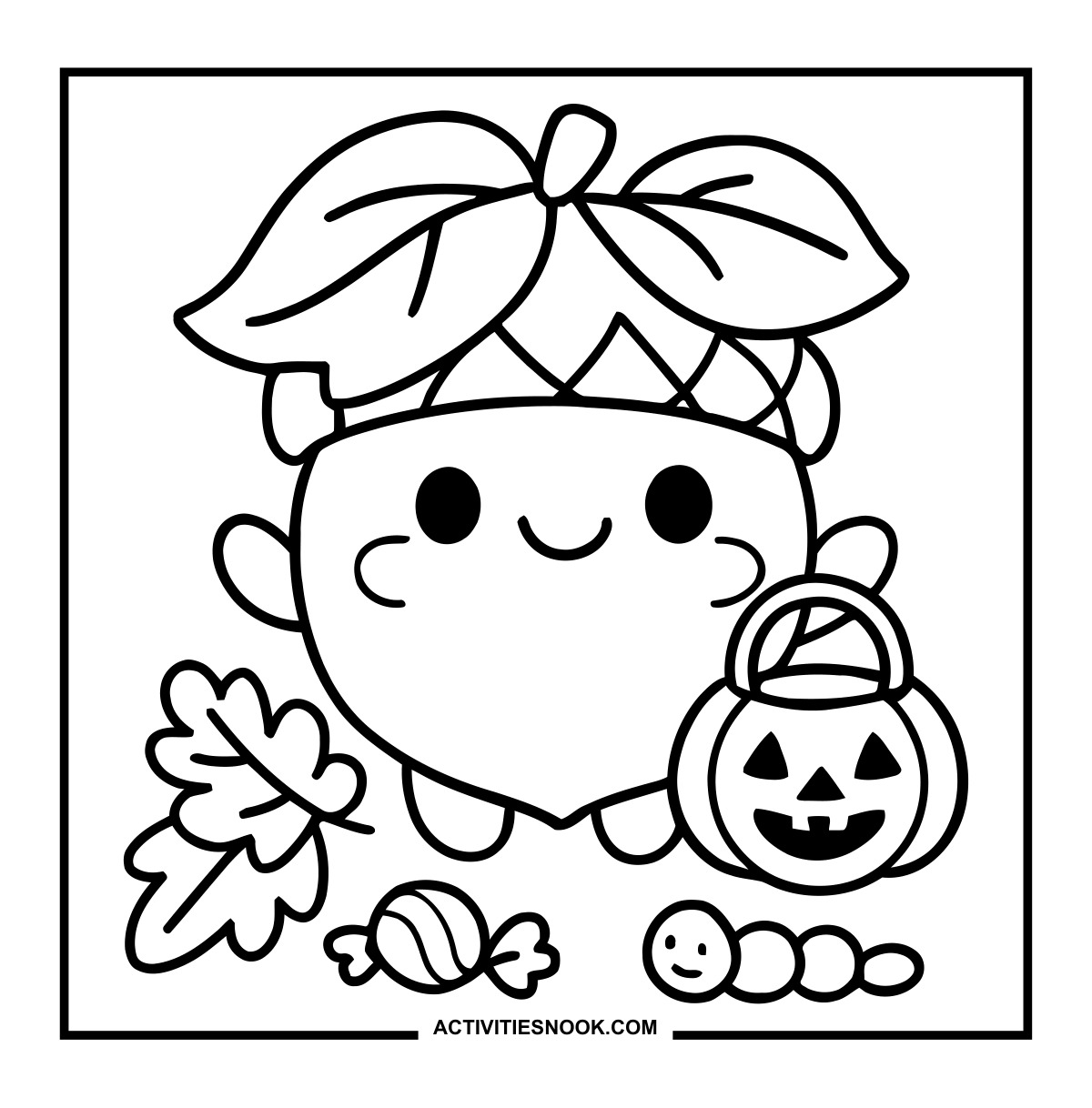
Trick-or-Treat Acorn Coloring Sheet
The smiling acorn carries a jack-o’-lantern bucket beside autumn leaves, candy and a little worm.
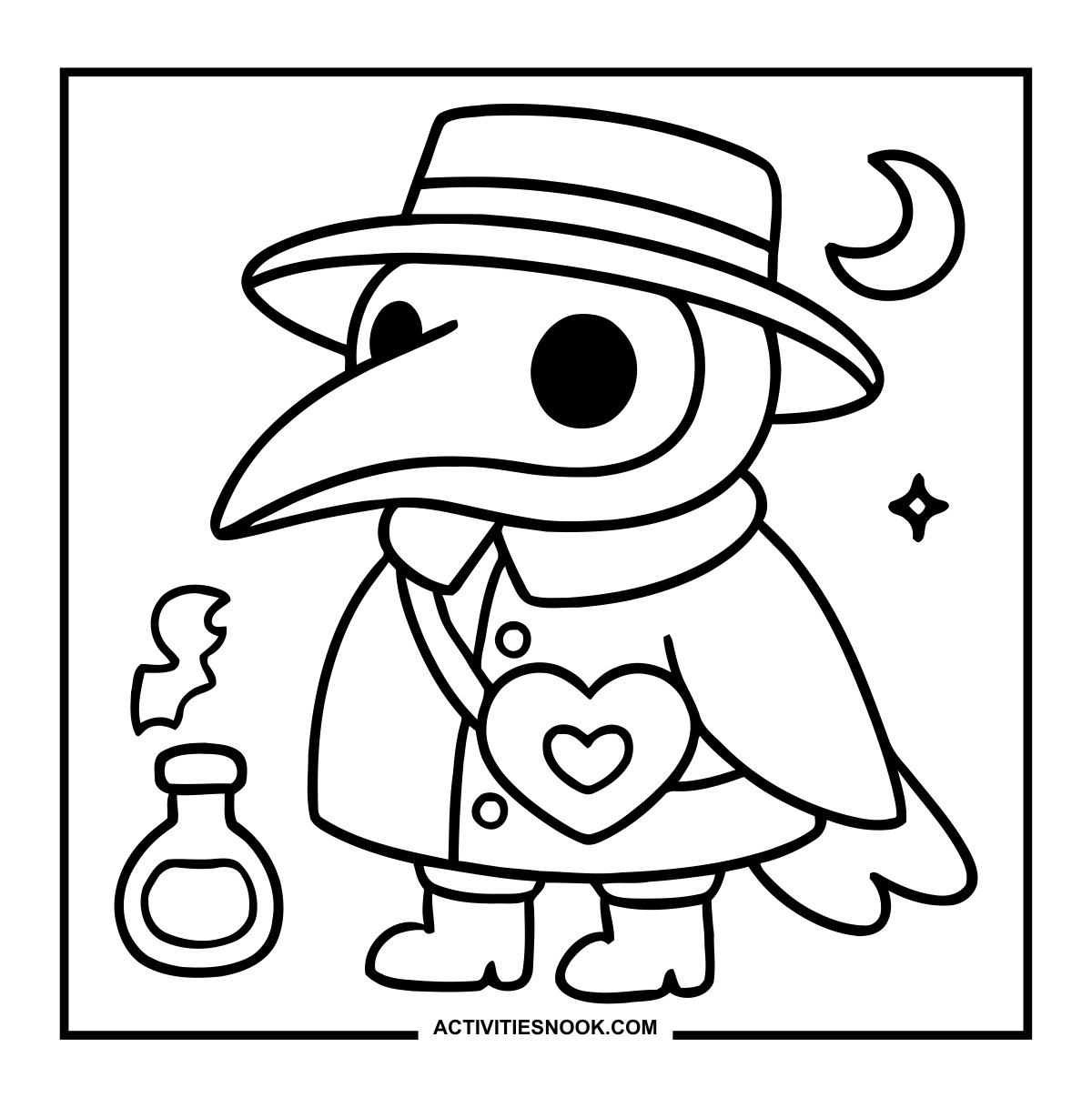
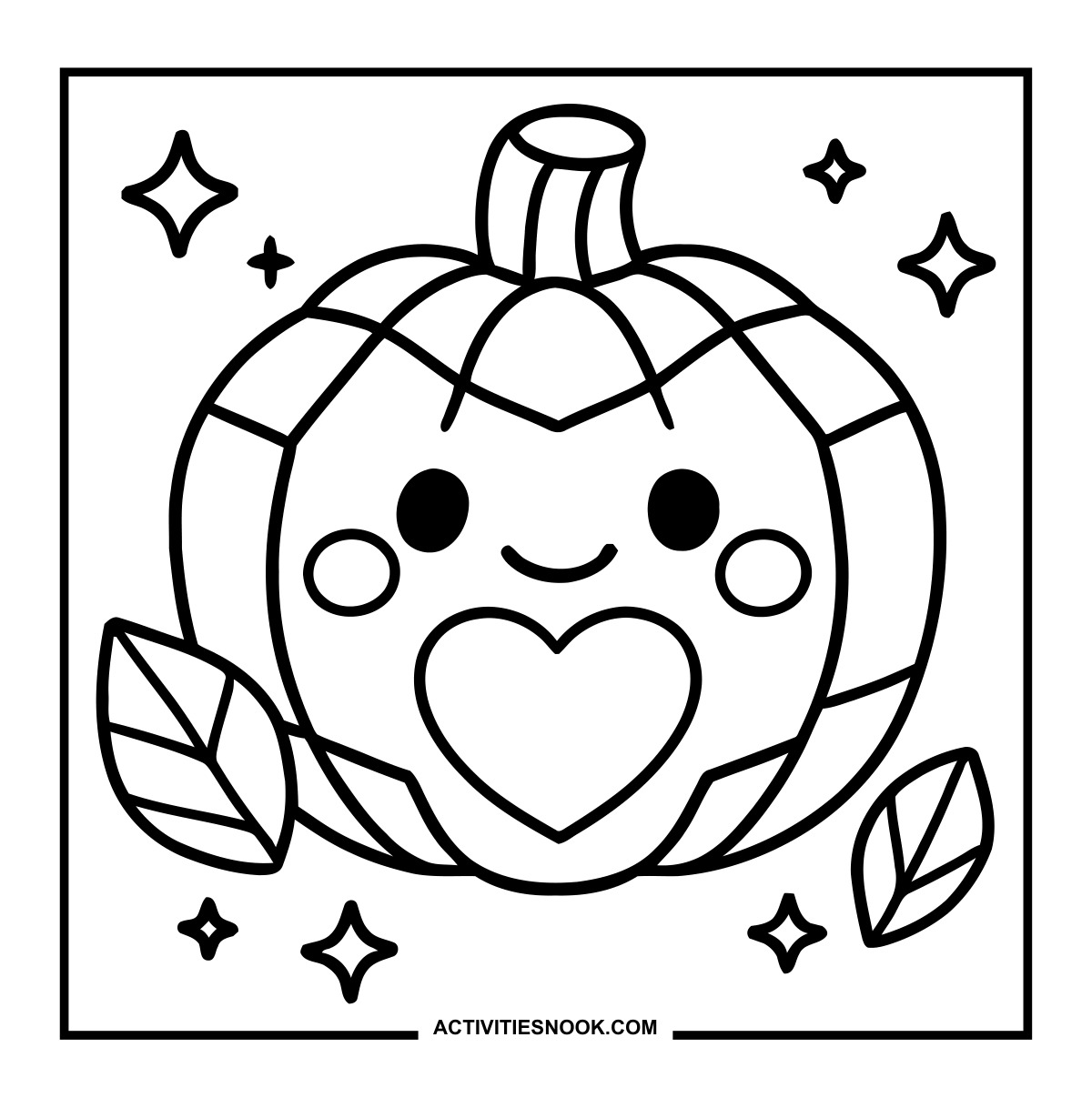
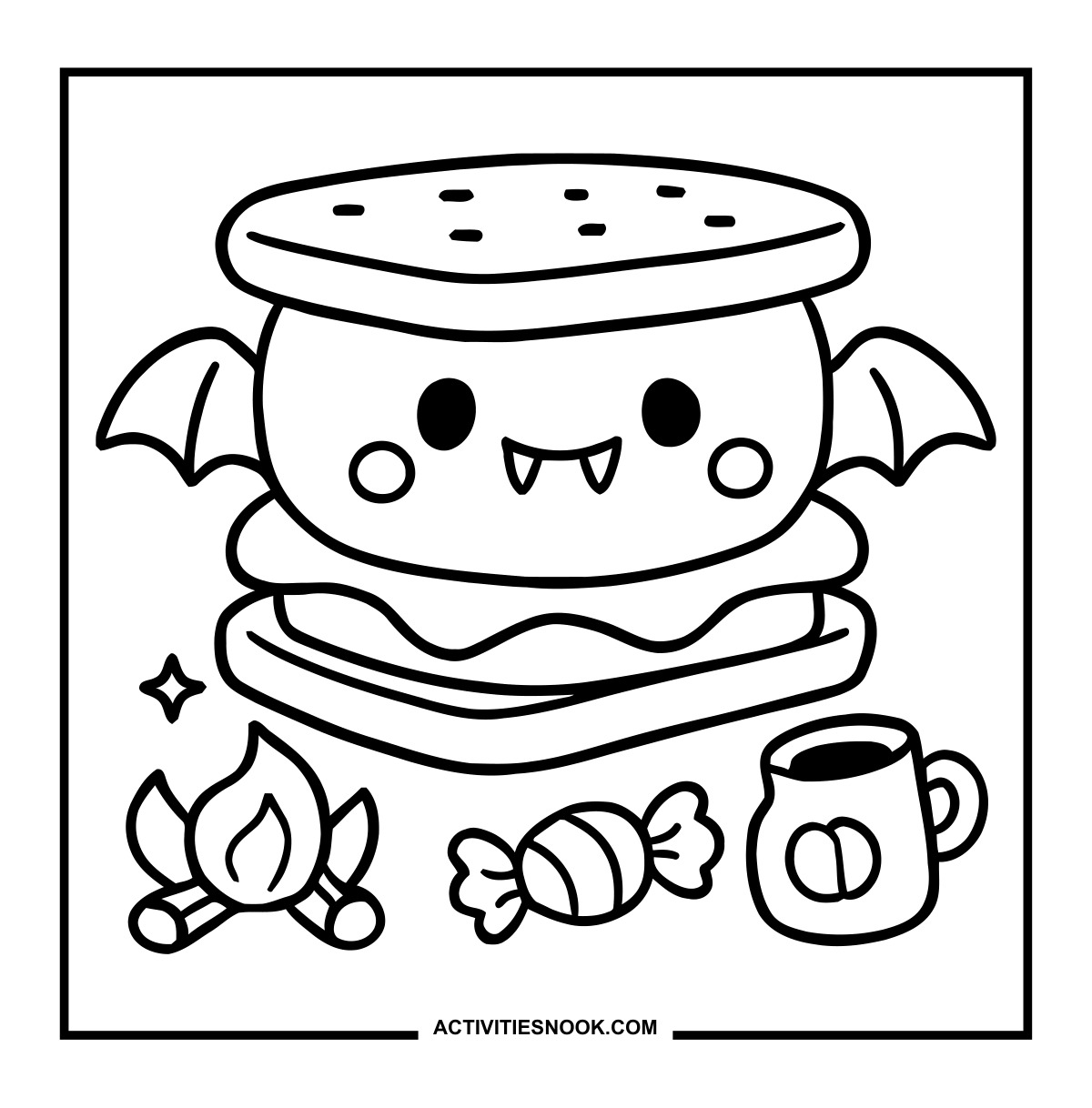
This winged treat has tiny fangs, with a campfire, candy and pumpkin mug below.
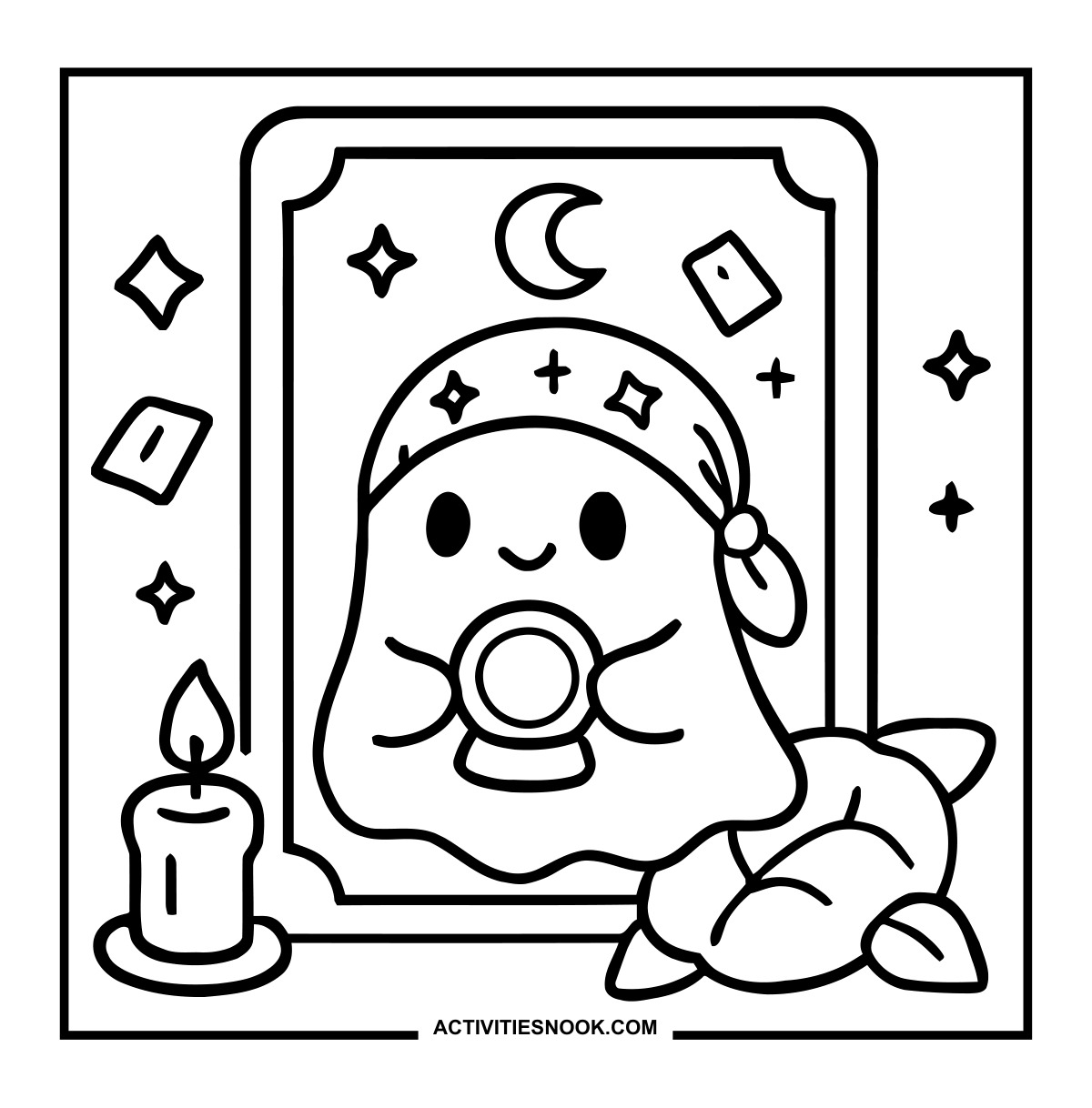
Fortune-Teller Ghost Coloring Page
The ghost holds a crystal ball inside a decorative card frame, beside a candle and leaves.
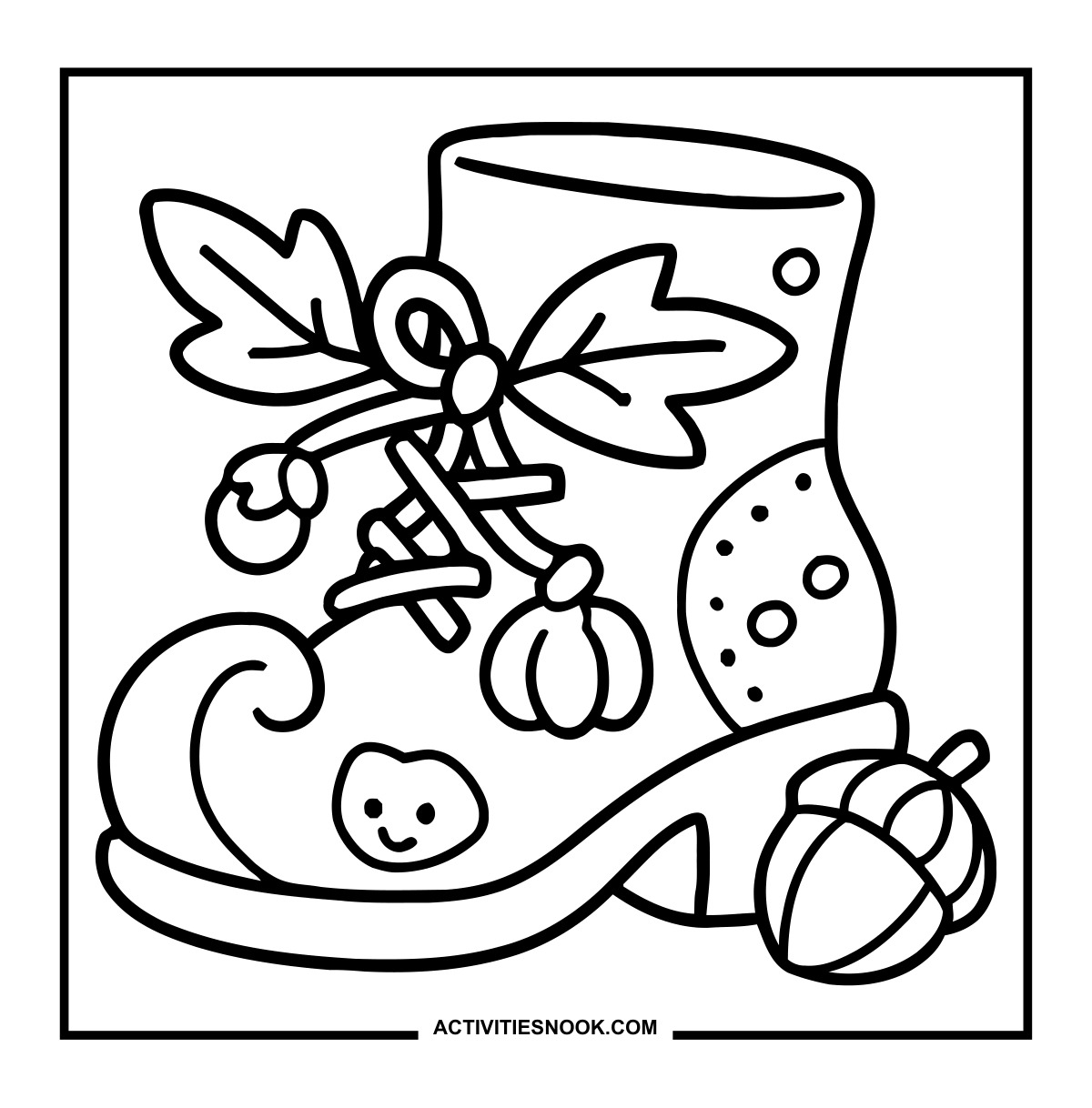
Witch Boot Coloring Sheet with Autumn Charms
Leaves decorate the laces, while a pumpkin charm dangles above the curled toe.
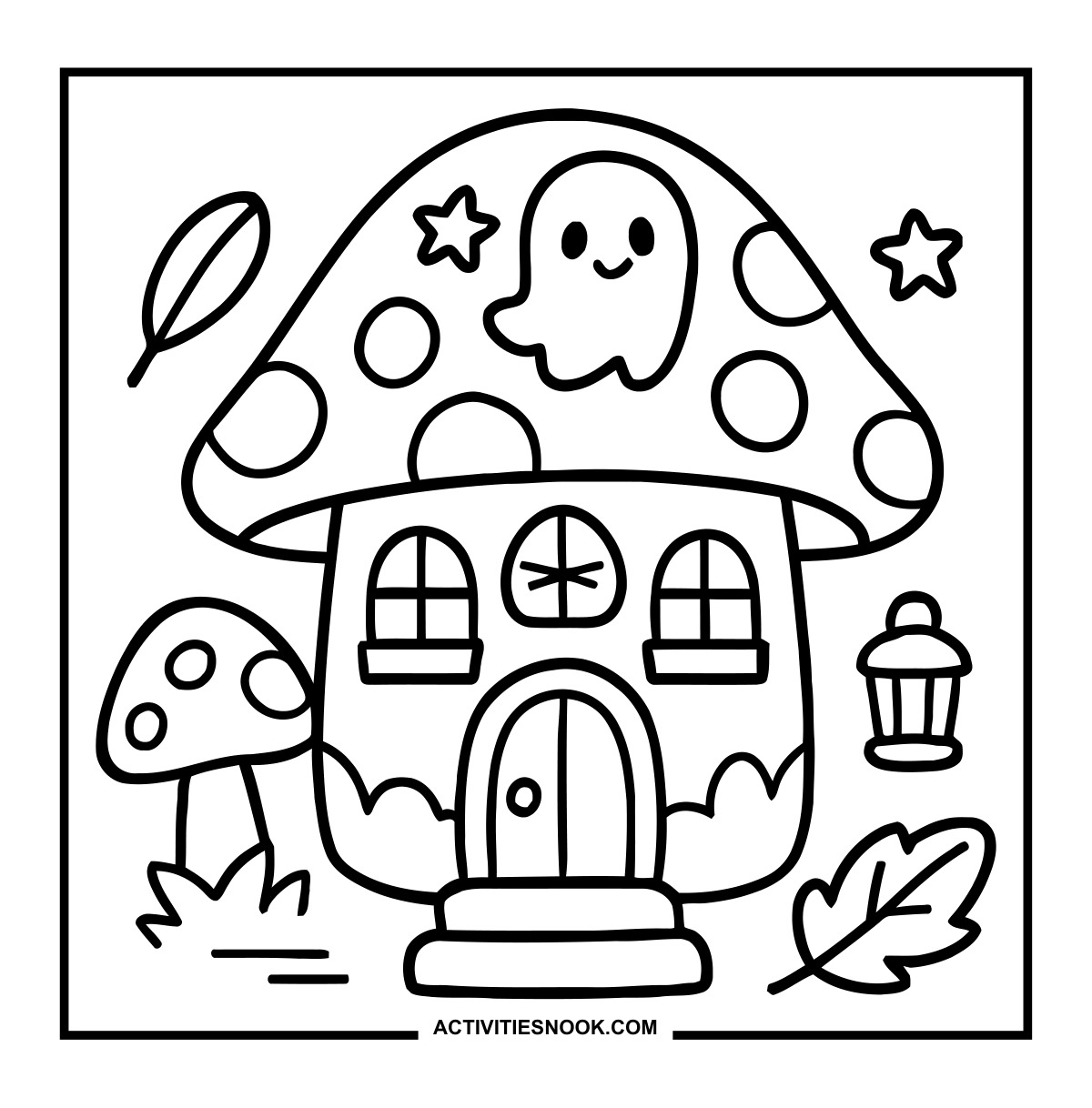
Halloween Mushroom House Coloring Page
A smiling ghost decorates the spotted roof, and a lantern hangs beside the house.
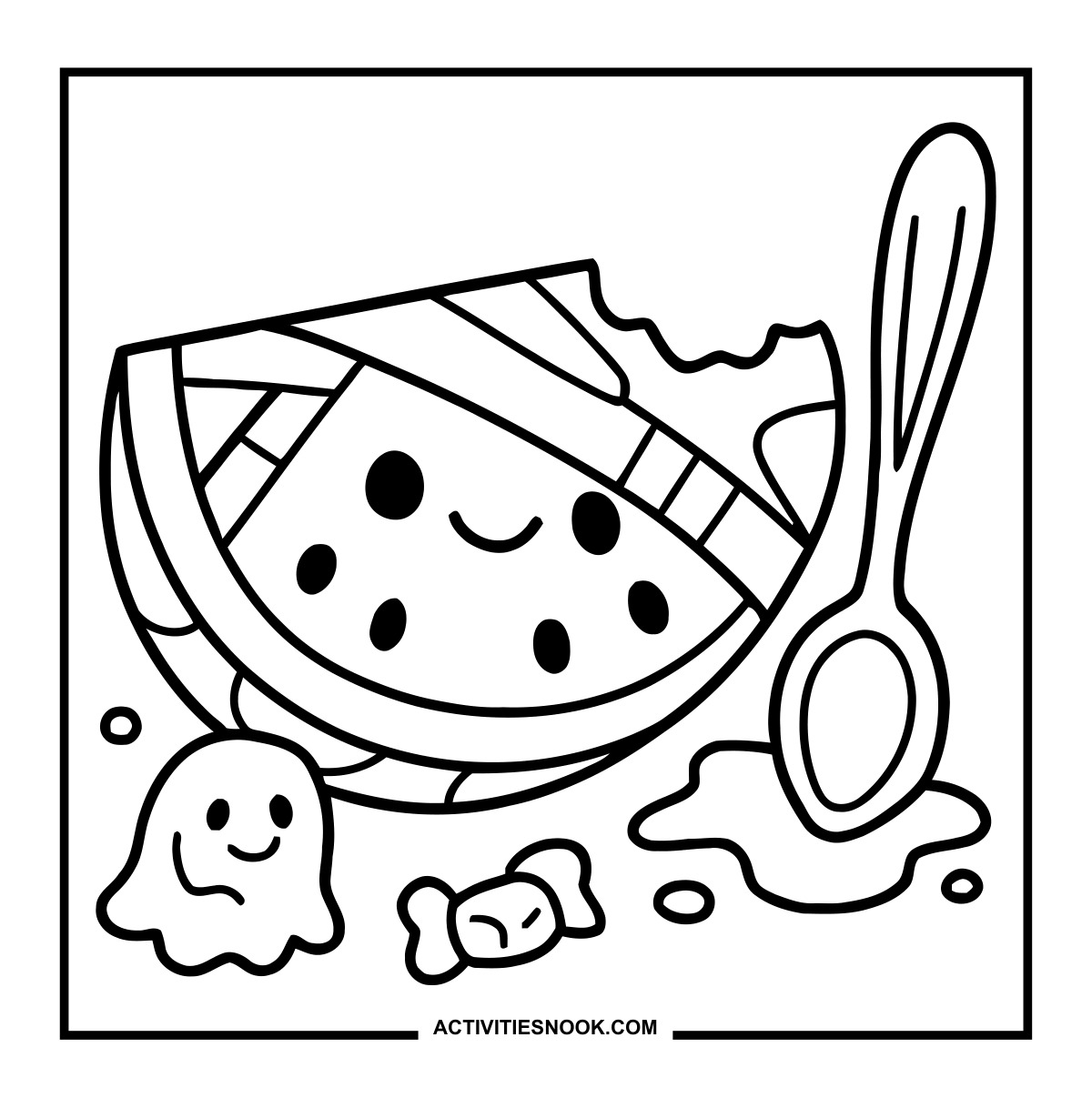
Mummy Watermelon Coloring Page
A bitten watermelon slice wears crisscrossed wraps beside a spoon, candy and a tiny ghost.
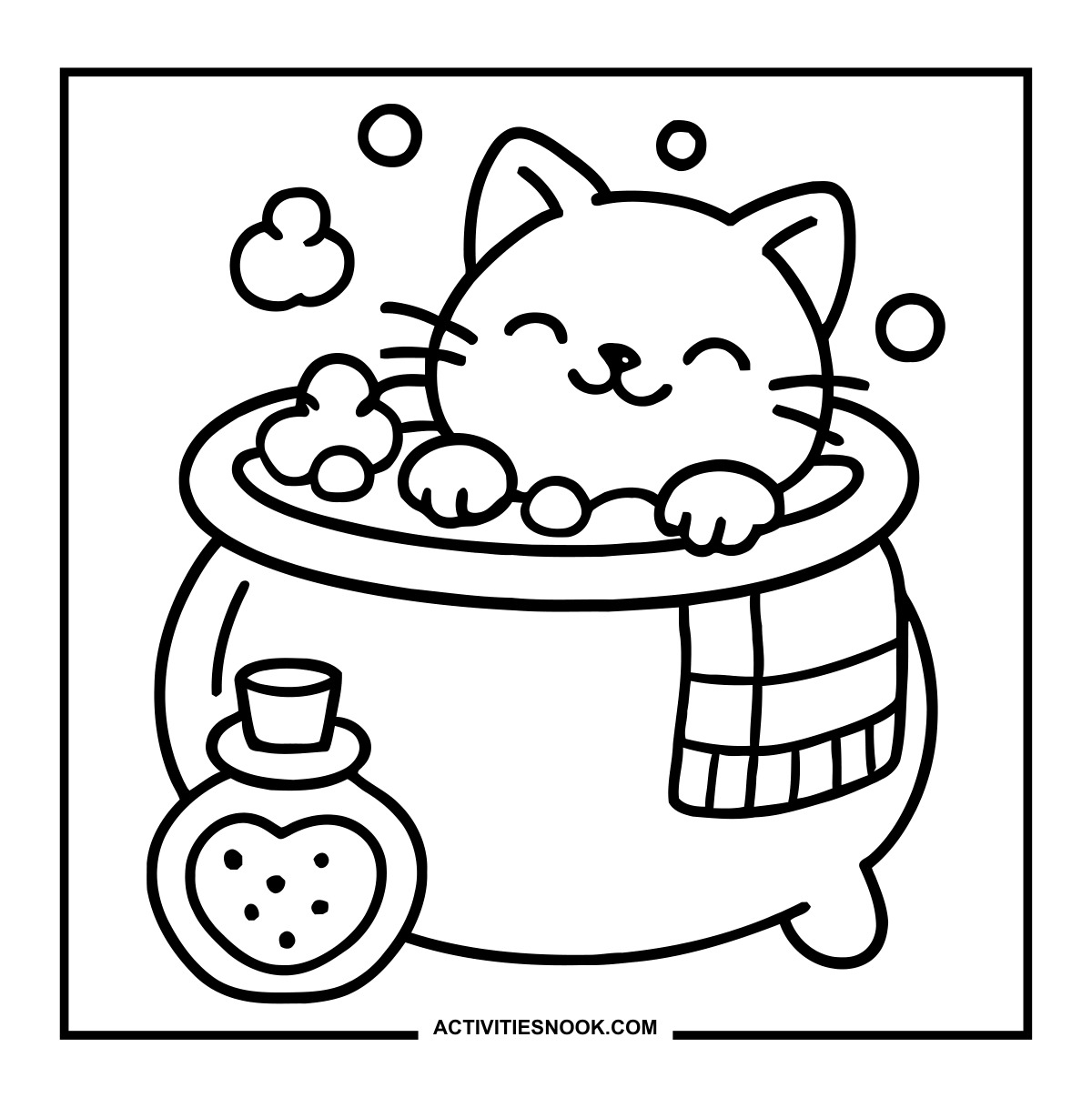
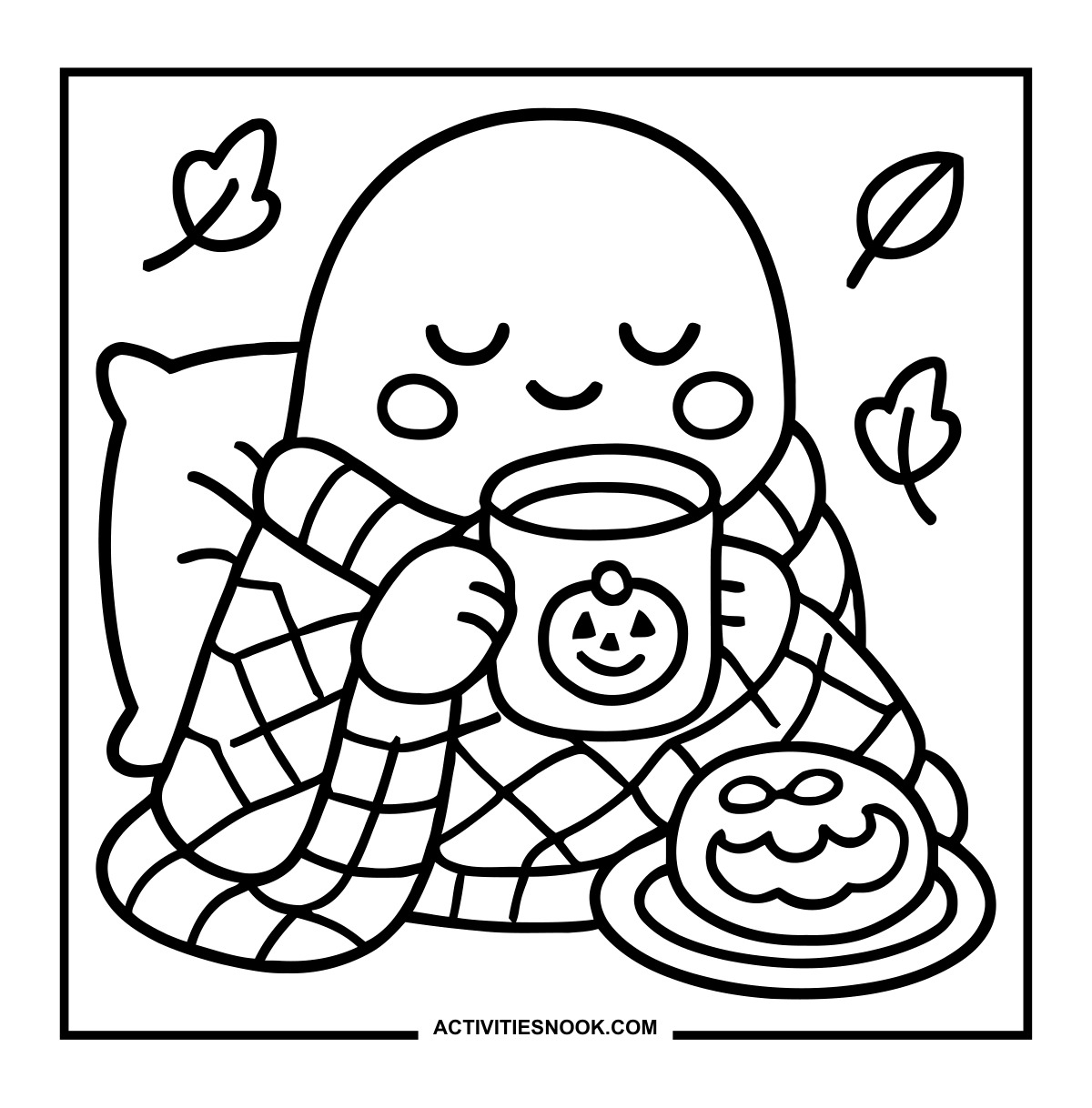
Cozy Ghost Coloring Page with a Pumpkin Mug
The ghost snuggles against a pillow in a checked blanket, with a frosted treat on a plate.
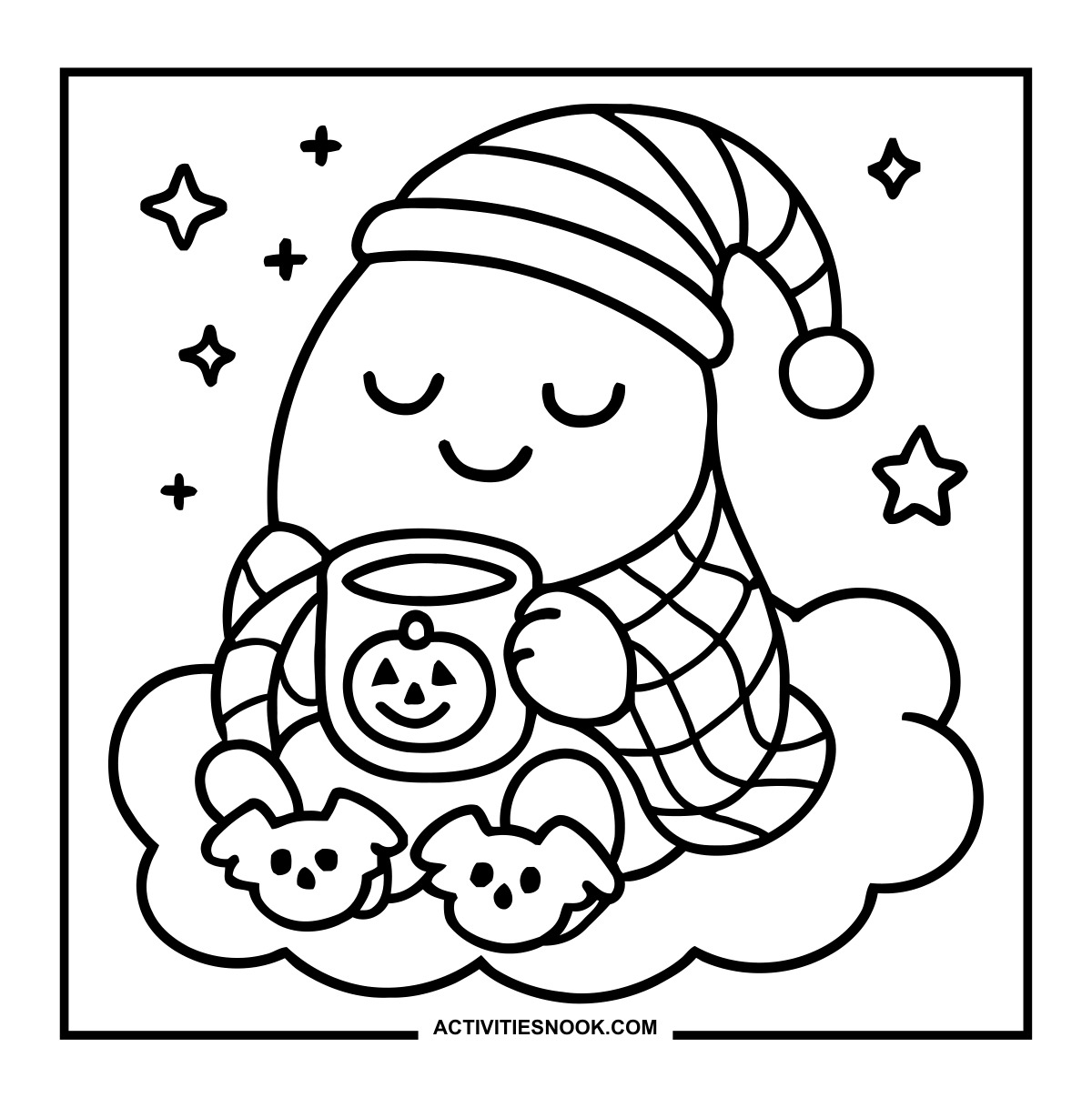
Sleepy Ghost Coloring Sheet with Bat Slippers
A striped nightcap and pumpkin mug complete the ghost’s cozy outfit.
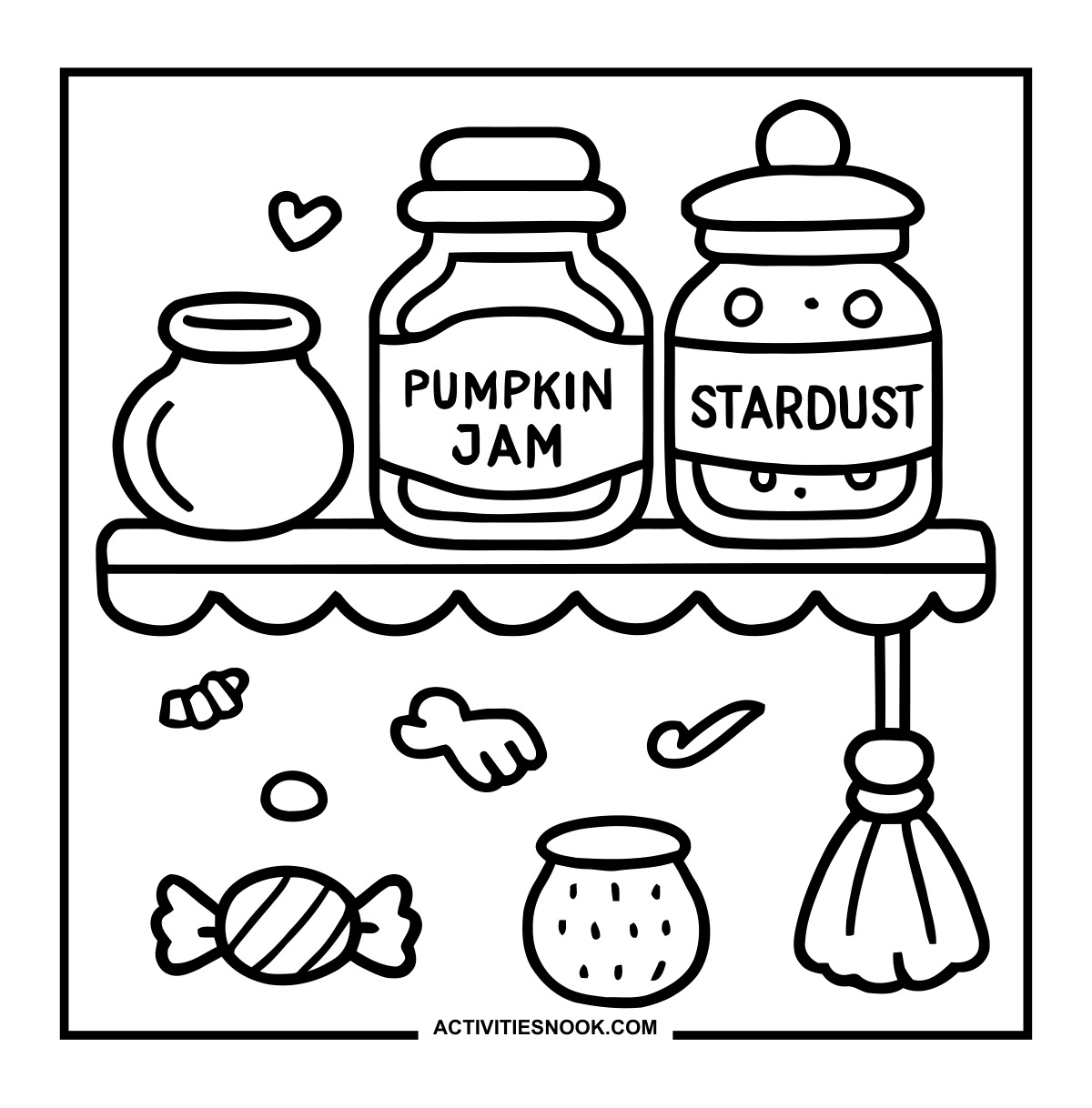
Magic Pantry Coloring Page with Pumpkin Jam
Jars labeled “Pumpkin Jam” and “Stardust” sit above a little hanging broom.
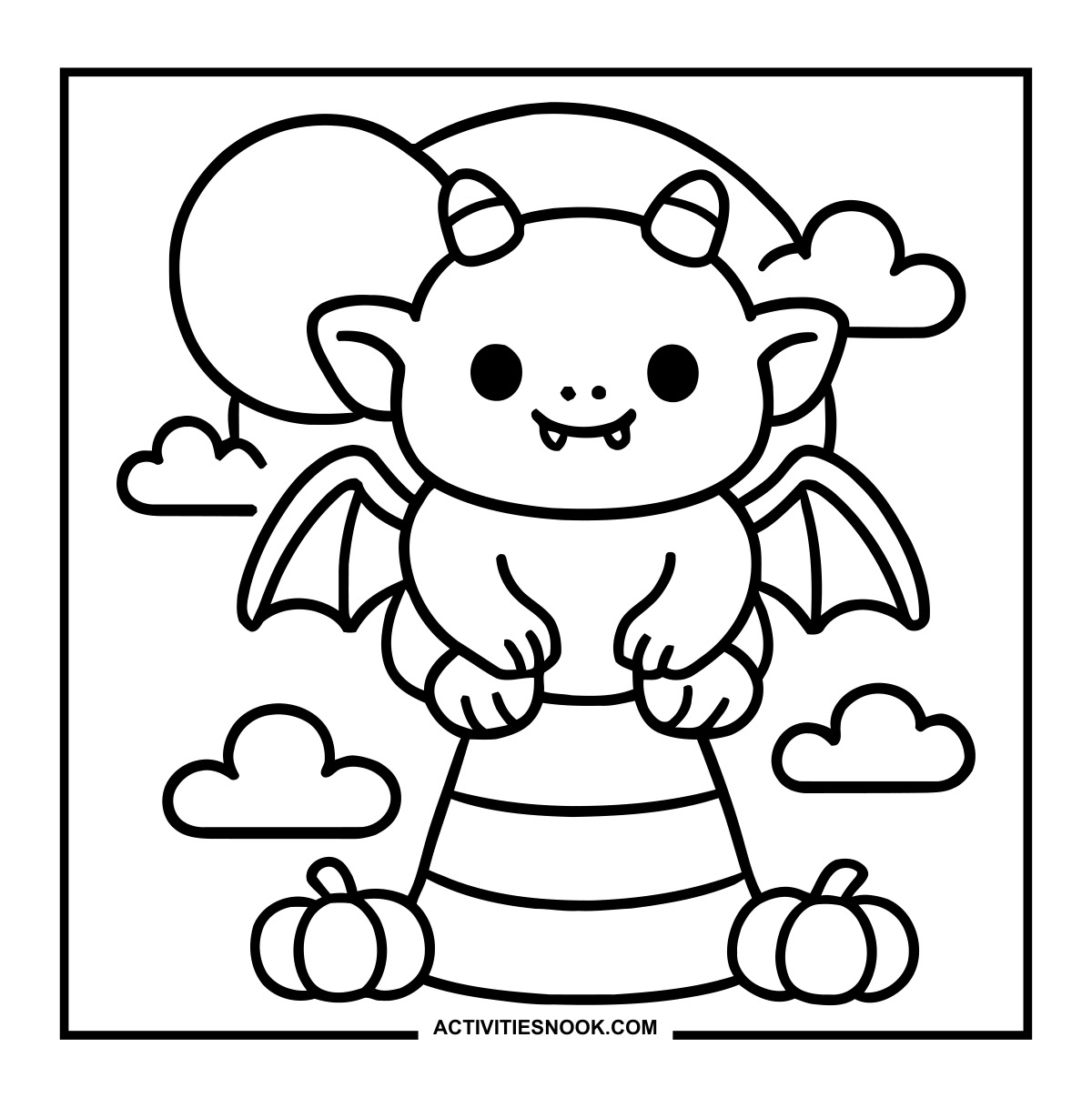
Winged Monster on Candy Corn Coloring Page
The little monster sits between two pumpkins, with clouds and a moon behind it.
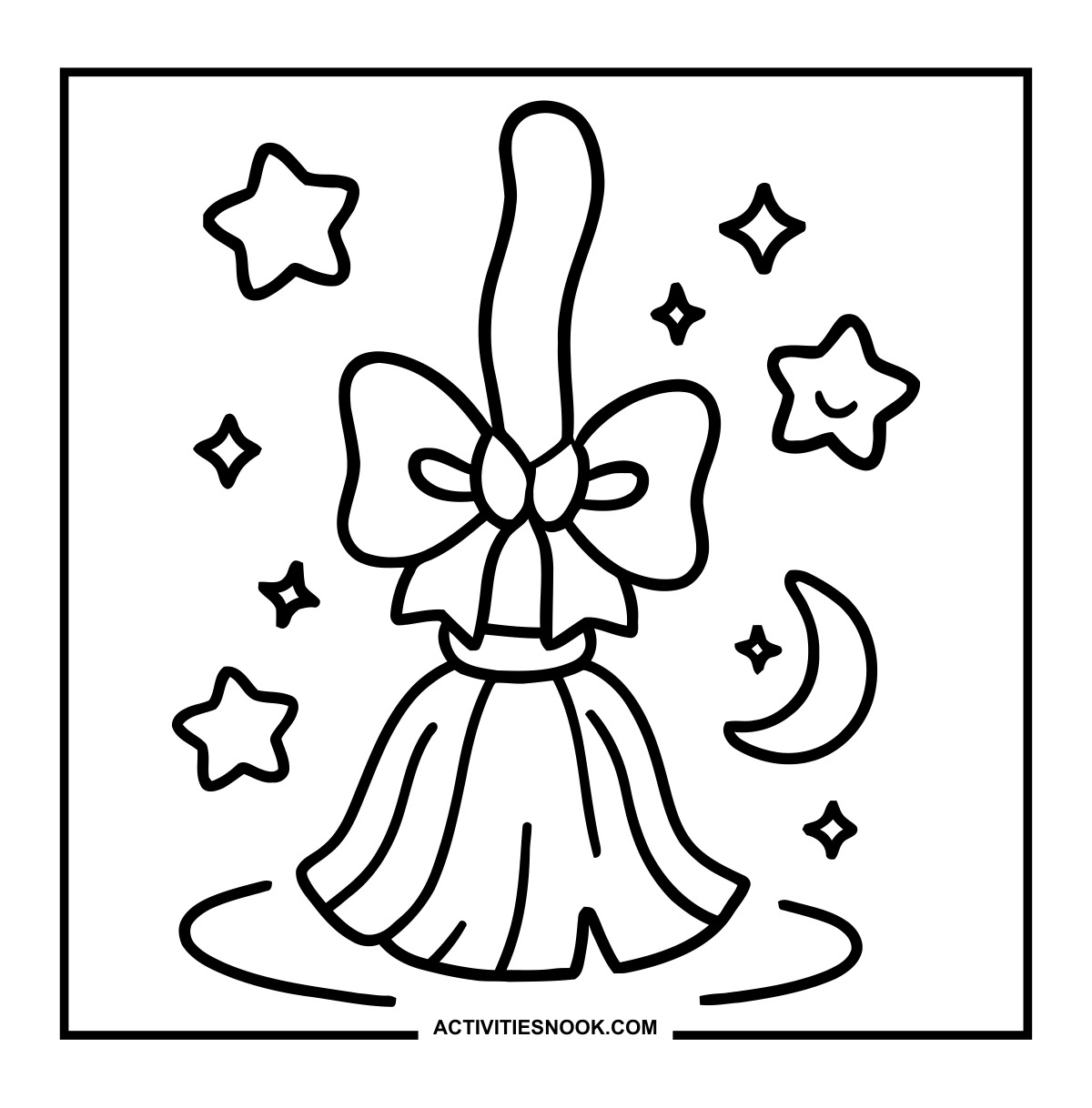
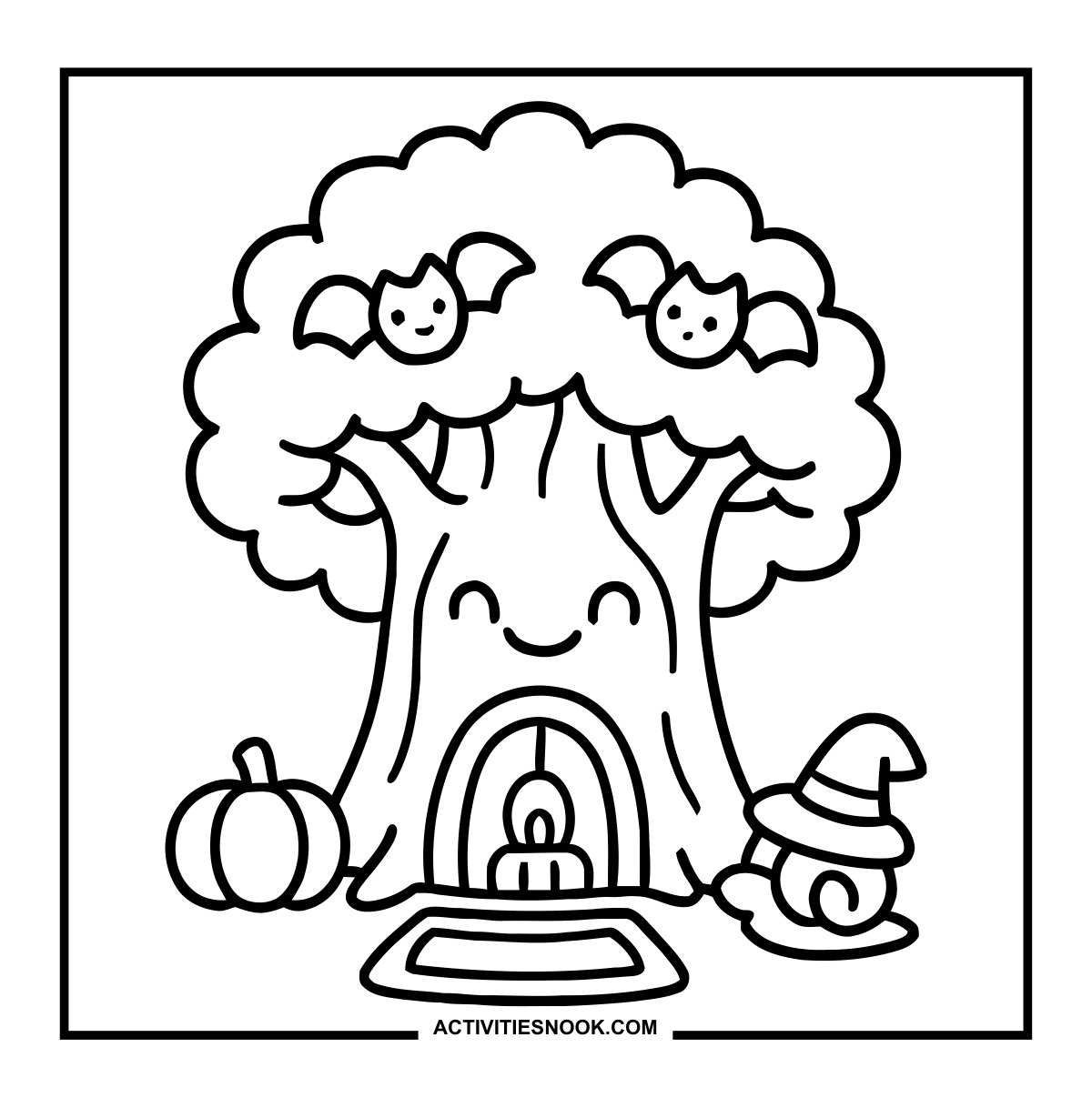
Smiling Halloween Tree Coloring Sheet
Two little bats perch in the canopy, and a witch-hat snail rests near the candlelit doorway.
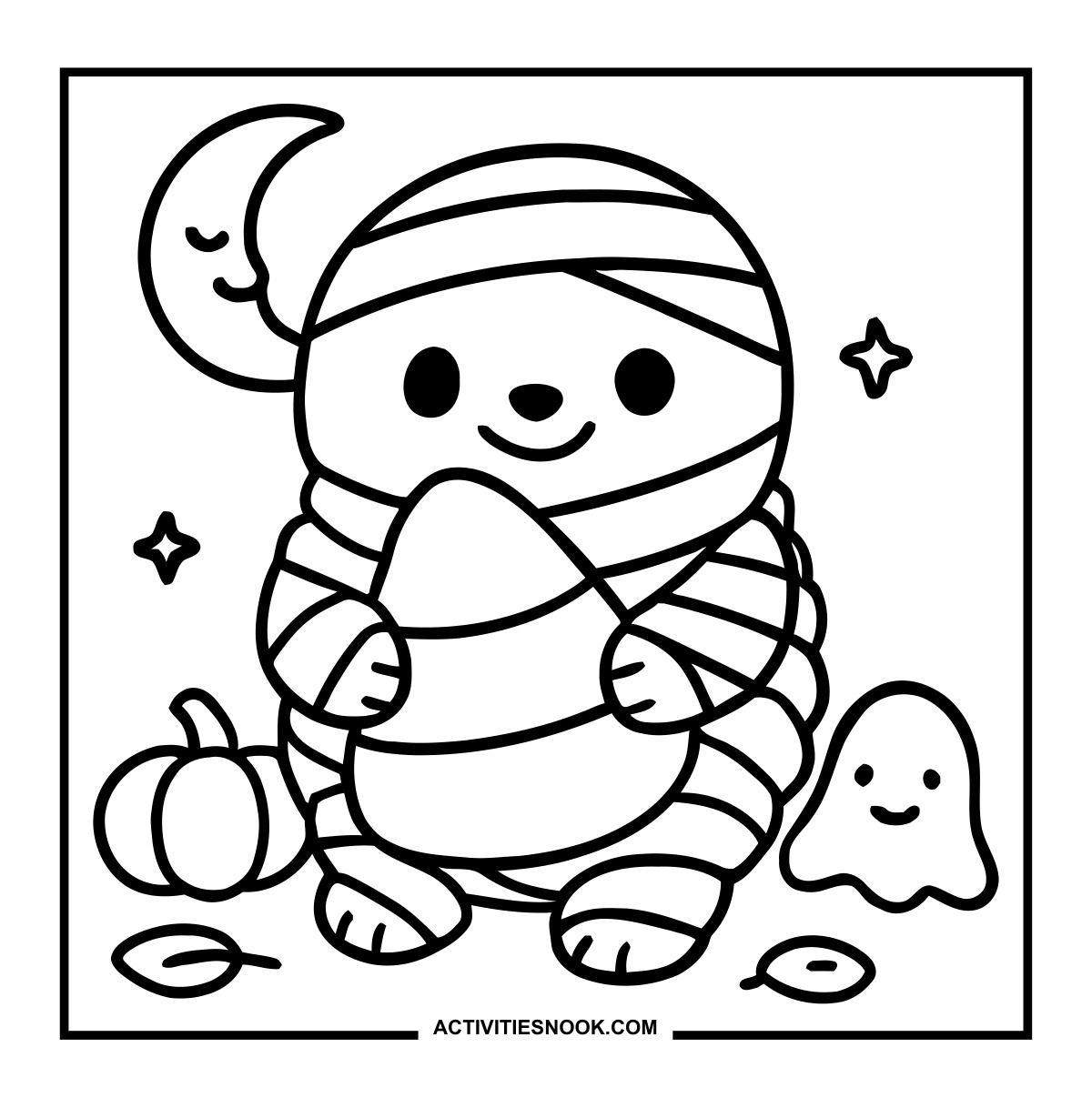
Ways to Use These Kawaii Halloween
Set up a Halloween party coloring table with ghosts, pumpkins and cute monsters so each child can choose a favorite.
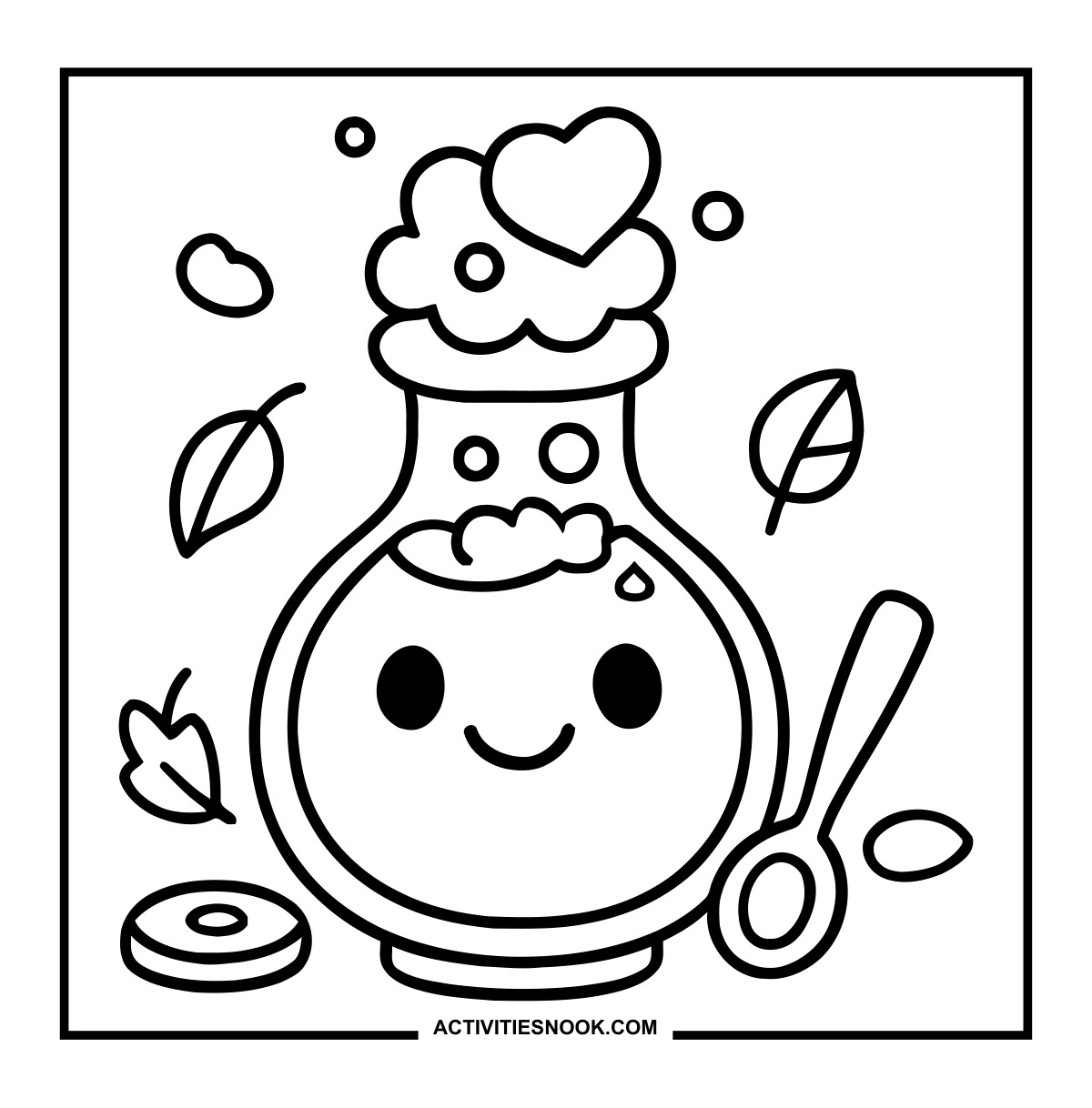
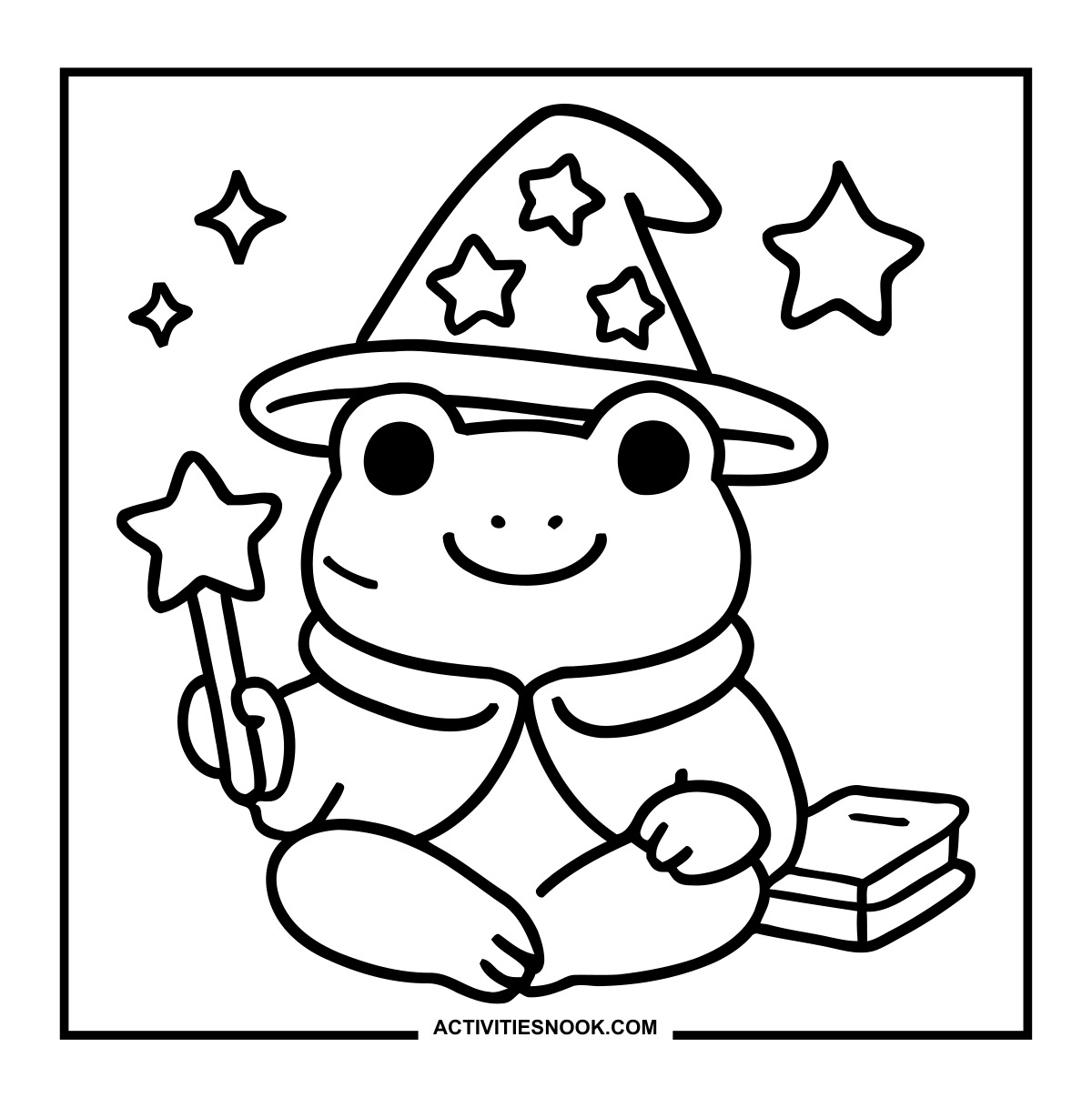
Try a pastel Halloween palette: color the potion pink, the frog wizard mint green and the witch’s hat lavender.
Make a cozy coloring pair with the two bundled-up ghosts, giving their blankets different patterns and matching pumpkin mugs.
Turn finished pictures into Halloween decorations for a classroom door, bedroom wall or family celebration.
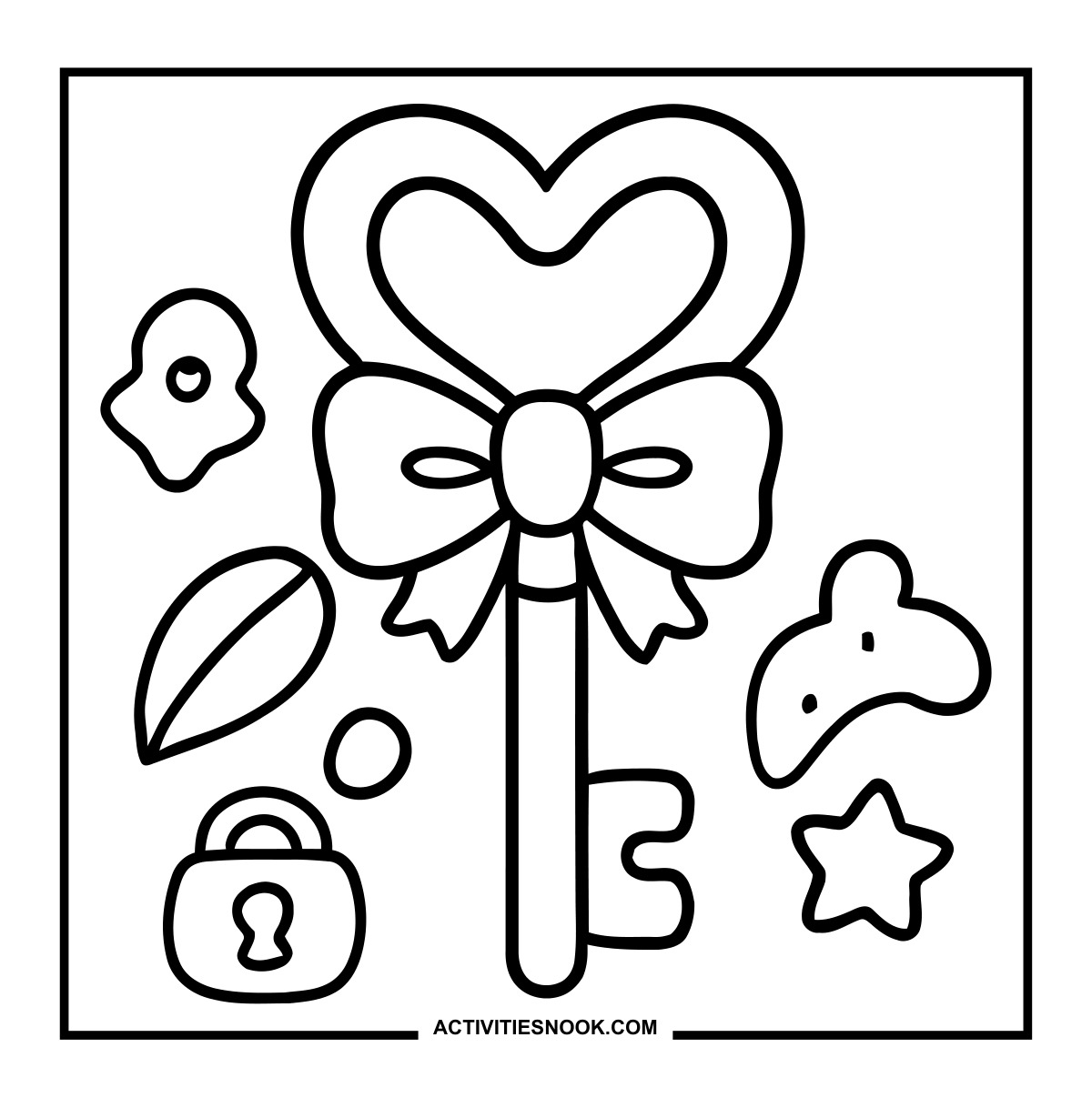
Use the mushroom house, magical key and smiling tree as story starters. Invite kids to name the setting and imagine who lives there.
How to Print or Download These Coloring Pages
⭐️ You don’t need to sign up or subscribe — just click the images to get your free coloring page PDFs!
- Choose your page. Click the image for the coloring page you’d like to use.
- Open the file. A PDF will open in Google Drive. Some school or office networks block this type of file sharing, so if you have trouble, try again at home or on a different internet connection.
- Print right away. Load your favorite paper into the printer, then click the print icon in the PDF window.
- If the edges look cut off, go to your print menu → “More Settings” → “Fit To Printable Area.” This resizes the page so the entire cozy design fits neatly inside the margins.
- Download for later. If you’d rather save the page, click the download icon (a downward arrow) in the Google Drive toolbar. The file will save to your device so you can open and print whenever you’re ready.
- No need to request access. You don’t have to ask to share the file. Just use the print or download icons directly in the Google Drive window.
- Start coloring! Once printed, enjoy your coloring pages with crayons, markers, colored pencils, or even watercolor paint. Use the space around the images to add your own text or embellishments for crafts and collages.