24 Free Cute and Creepy Zombie Coloring Pages
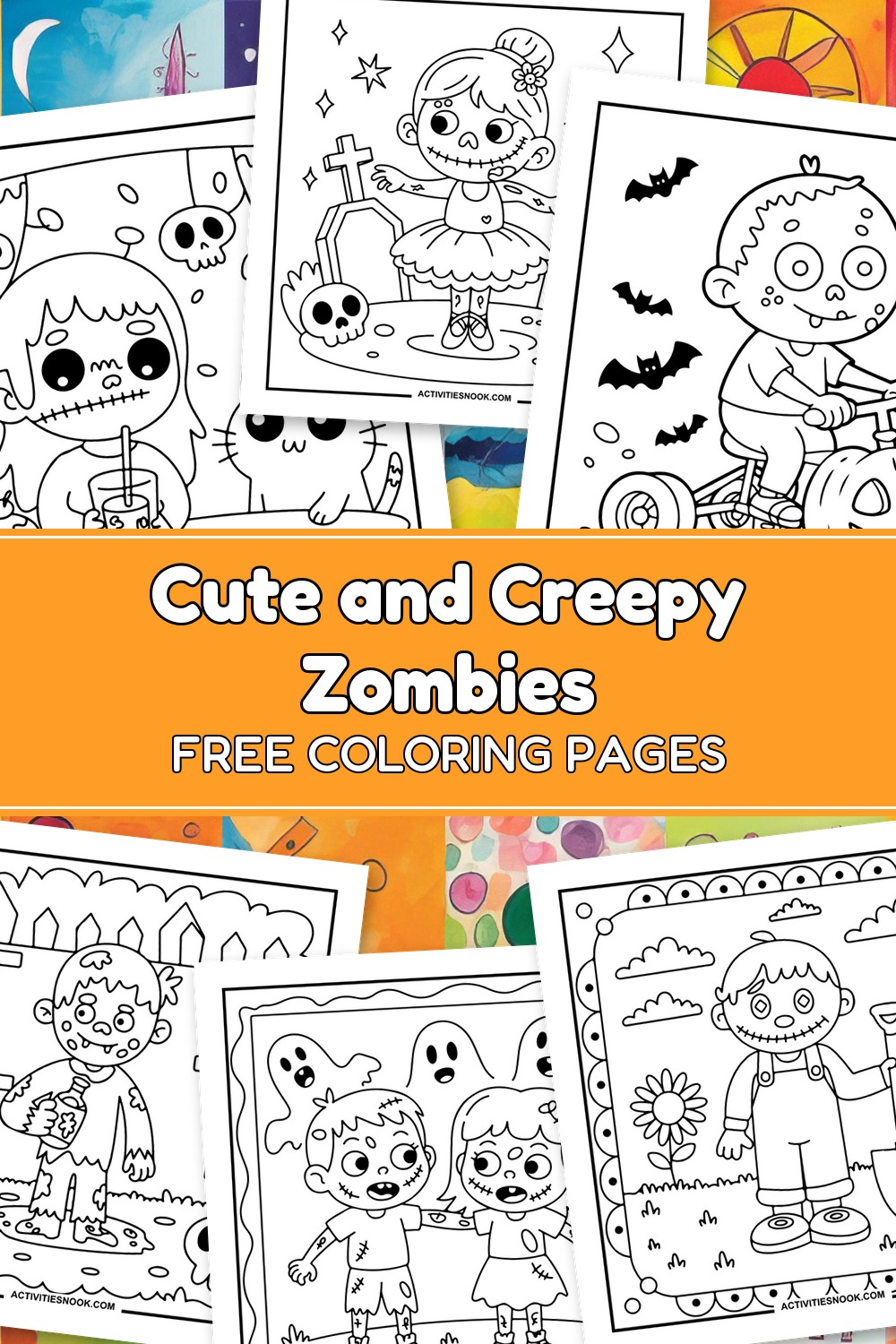
These 24 free printable zombie coloring pages feature smiling zombies, stitched dolls and patchwork cats in scenes that mix cute with a little creepy. Kids can choose a graveyard ballerina, a pumpkin tricycle rider, a marshmallow-roasting zombie and more. Clear outlines and generous coloring spaces keep many designs easy to color, while decorative borders and smaller details offer extra variety. Each design is available as an individual PDF for Halloween coloring or a spooky afternoon activity.
Click a coloring page image or its title to open its individual PDF. Full printing instructions are at the end.
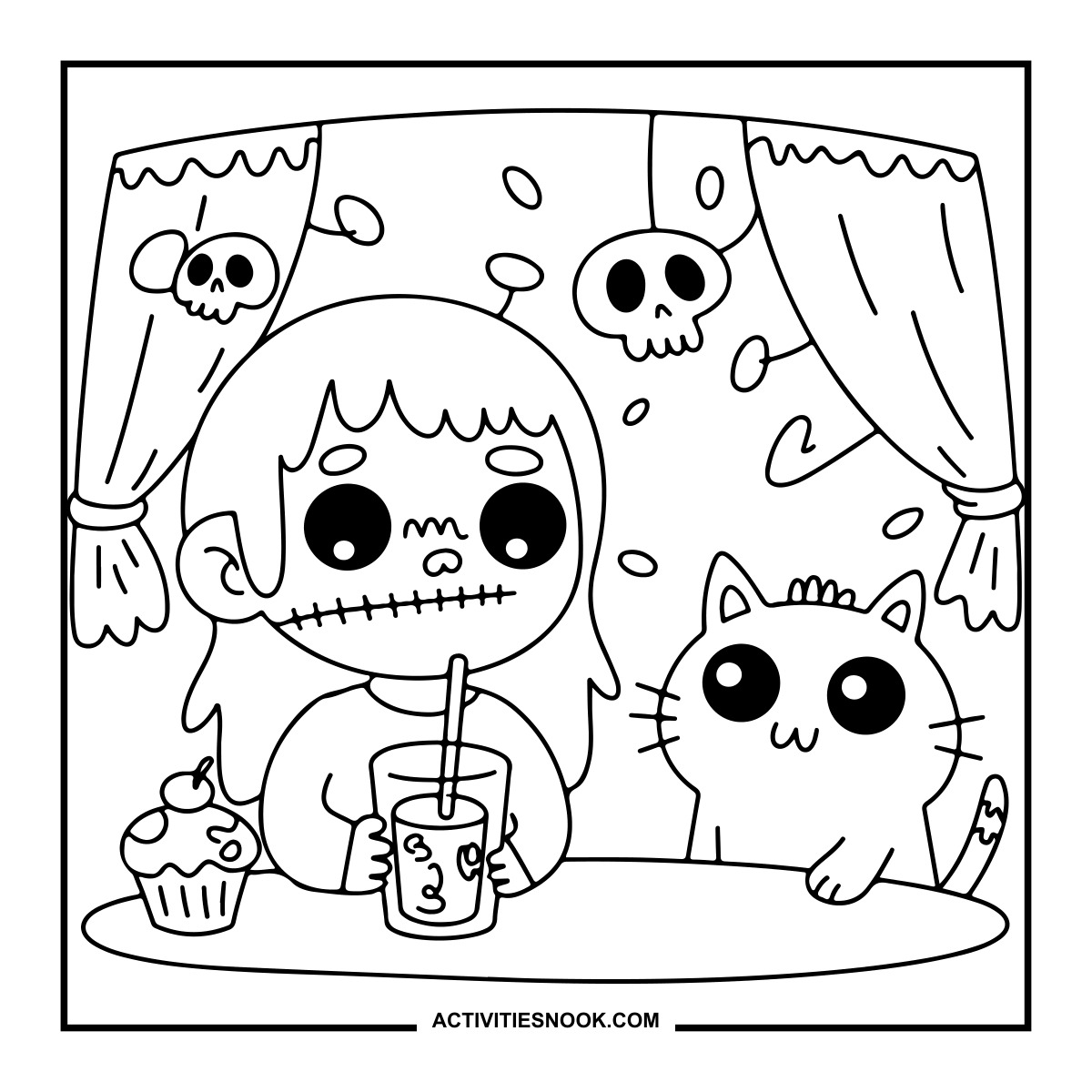
Zombie Coloring Page with a Drink and Cat
A cupcake sits on the table beneath hanging skull decorations.
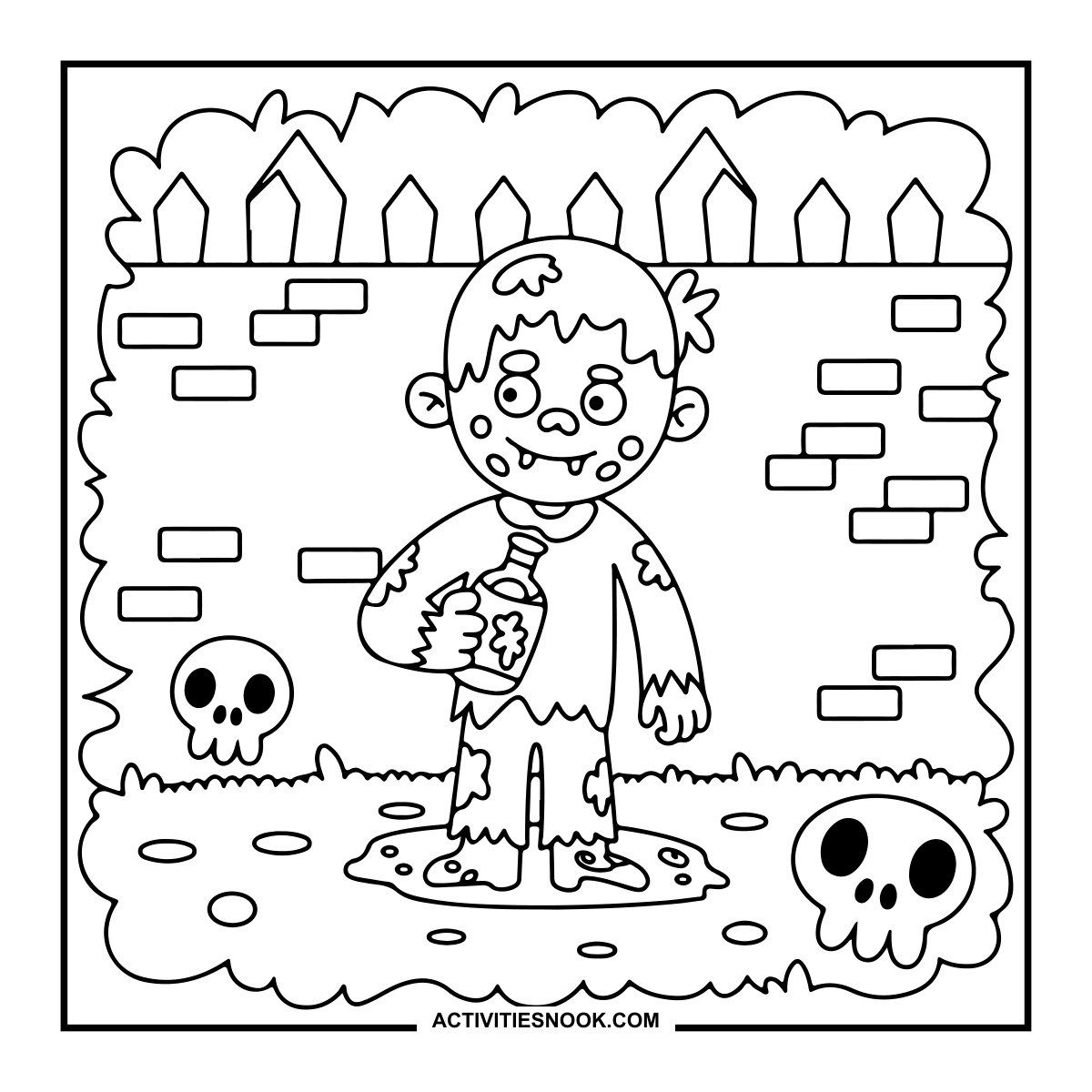
Zombie Holding a Bottle Coloring Page
The barefoot zombie stands in a puddle beside skulls and a brick wall.
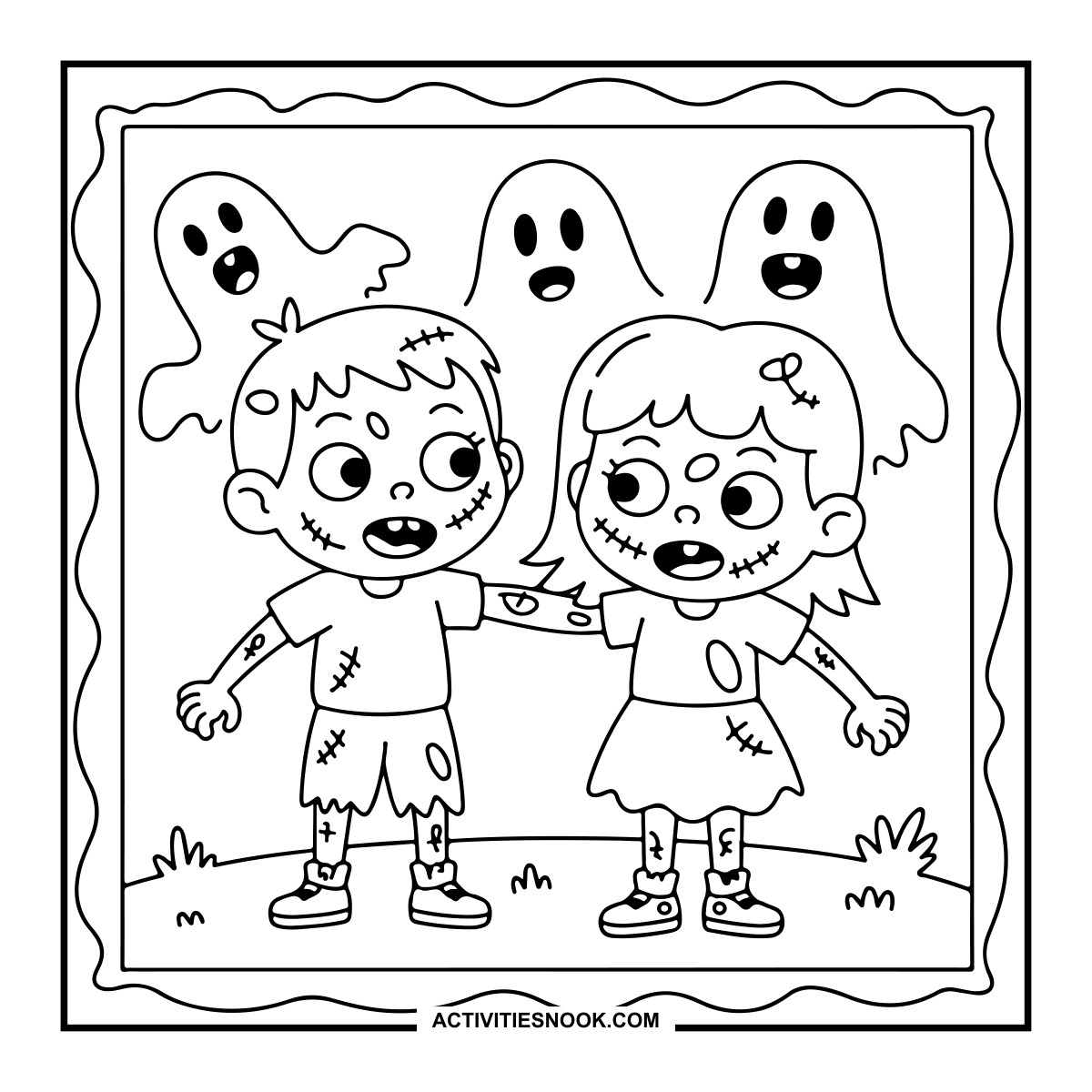
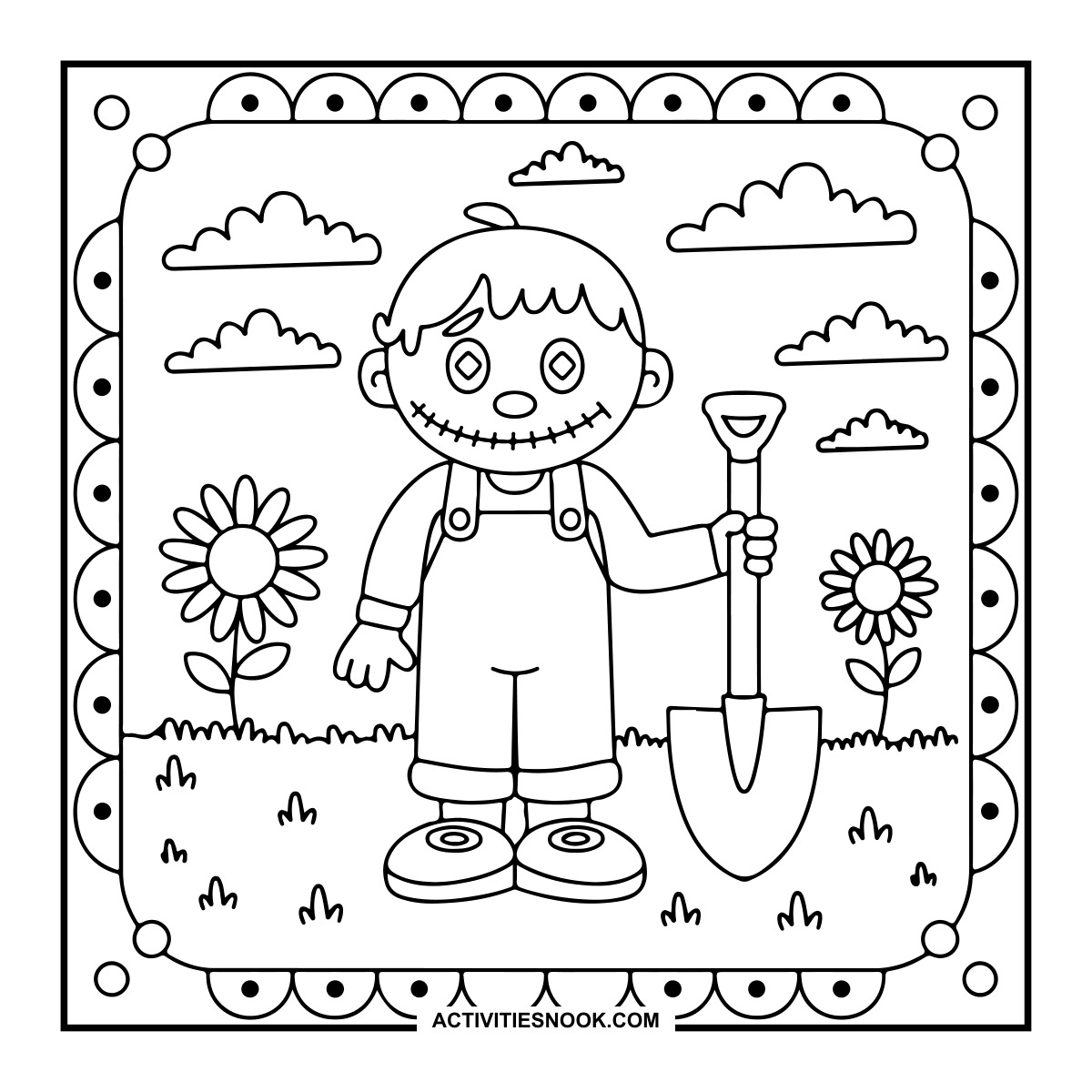
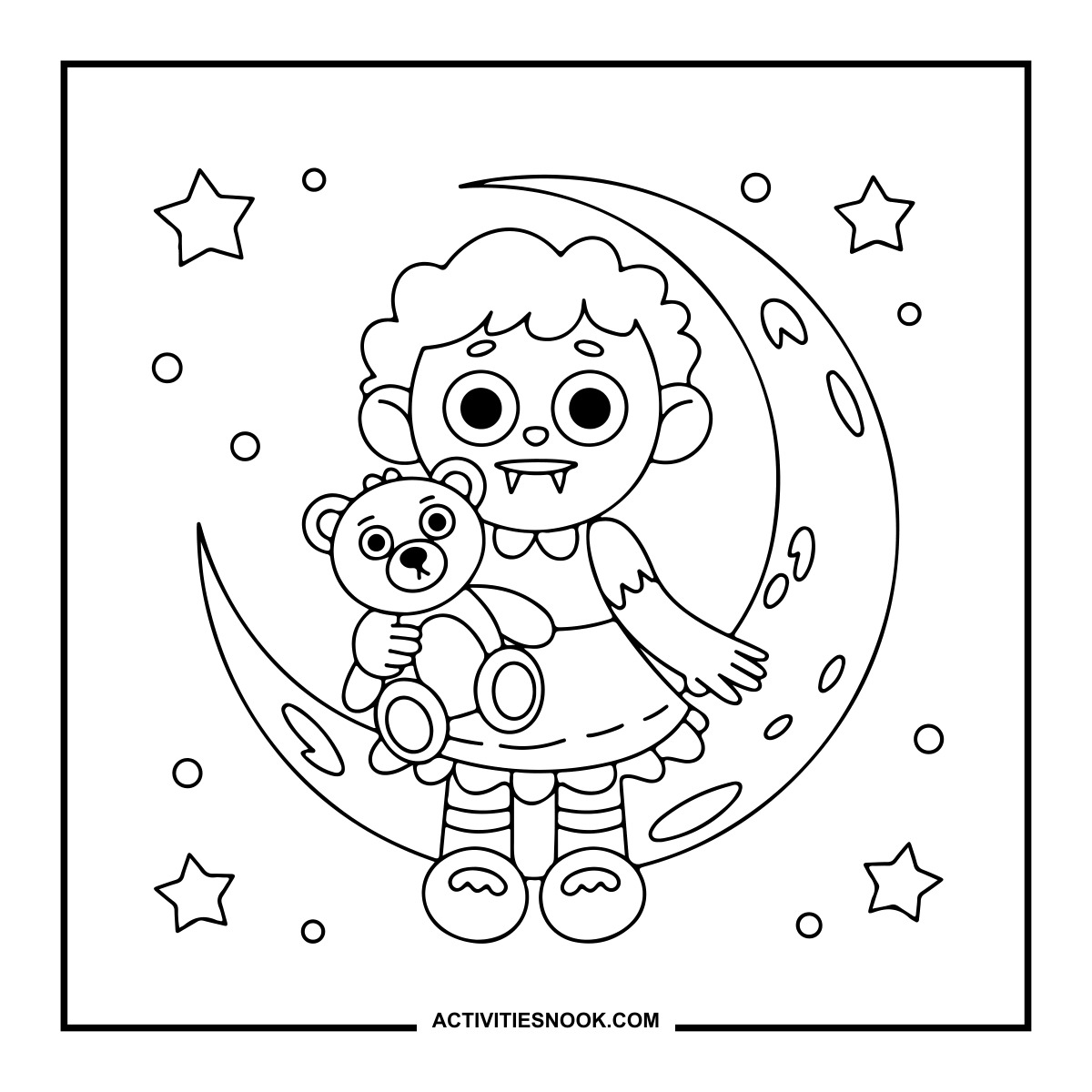
Creepy Character on a Crescent Moon Coloring Page
The curly-haired character holds a teddy bear among stars.
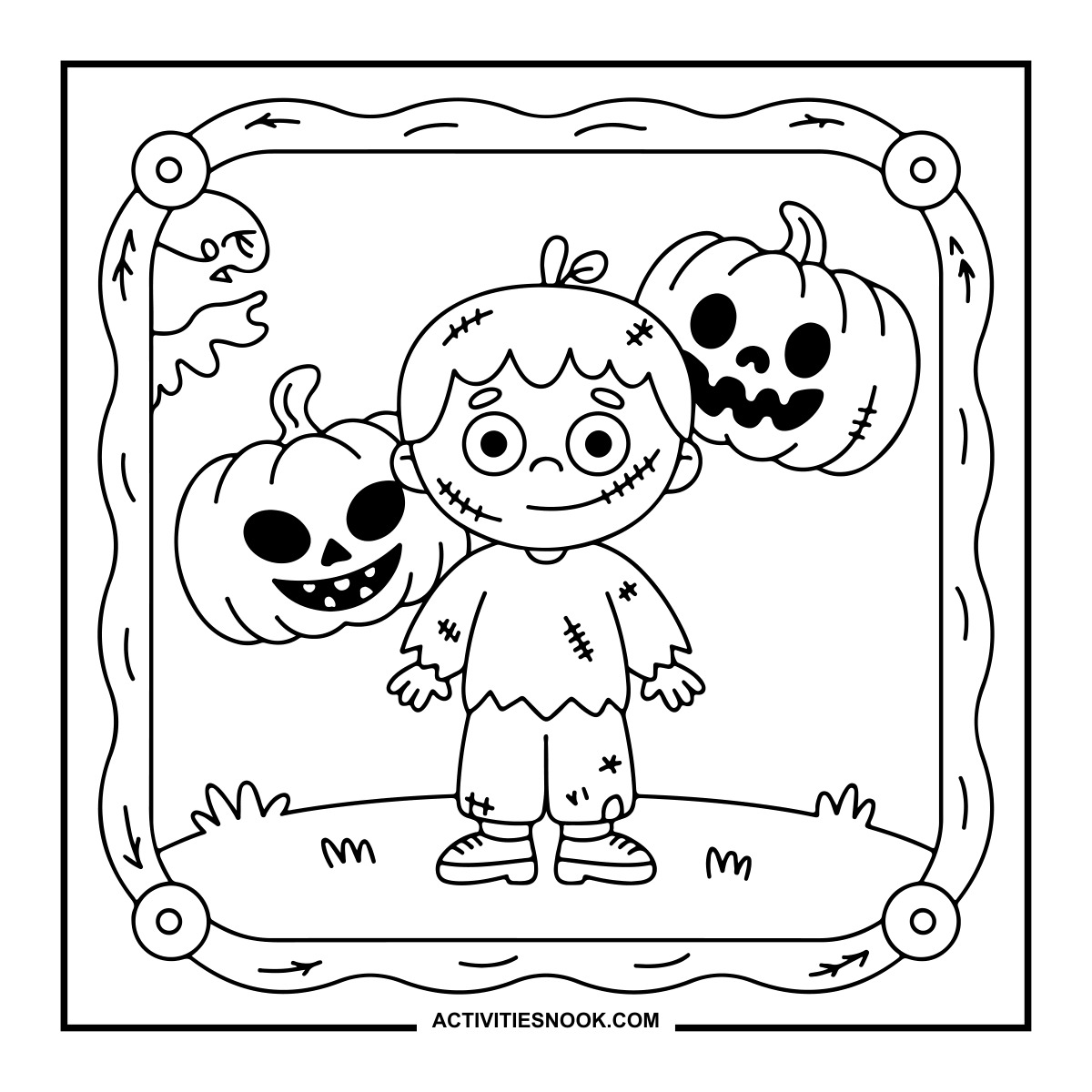
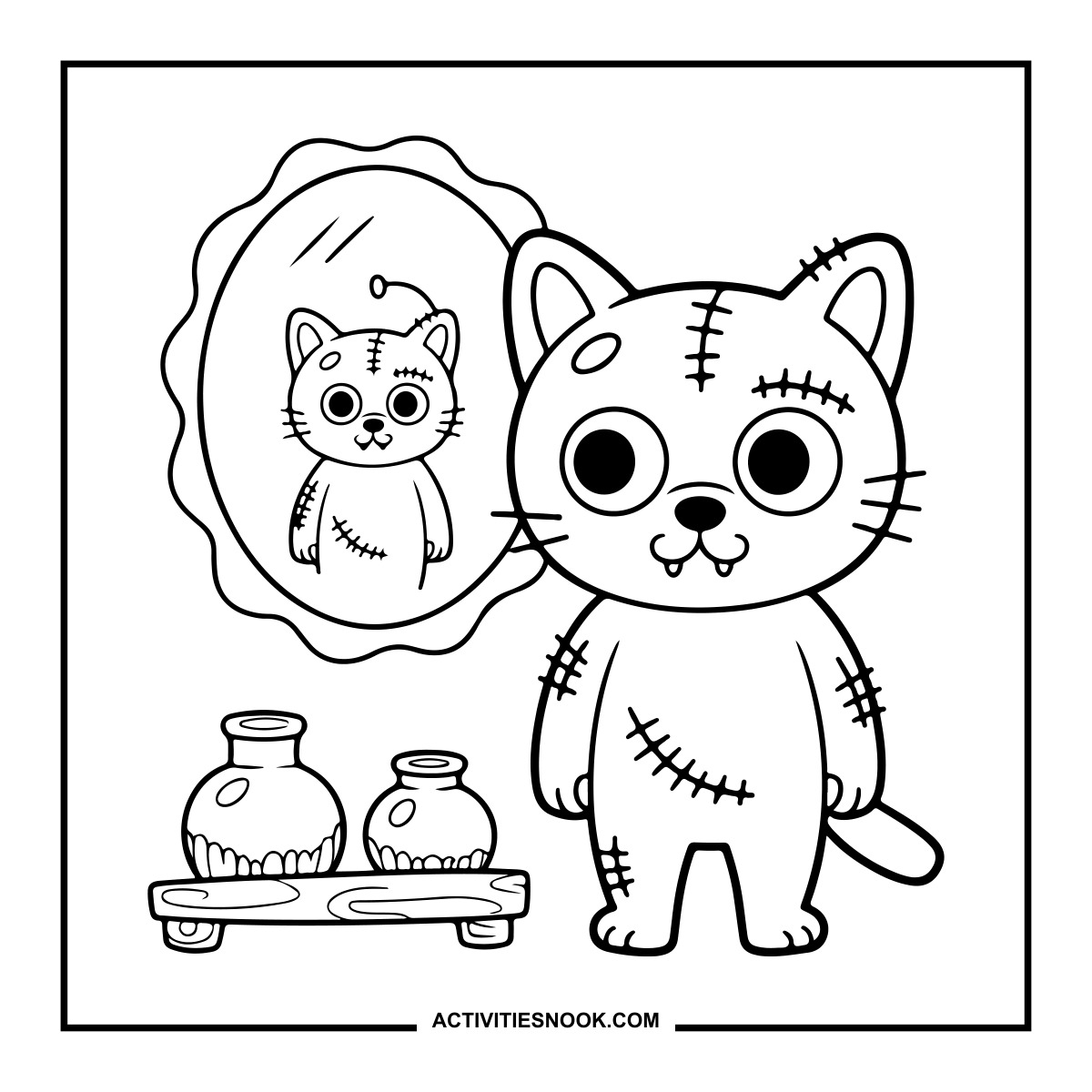
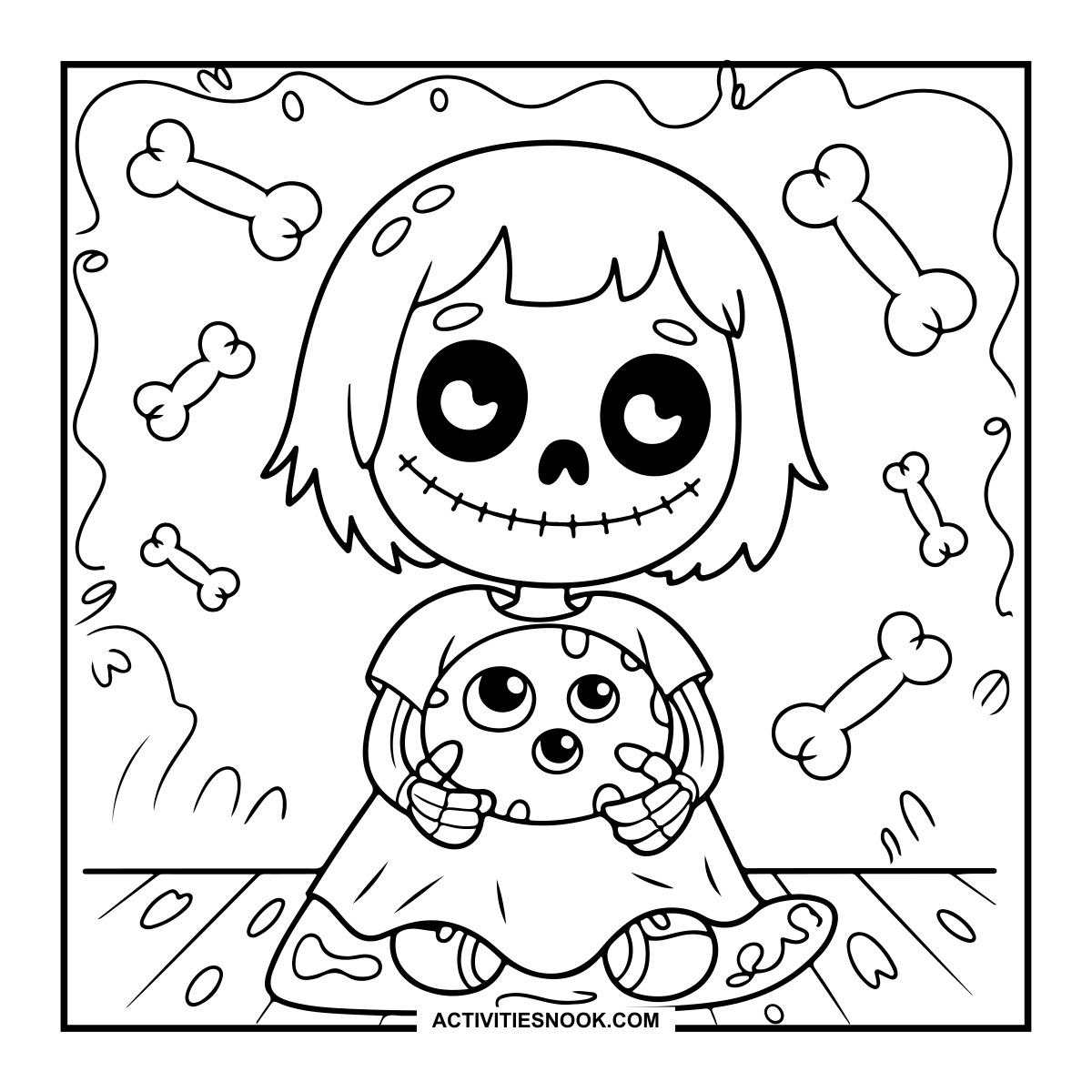
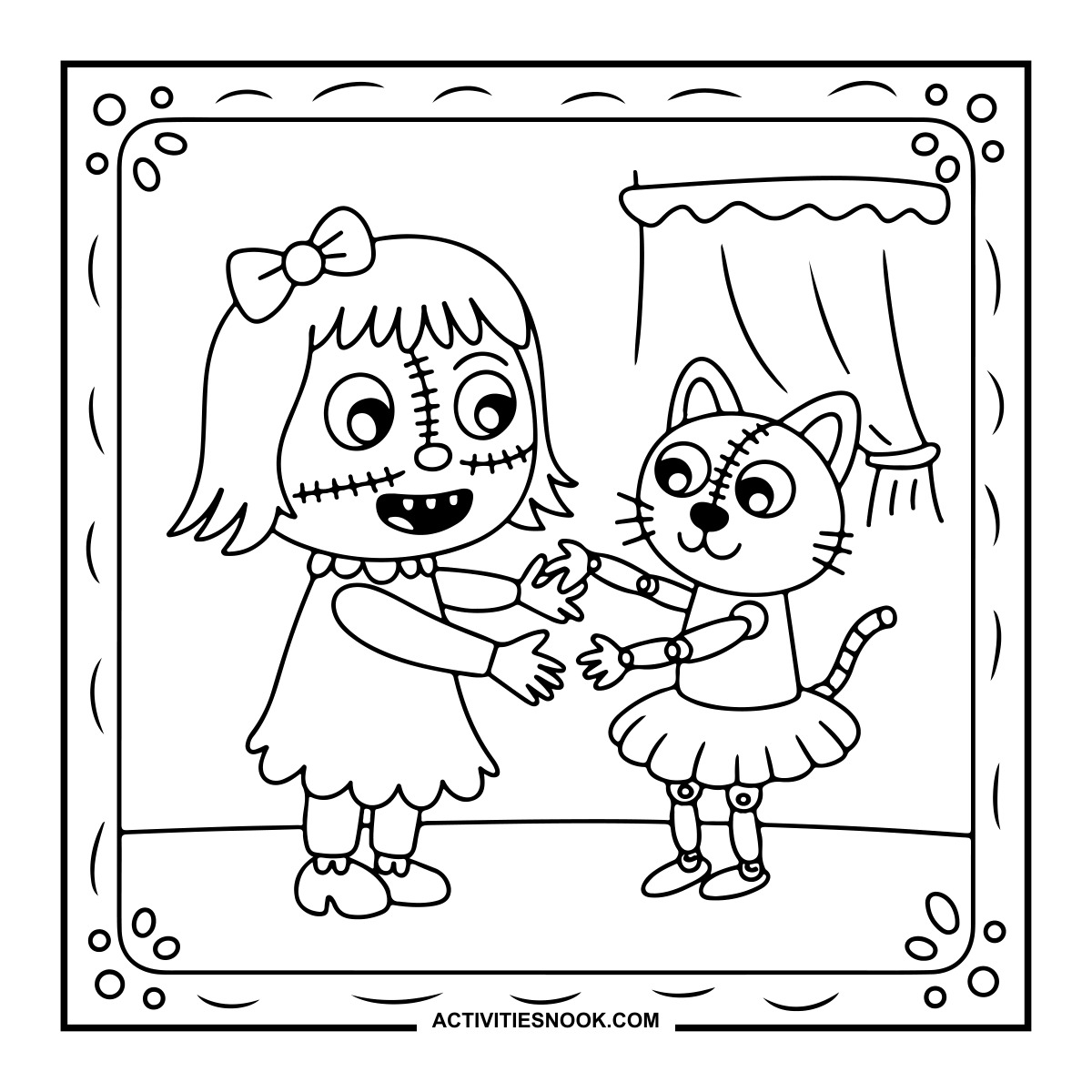
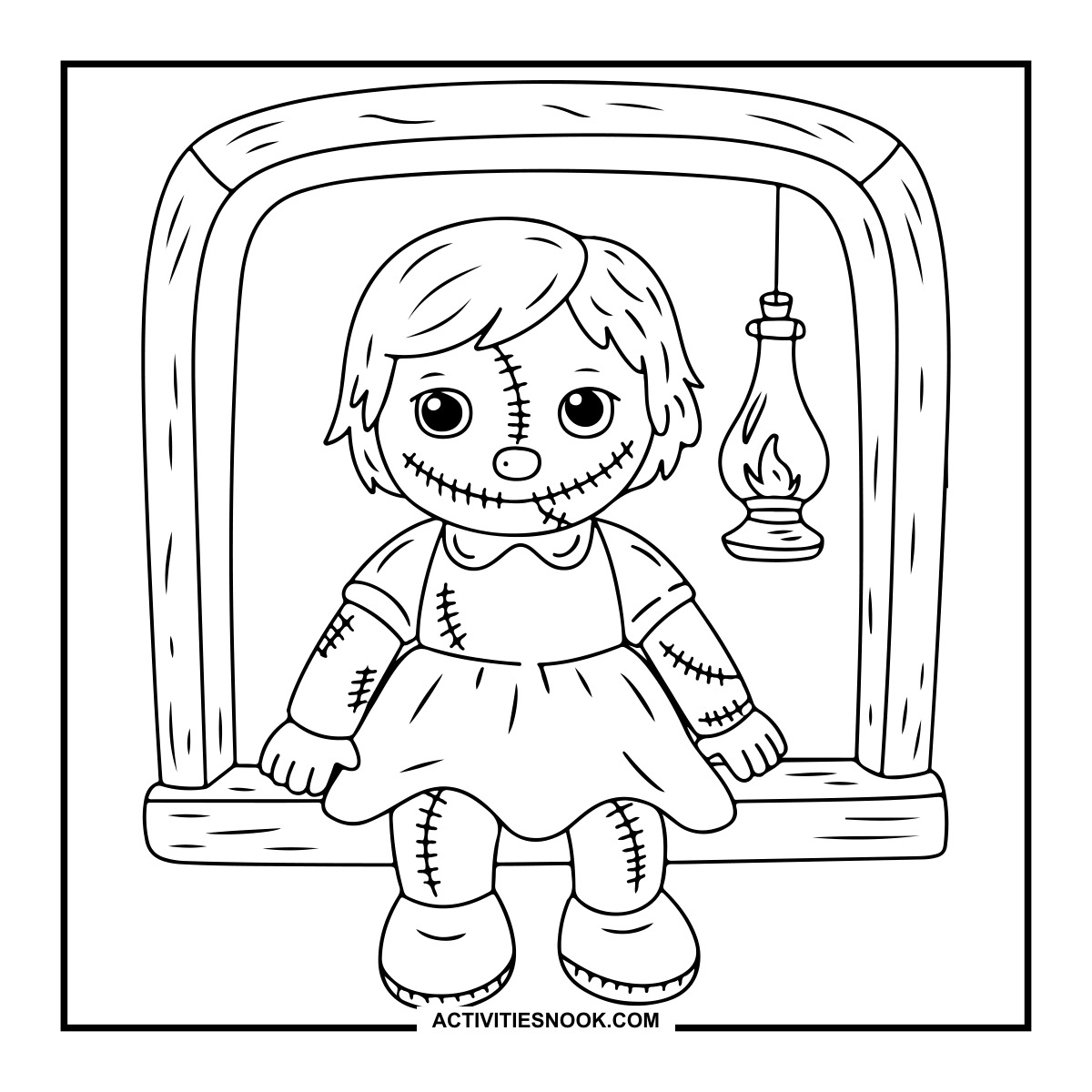
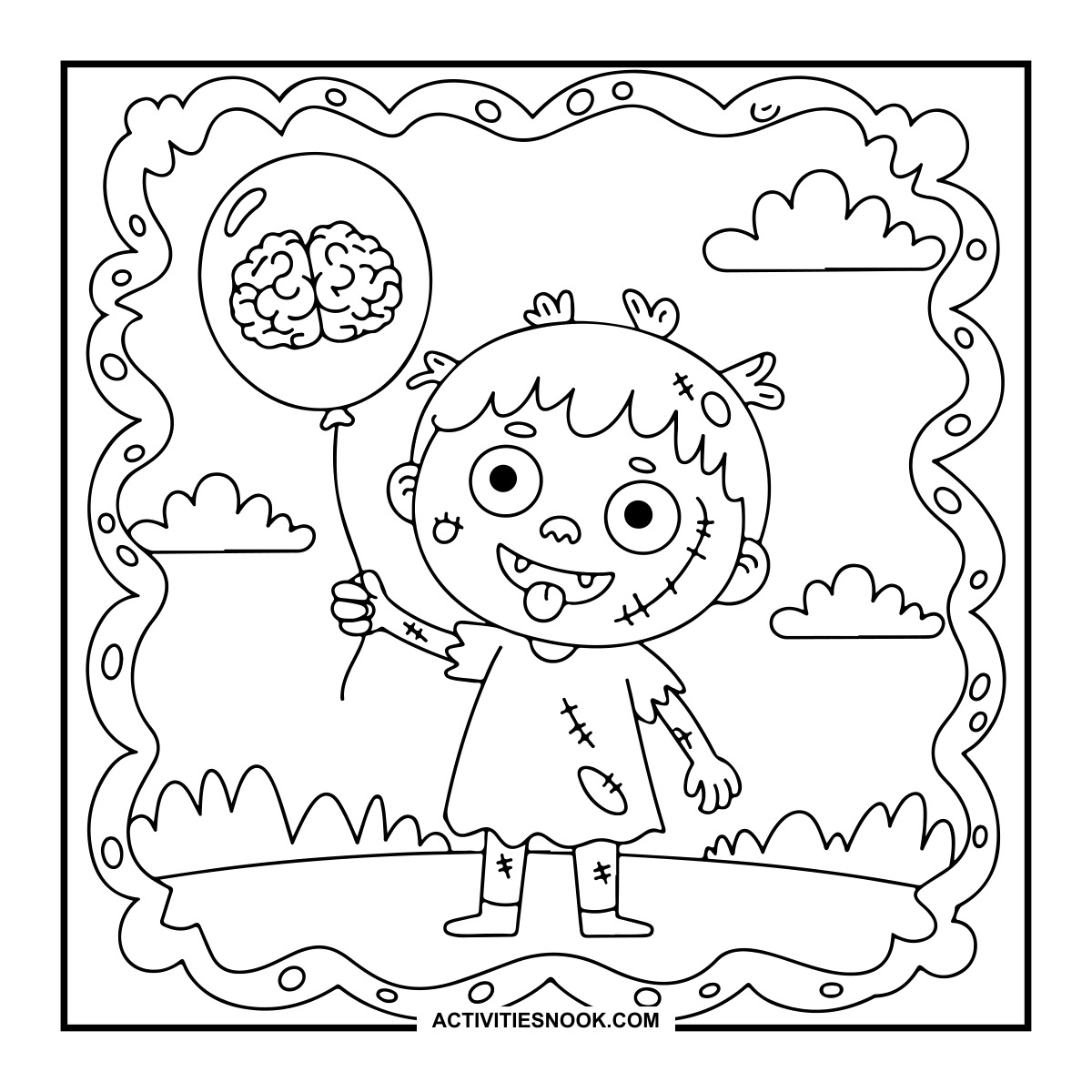
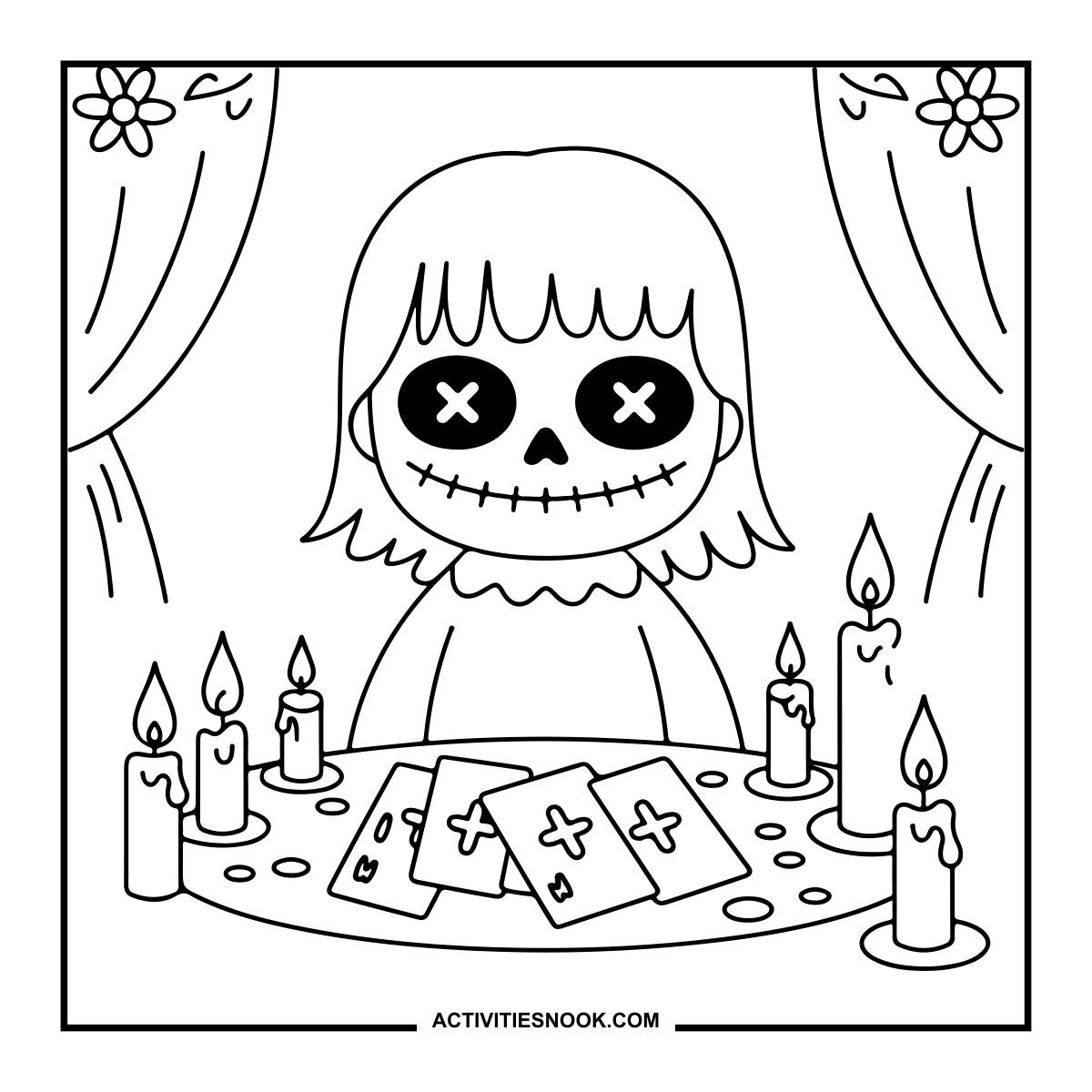
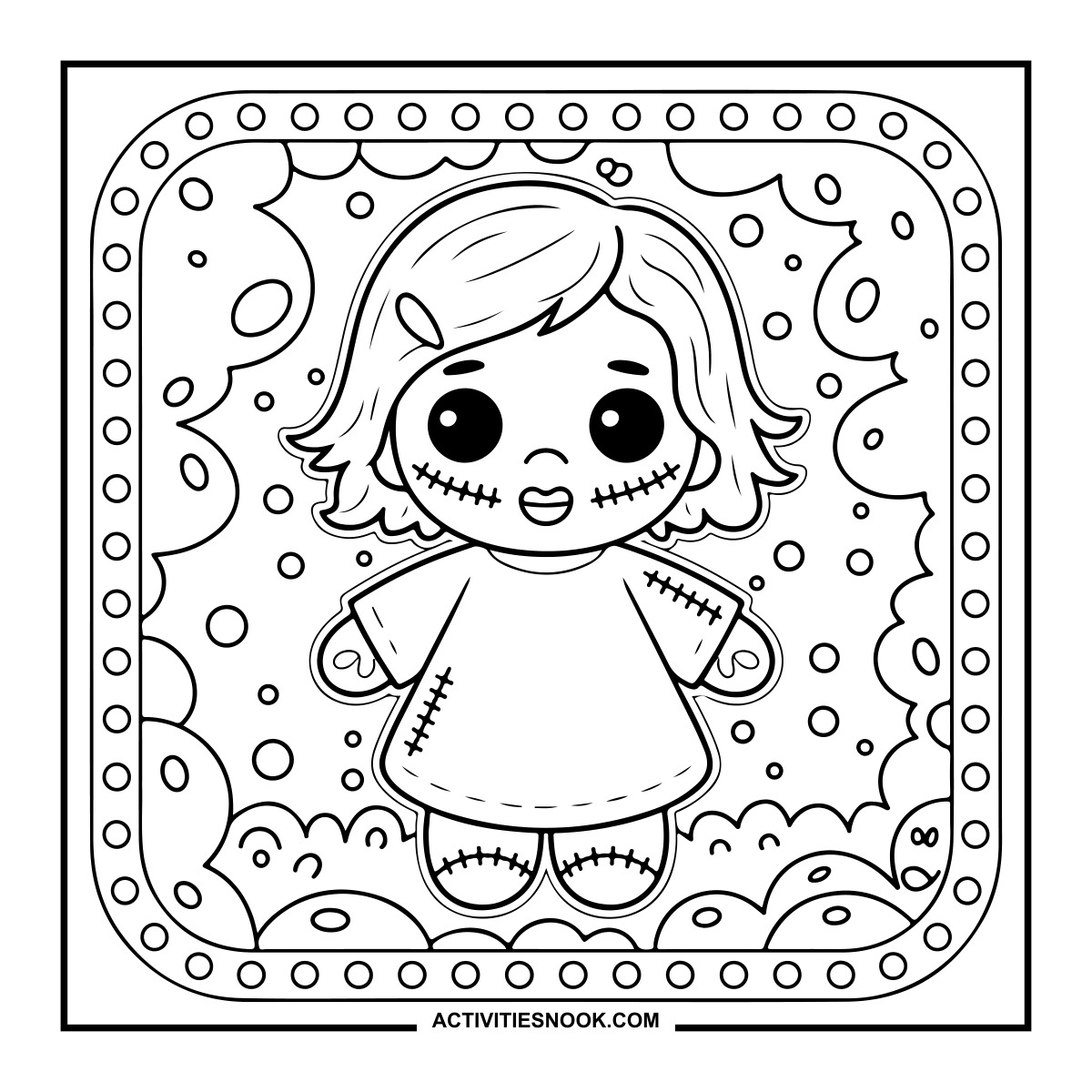
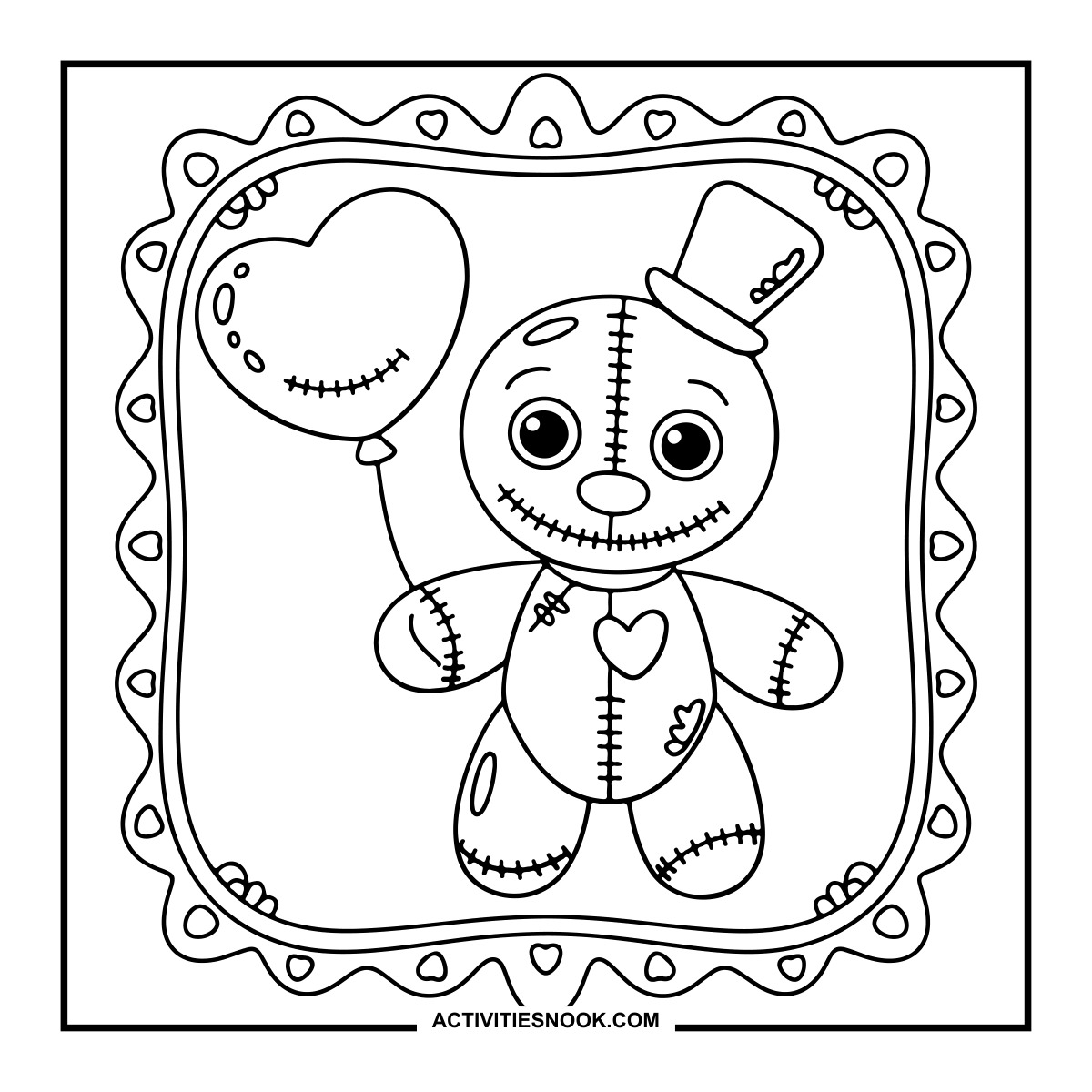
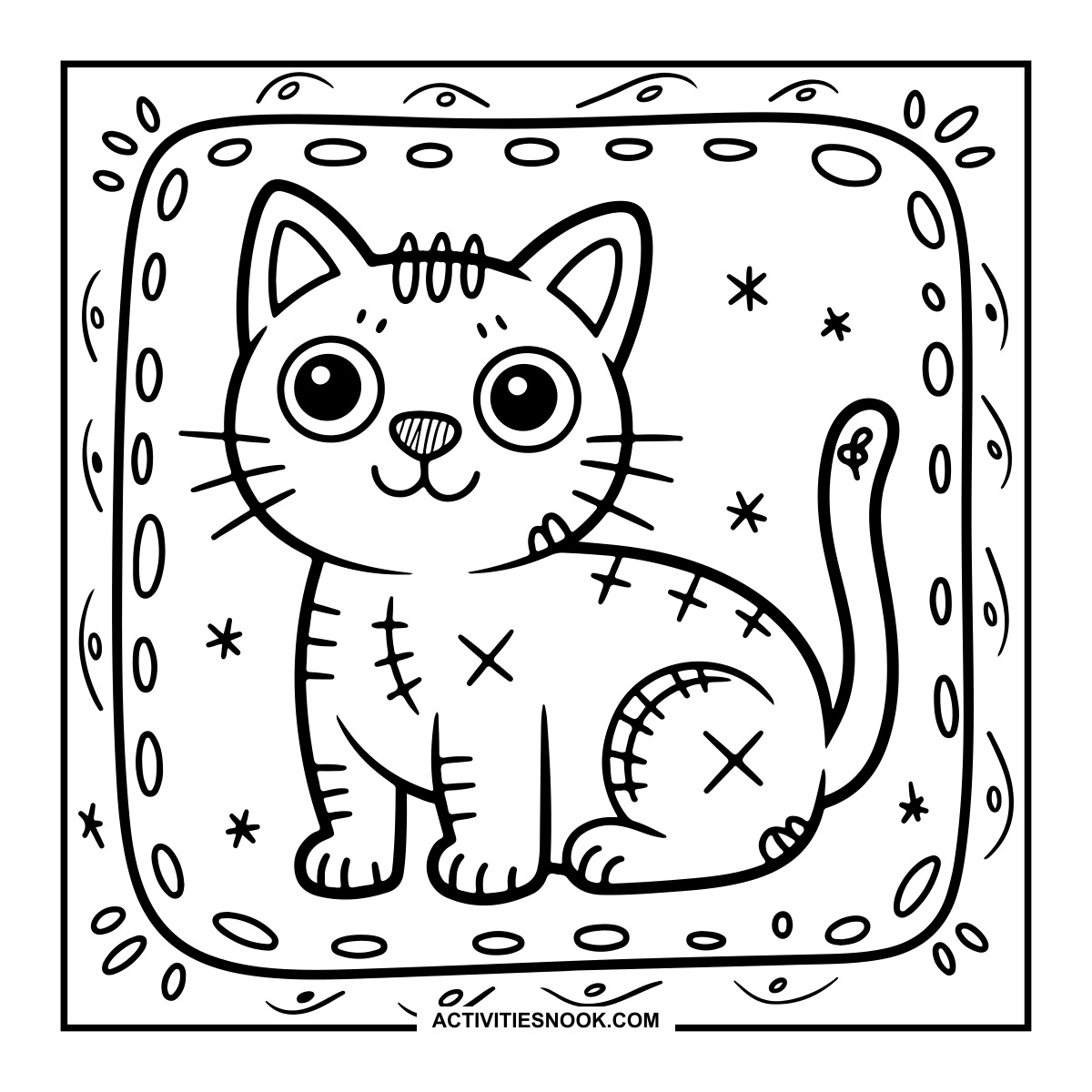
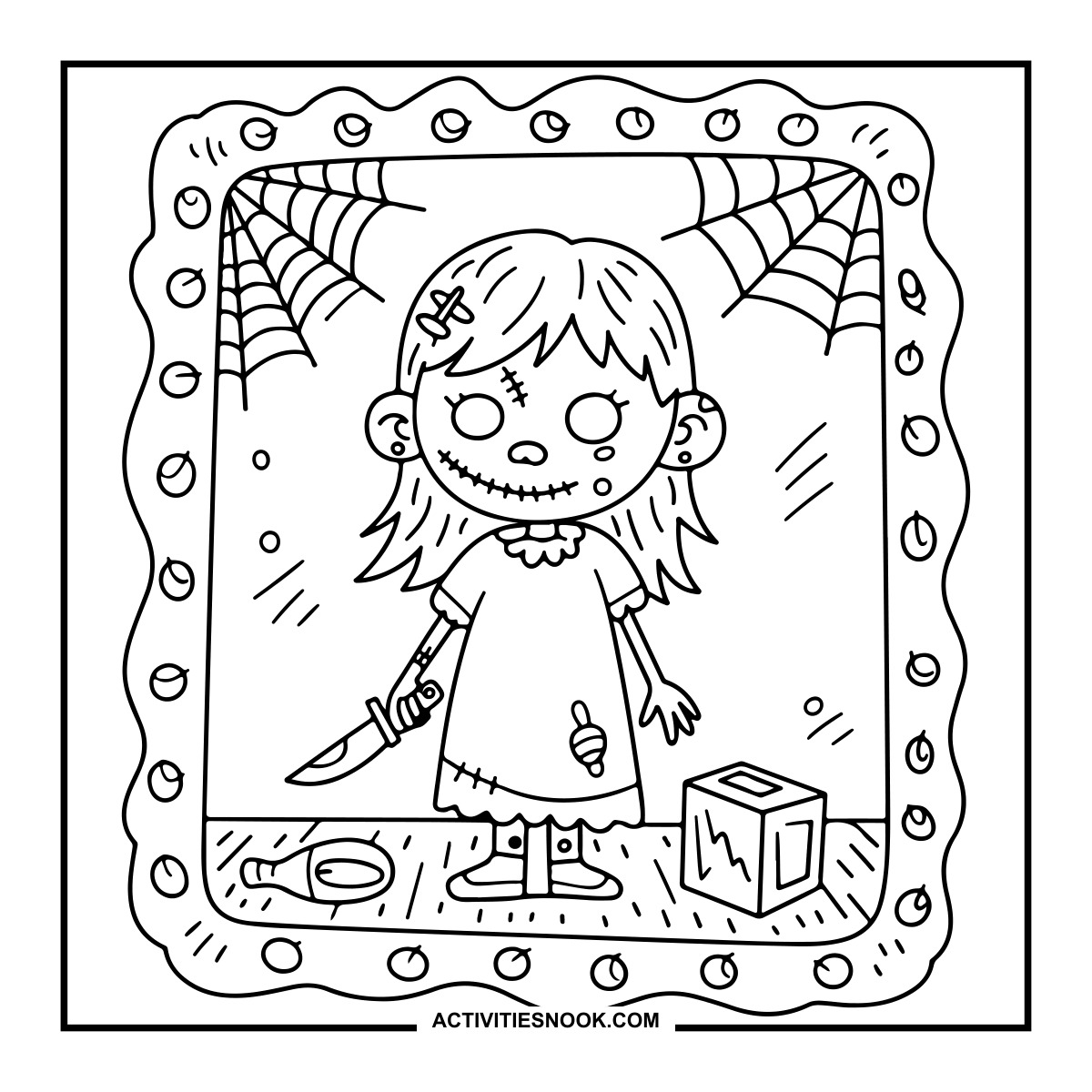
Creepy Doll Holding a Knife Coloring Page
Cobwebs fill the upper corners, with a fallen hairbrush and block on the floor.
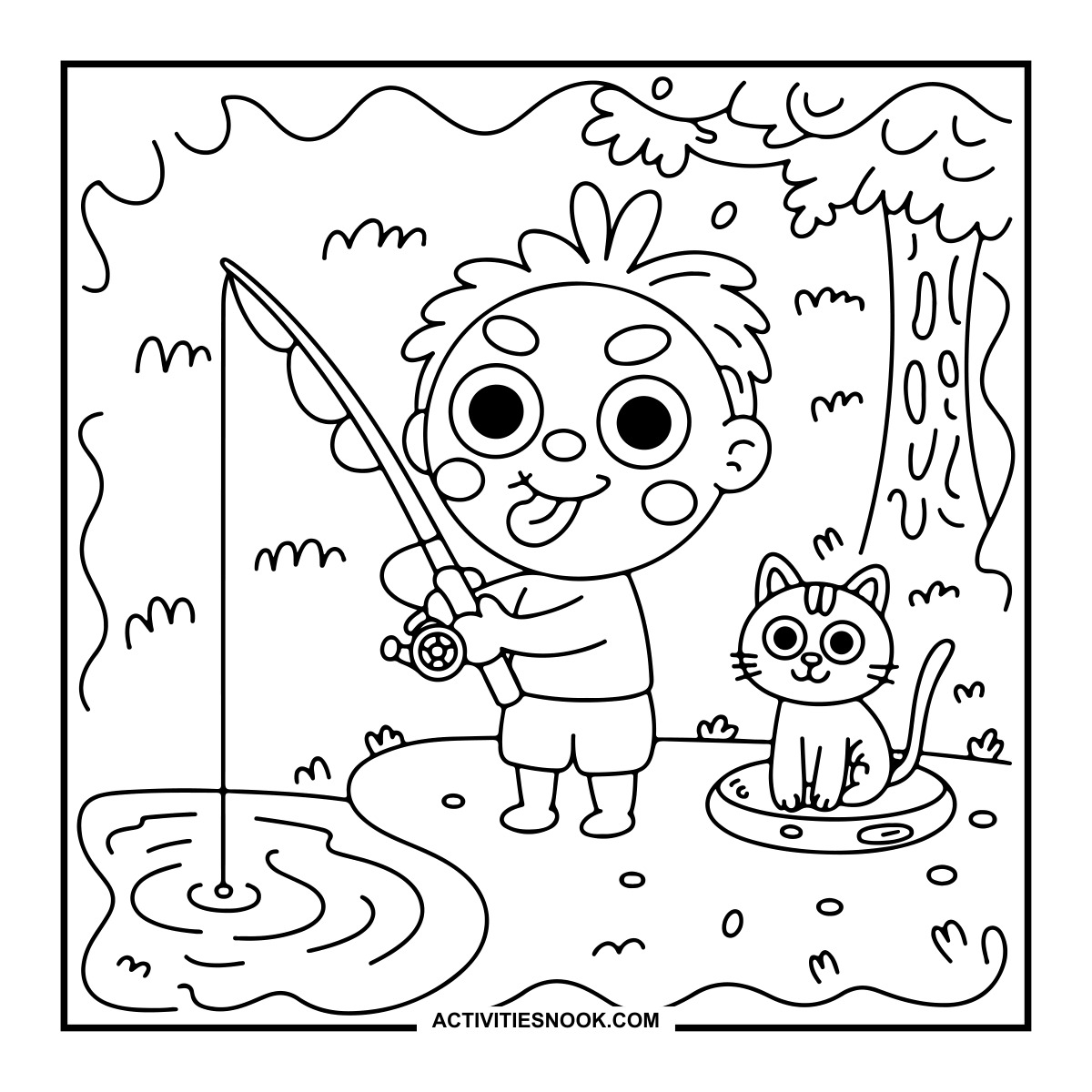
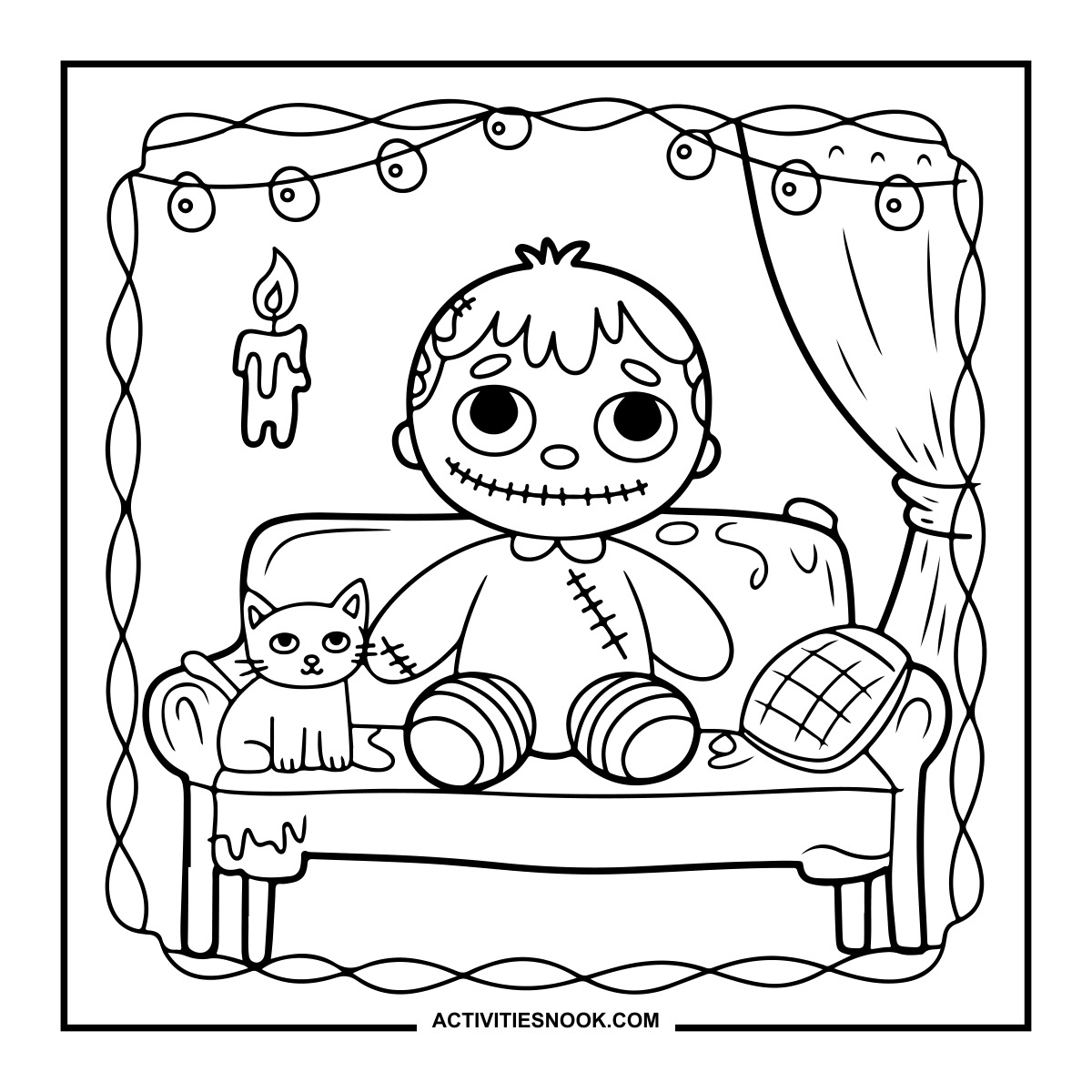
Zombie Doll and Cat on a Sofa Coloring Sheet
String lights, a curtain and a hanging candle frame the sofa scene.
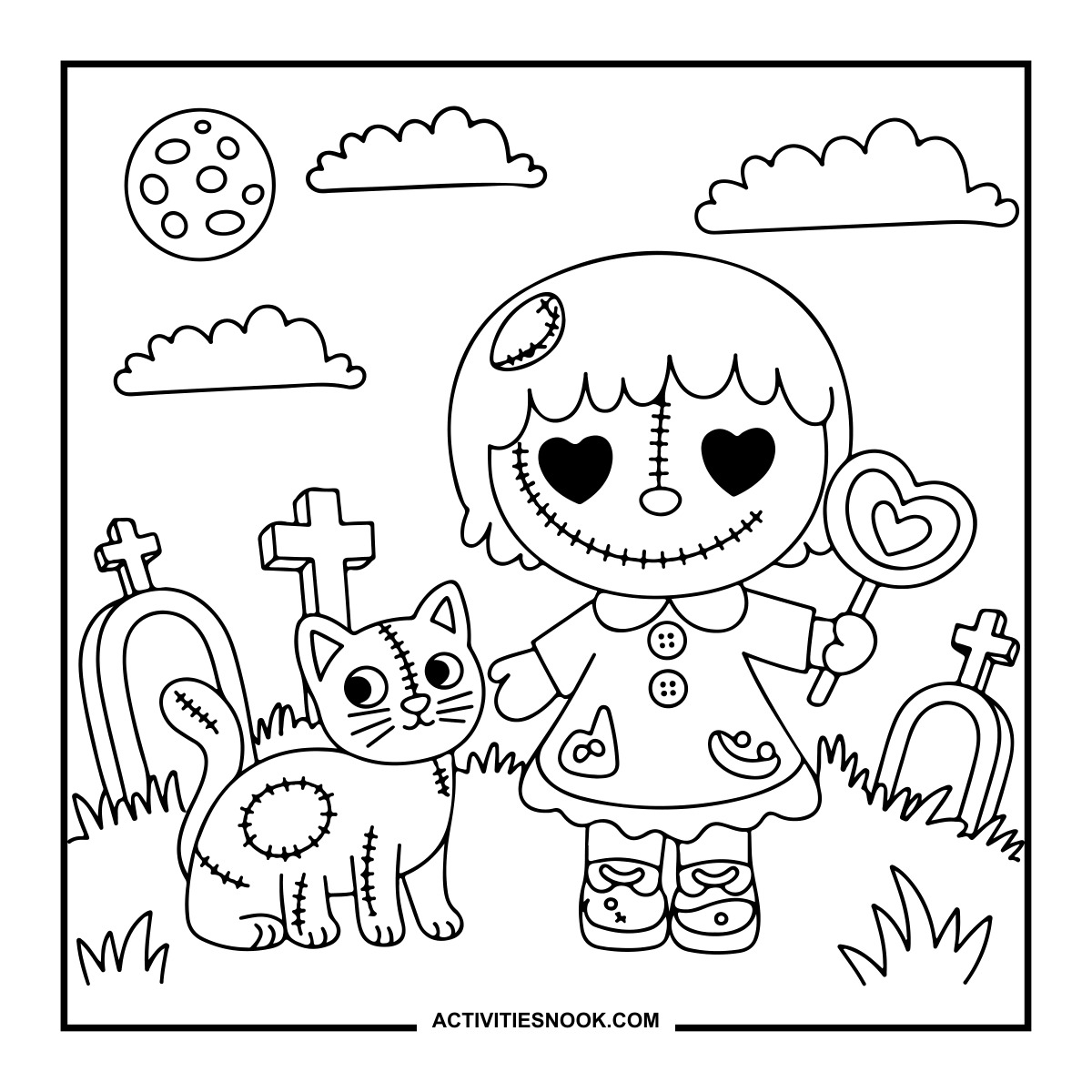
Ways to Use These Cute and Creepy Zombies
Set out favorite designs at a Halloween coloring table so kids can choose between everyday zombie adventures and creepier graveyard scenes.
Try an unusual zombie palette: lavender faces, lime green hair or orange stitches. Give the cats and dolls matching patchwork colors.
Turn finished pages into a Halloween wall display, grouping the dancing characters, zombie cats and outdoor adventures together.
Make a short zombie storybook with several colored scenes. Add a sentence about what each character does next.
Color a zombie and cat scene together as a family, then invent names for the characters and their spooky home.
How to Print or Download These Coloring Pages
⭐️ You don’t need to sign up or subscribe — just click the images to get your free coloring page PDFs!
- Choose your page. Click the image for the coloring page you’d like to use.
- Open the file. A PDF will open in Google Drive. Some school or office networks block this type of file sharing, so if you have trouble, try again at home or on a different internet connection.
- Print right away. Load your favorite paper into the printer, then click the print icon in the PDF window.
- If the edges look cut off, go to your print menu → “More Settings” → “Fit To Printable Area.” This resizes the page so the entire cozy design fits neatly inside the margins.
- Download for later. If you’d rather save the page, click the download icon (a downward arrow) in the Google Drive toolbar. The file will save to your device so you can open and print whenever you’re ready.
- No need to request access. You don’t have to ask to share the file. Just use the print or download icons directly in the Google Drive window.
- Start coloring! Once printed, enjoy your coloring pages with crayons, markers, colored pencils, or even watercolor paint. Use the space around the images to add your own text or embellishments for crafts and collages.