20 Free Cute Monster Coloring Pages
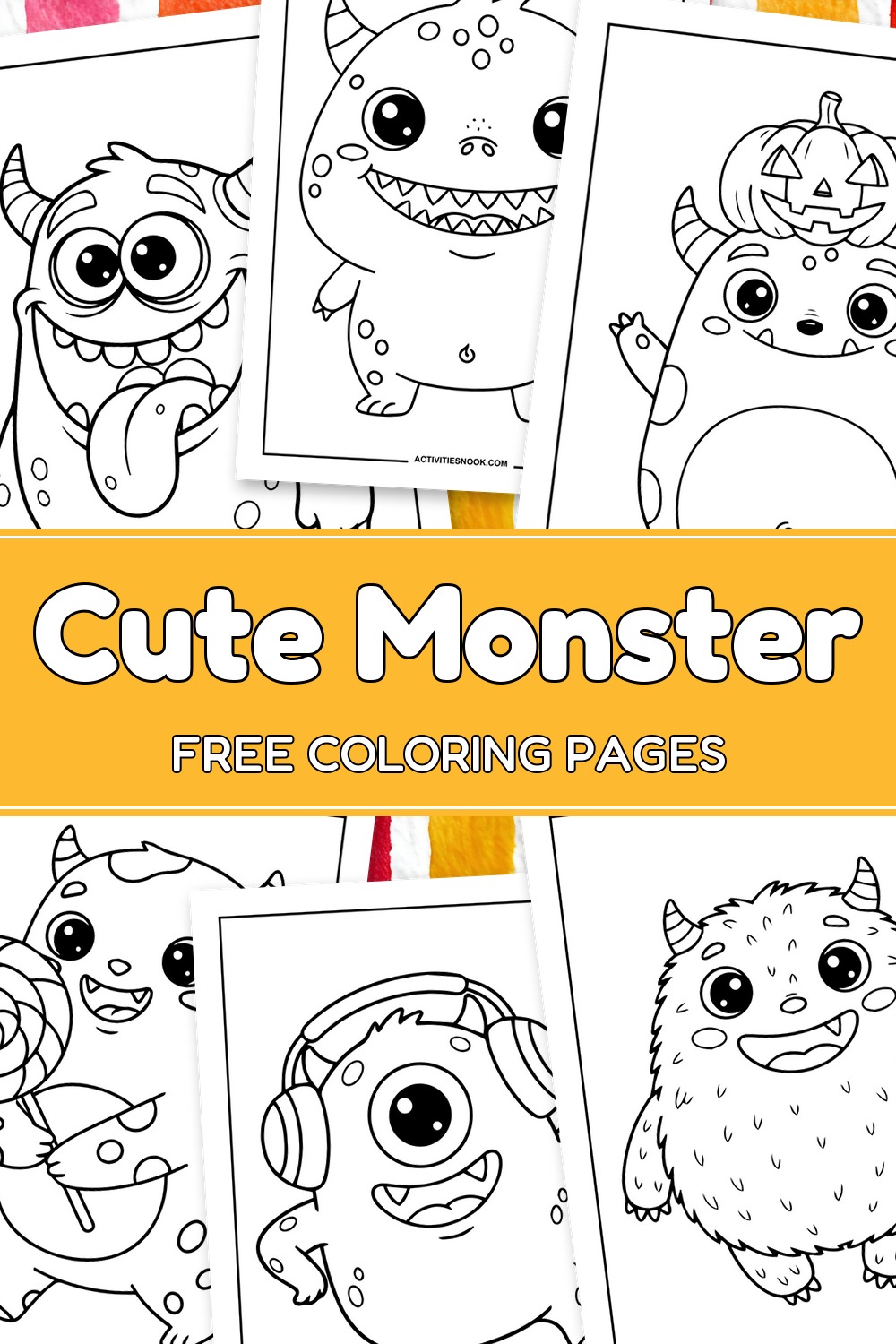
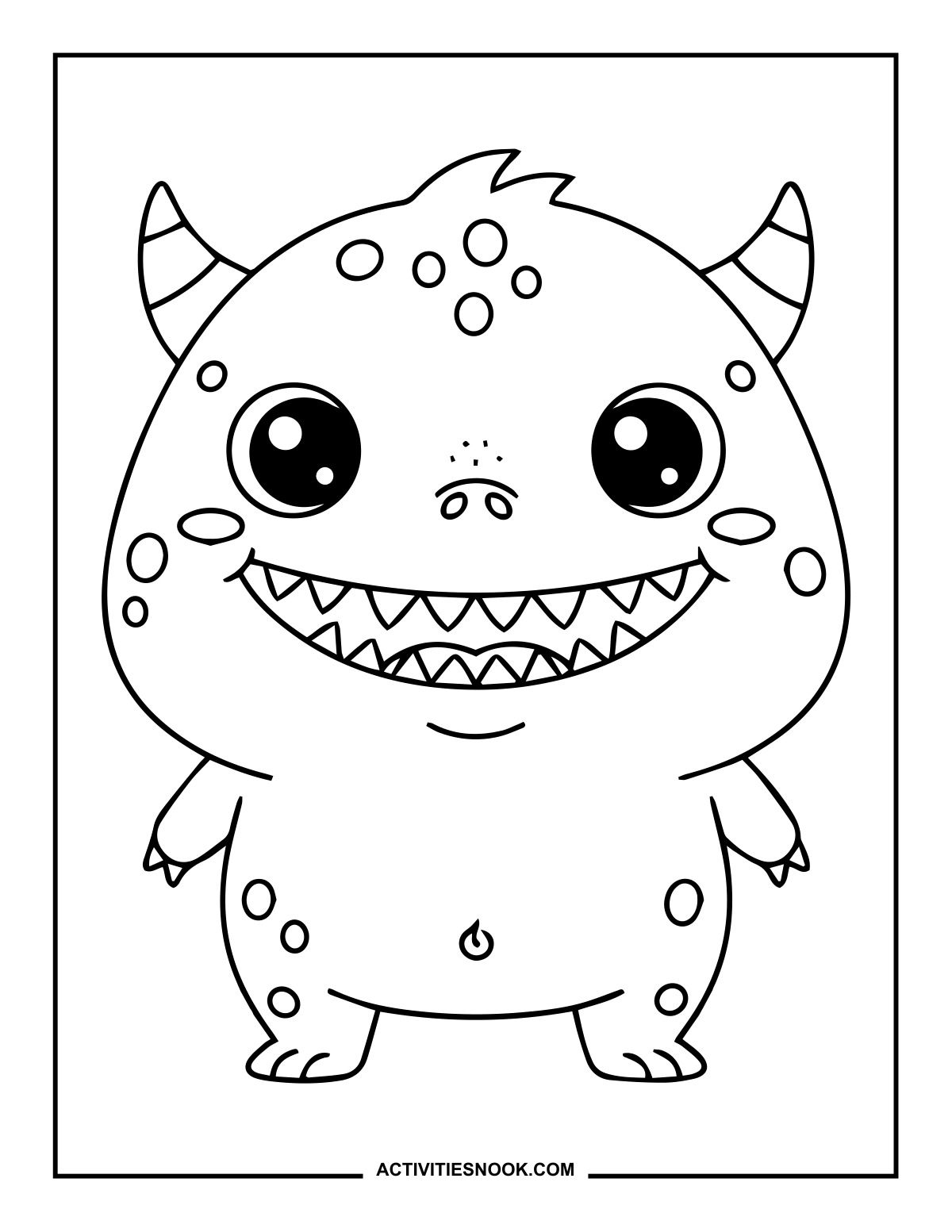
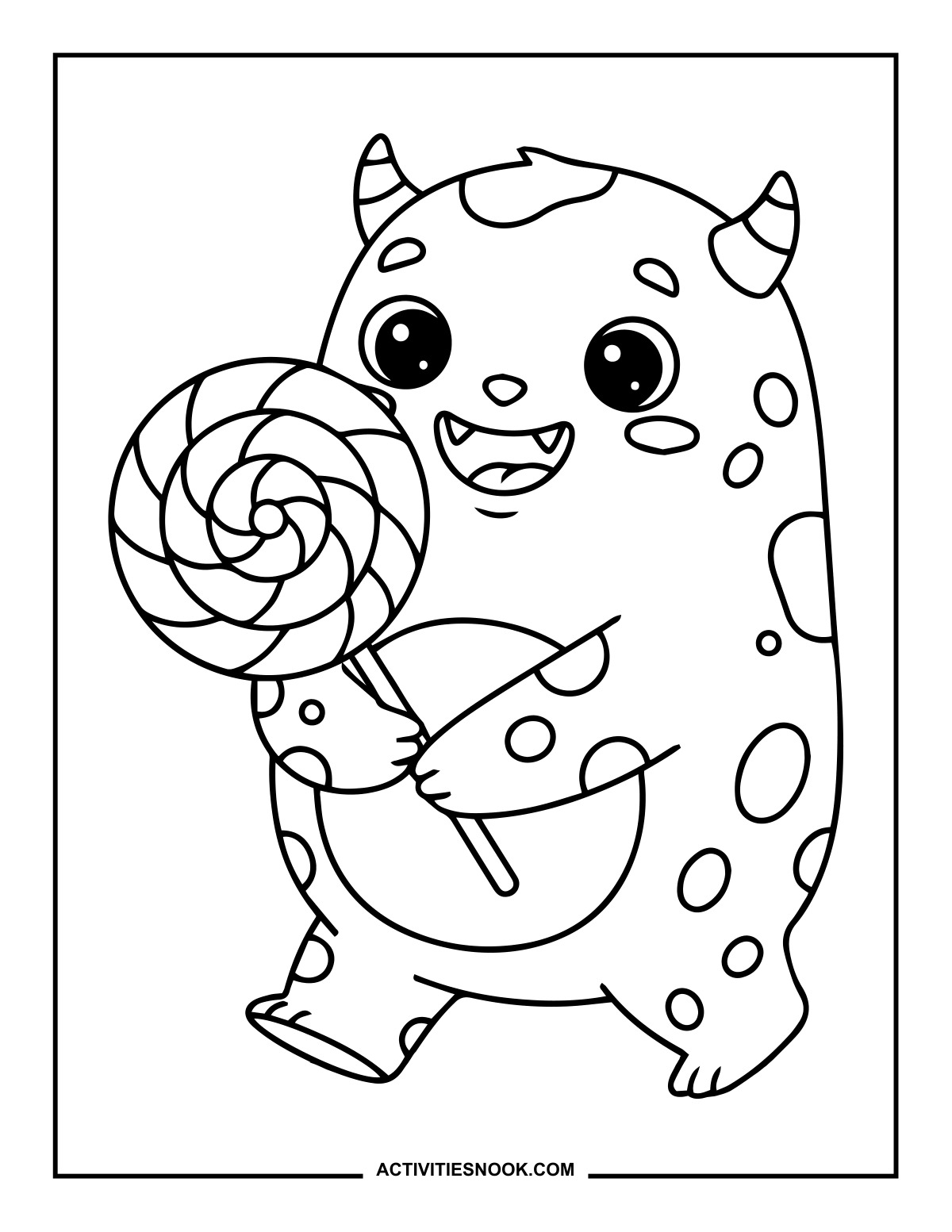
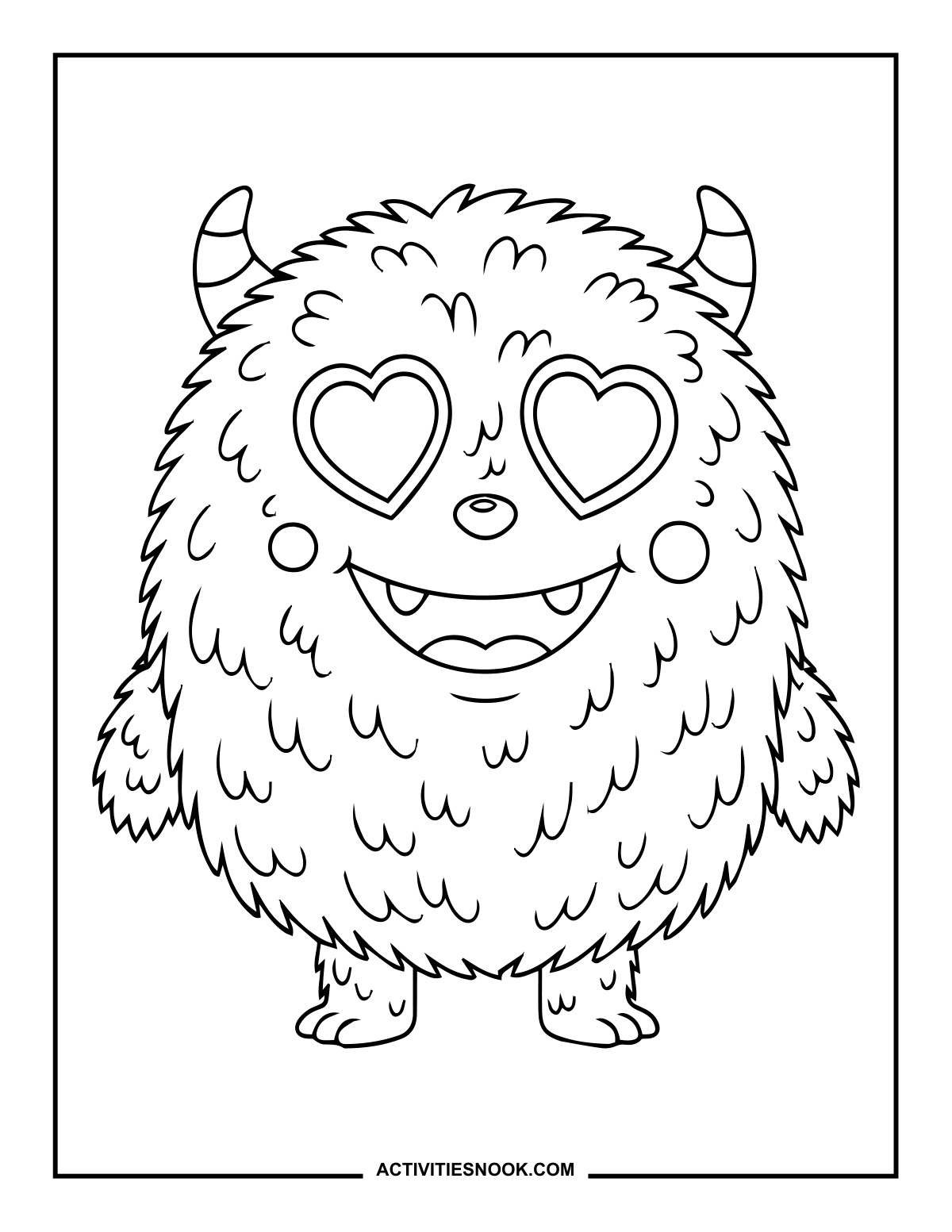
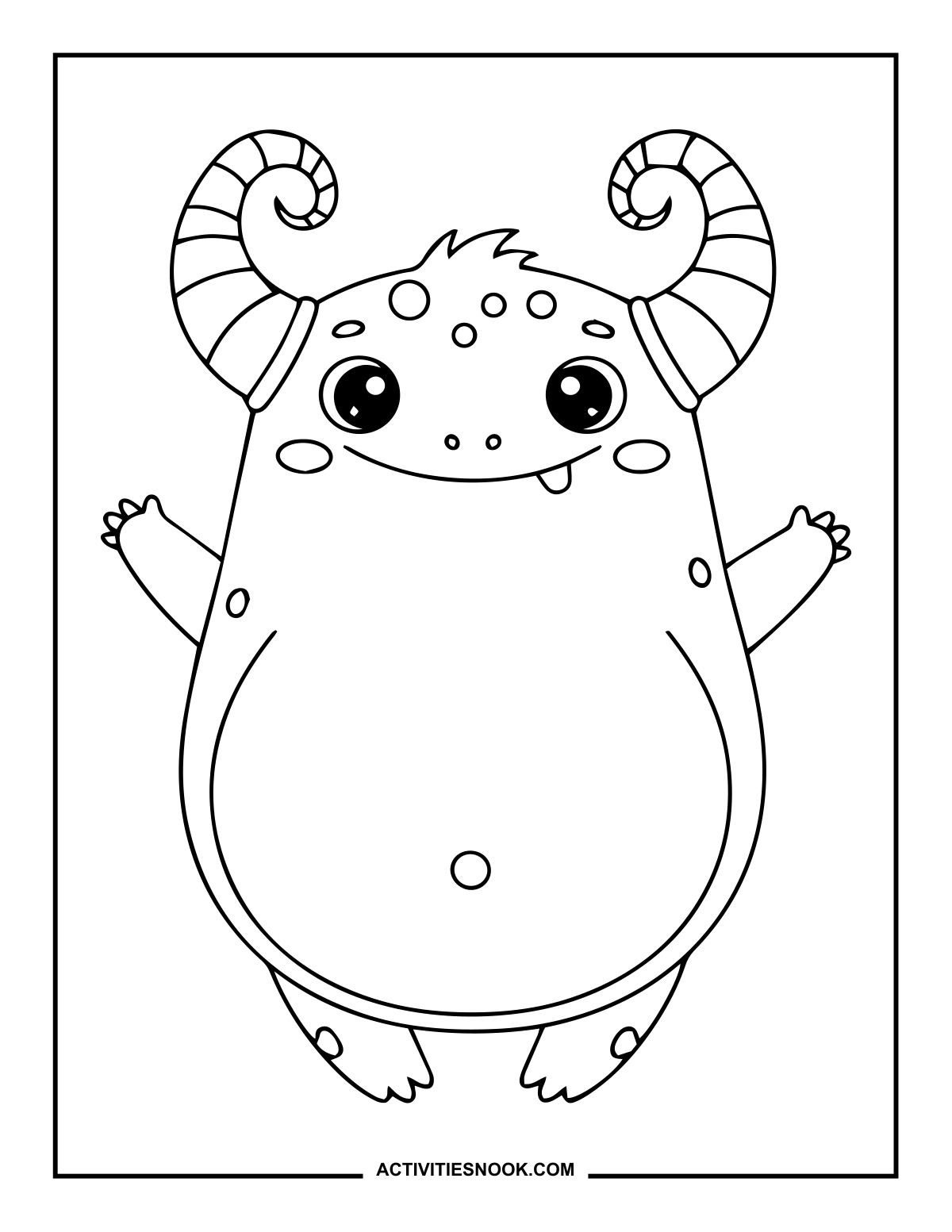
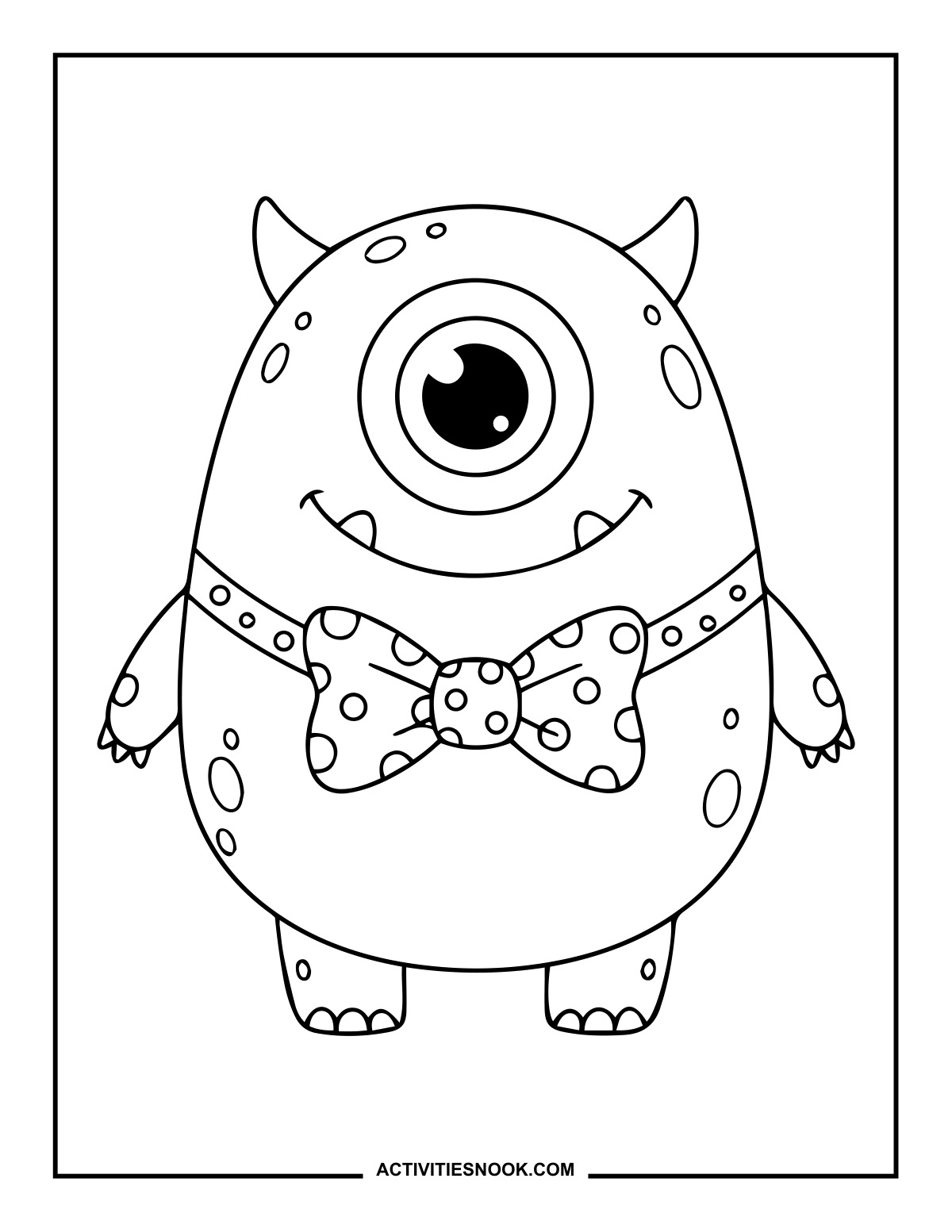
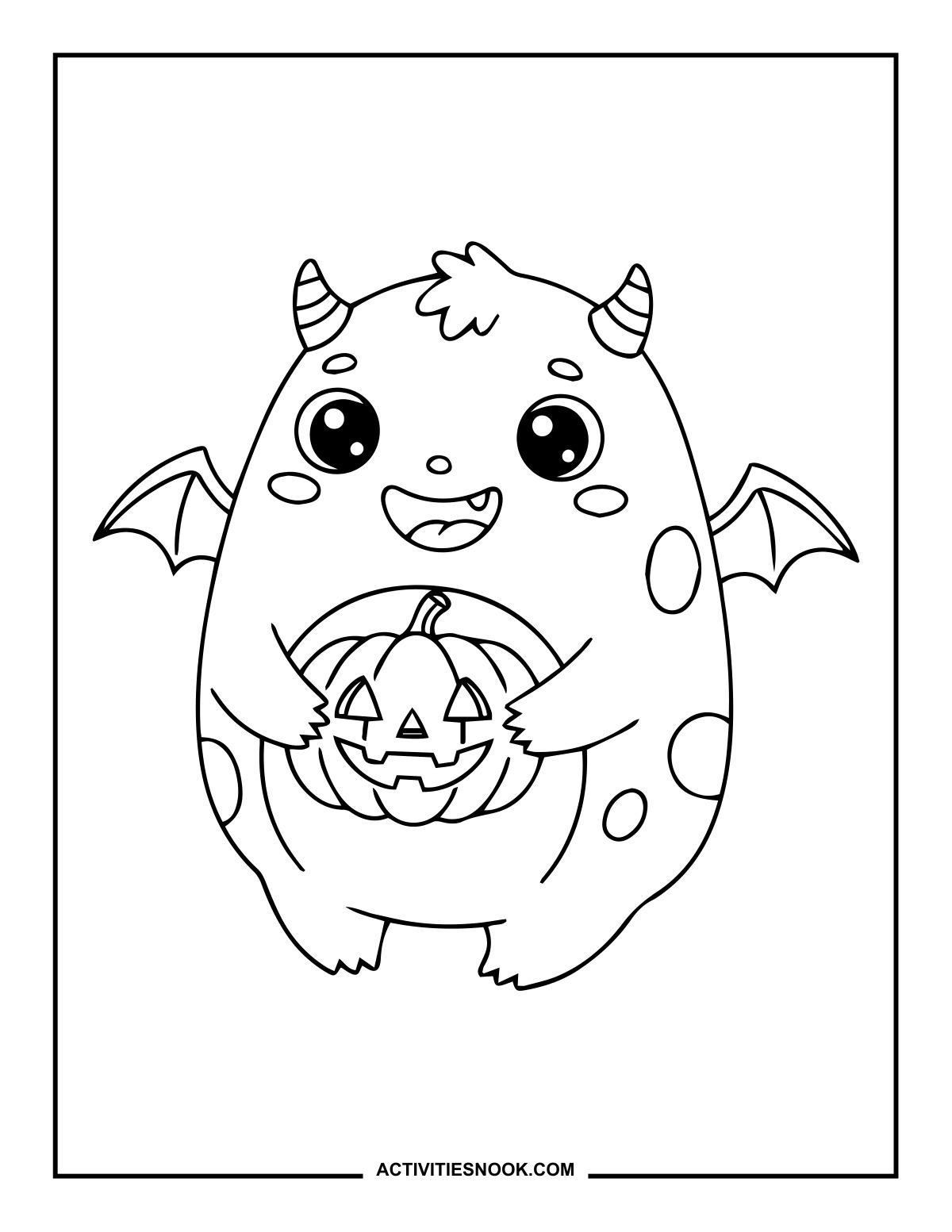
These 20 free cute monster coloring pages feature friendly faces, silly smiles and playful Halloween details. Kids can choose monsters with candy, jack-o’-lanterns, bat wings, headphones and more. Clear outlines and large open areas offer easy coloring options, while furry textures and patterned treats add smaller details to explore. Each design is available as an individual PDF.
Click a coloring page image or its title to open its individual PDF. Full printing instructions are at the end.
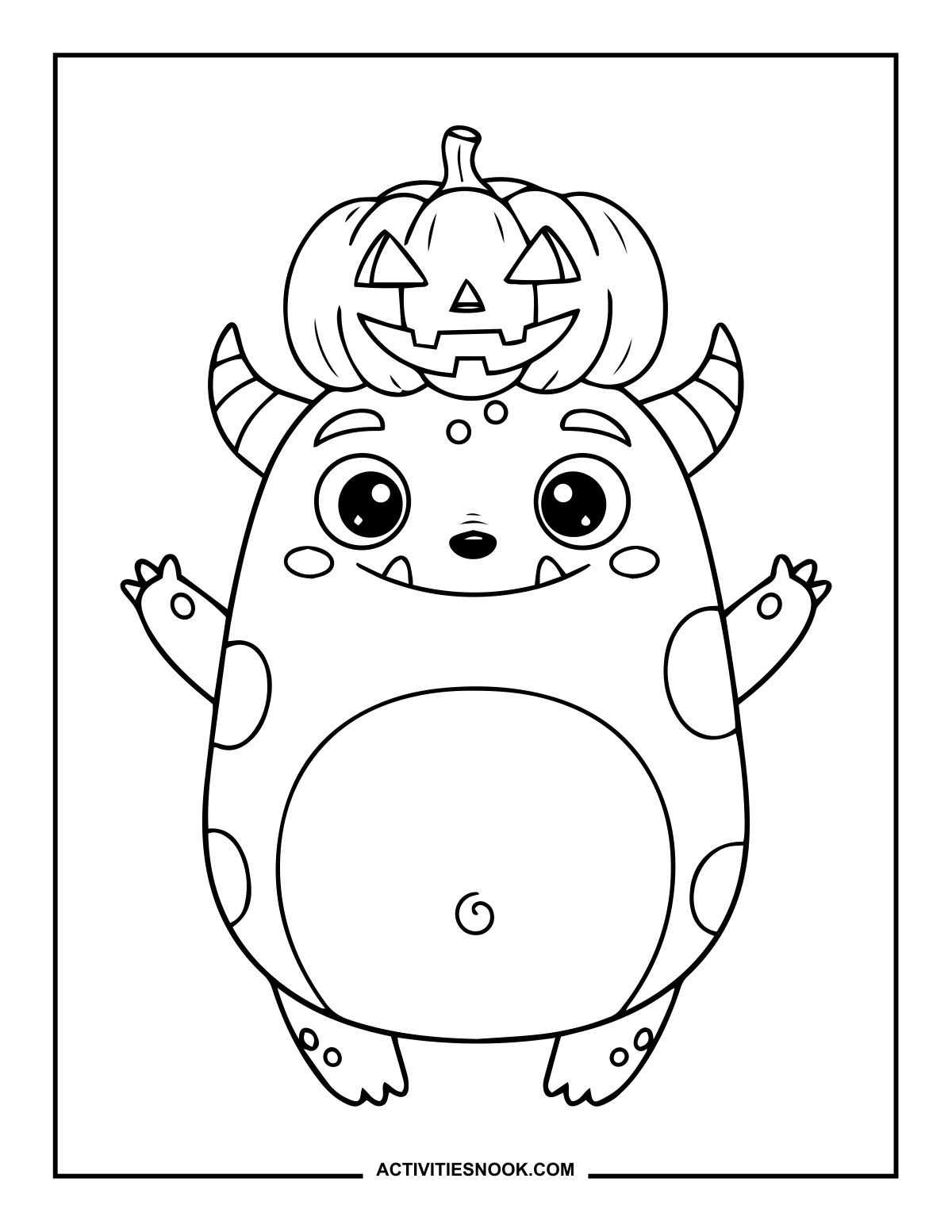
Monster Coloring Page with a Pumpkin on Its Head
A smiling jack-o’-lantern sits between the monster’s horns as it raises both arms.
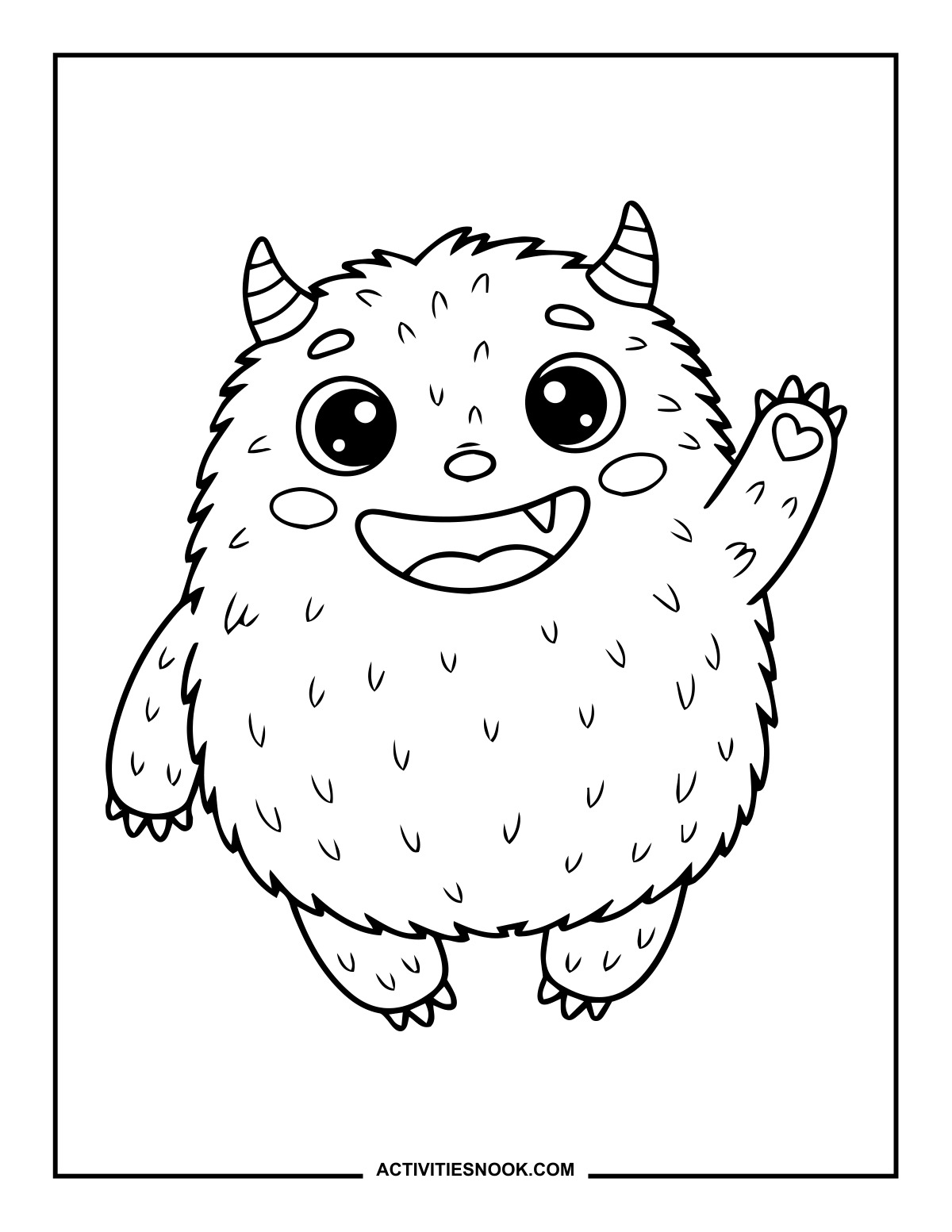
Waving Furry Monster Coloring Page
A small heart decorates the palm of this furry monster’s raised hand.
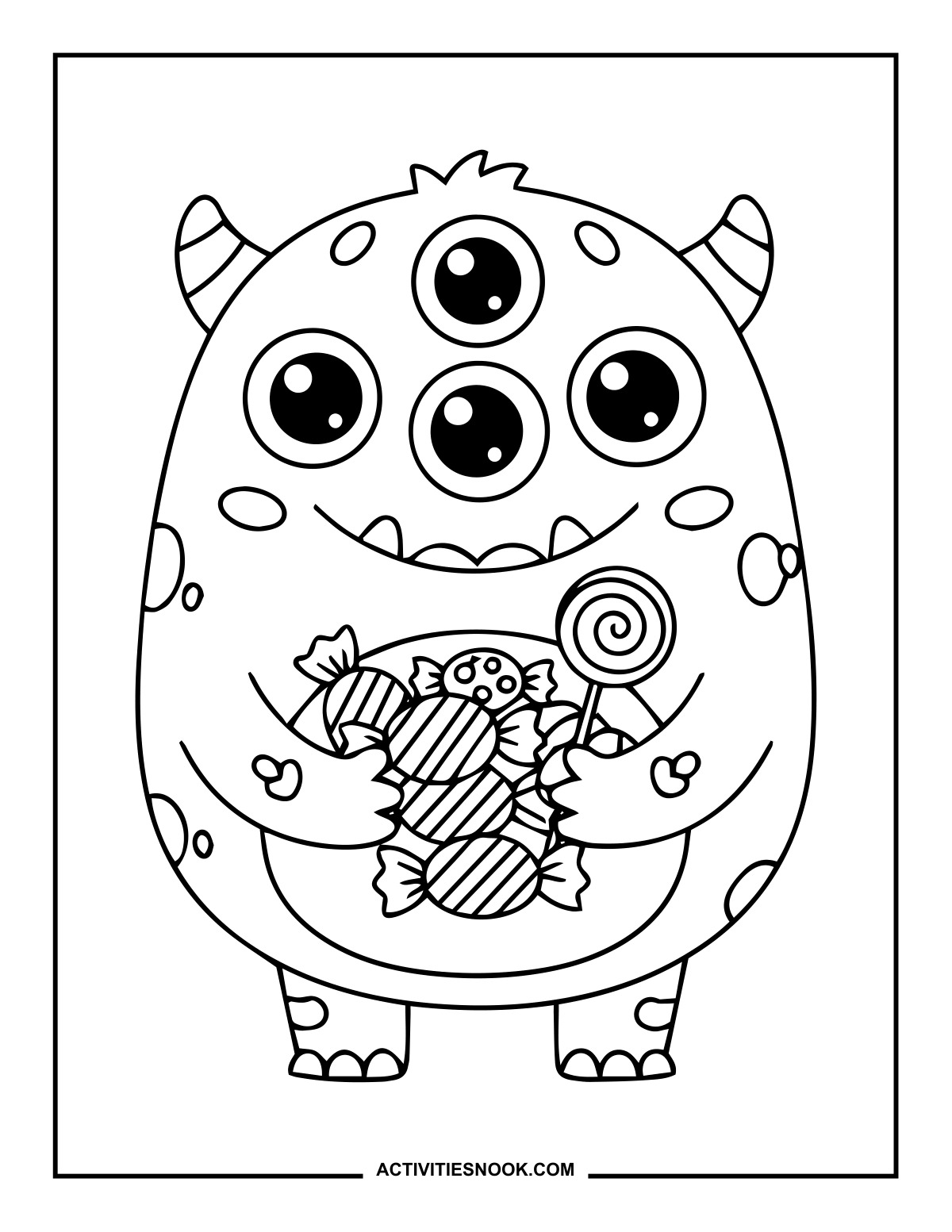
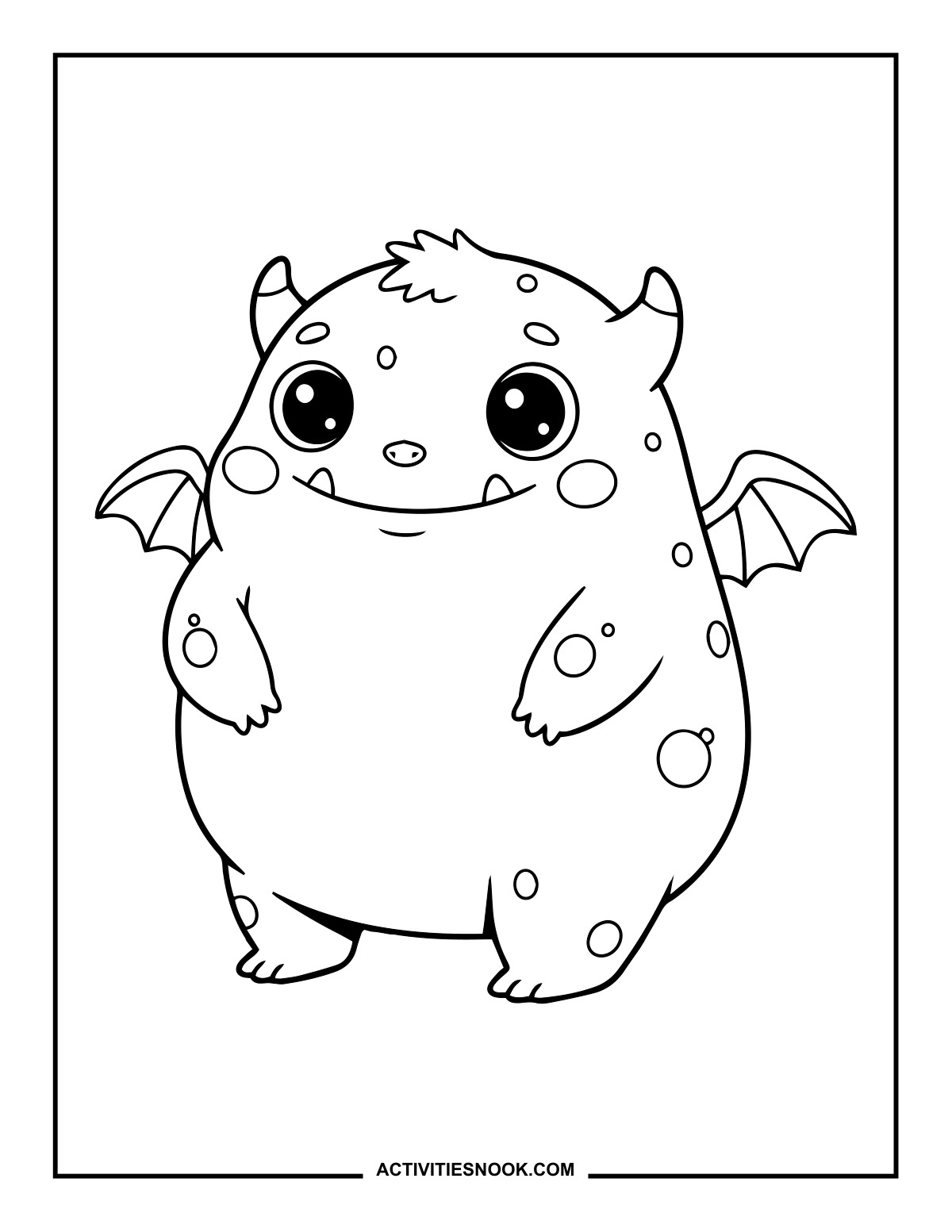
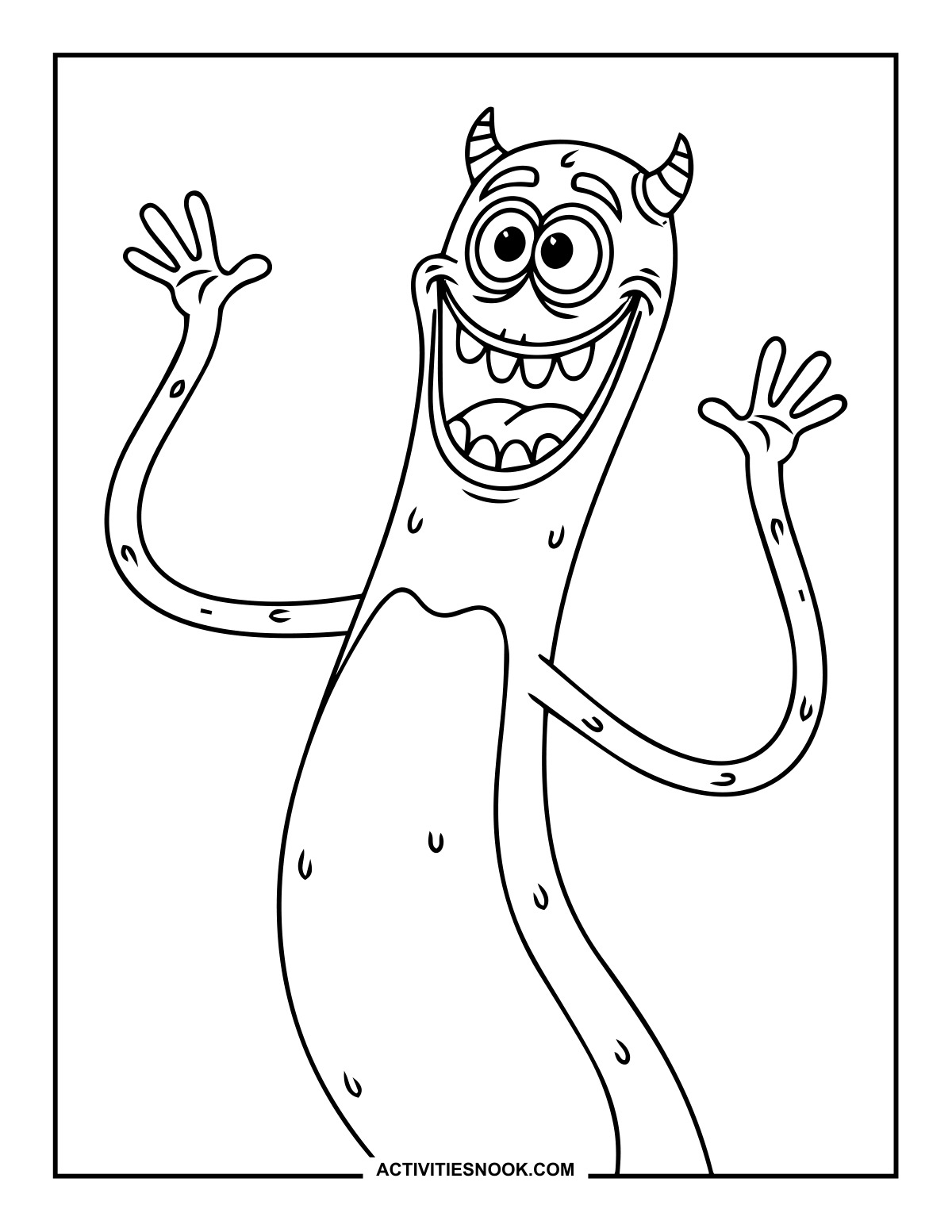
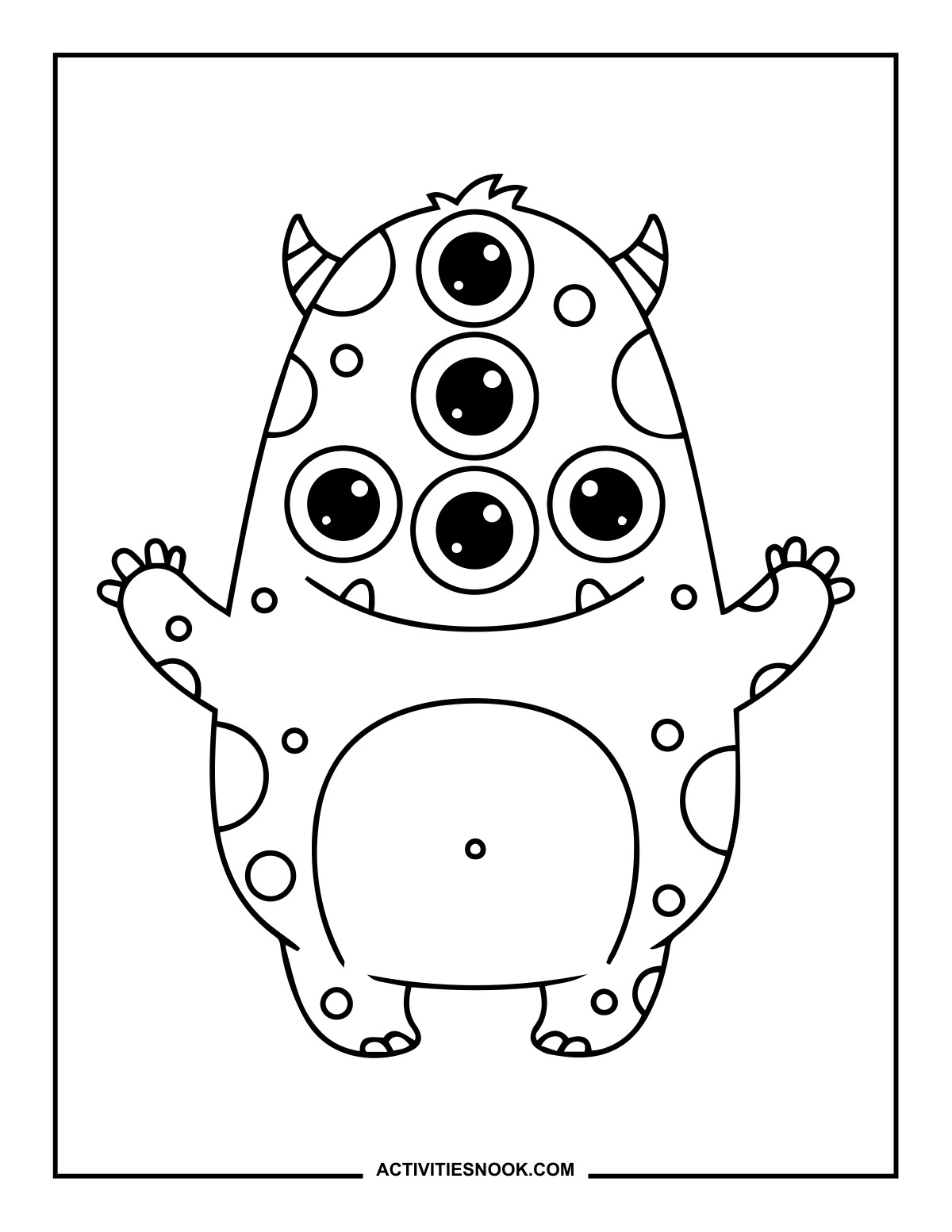
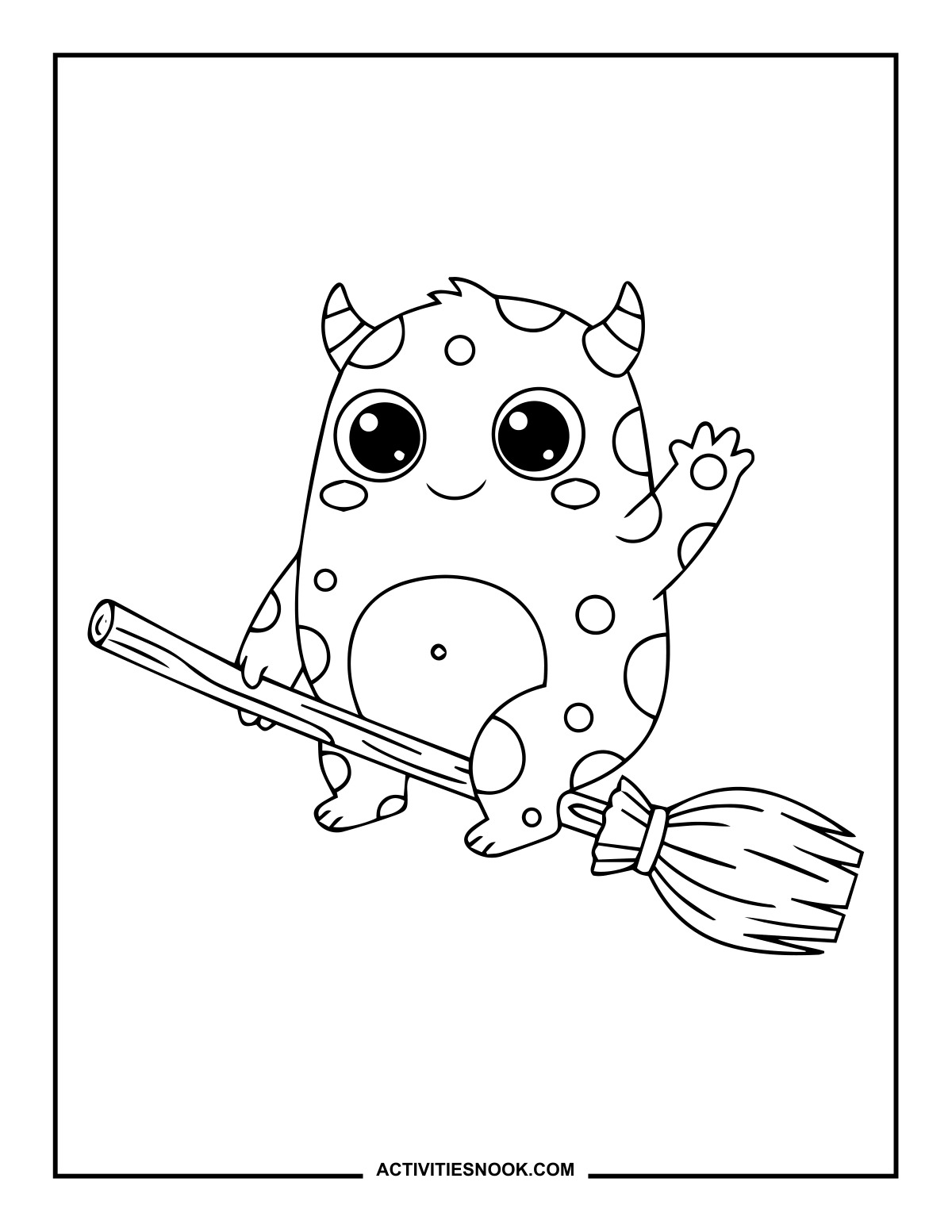
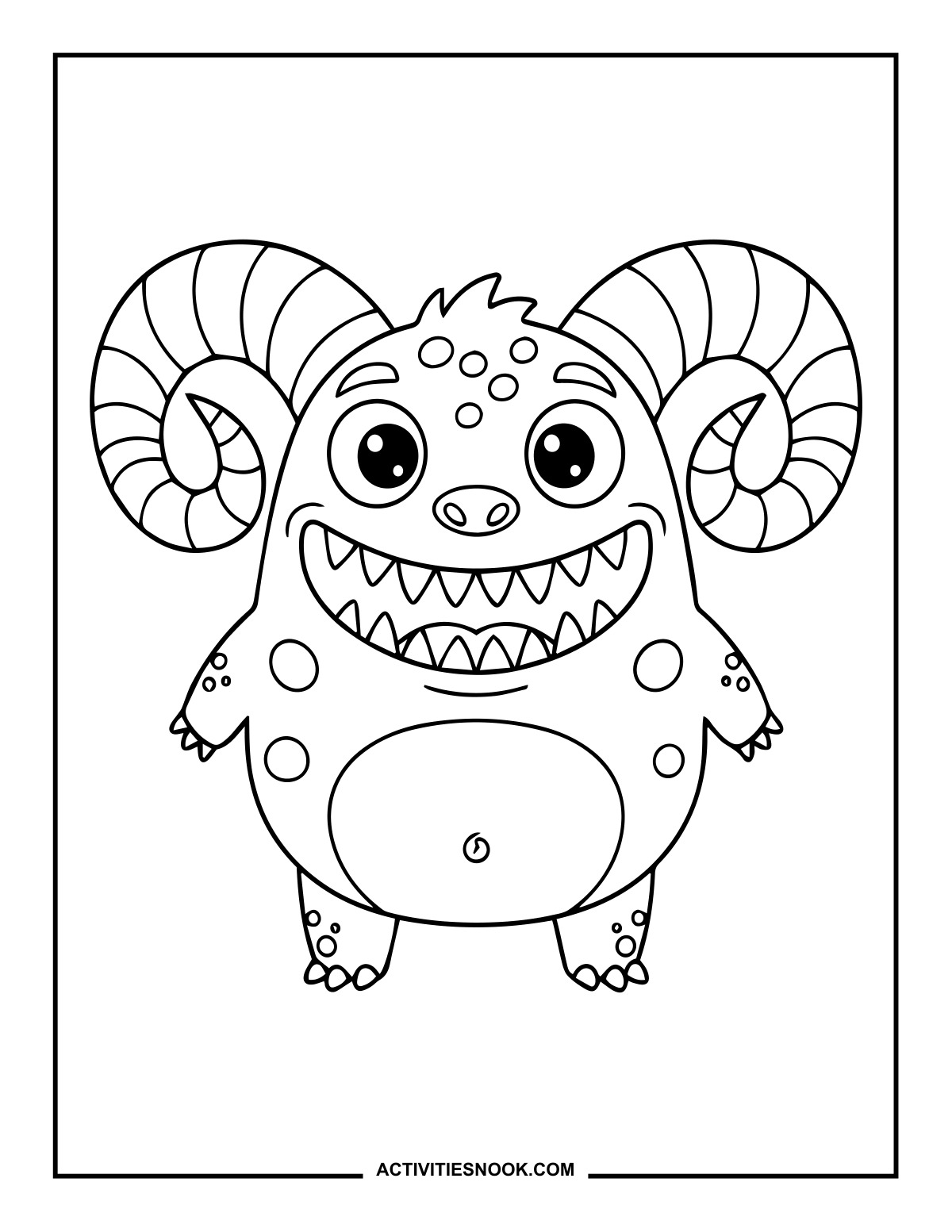
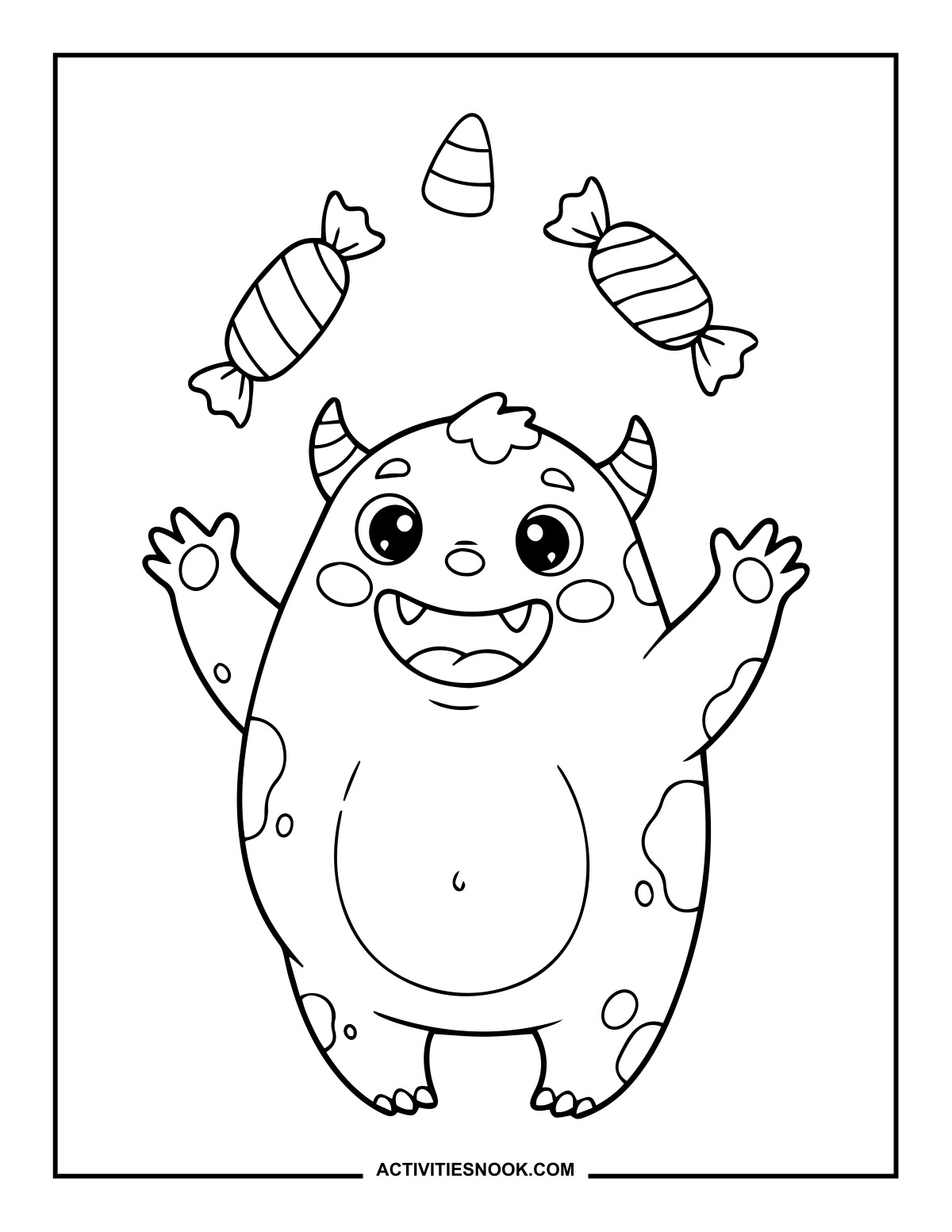
Candy-Tossing Monster Coloring Sheet
Two wrapped sweets and a piece of candy corn float above the monster’s raised hands.
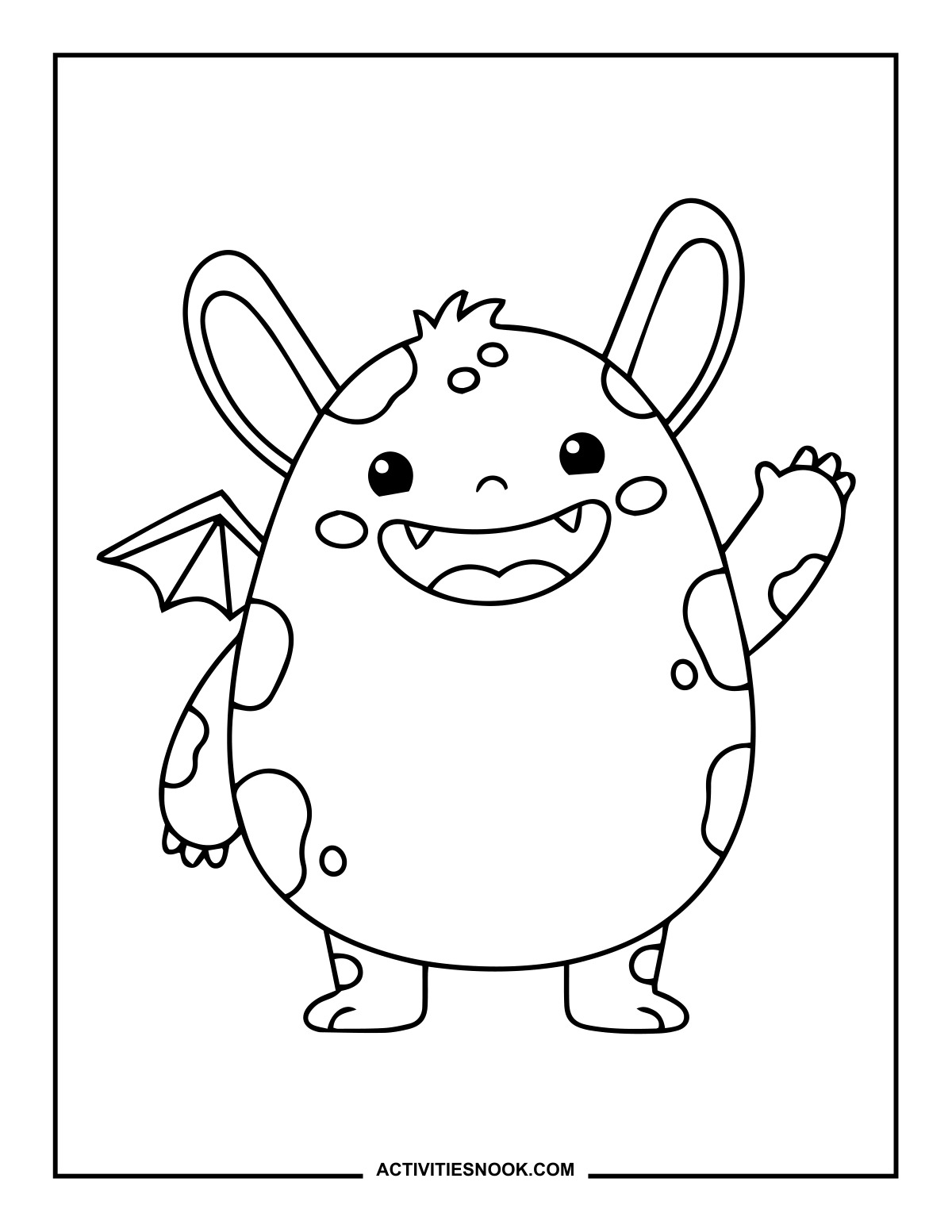
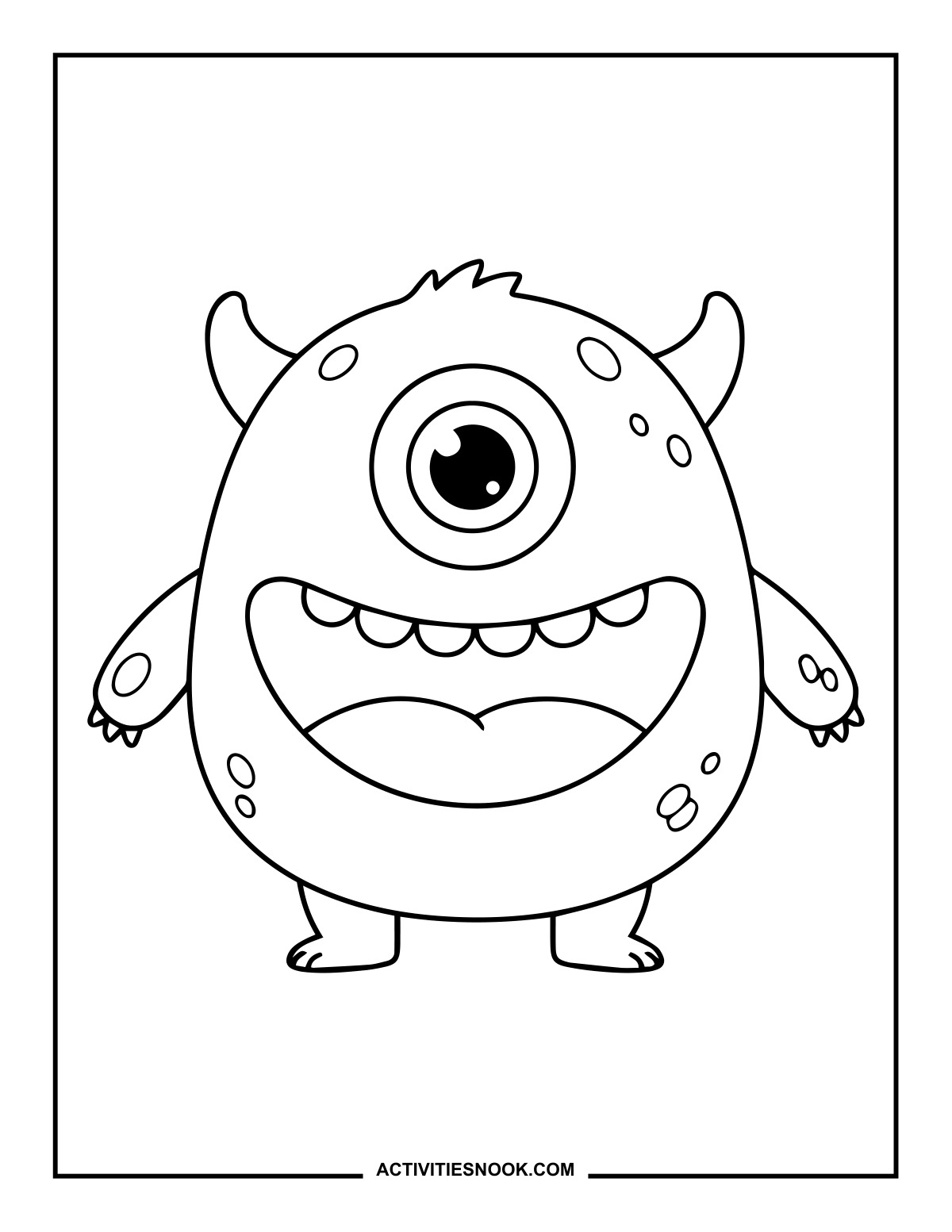
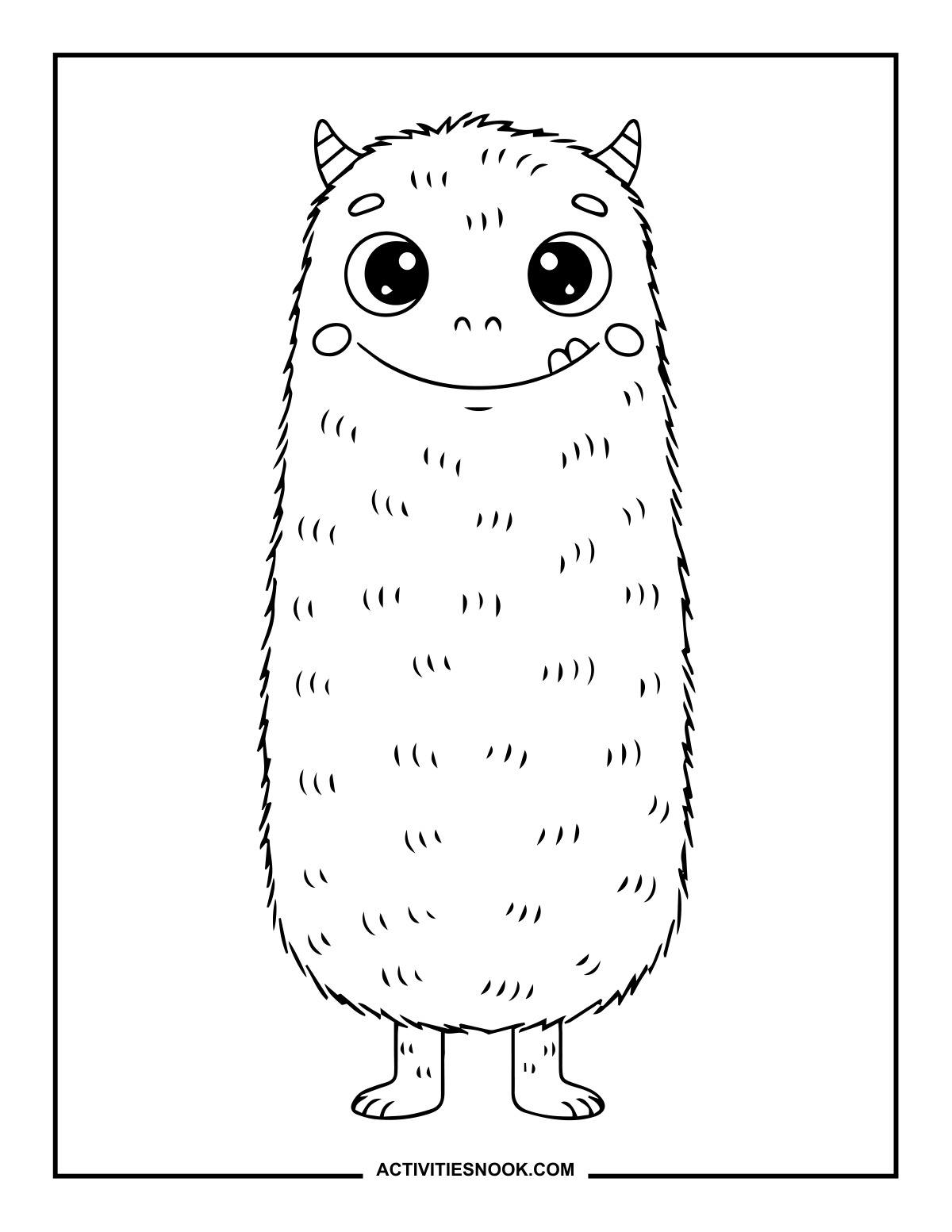
Ways to Use These Cute Monster
Set up a Halloween coloring table with pumpkin, candy and broomstick monster designs so kids can pick a favorite.
Invent a monster character: choose colors, give it a name and tell a short story about its favorite Halloween treat.
Try stripes, dots or rainbow colors on the monsters’ horns, spots, bow tie and headphones.
Color a group of friendly monsters, cut around them with help as needed and arrange them on a paper backdrop for a Halloween display.
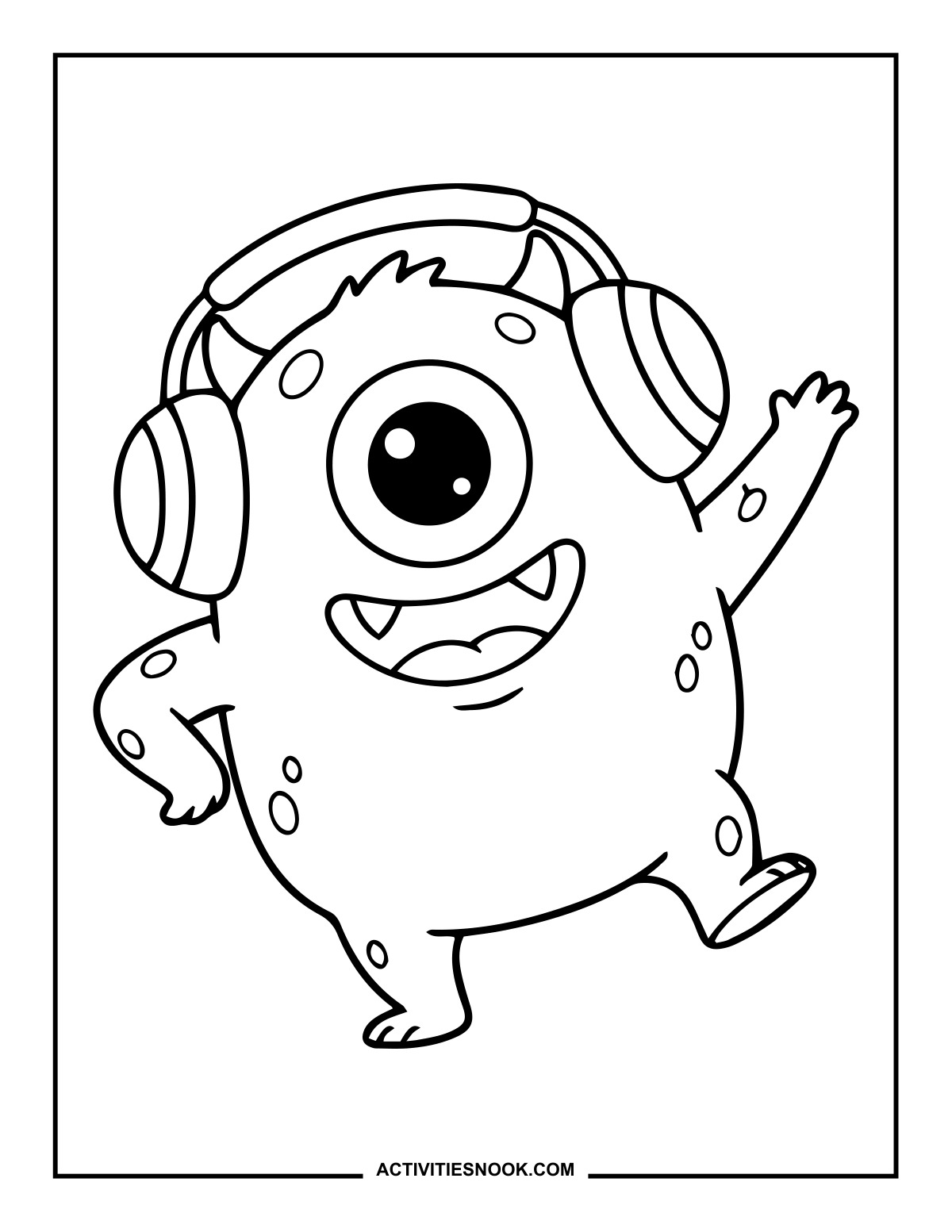
Pair the dancing headphone monster with a favorite song, then take a monster dance break after coloring.
How to Print or Download These Coloring Pages
⭐️ You don’t need to sign up or subscribe — just click the images to get your free coloring page PDFs!
- Choose your page. Click the image for the coloring page you’d like to use.
- Open the file. A PDF will open in Google Drive. Some school or office networks block this type of file sharing, so if you have trouble, try again at home or on a different internet connection.
- Print right away. Load your favorite paper into the printer, then click the print icon in the PDF window.
- If the edges look cut off, go to your print menu → “More Settings” → “Fit To Printable Area.” This resizes the page so the entire cozy design fits neatly inside the margins.
- Download for later. If you’d rather save the page, click the download icon (a downward arrow) in the Google Drive toolbar. The file will save to your device so you can open and print whenever you’re ready.
- No need to request access. You don’t have to ask to share the file. Just use the print or download icons directly in the Google Drive window.
- Start coloring! Once printed, enjoy your coloring pages with crayons, markers, colored pencils, or even watercolor paint. Use the space around the images to add your own text or embellishments for crafts and collages.